If you want to revert back to the default Station Logo on your Web Player, you can remove both the Logo Override image and Default Background images.
1. Login to your Broadcast.Radio portal.
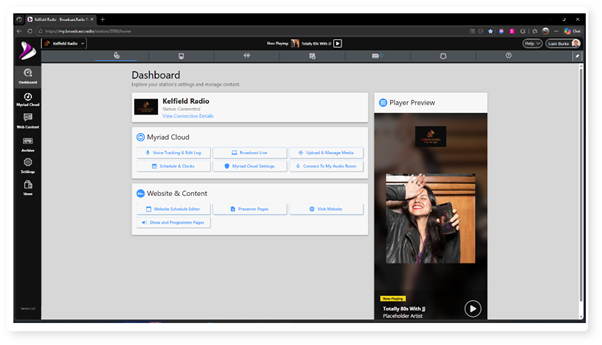
2. Click on the Settings menu option.
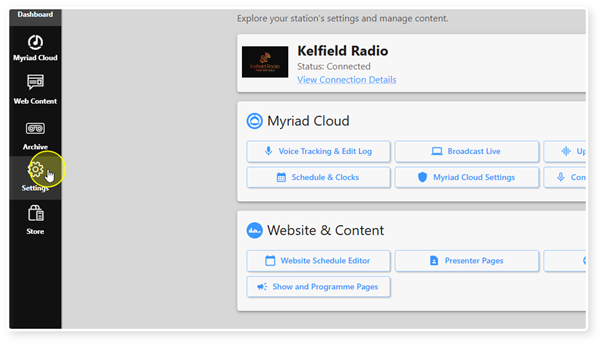
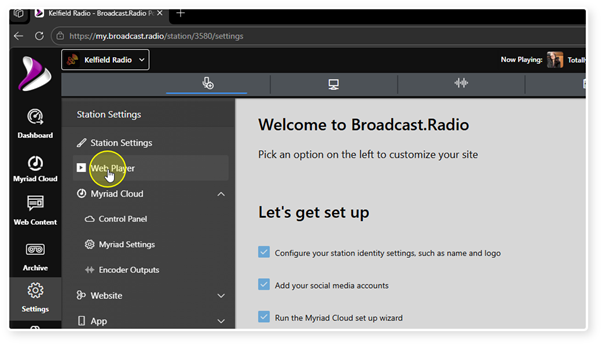
3. Select Web Player.
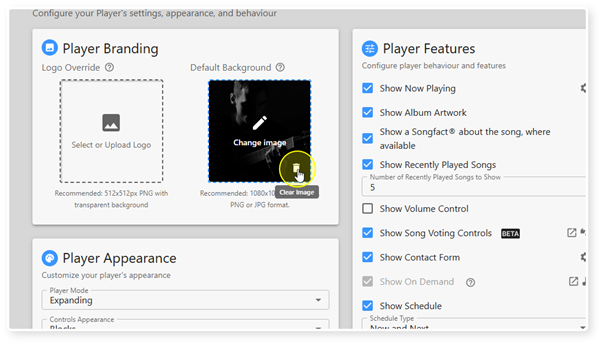
4. In the Player Branding section, click on the Clear Image icon in the bottom right of either the Logo Override to remove the Logo Override.
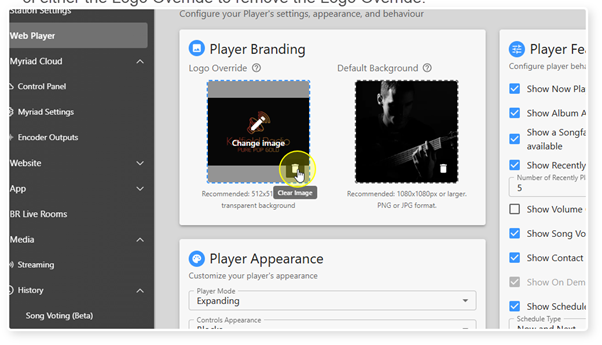
5. Repeat for the Default Background image to remove the Default Background.
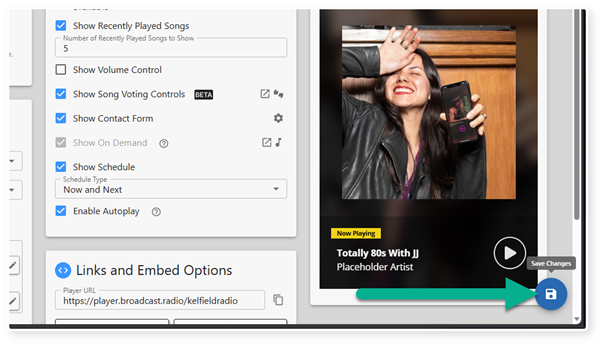
6. Click Save to save your changes.
Was this article helpful?
That’s Great!
Thank you for your feedback
Sorry! We couldn't be helpful
Thank you for your feedback
Feedback sent
We appreciate your effort and will try to fix the article