Toggle Album Art display in your Web Player.
1. Login to your Broadcast.Radio portal.
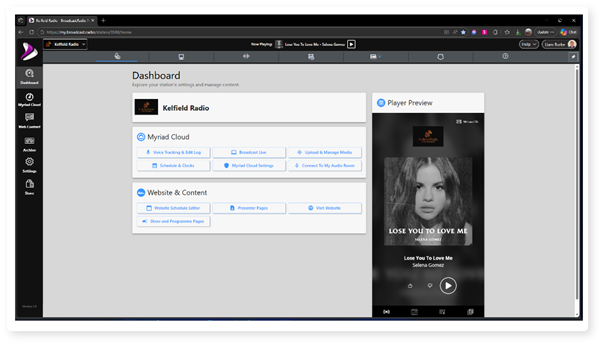
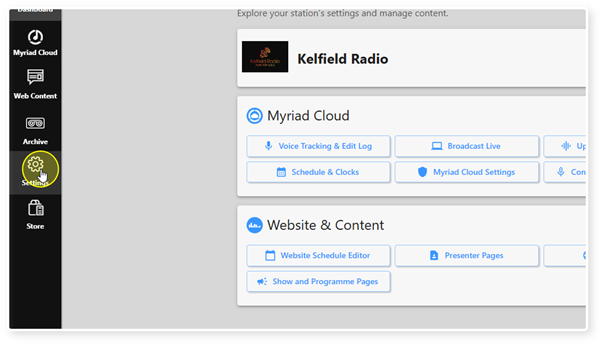
2. Select the Settings option.
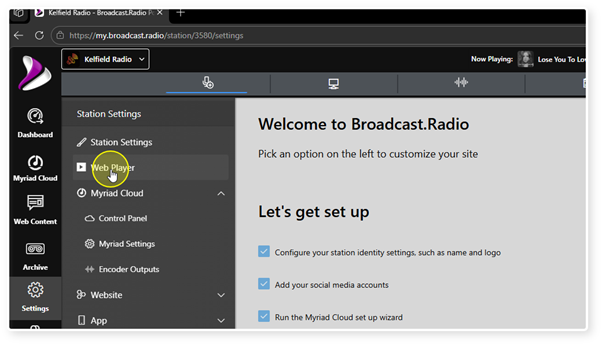
3. Click Web Player.
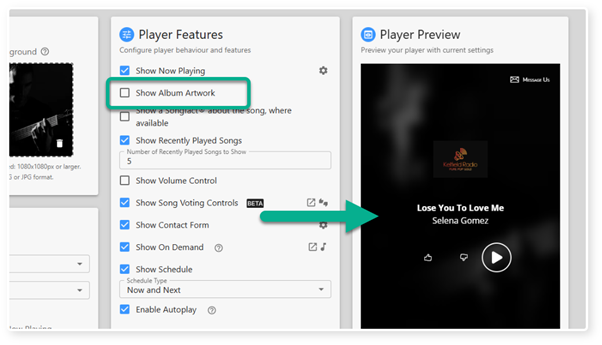
4. The Show Album Art tick option is used to set whether artwork is displayed in your Web Player.
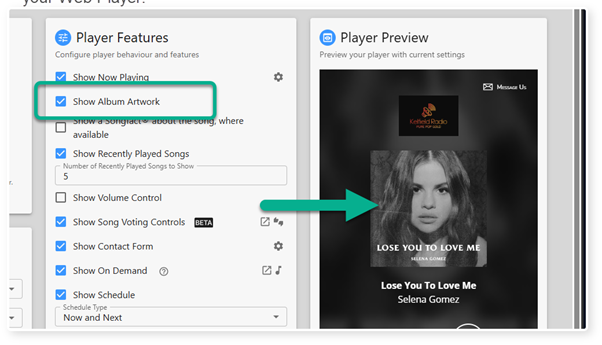
5. When un-ticked, the album artwork will be removed from your Web Player.
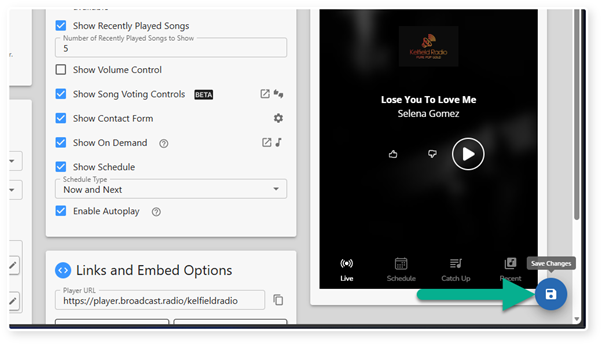
6. Click Save to save your changes.
Was this article helpful?
That’s Great!
Thank you for your feedback
Sorry! We couldn't be helpful
Thank you for your feedback
Feedback sent
We appreciate your effort and will try to fix the article