Broadcast Radio streaming customers have the option to include information from the Songfacts(TM) service within their Web Player.
Please note that Songfacts focuses mainly on US and International artists so information is not available for all Artists / Songs.
1. Login to your Broadcast.Radio portal.
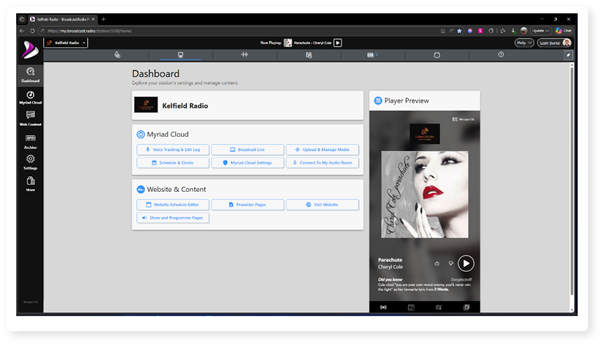
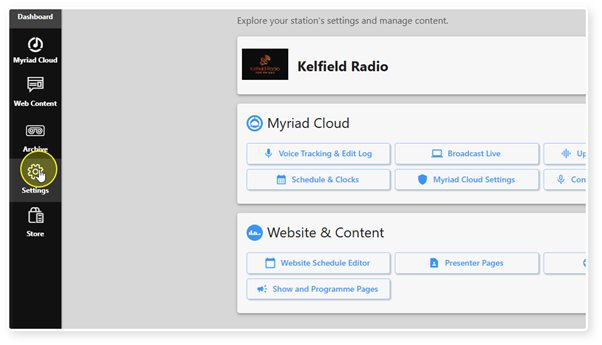
2. Select the Settings option.
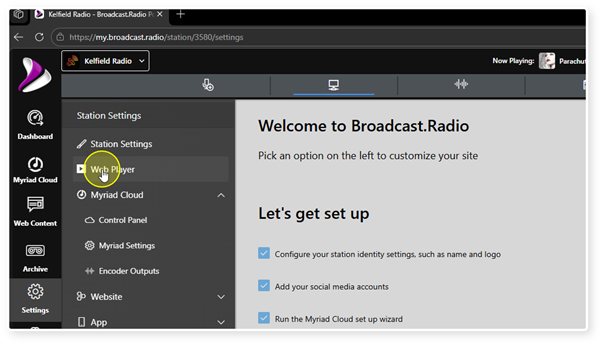
3. Click on the Web Player option.
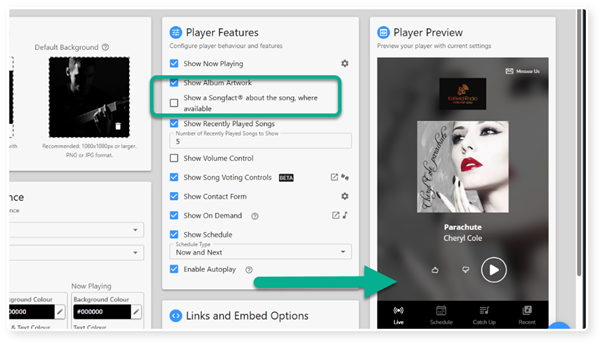
4. When the Show Songfacts option is ticked, additional information about the Song or Artist is displayed in the Web Player when available.
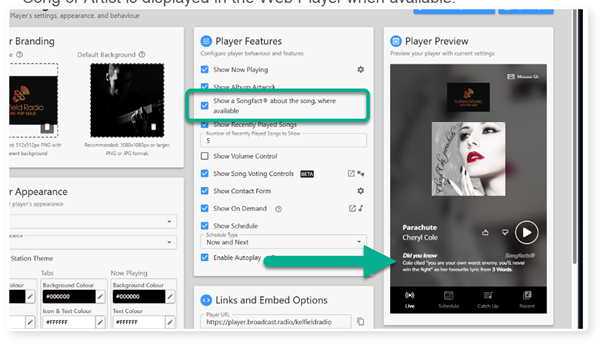
5. Songfacts will be disabled when this option is un-ticked.
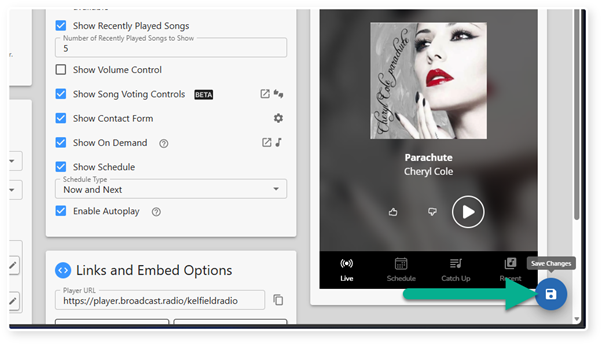
6. Click Save to save your options.
Was this article helpful?
That’s Great!
Thank you for your feedback
Sorry! We couldn't be helpful
Thank you for your feedback
Feedback sent
We appreciate your effort and will try to fix the article