You can set the Web Player to automatically start playing on supported web browsers and devices.
Please note that most modern web browsers block auto play for security reasons.
1. Login to your Broadcast.Radio portal.
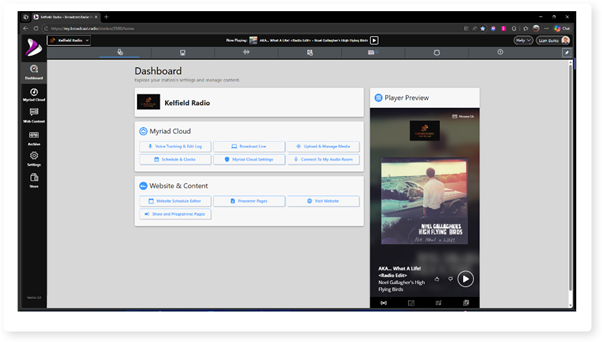
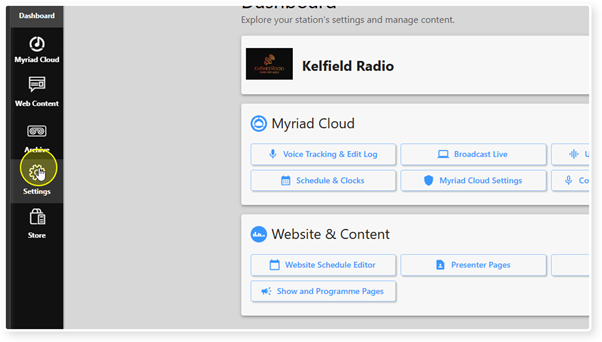
2. Select Settings from the menu.
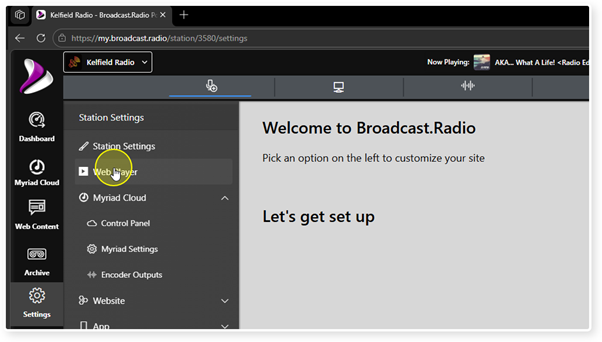
3. Click the Web Player option.
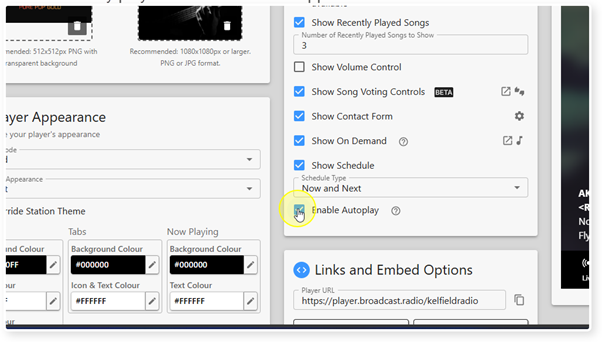
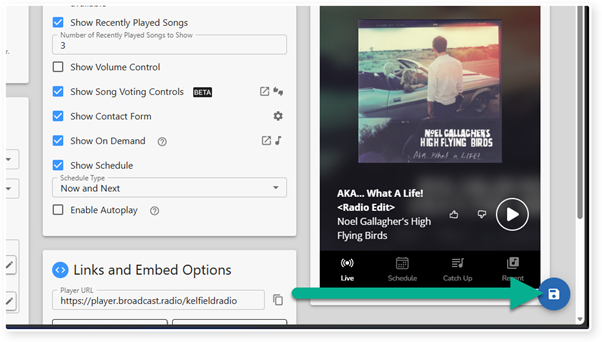
4. Use the Enable Autoplay tick option to set whether the Web Player will automatically play when launched on supported browsers or devices.
5. Click Save to save the changes.
Was this article helpful?
That’s Great!
Thank you for your feedback
Sorry! We couldn't be helpful
Thank you for your feedback
Feedback sent
We appreciate your effort and will try to fix the article