Setting contact information and social media accounts enables the ability for listeners to contact you directly from the Web Player and visit your social media channels via the landing page.
This information is also used by default in the optional Mobile Apps and Website CMS.
1. Login to your Broadcast.Radio portal.
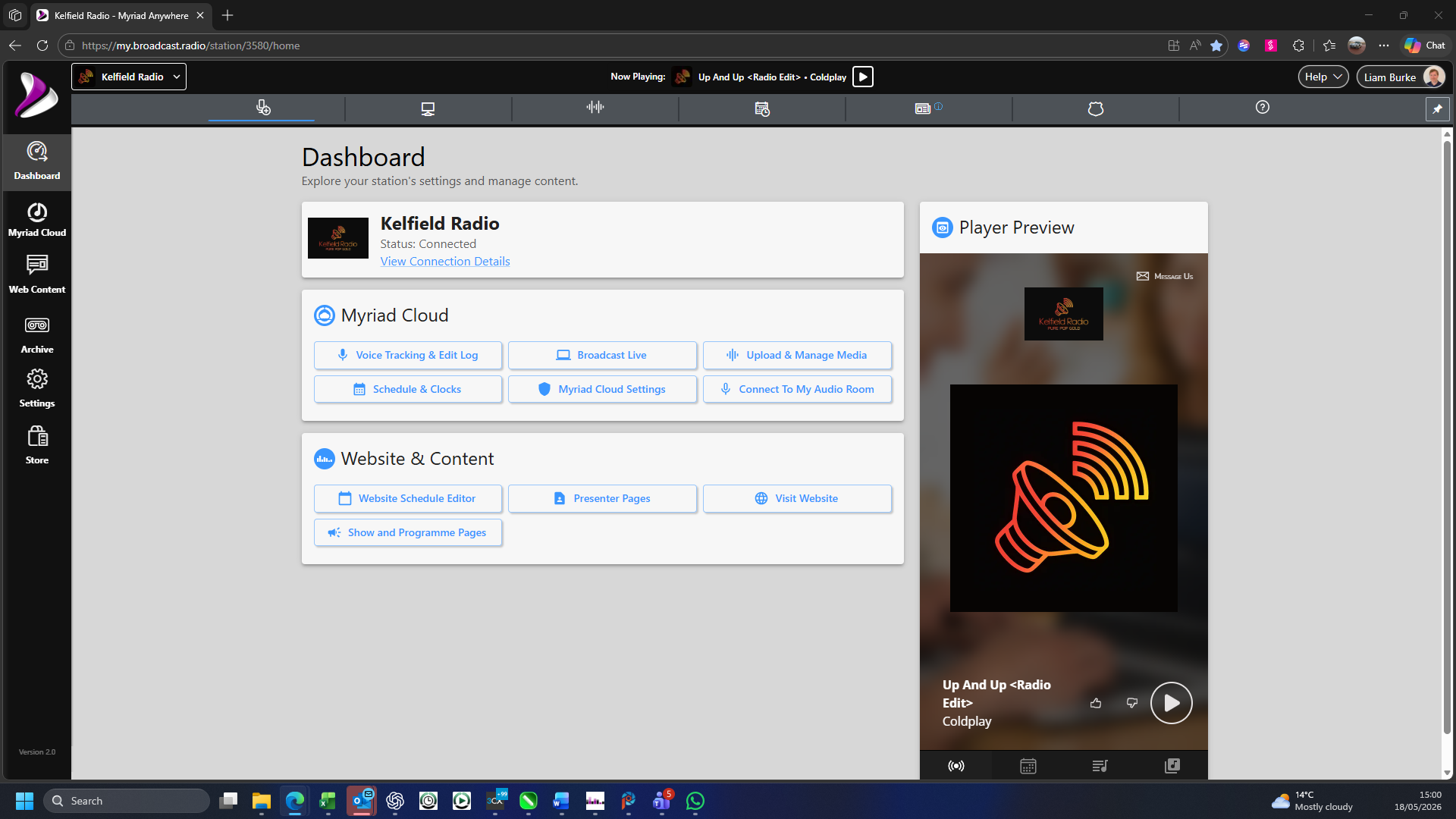
2. Click on the Settings menu option.
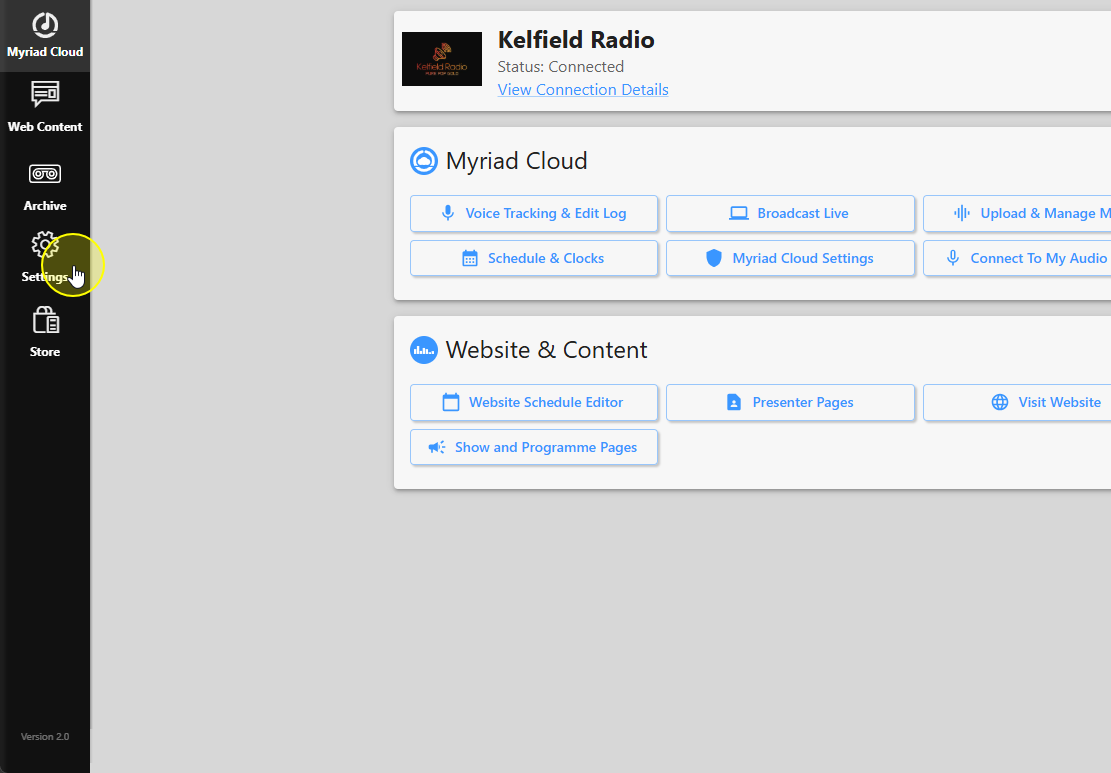
3. Select Station Settings.
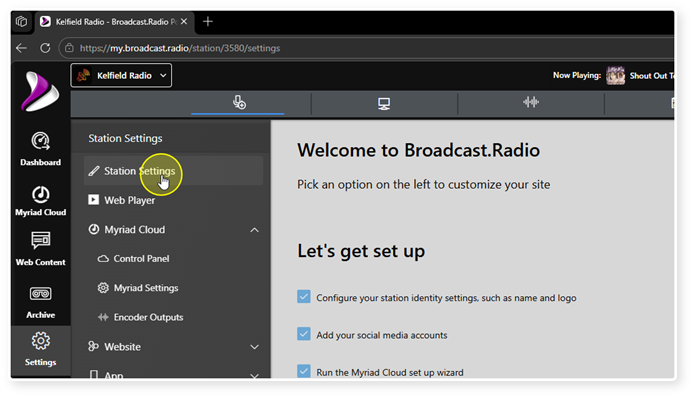
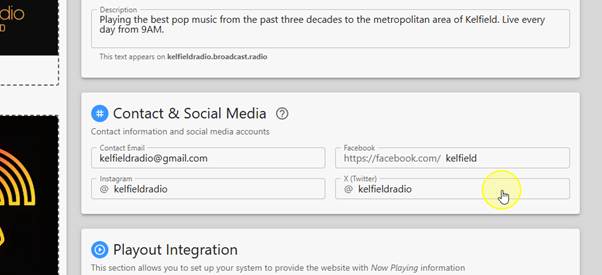
4. Scroll down to the Contact & Social Media section.
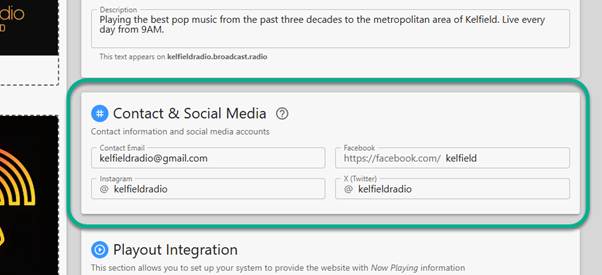
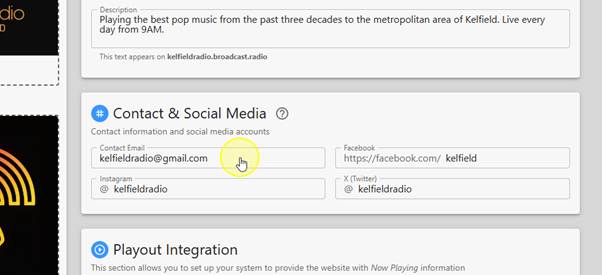
5. Click in the Contact Email field and type in your contact email address.
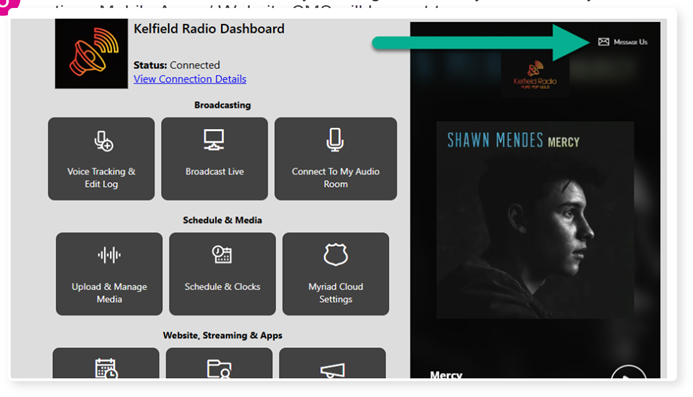
6. This is the email address that any messages sent via your Web Player and options Mobile Apps / Website CMS will be sent to.
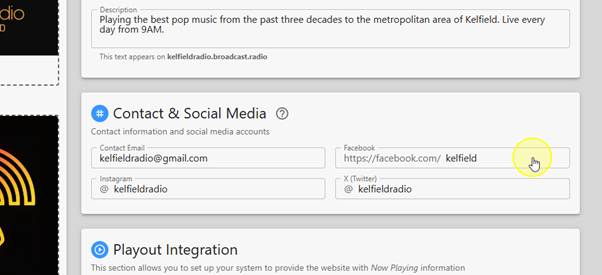
7. Click in the Facebook field to add your Facebook page name.
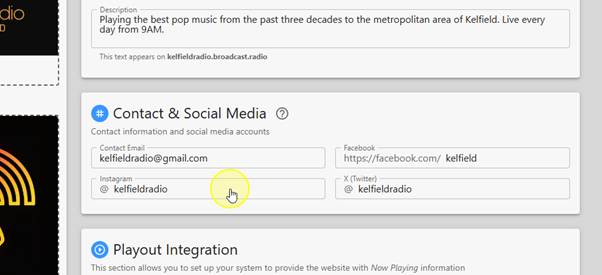
8. Repeat for your Instagram account.
9. And your X(Twitter) account.
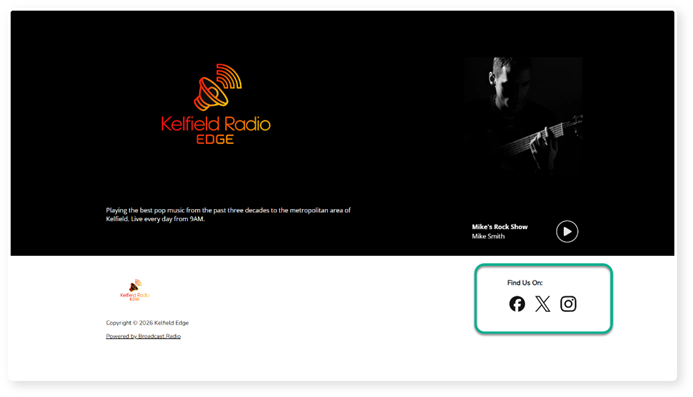
10. Setting these Social Media options will add the corresponding link to your Landing page or optional Website CMS to allow direct access to your Social Media pages.
If you leave one or more of these blank, the icon will be ommitted from your landing page or website.
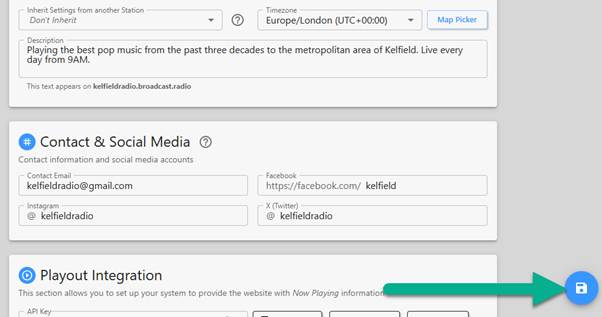
11. Finally, click on the Save button to save your changes.
Was this article helpful?
That’s Great!
Thank you for your feedback
Sorry! We couldn't be helpful
Thank you for your feedback
Feedback sent
We appreciate your effort and will try to fix the article
