The App Icon is used if a user saves your radio station home page, landing page or web player to the home screen of their phone or tablet. It is also used by default for the optional mobile apps.
1. Login to your Broadcast.Radio portal.
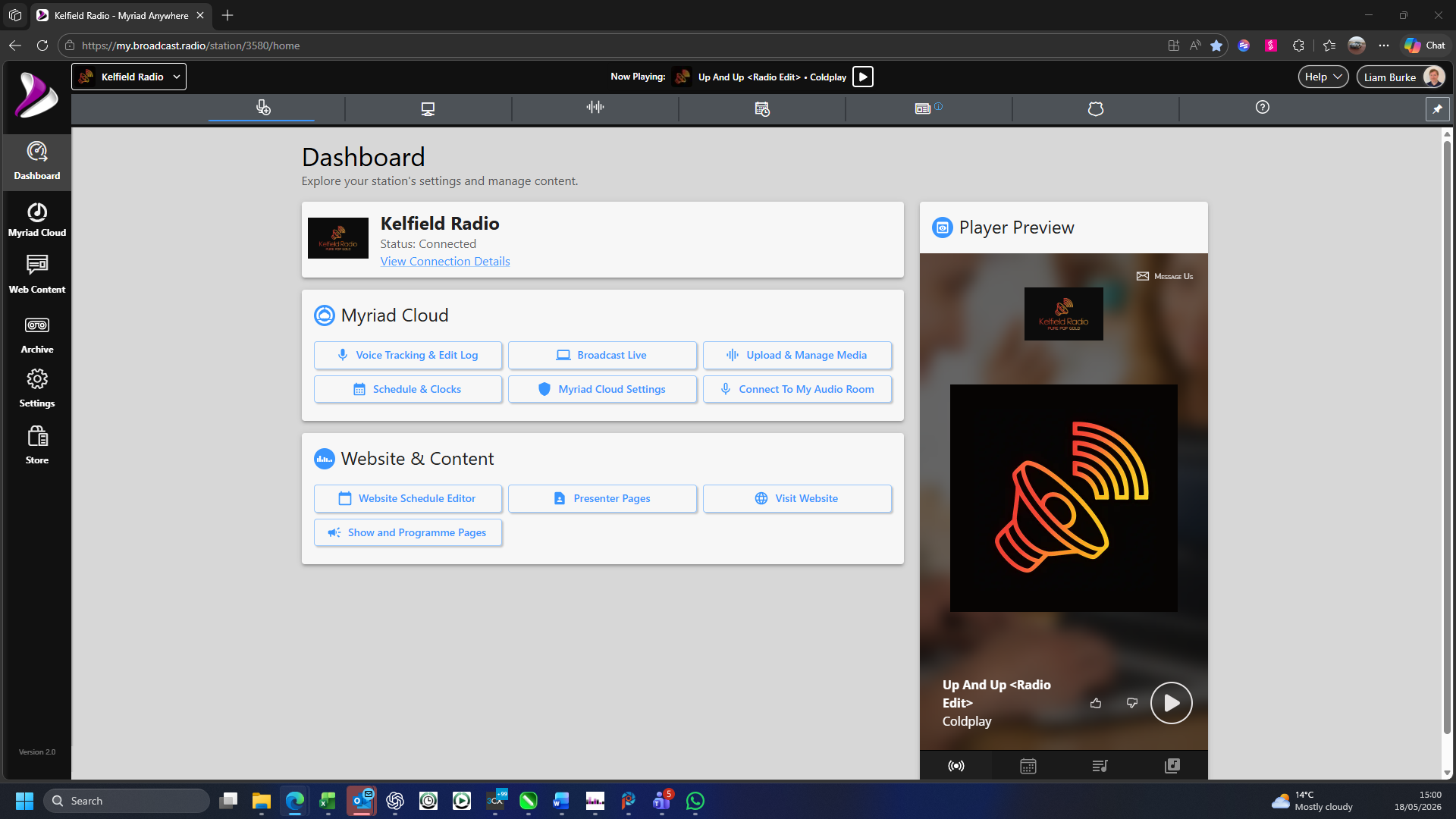
2. Click on the Settings option.
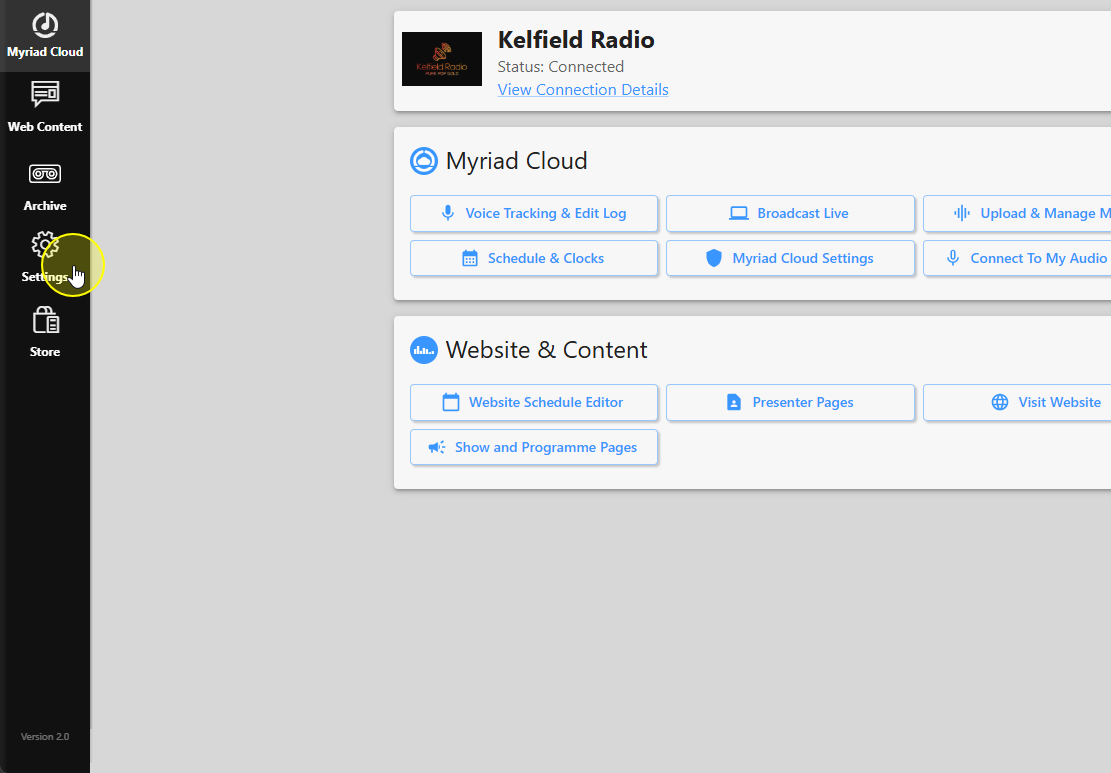
3. Select Station Settings.
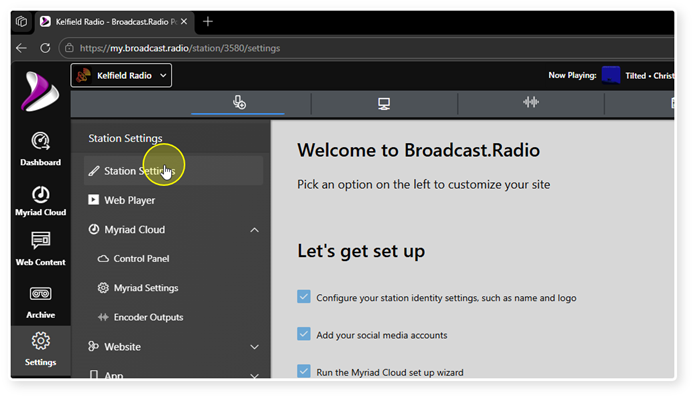
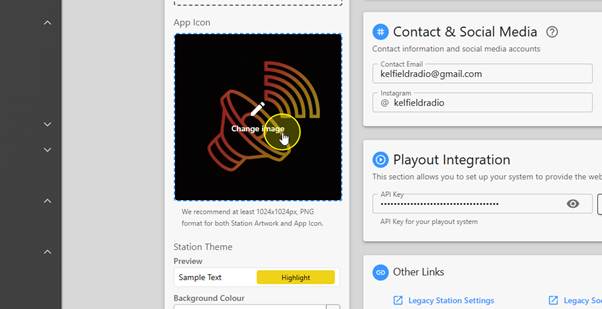
4. Scroll down to the App Icon section.
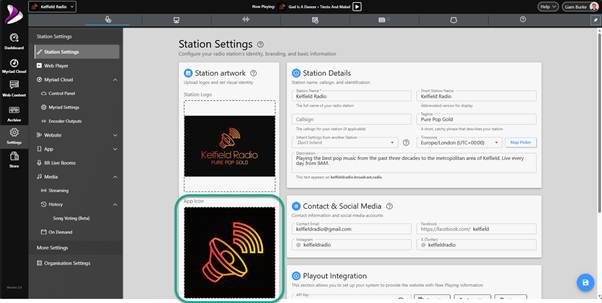
5. Click in the App Icon area to select or change the image.
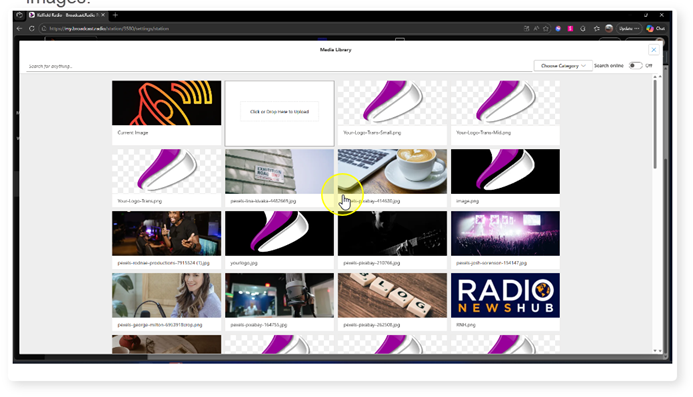
6. If you have previously uploaded the image file, select it from the list of available images.
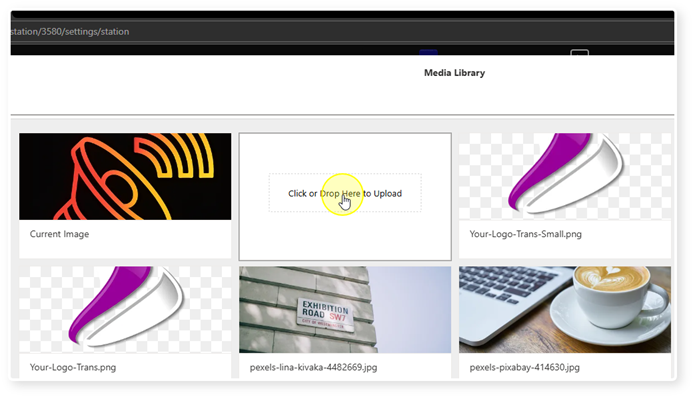
7. To upload a new image, click on the "Click or Drop Here to Upload" area.
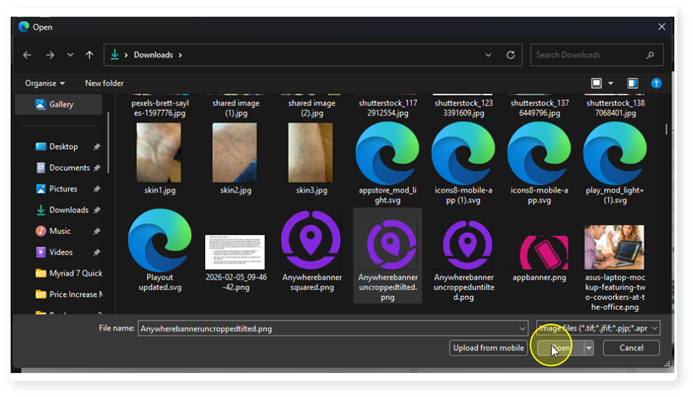
8. Browse and select the image to upload. A 1024x1024 square PNG file is recommended.
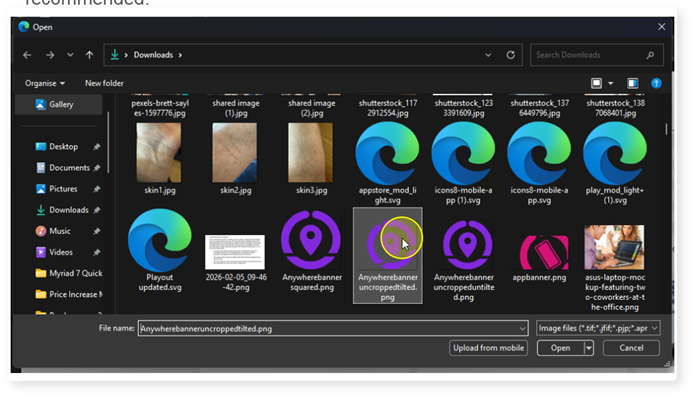
9. Click Open.
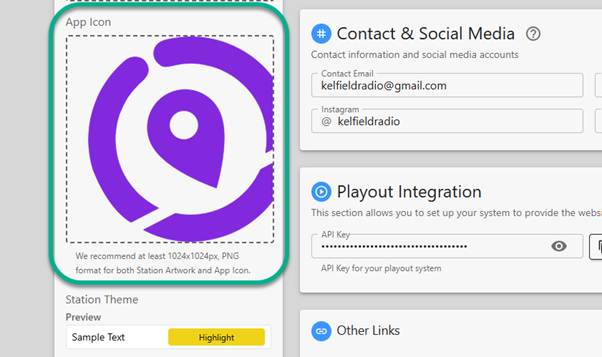
10. Your App Icon will be updated to the uploaded image.
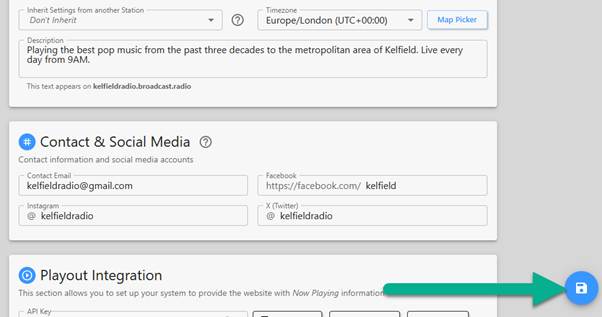
11. IMPORTANT: Click on the Save button to save your changes.
Was this article helpful?
That’s Great!
Thank you for your feedback
Sorry! We couldn't be helpful
Thank you for your feedback
Feedback sent
We appreciate your effort and will try to fix the article