The Web Player will use you the Station Logo set in Station Settings by default. If you want to use a specific image file for the logo on your Web Player, use the Logo Override in the Player Banding section.
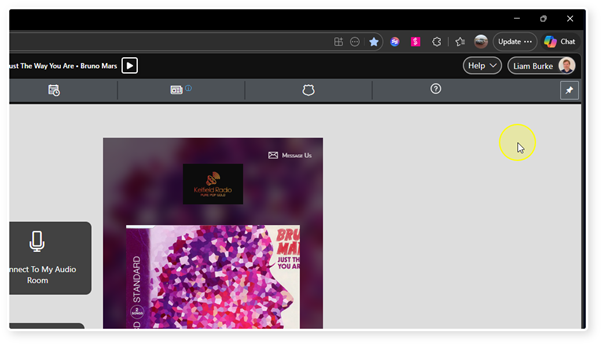
1. Login to your Broadcast Radio portal.
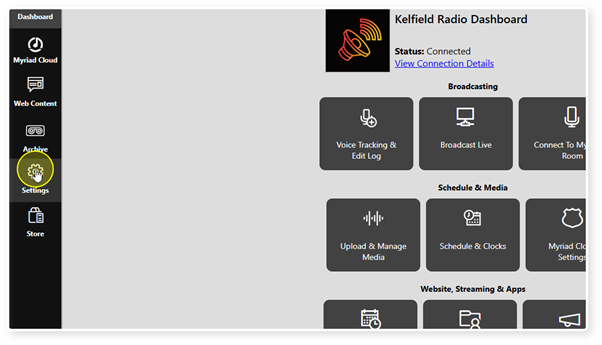
2. Click on the Settings option.
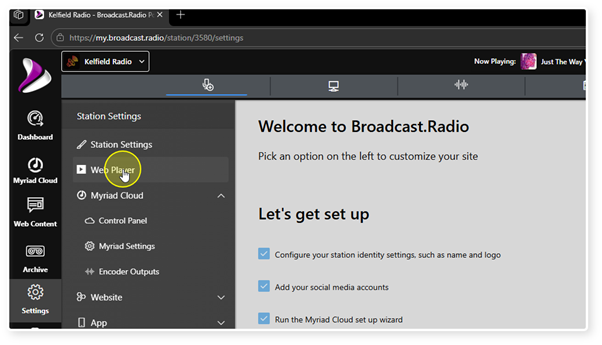
3. Select Web Player.
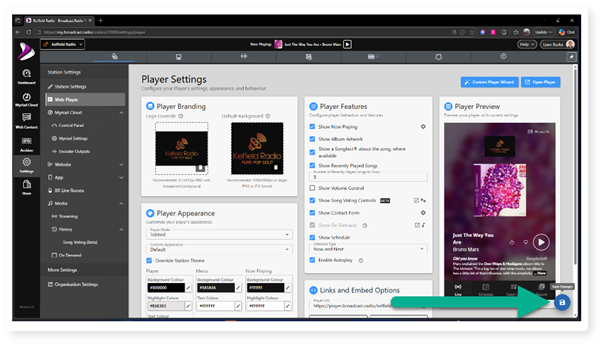
4. Locate the Player Branding section and click in the Logo Override box to select or upload an image.
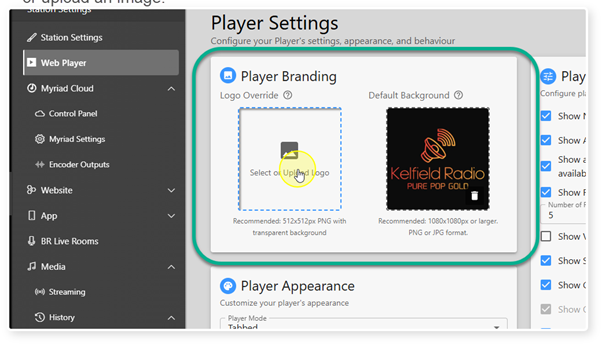
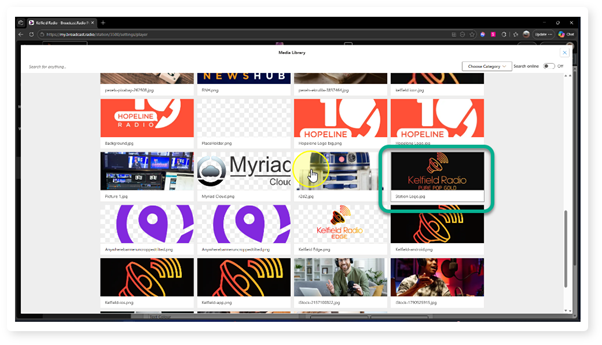
5. If you have already uploaded your image, select it from the image galary.
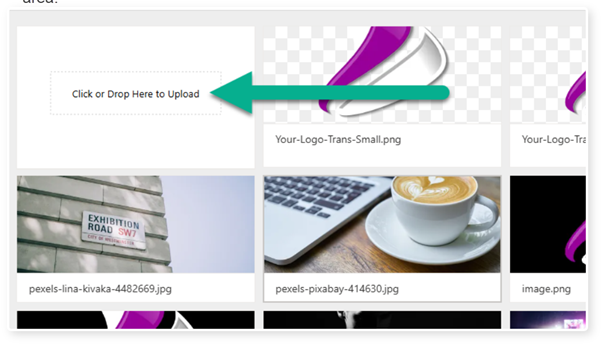
6. If you need to upload a new image, click in the "Click or Drop Here to Upload" area.
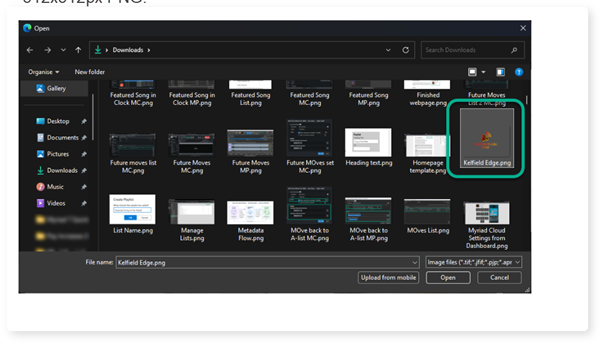
7. Browse and select an image file to upload. Recommended minimum file size is 512x512px PNG.
8. Click on the Save button to save the changes.
Was this article helpful?
That’s Great!
Thank you for your feedback
Sorry! We couldn't be helpful
Thank you for your feedback
Feedback sent
We appreciate your effort and will try to fix the article