The Player URL offers simple access to your Web Player via a standard web URL that can be used by any web browser.
1. Login to your Broadcast.Radio portal.
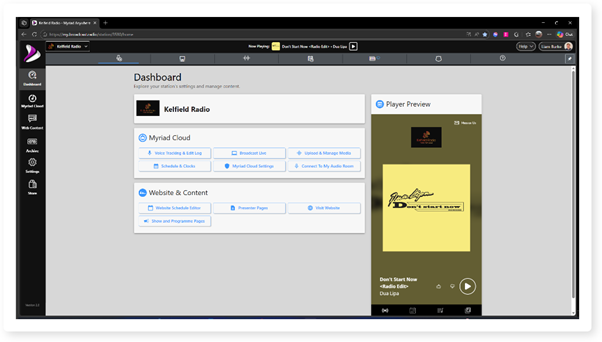
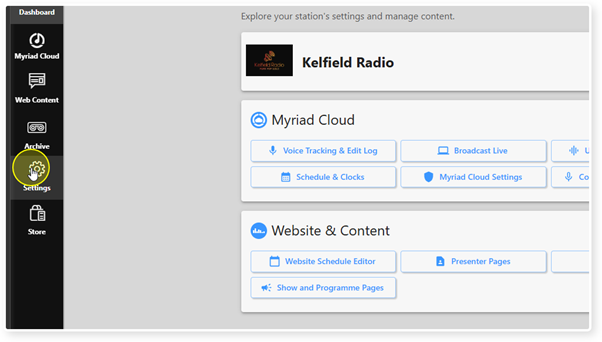
2. Click on the Settings menu option.
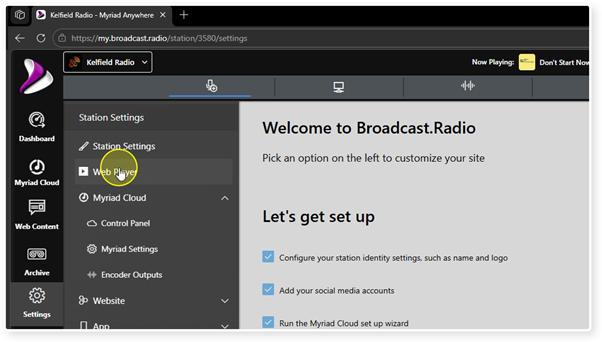
3. Select Web Player from the list of options.
4. Scroll down to the Links and Embed Options section.
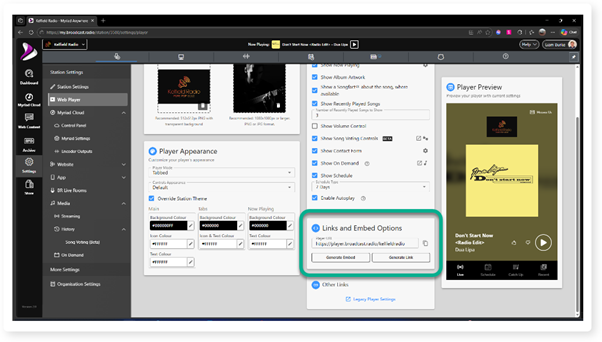
5. The unique URL (web address) for your Web Player is displayed in the Player URL section.
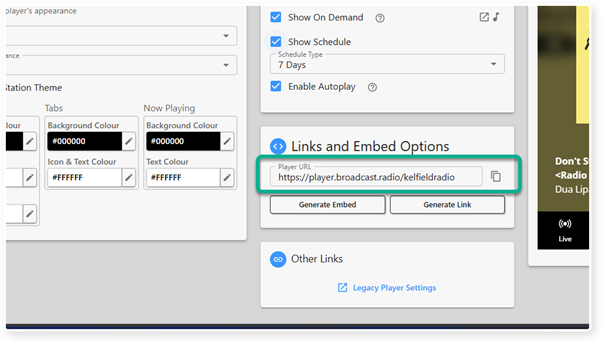
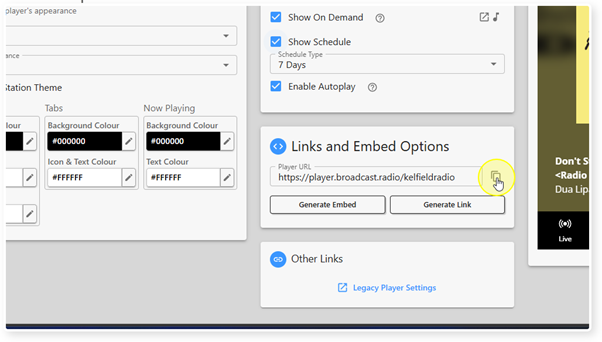
6. Click on the Copy button to the right of the Player URL field to copy the address to the clipboard.
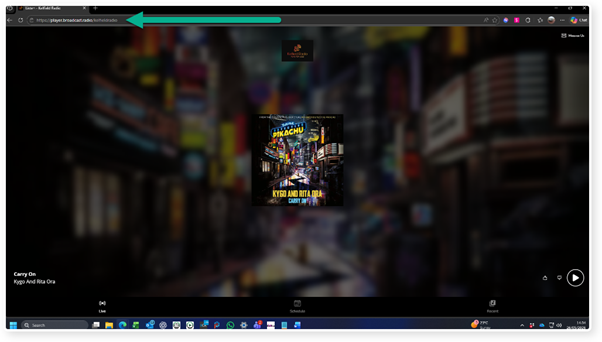
7. Pasting this URL into a web browser will display your Web Player.
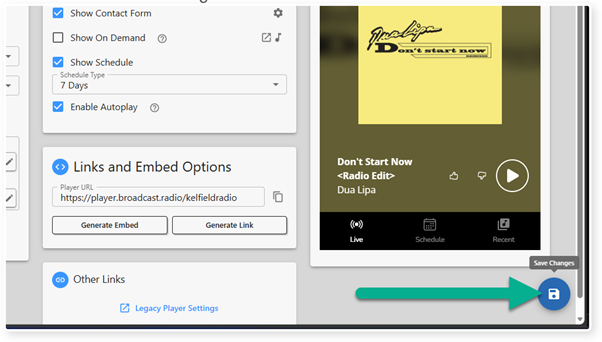
8. Click on Save to save any changes you have made. The Save button is only enabled if there are changes that need to be saved!
Was this article helpful?
That’s Great!
Thank you for your feedback
Sorry! We couldn't be helpful
Thank you for your feedback
Feedback sent
We appreciate your effort and will try to fix the article