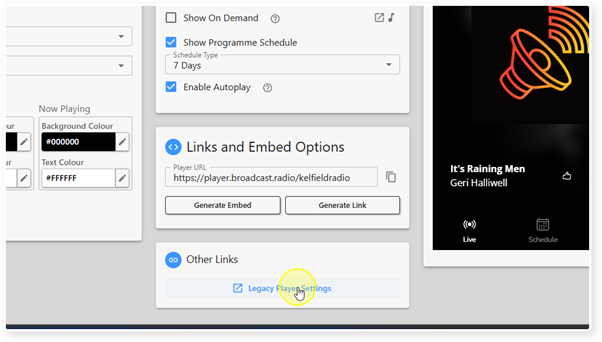
If you want to access the previous generate Web Player Settings page, you can do so with the Legacy Player Settings option.
1. Login to your Broadcast.Radio portal.
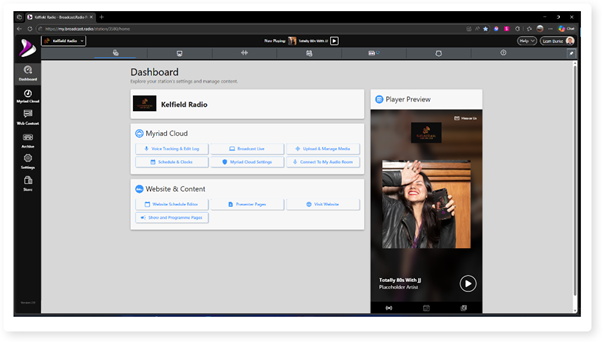
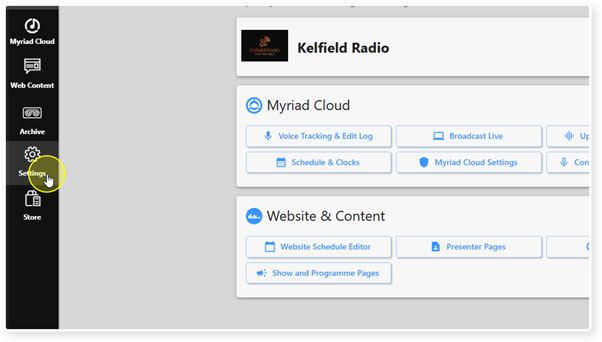
2. Click on the Settings menu.
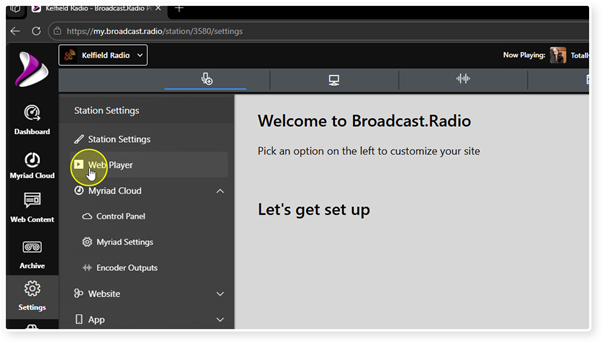
3. Select the Web Player Option.
4. Scroll down to the Other Links section.
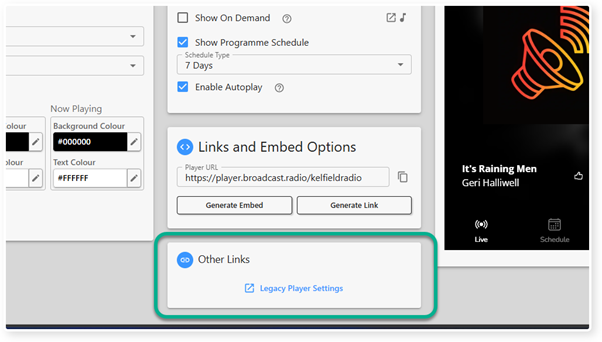
5. Click on the Legacy Player Settings link.
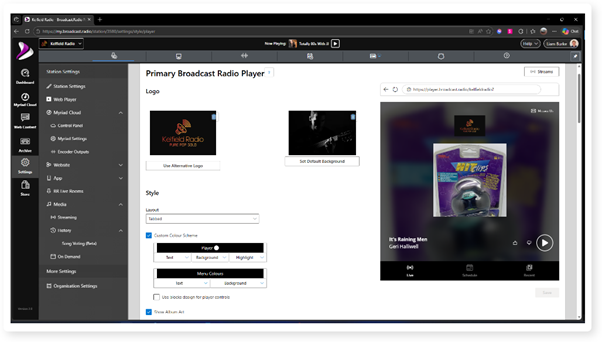
6. The previous generation of the Player Setting page will be displayed.
Was this article helpful?
That’s Great!
Thank you for your feedback
Sorry! We couldn't be helpful
Thank you for your feedback
Feedback sent
We appreciate your effort and will try to fix the article