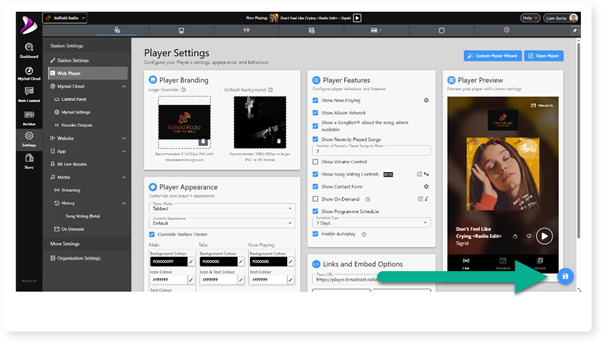
The Player Preview section shows how changing options will affect the Web Player in real time. The changes are no permanent until the Save button is clicked.
1. Login to the Broadcast.Radio portal.
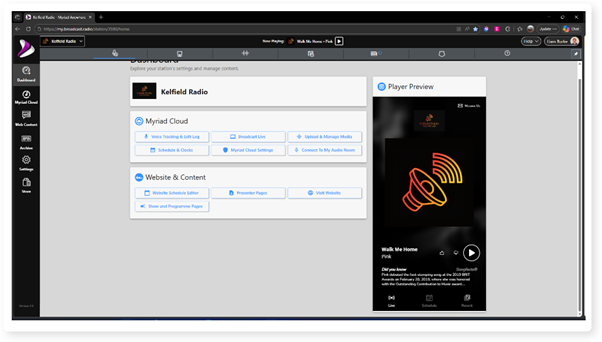
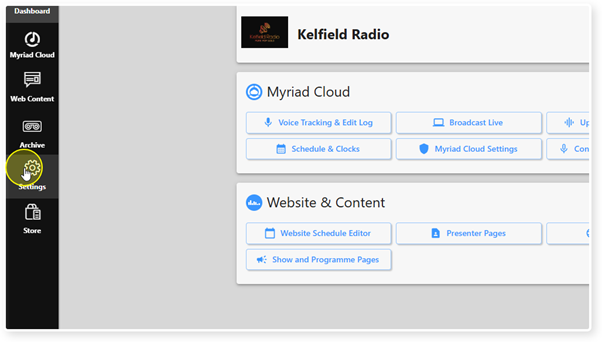
2. Click on the Settings icon.
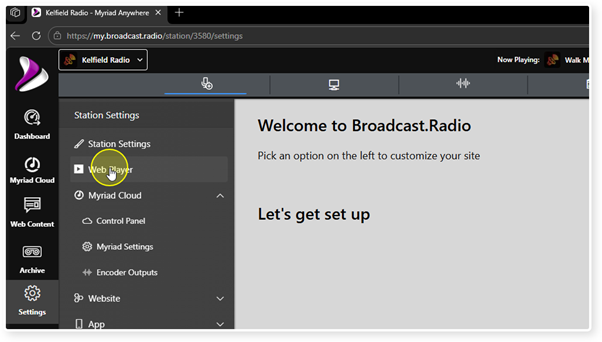
3. Select Web Player.
4. The Player Preview is displayed to the right of the window. Changes made in the Branding, Appearance or Player Features are reflected in real-time.
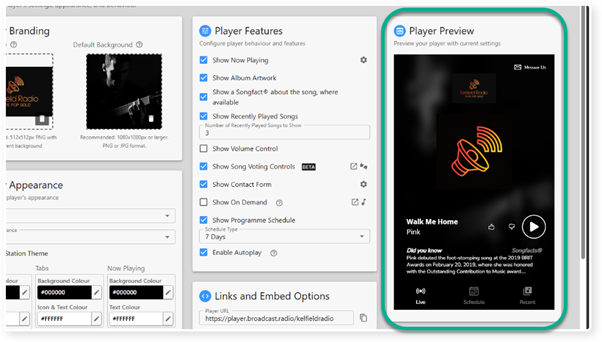
5. Click the Save button to make the changes apply to your live Web Player.
Was this article helpful?
That’s Great!
Thank you for your feedback
Sorry! We couldn't be helpful
Thank you for your feedback
Feedback sent
We appreciate your effort and will try to fix the article