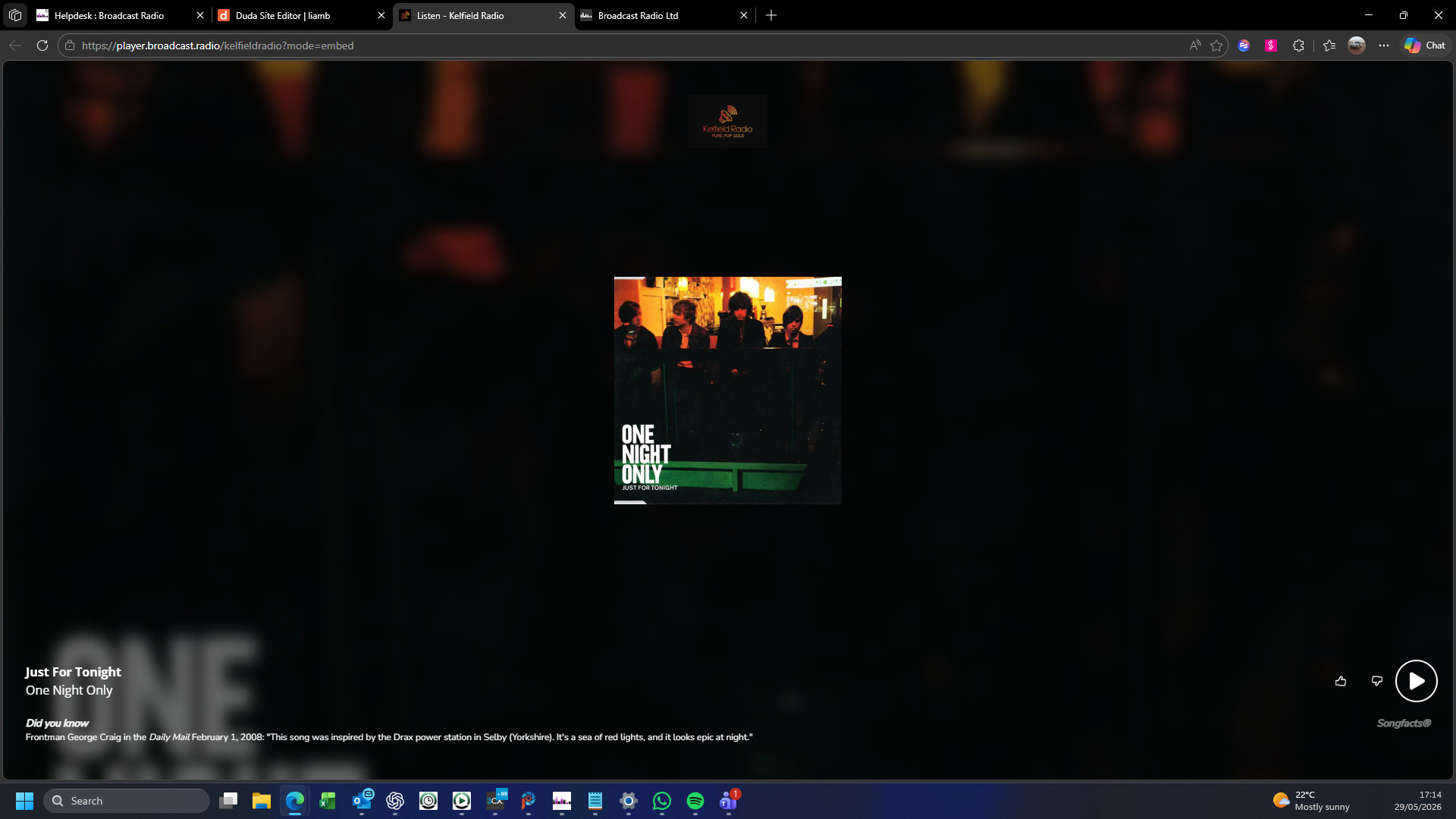
The Open Player button allows to preview your Web Player.
1. Login to your Broadcast.Radio portal.
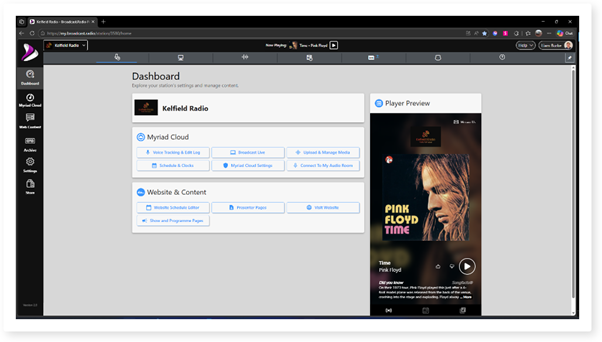
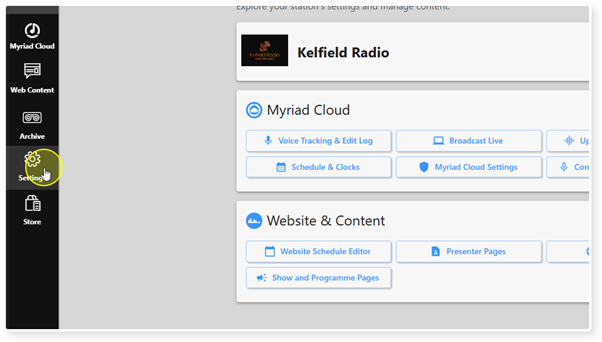
2. Click on the Settings option.
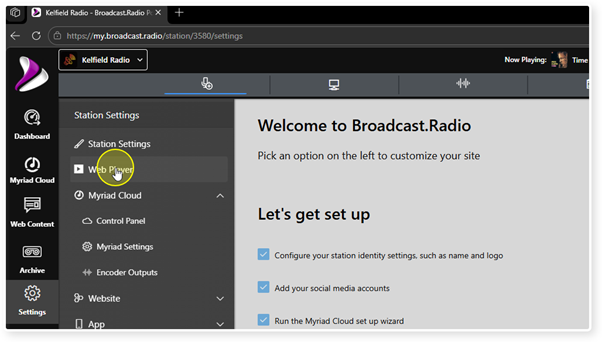
3. Select Web Player.
4. Click on the Open Player.
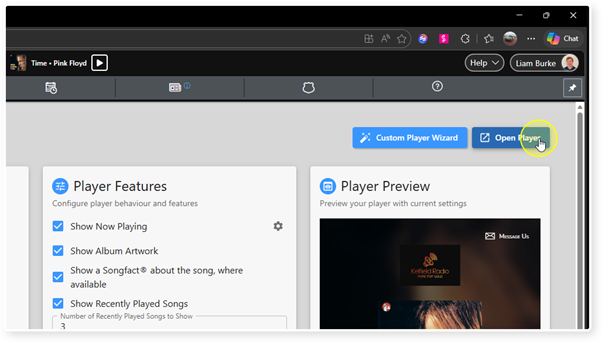
5. The Web Player will be displayed.
Was this article helpful?
That’s Great!
Thank you for your feedback
Sorry! We couldn't be helpful
Thank you for your feedback
Feedback sent
We appreciate your effort and will try to fix the article