You can move non Myriad Cloud Stations between Brands using the Station Details window.
It is not possible to move Myriad Cloud stations between Brands as the Media Wall is intrinsically tied to the Brand.
1. Login to your Broadcast.Radio portal.
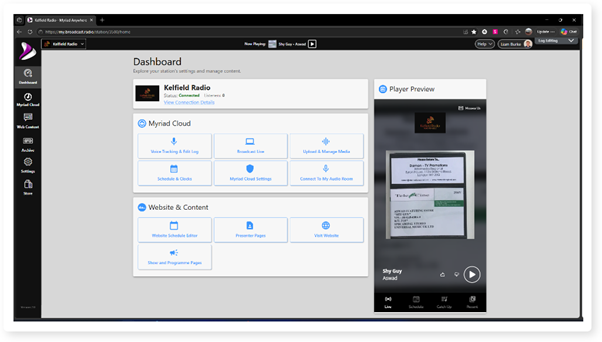
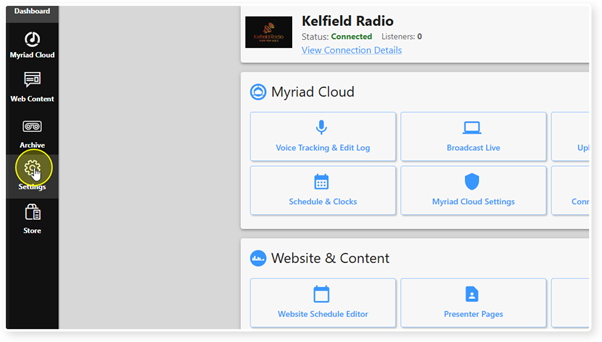
2. Click Settings on the menu.
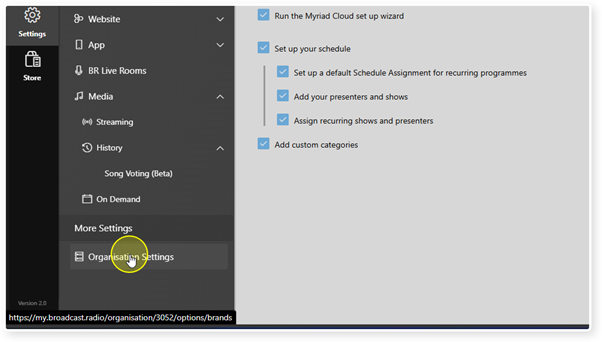
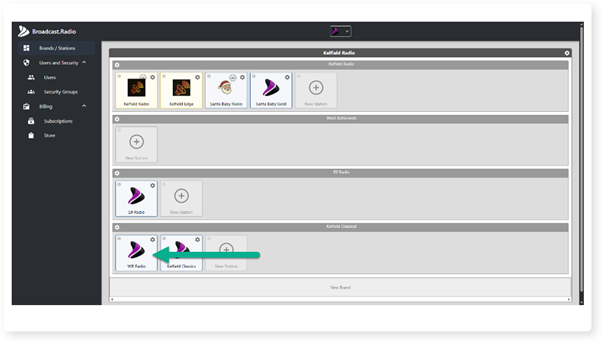
3. In the More Settings section, click on the Organisation Settings option.
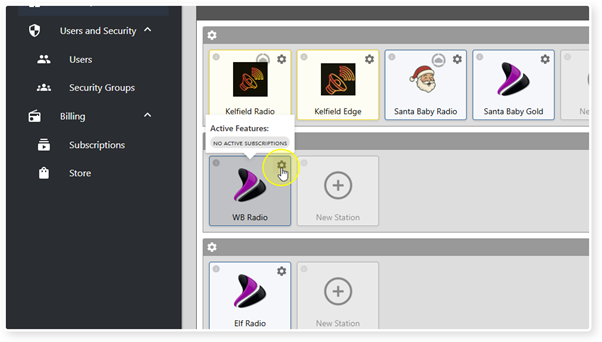
4. Click on the Cog icon on a non Myriad Cloud station to access the Station Details.
5. Click on the Move button in the Brand section.
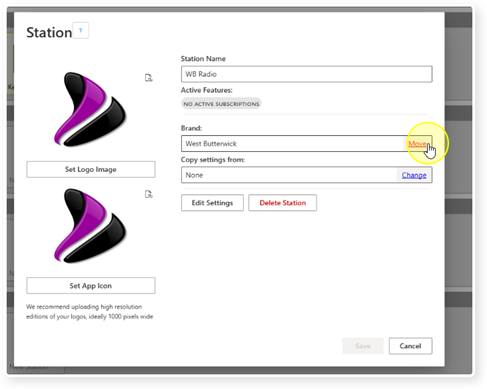
6. Select the Brand you want to move the Station to.
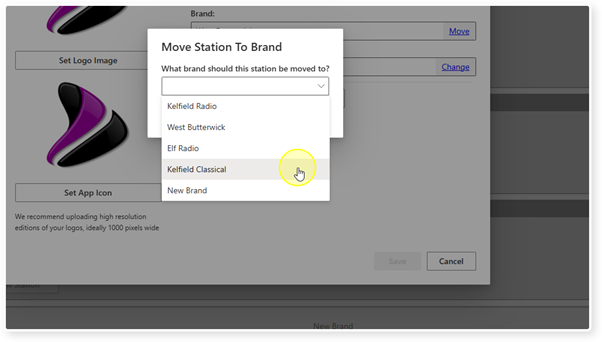
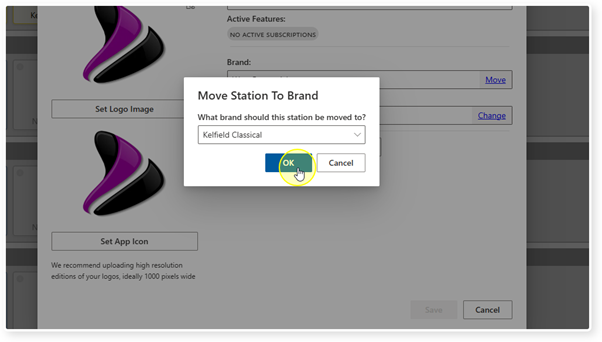
7. Click OK.
8. You may have to refresh the page to see the changes.
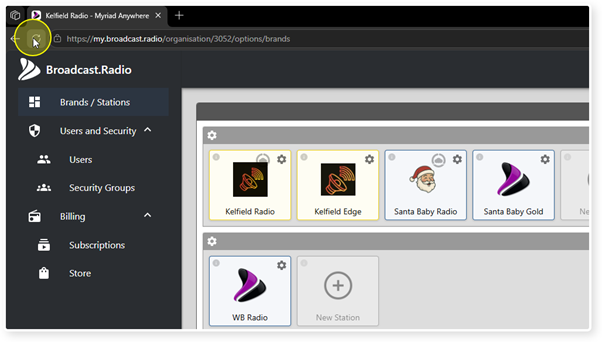
9. The Station will be moved to the new Brand.
Was this article helpful?
That’s Great!
Thank you for your feedback
Sorry! We couldn't be helpful
Thank you for your feedback
Feedback sent
We appreciate your effort and will try to fix the article