If you have multiple Stations within your Organisation, you can quickly switch between them in Organisation Settings.
1. Login to your Broadcast.Radio portal.
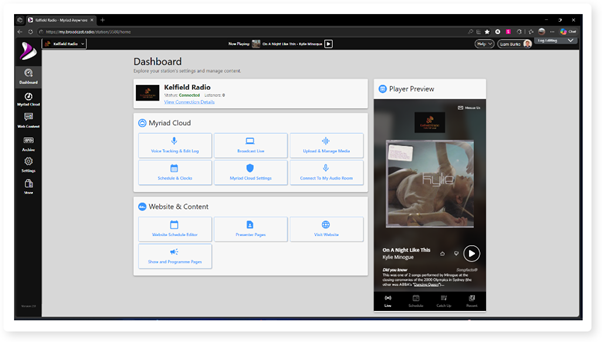
2. Click on the Settings menu option.
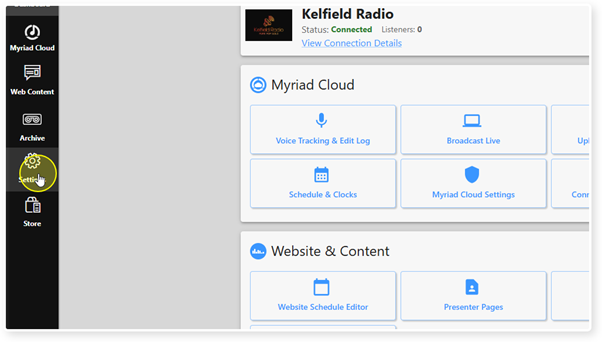
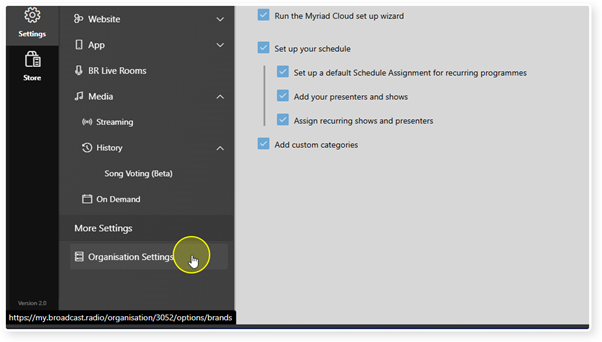
3. Click on Organisation Settings in the More Settings section.
4. All the Stations within your Organisation will be listed by Brand. To switch to a different Station, just click on it.
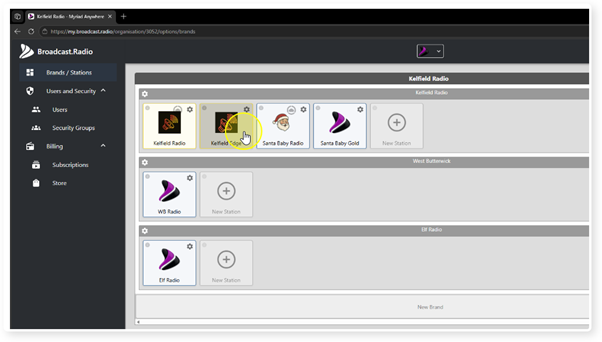
5. The Dashboard for the selected Station will be loaded.
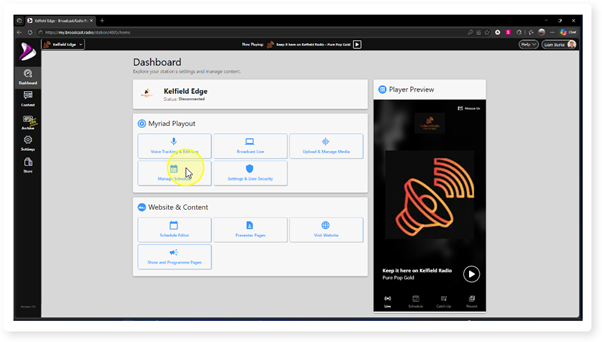
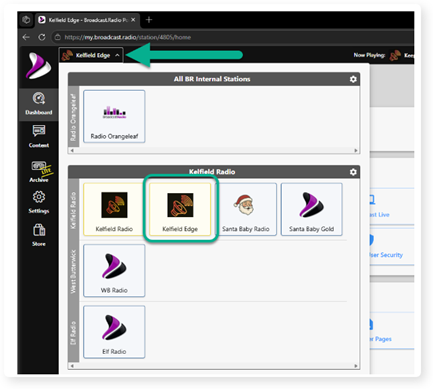
6. Another option is to use the Quick Station Select drop down in the top left of the portal. This allows you to quickly switch between Stations within your Organisation
Was this article helpful?
That’s Great!
Thank you for your feedback
Sorry! We couldn't be helpful
Thank you for your feedback
Feedback sent
We appreciate your effort and will try to fix the article