By default, the Library view and search results will exclude Media Items that have Date or Time restrictions applied making them invalid for use.
You can toggle this option on and off using these steps:
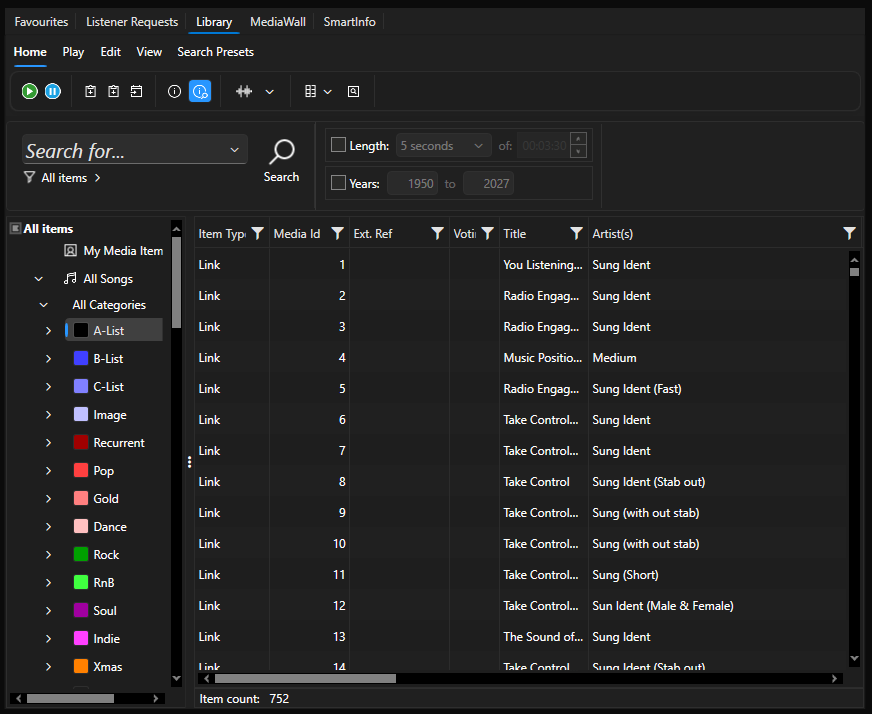
- Select the Library view.
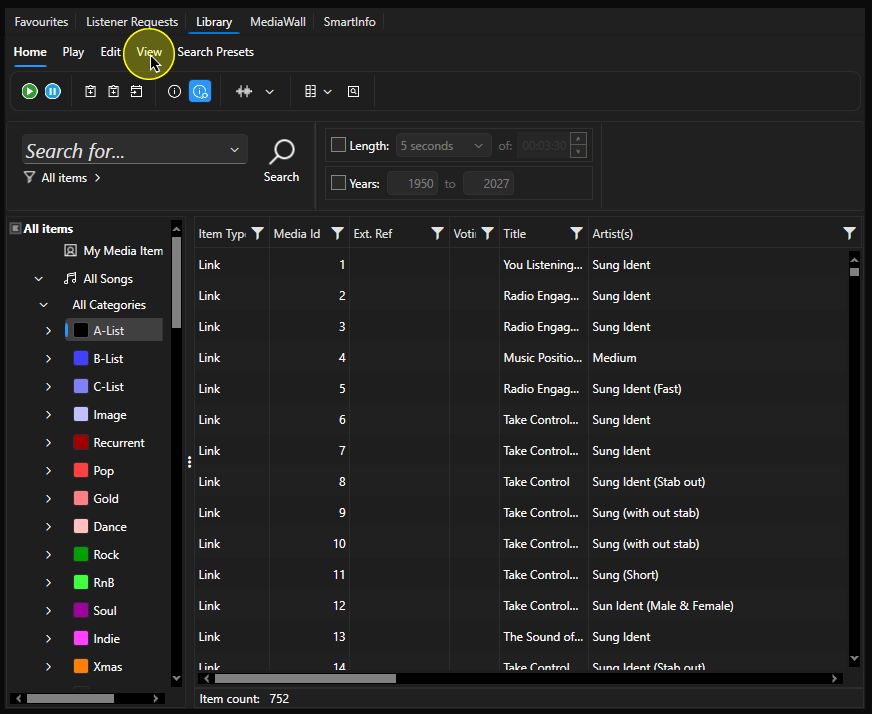
- Click on the View tab.
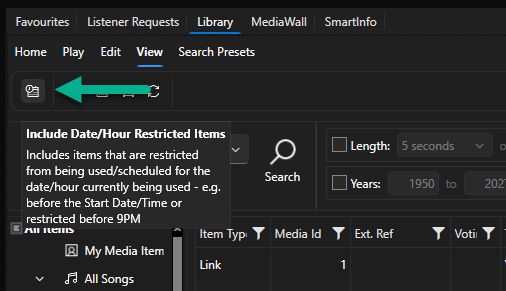
- The left most button on the View tab is the Toggle Date / Time Restrictions option.
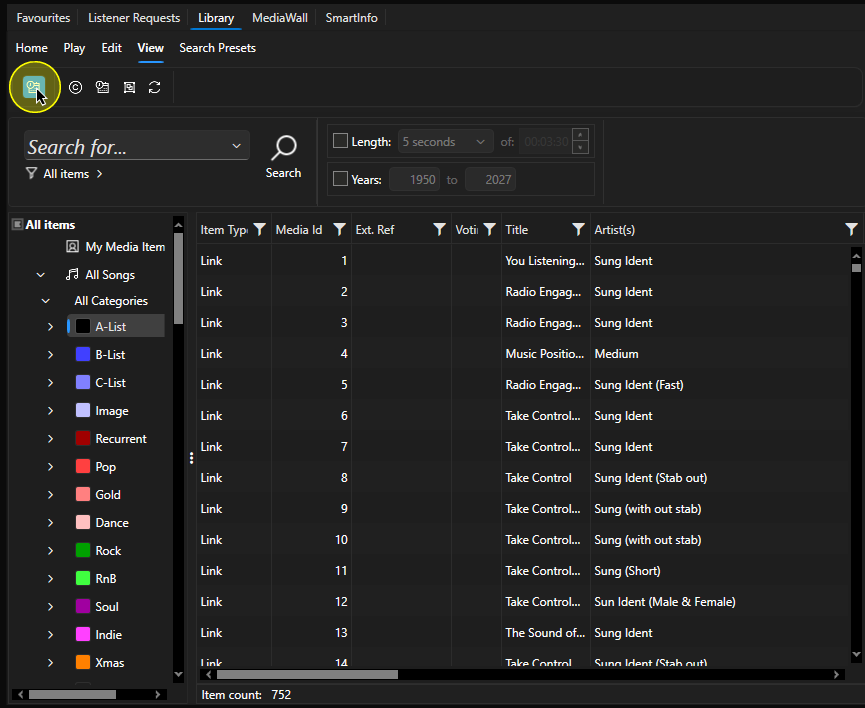
- Click to toggle the option on and off.
- This setting will be remembered per User and per Layout.
Was this article helpful?
That’s Great!
Thank you for your feedback
Sorry! We couldn't be helpful
Thank you for your feedback
Feedback sent
We appreciate your effort and will try to fix the article