How To Switch Between Layout Views
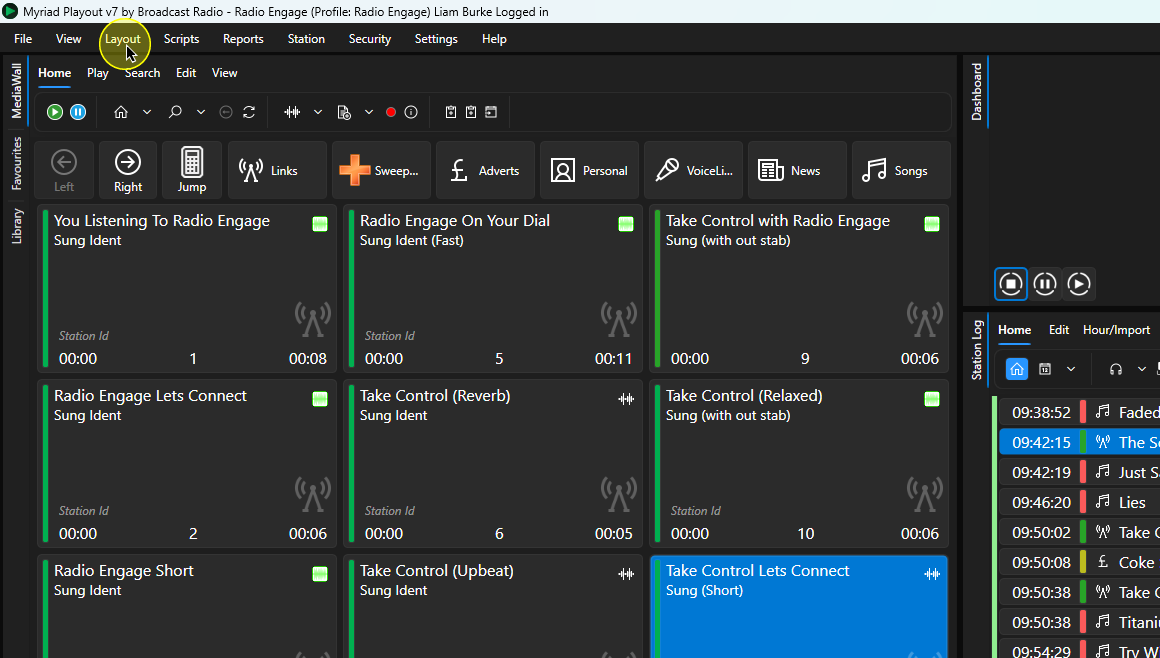
1. Click on the Layouts menu option.
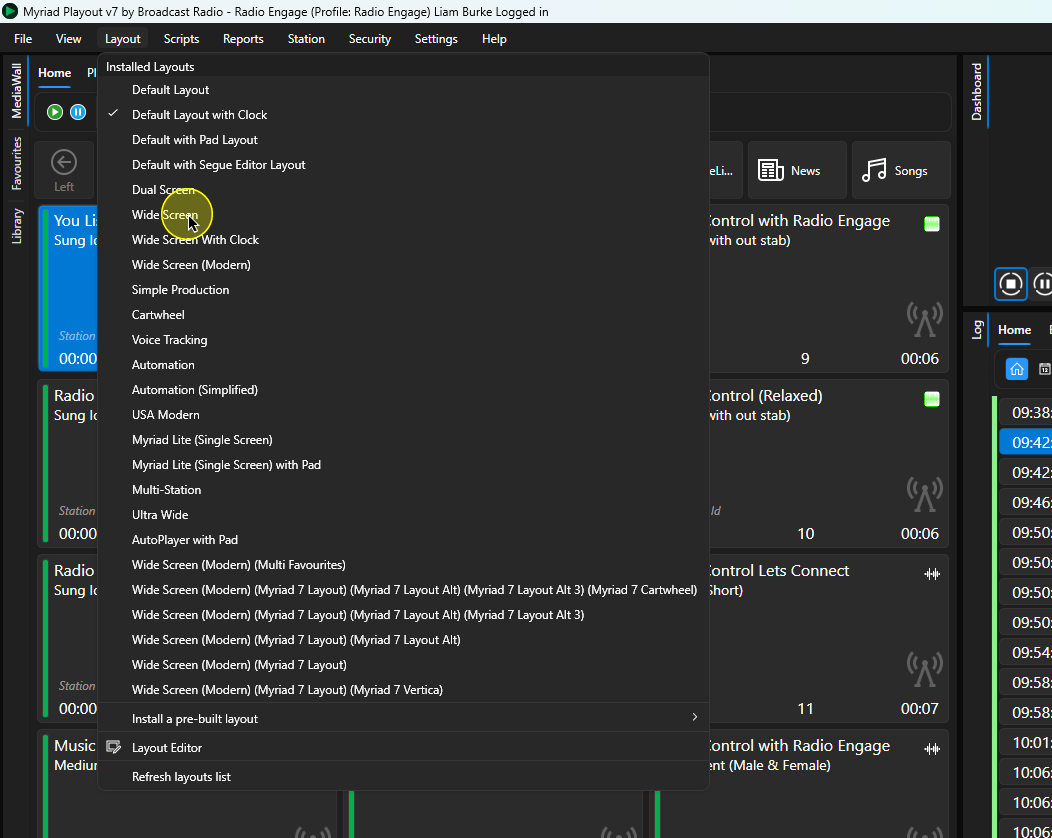
2. Select a Dynamic Layout from the list of available options.
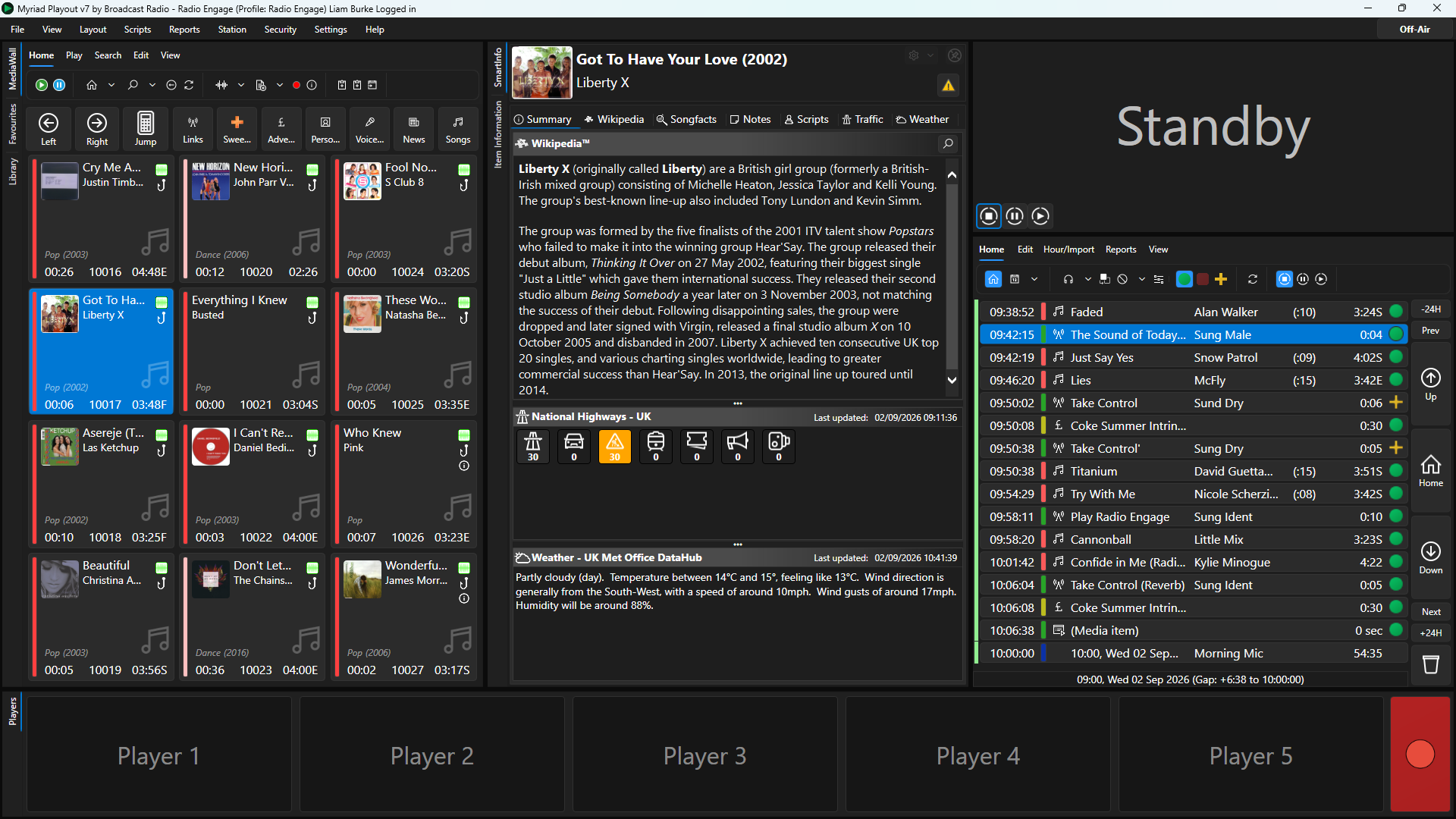
3. You new Dynamic Layout will be loaded.
Was this article helpful?
That’s Great!
Thank you for your feedback
Sorry! We couldn't be helpful
Thank you for your feedback
Feedback sent
We appreciate your effort and will try to fix the article