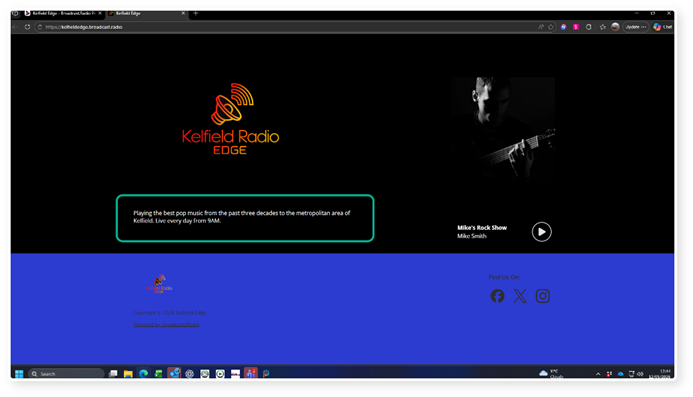
The Station Description text is displayed in the free landing page included with Broadcast.Radio portal accounts.
It is also used by default in other modules that require a Station Description such as the optional Alexa skills.
1. Login to your Brodcast.Radio account.
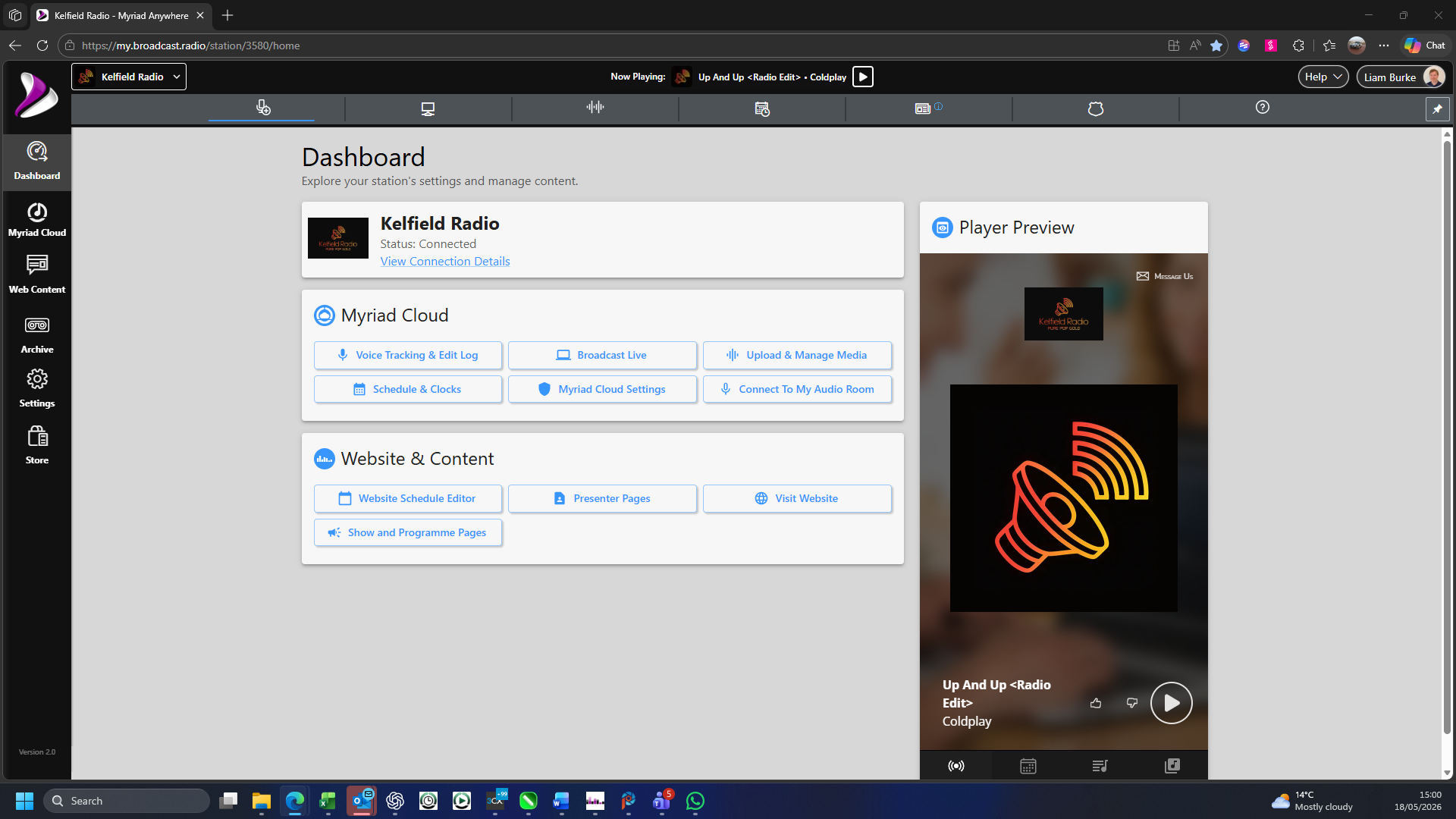
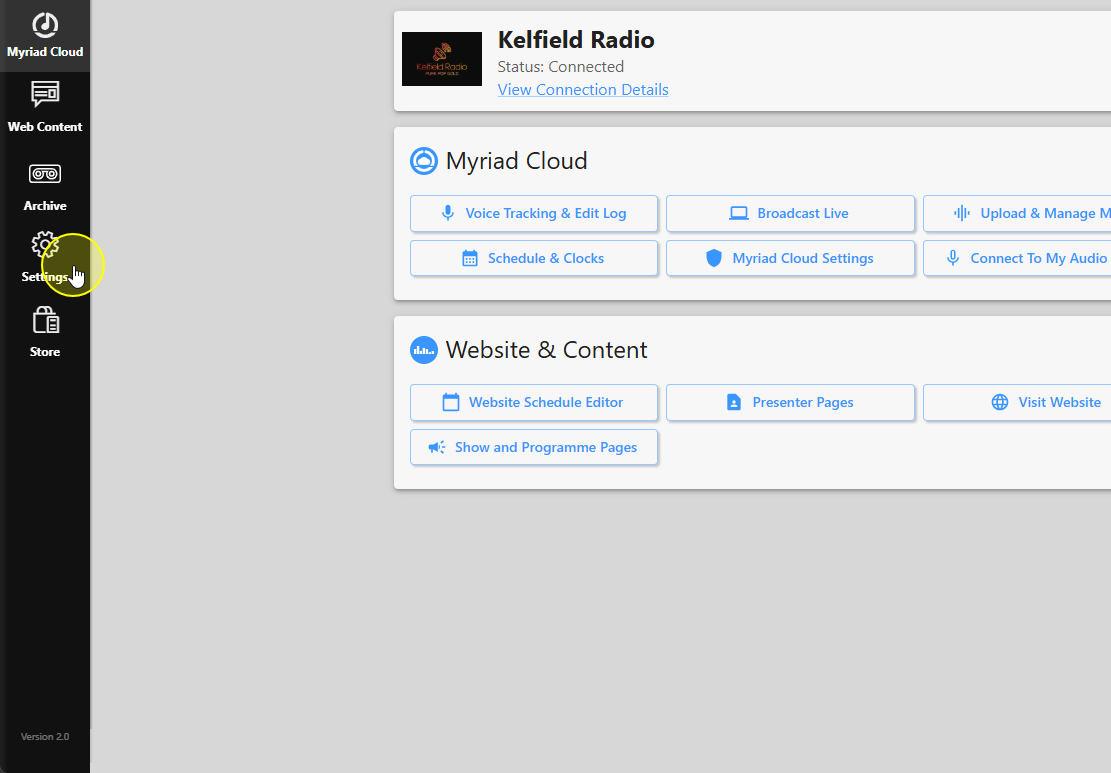
2. Click on the Settings menu option.
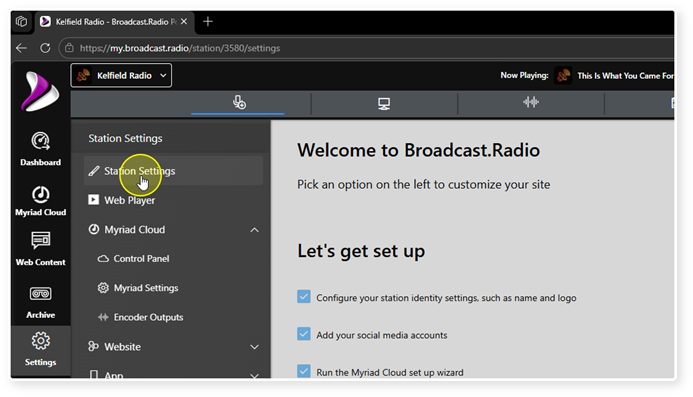
3. Select Station Settings.
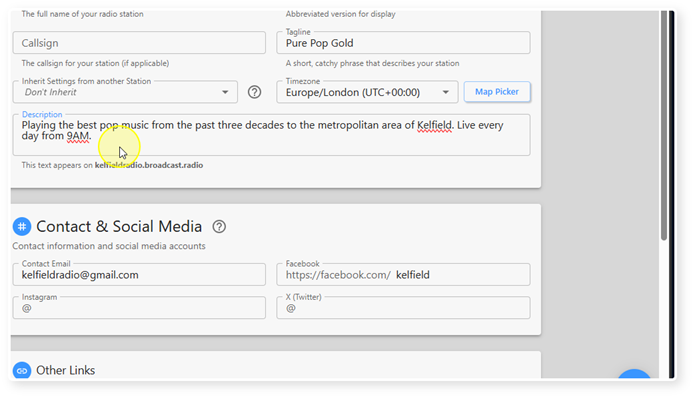
4. The Station Description can be found in the Station Details section.
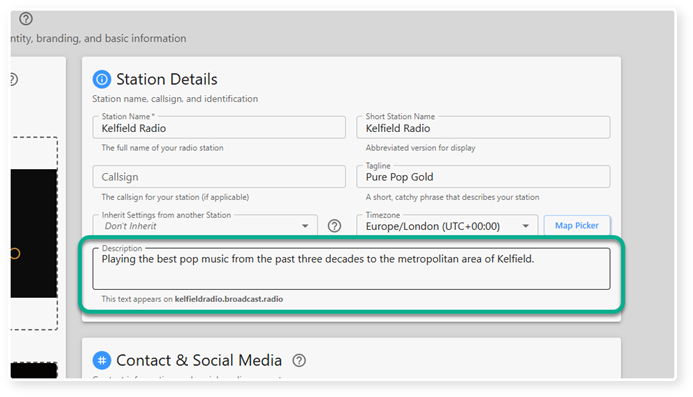
5. Click inside the Description field to edit the text.
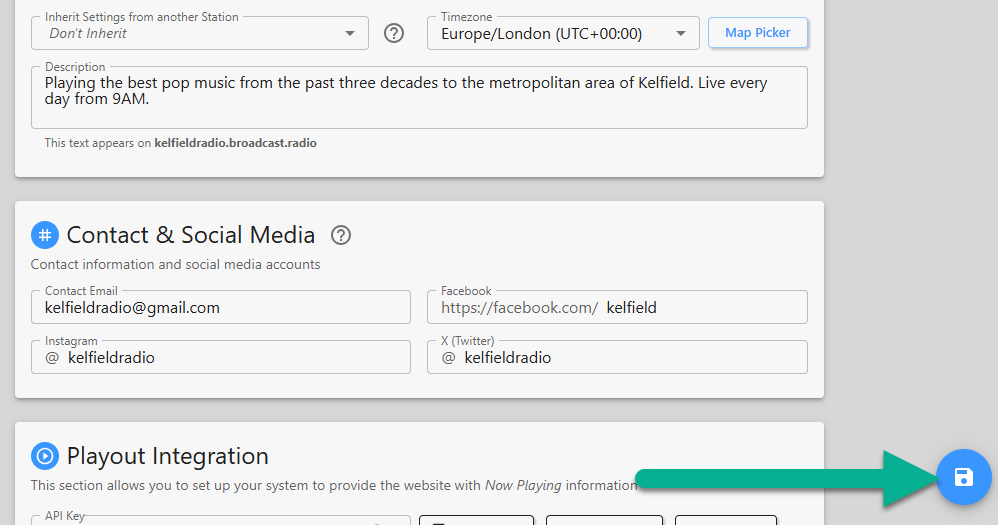
6. When you are done, click on the Save button to save the changes.
7. The Description will be displayed on your Station landing site.
Was this article helpful?
That’s Great!
Thank you for your feedback
Sorry! We couldn't be helpful
Thank you for your feedback
Feedback sent
We appreciate your effort and will try to fix the article