The Myriad Anywhere Connection History shows a list of recent connections into the Myriad Anywhere service.
- Login to your Broadcast.Radio portal.
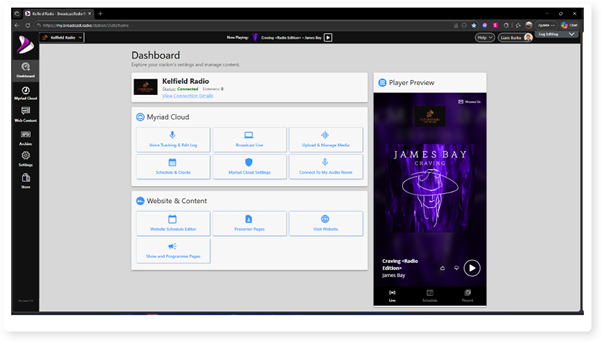
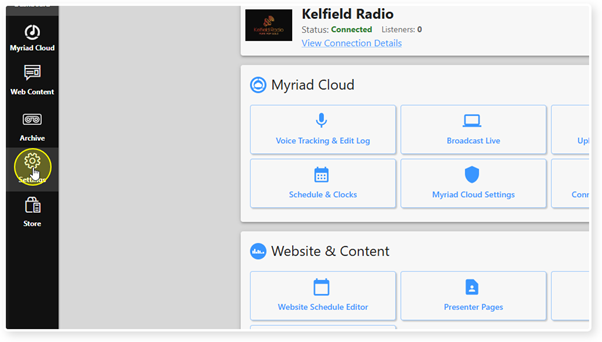
- Click on the Settings menu option.
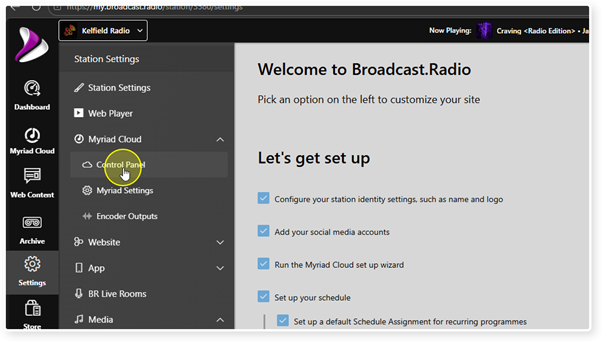
- Expand the Myriad / Myriad Cloud option and select Control Panel.
- Please note that Myriad Control Panel is available to on-premise Myriad Playout customers and Myriad Cloud customers.
Myriad Cloud customers will have additional options relating specifically to Myriad Cloud, but the Myriad Anywhere Connections section is the same for both Myriad Cloud and Myriad Playout customers.
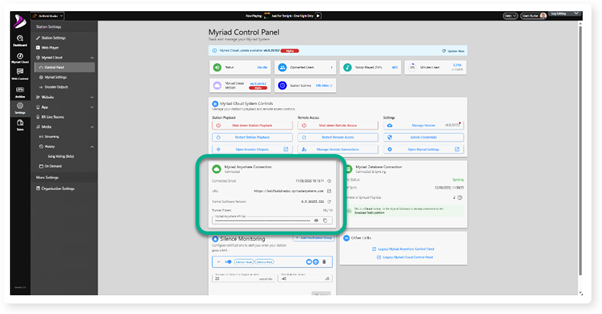
Myriad Cloud customer view.
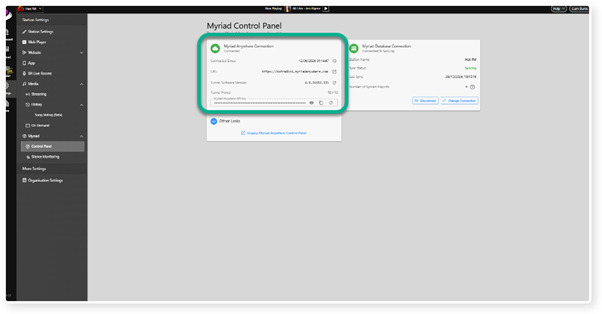 Myriad Playout (on-premise) customer view.
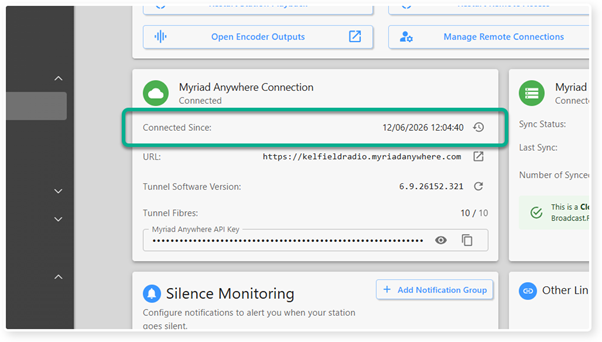
5. Locate the Connected Since field in the Myriad Anywhere Connection section.
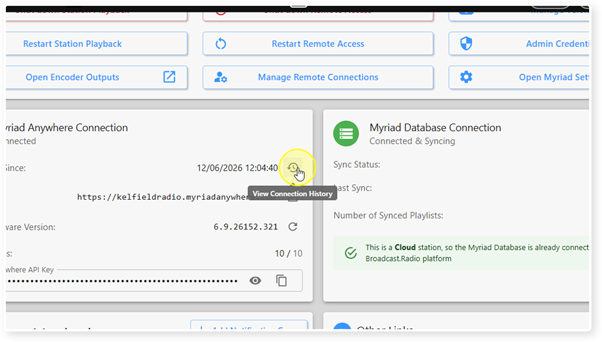
6. Click on the Clock icon to access the Connection History.
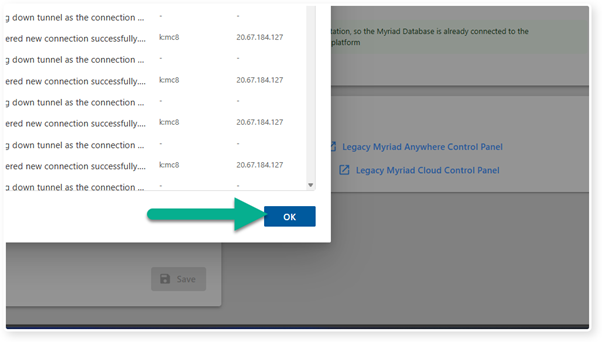
7. A list of recent connection events will be displayed.
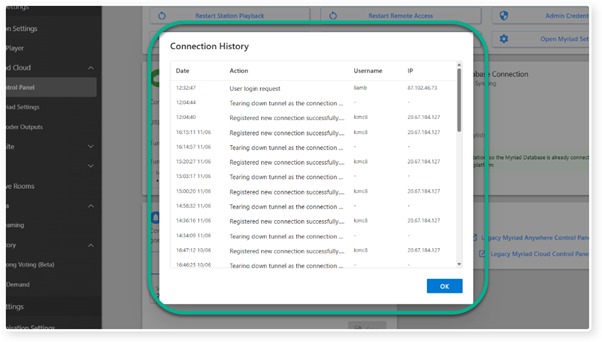
8. To close the window, click on the OK button.
Was this article helpful?
That’s Great!
Thank you for your feedback
Sorry! We couldn't be helpful
Thank you for your feedback
Feedback sent
We appreciate your effort and will try to fix the article