If you want to remove an existing VT from the Log, follow these steps:
Method 1
- Select the VT you want to remove from the Log.
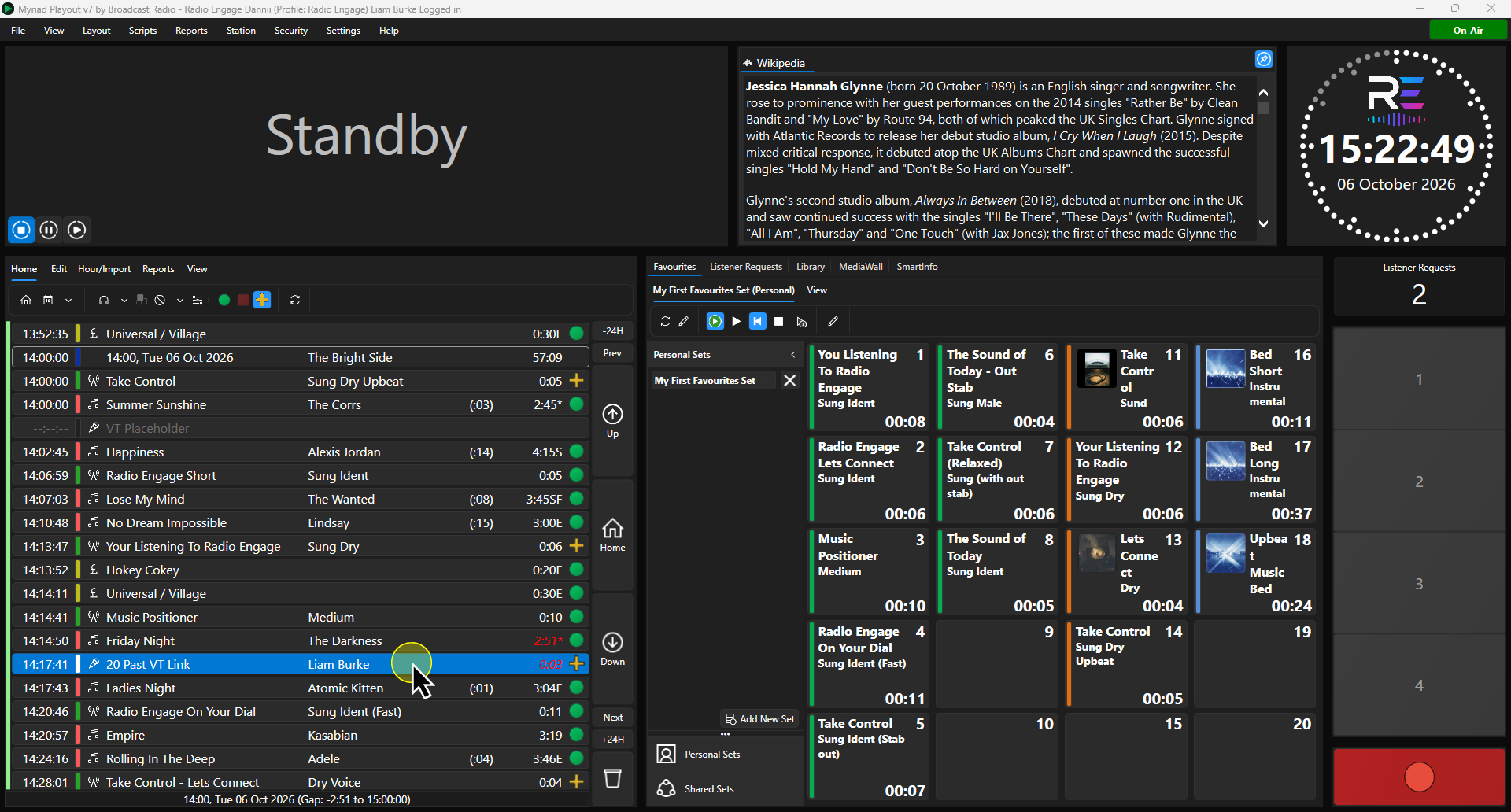
- Double click or click on the Segue Editor button to open the Segue Editor.
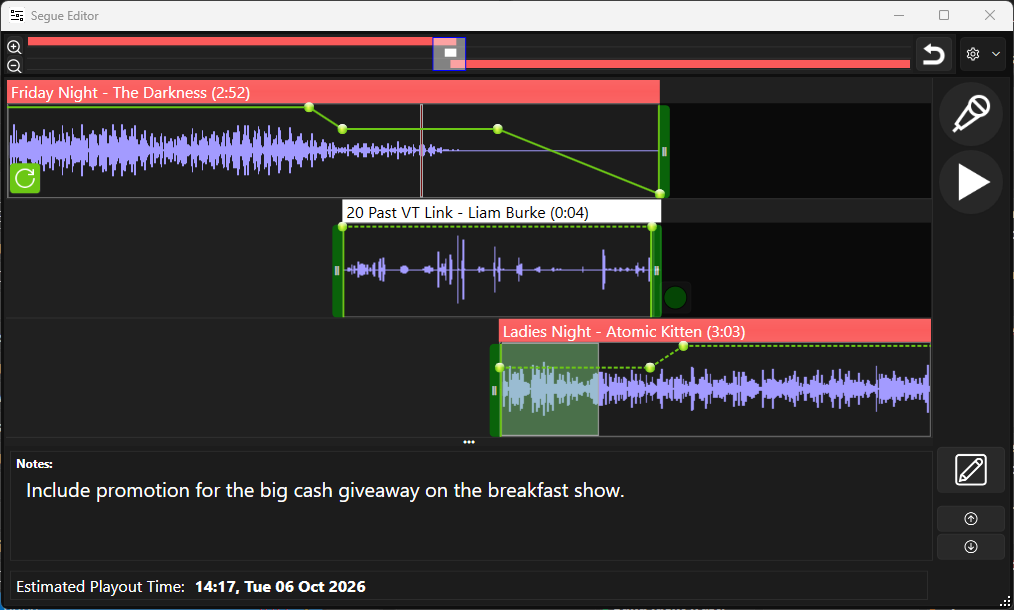
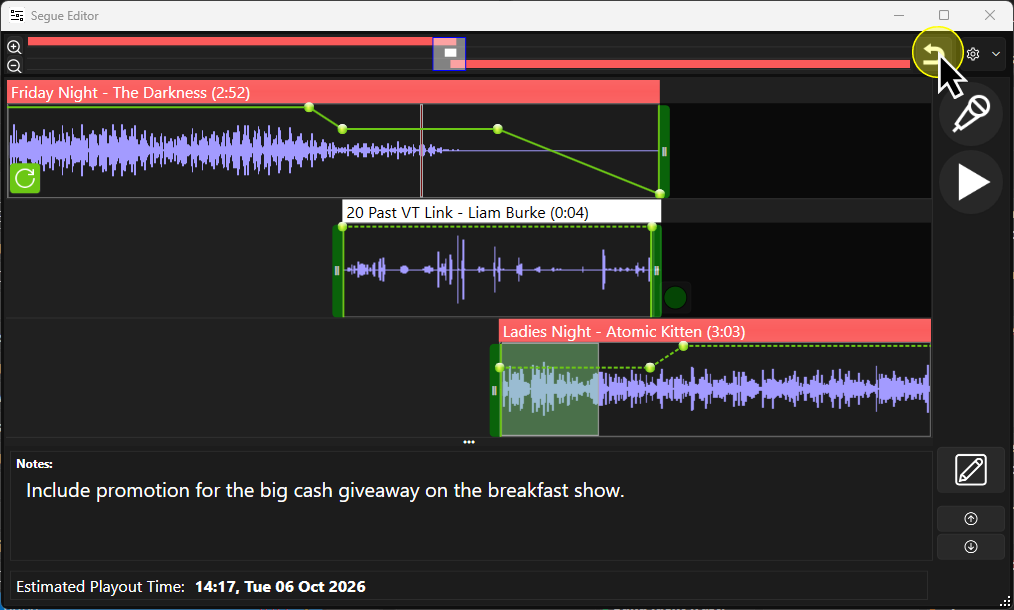
- Click on the Abandon Changes to Segue button.
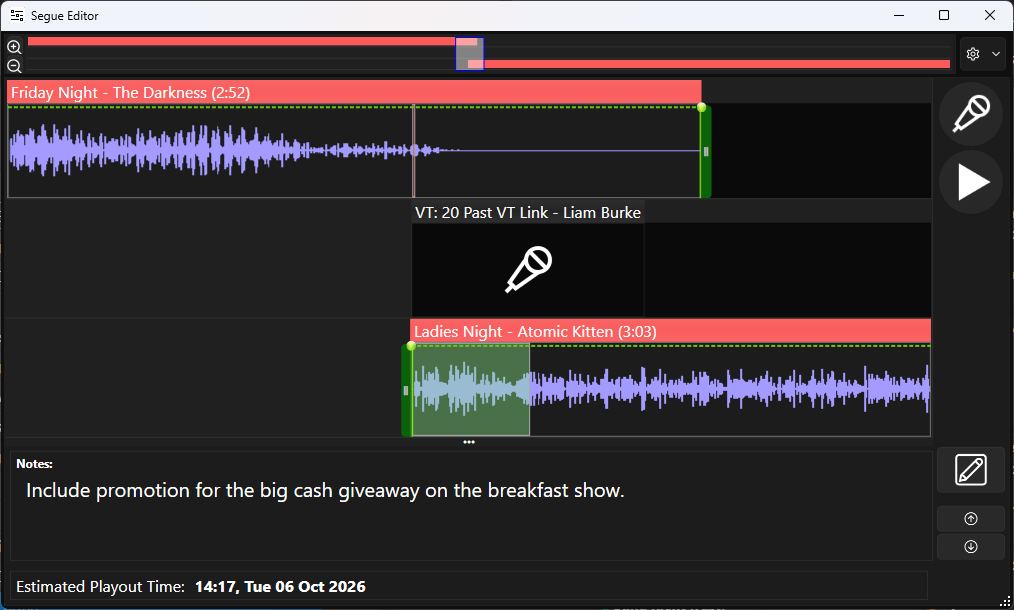
- The VT is reset ready to be recorded again.
Method 2
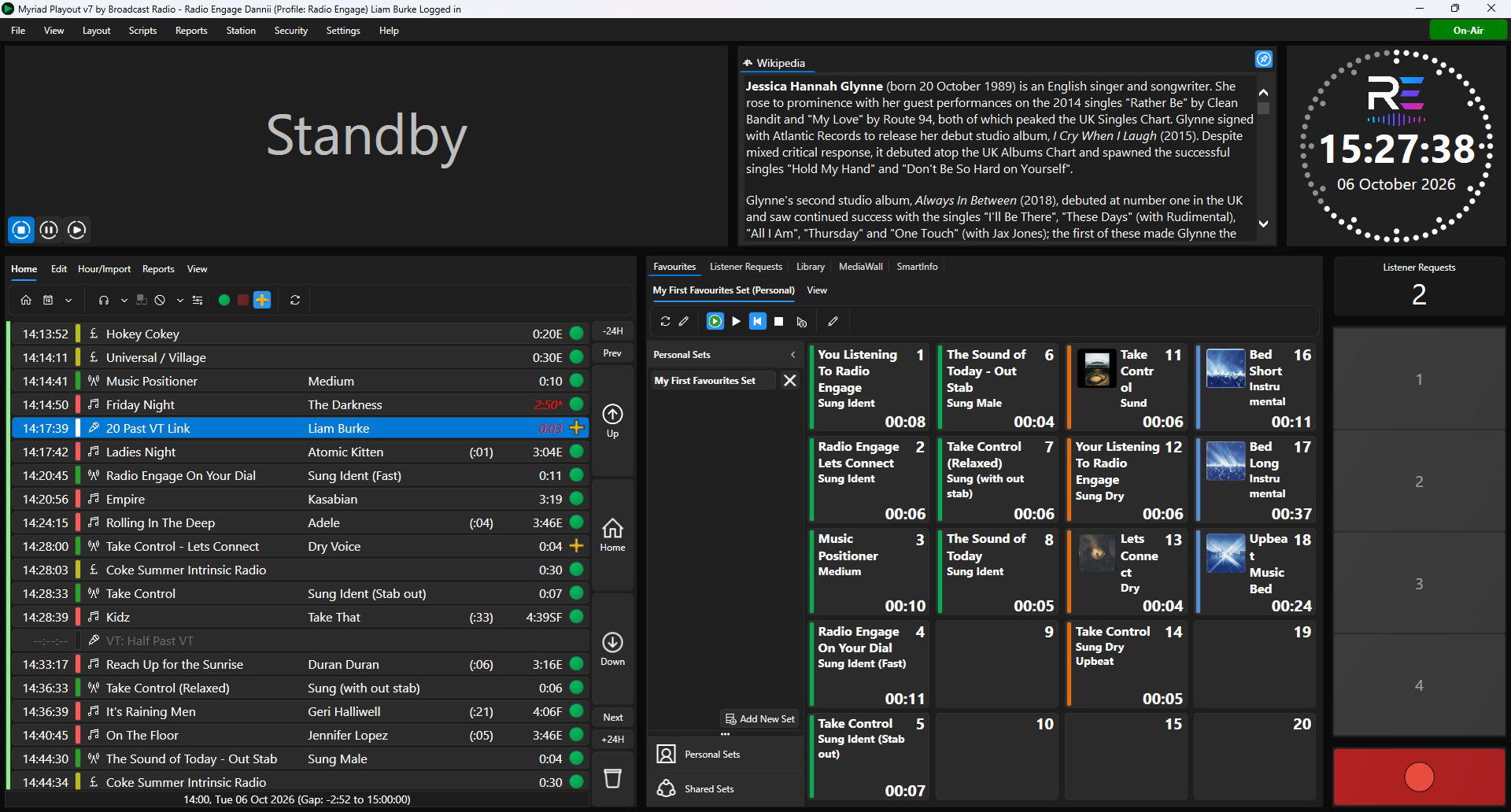
- Select the VT you want to remove from the Log.
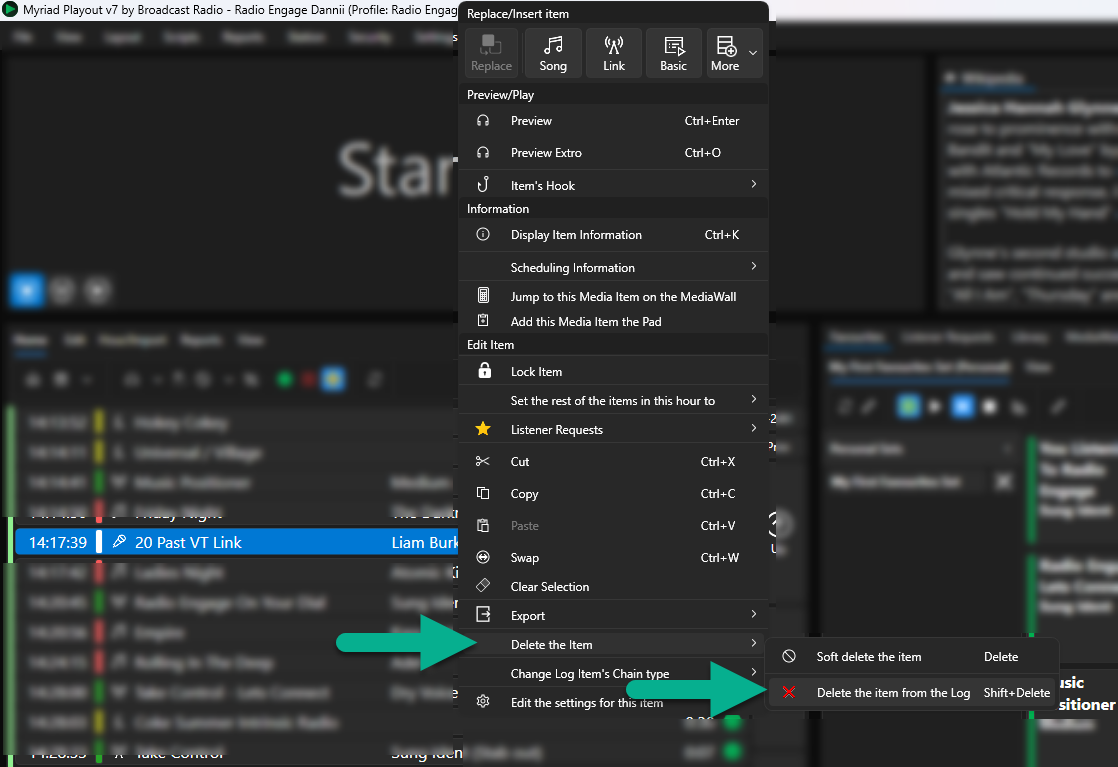
- Right Click and select Delete the Item > Delete the item from the Log.
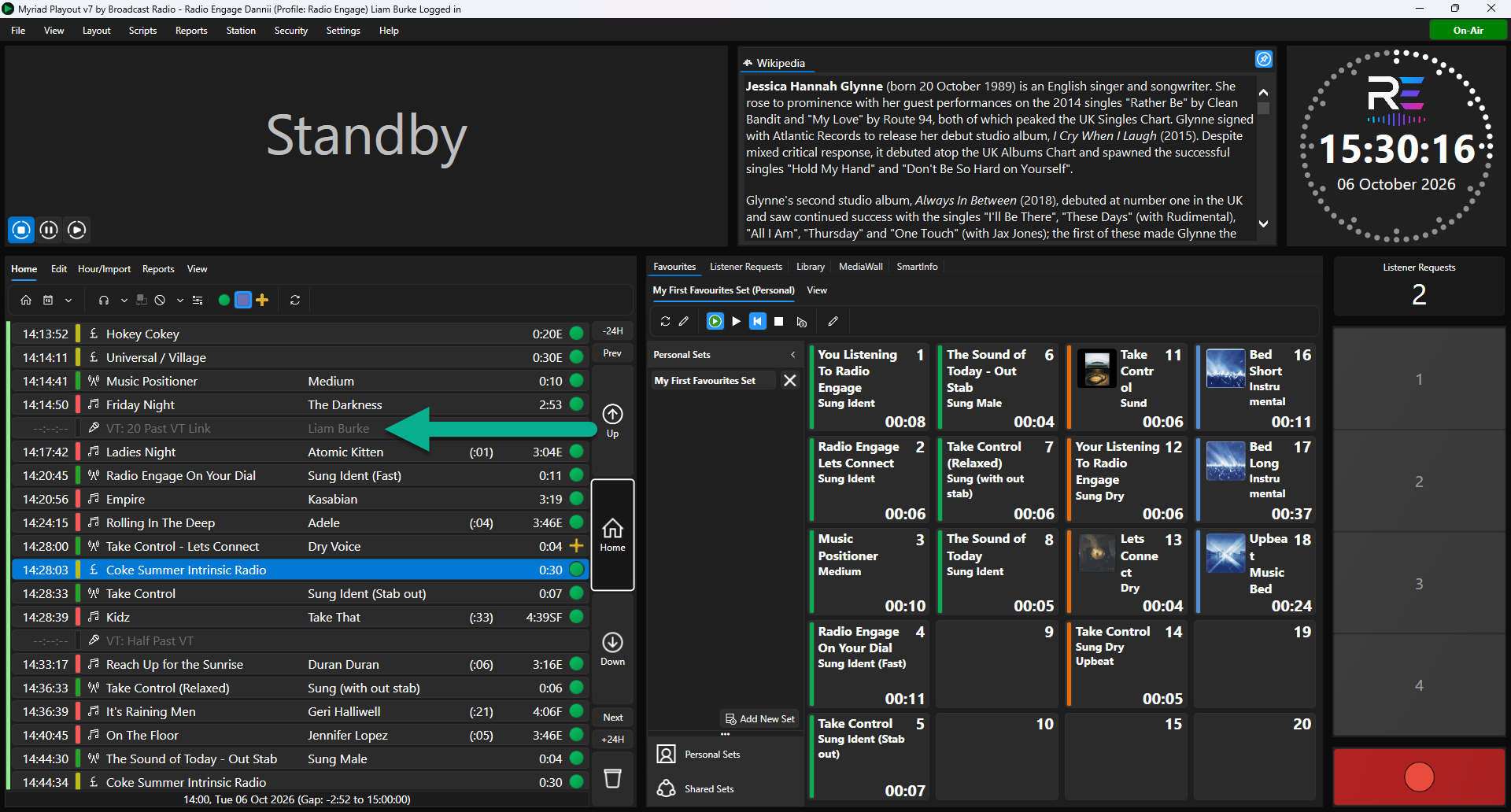
- The VT will be removed from the Log and if it was created using a VT Placeholder, the placeholder will be restored to the Log.
Was this article helpful?
That’s Great!
Thank you for your feedback
Sorry! We couldn't be helpful
Thank you for your feedback
Feedback sent
We appreciate your effort and will try to fix the article