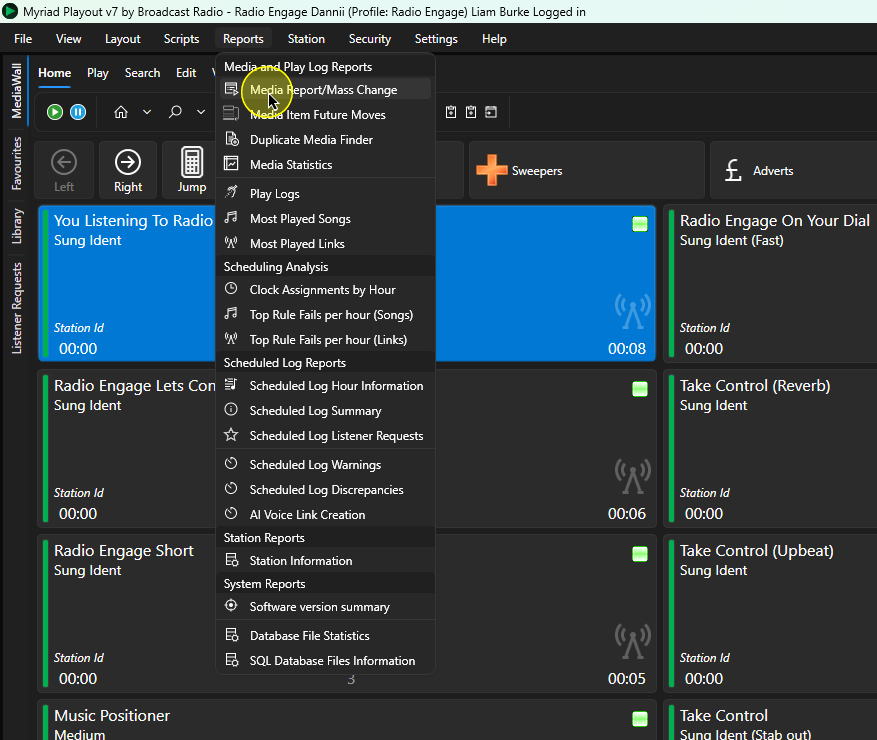
- In Myriad Playout, click on the Reports Menu > Media Report / Mass Change option.
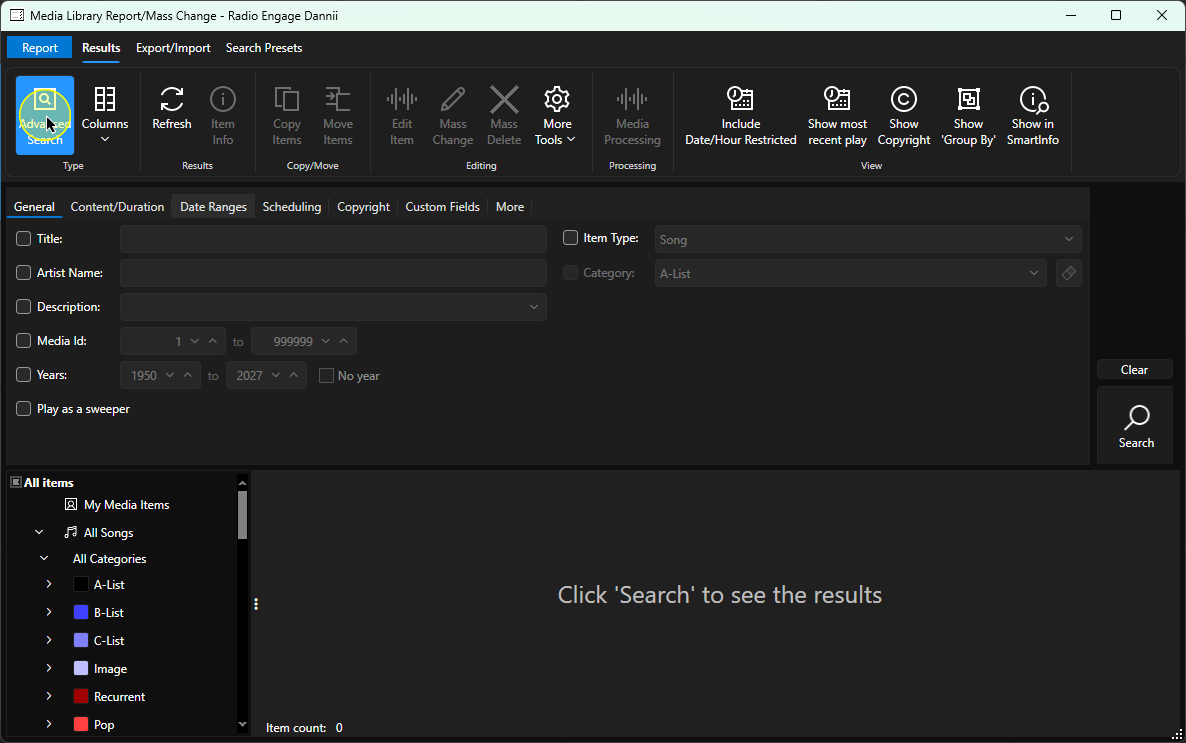
- Click on the Advanced Search button on the Home tab.
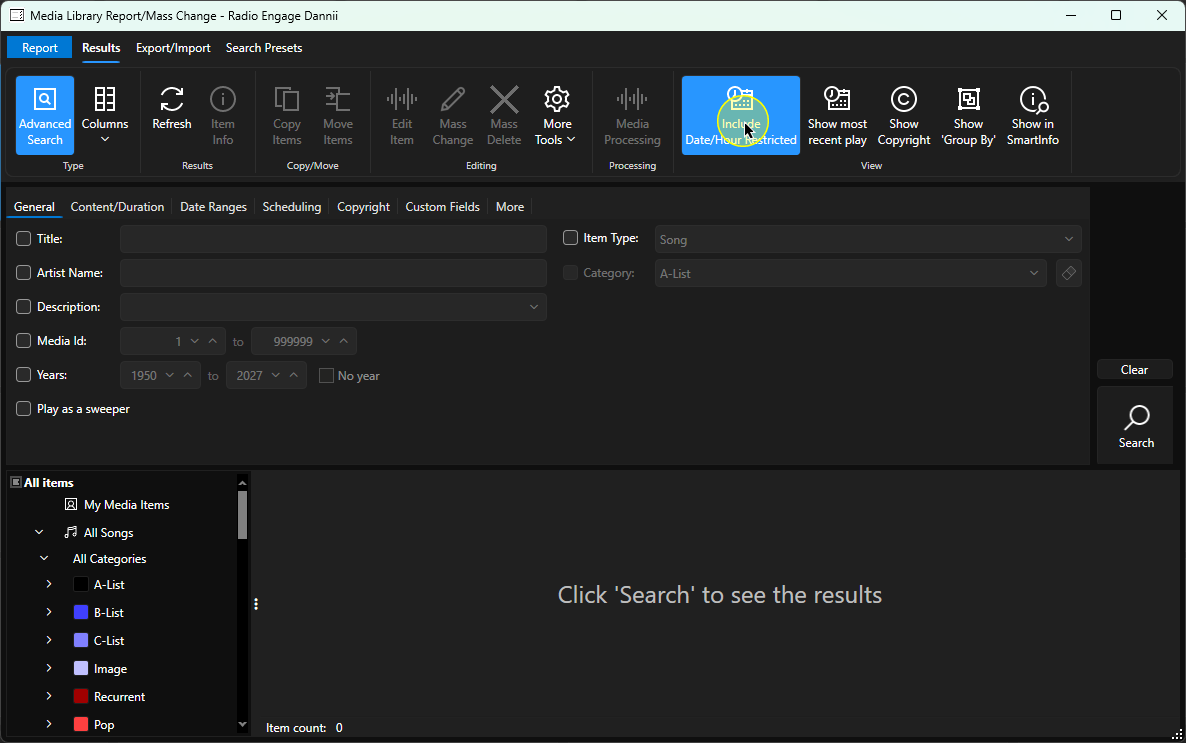
- Toggle the Include Date/Hour Restricted button.
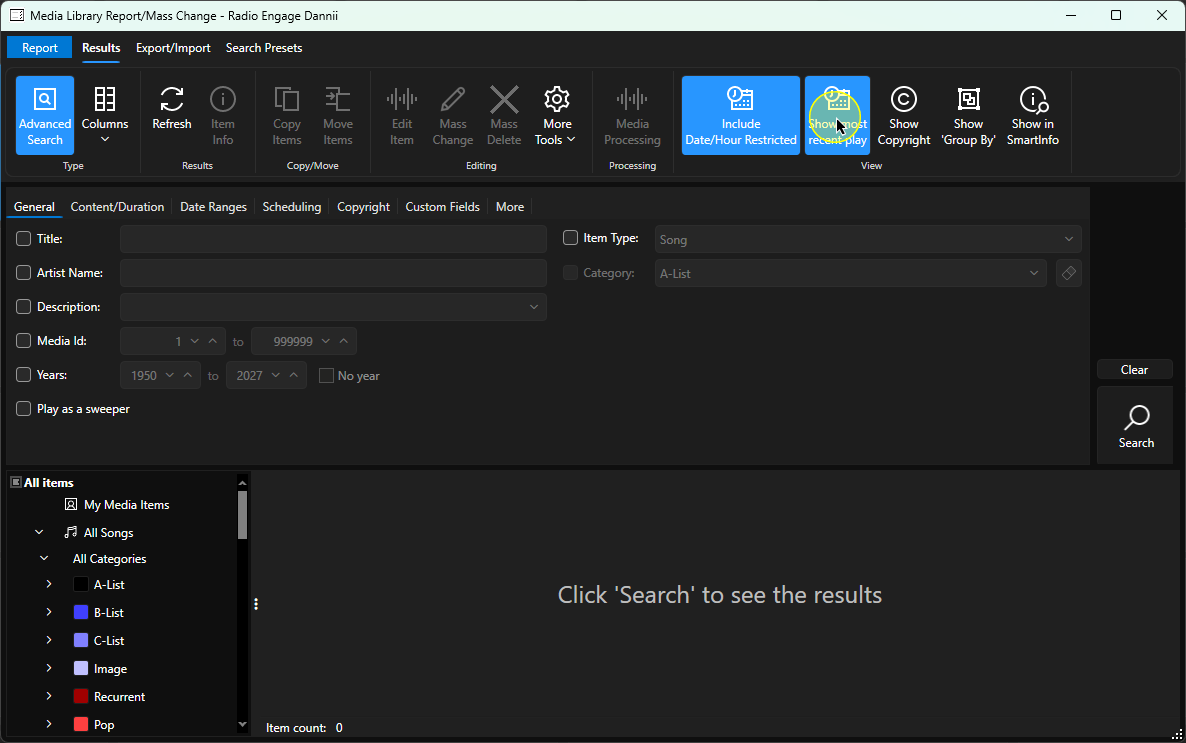
- Toggle the Show Most Recent Plays button.
- Select a Category (or All Songs).
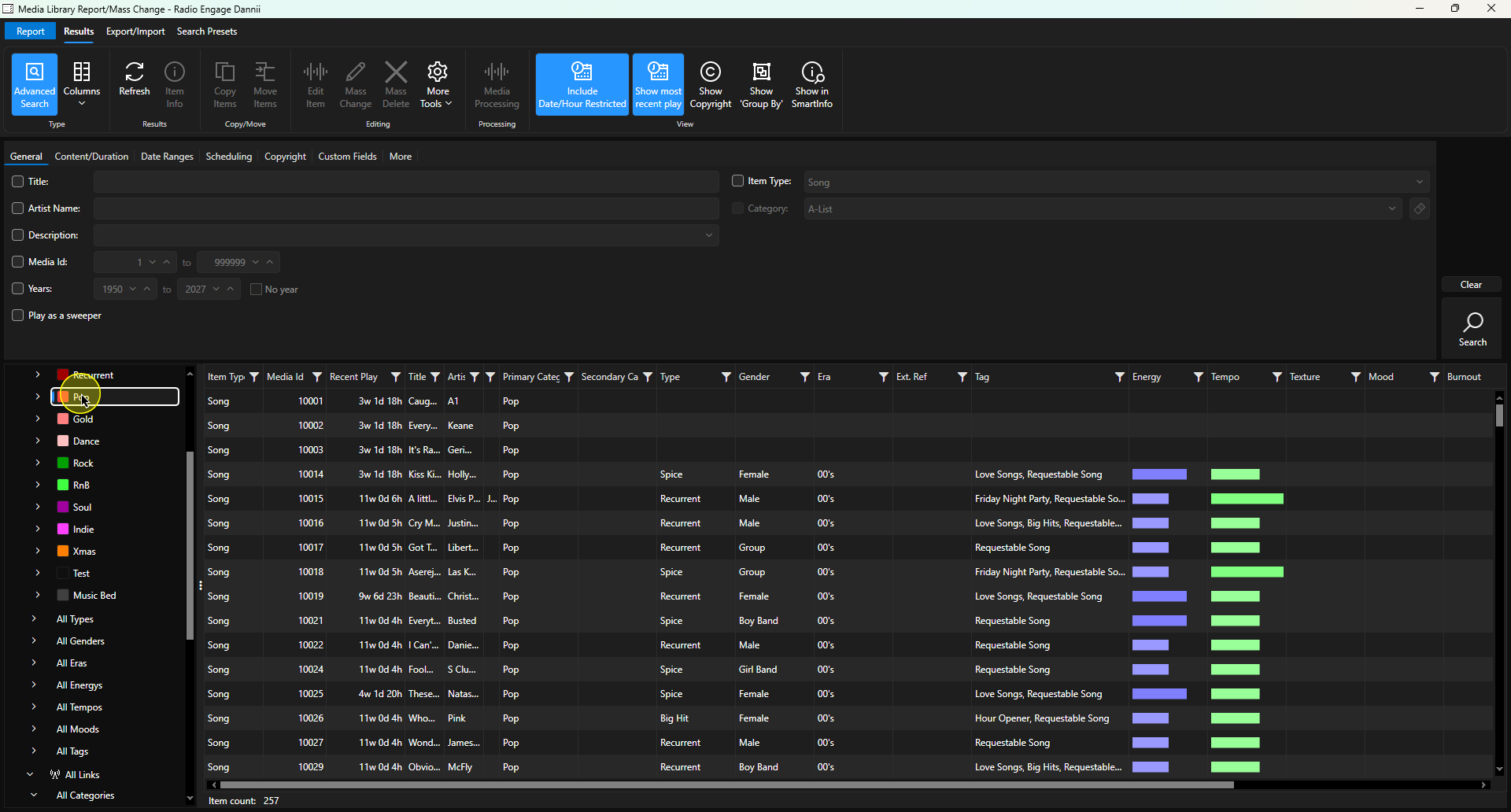
- Click on the Recent Play column header to sort by this recent play.
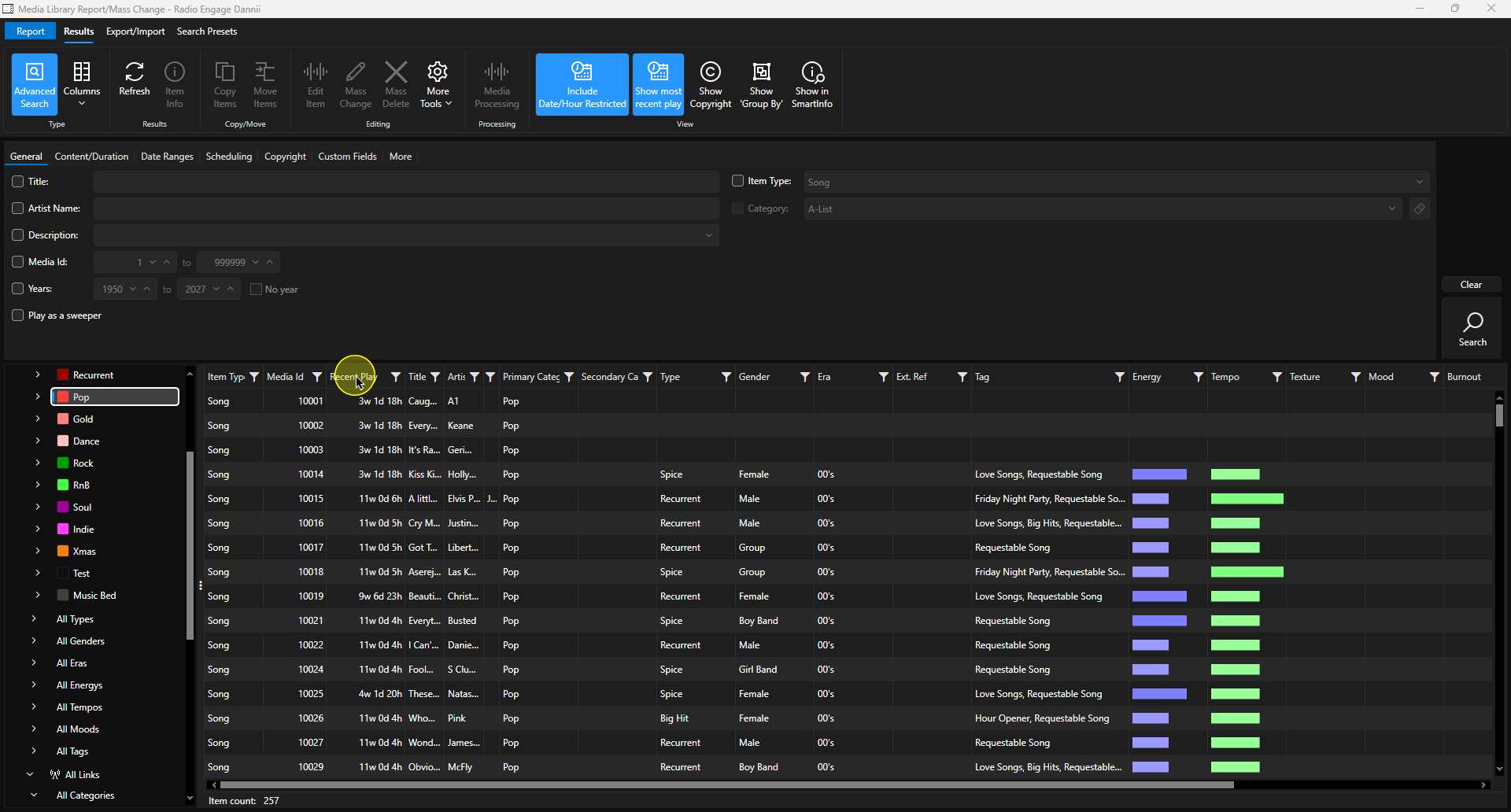
- Songs from the Category will now be listed by most recent (or most distant) play.
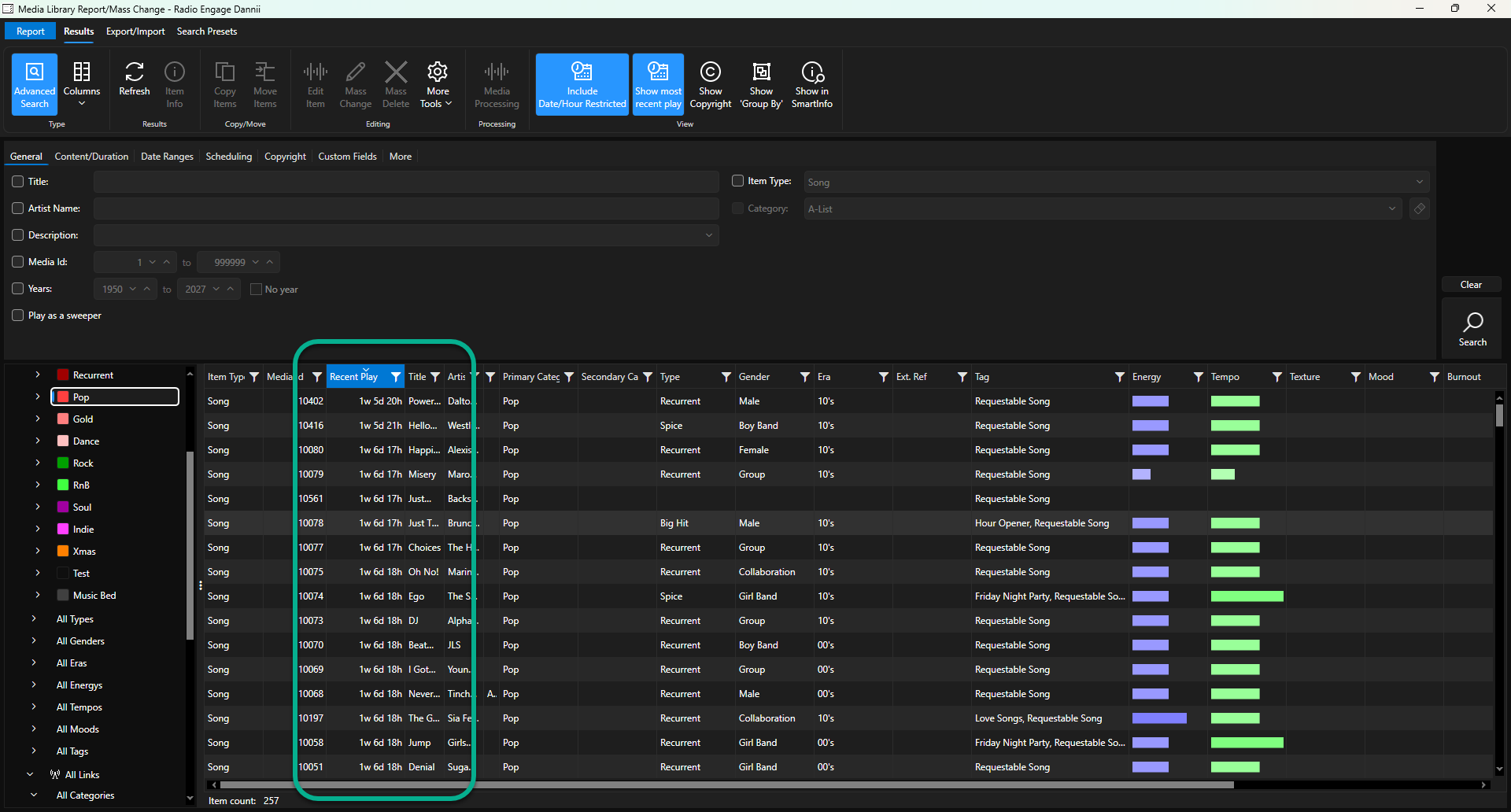
- Songs that have no entry in the Recent Play column have not been played within the Play History window.
Was this article helpful?
That’s Great!
Thank you for your feedback
Sorry! We couldn't be helpful
Thank you for your feedback
Feedback sent
We appreciate your effort and will try to fix the article