To find duplicate Media Items, follow these steps:
- Click on Reports Menu > Duplicate Media Finder.
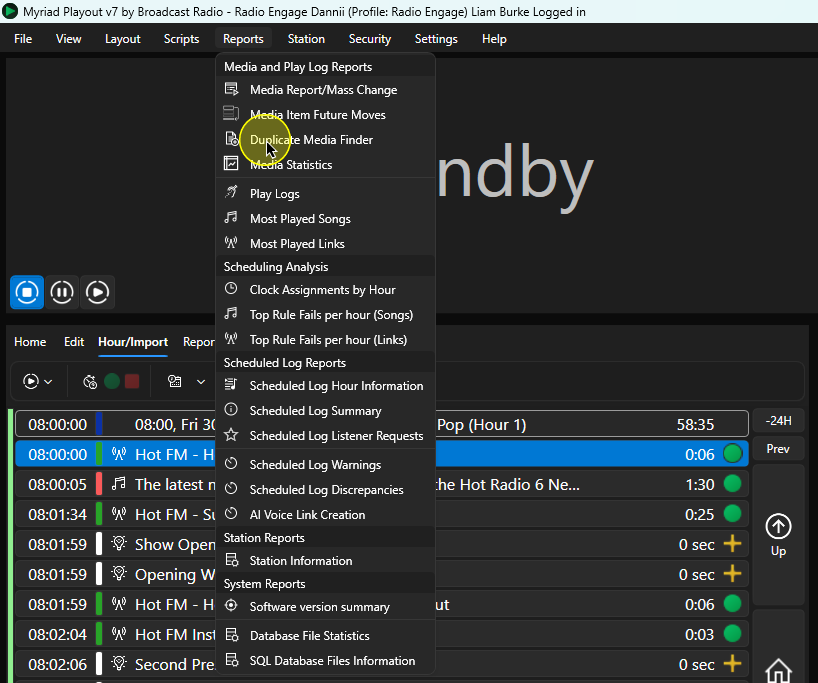
- Select the criteria to search for duplicates (Title, Title & Artist, Description, External Reference).
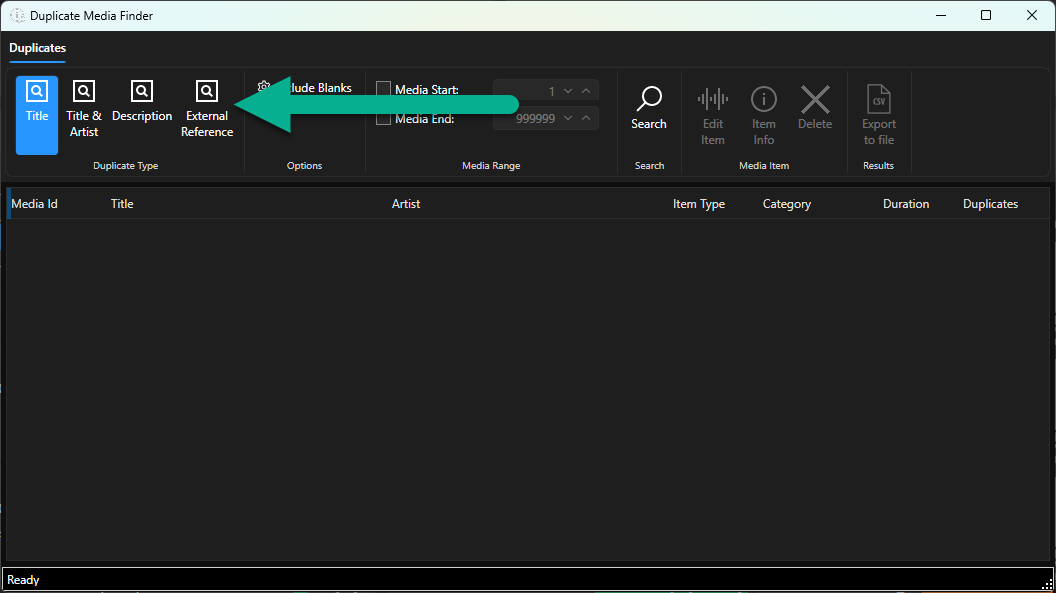
- You can also limit the Media Range to search. In this example we will search the range on the Media Wall that includes Songs.
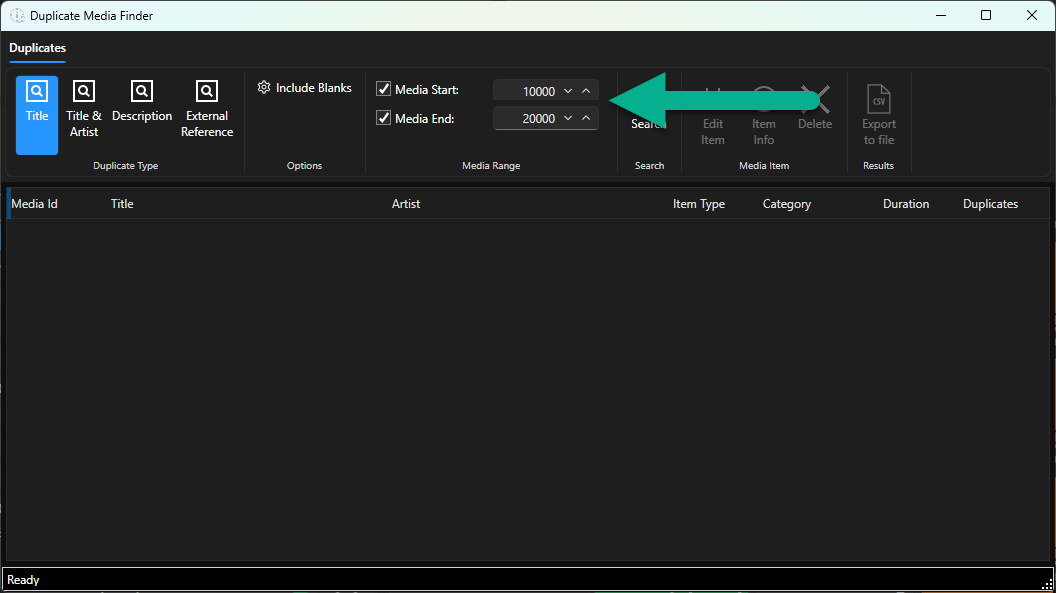
- Click on the Search button.
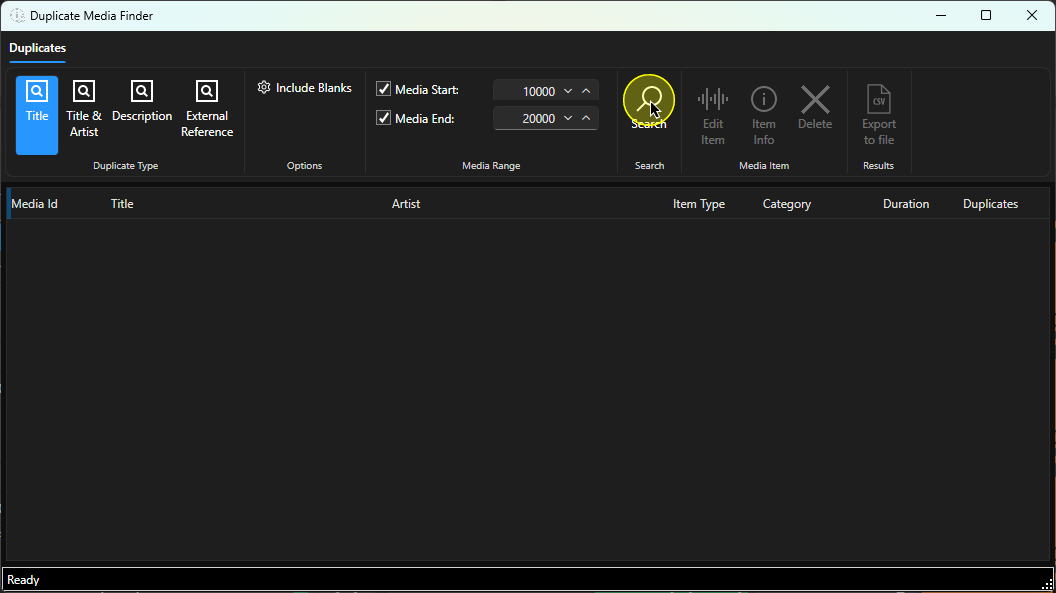
- The Results are displayed in the main window.
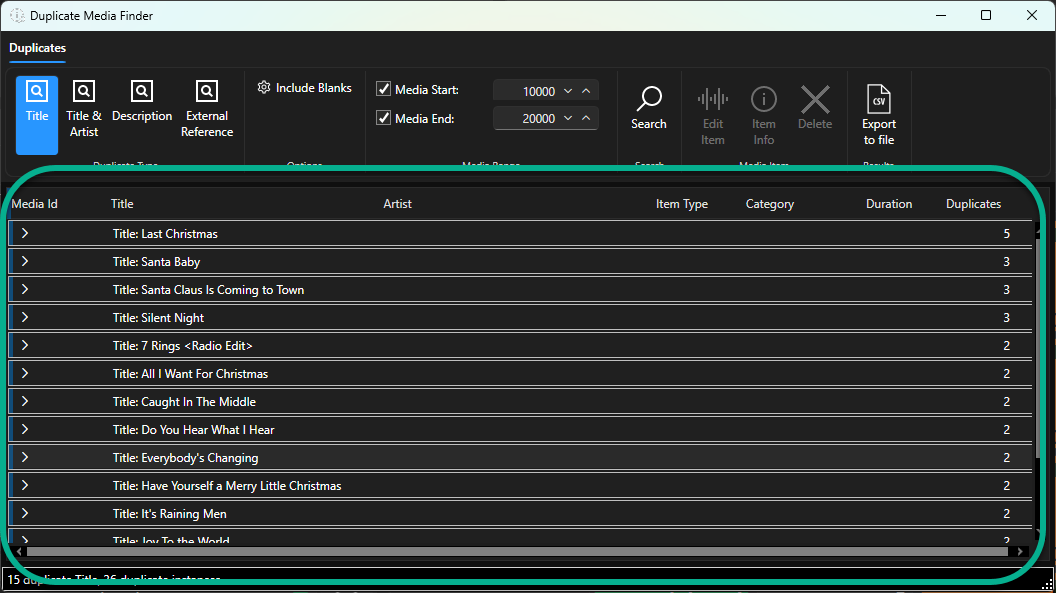
- You can expand a node to see the duplicate Songs.
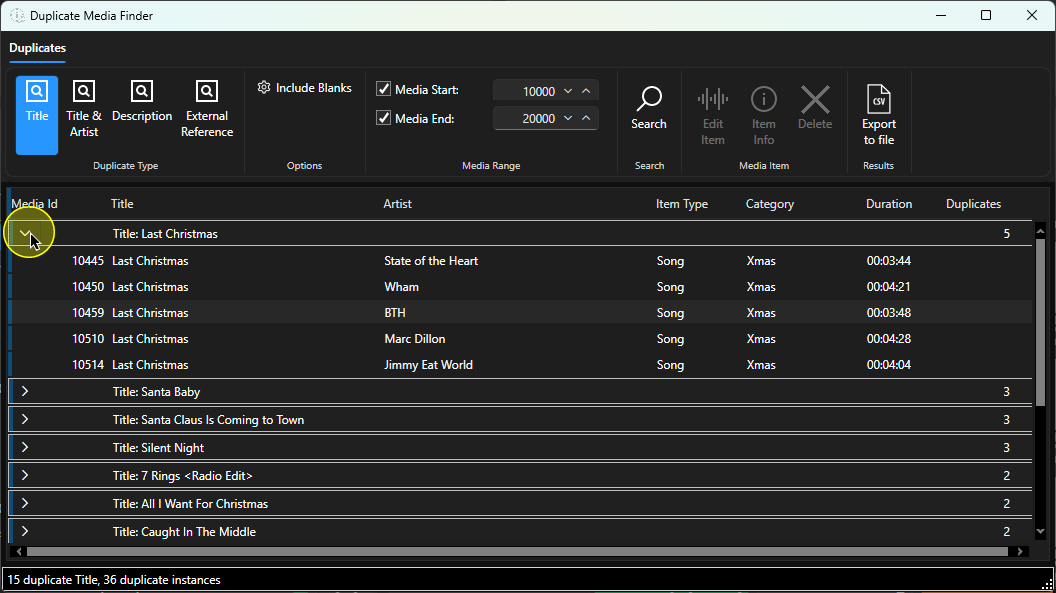
In this example, we have five Songs titled 'Last Christmas' but expanding he result shows they are all covers by different Artists so not really duplicates, - Let's alter the criteria to show duplicates with Title & Artist.
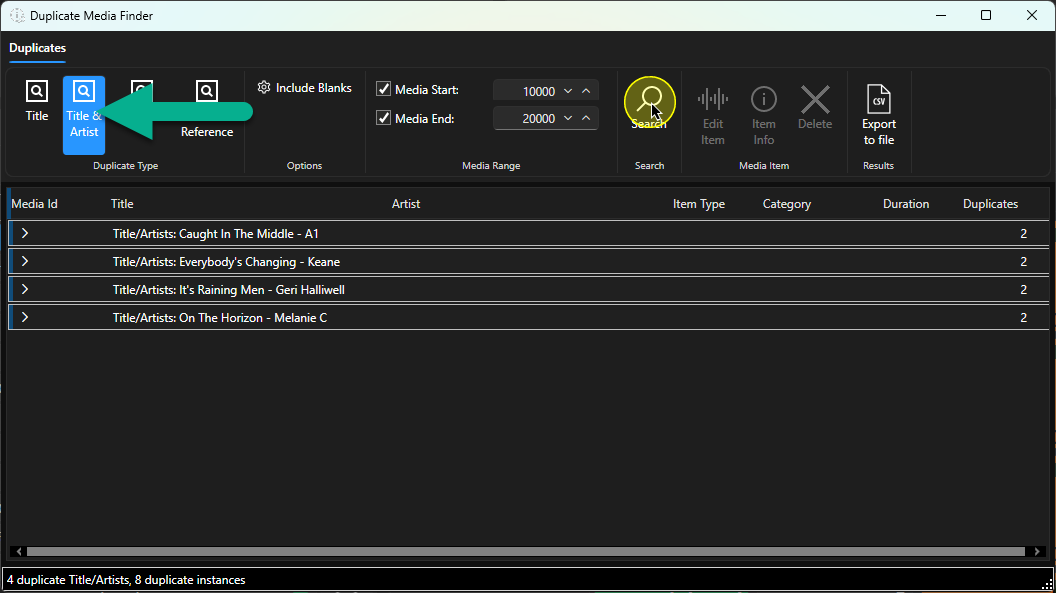
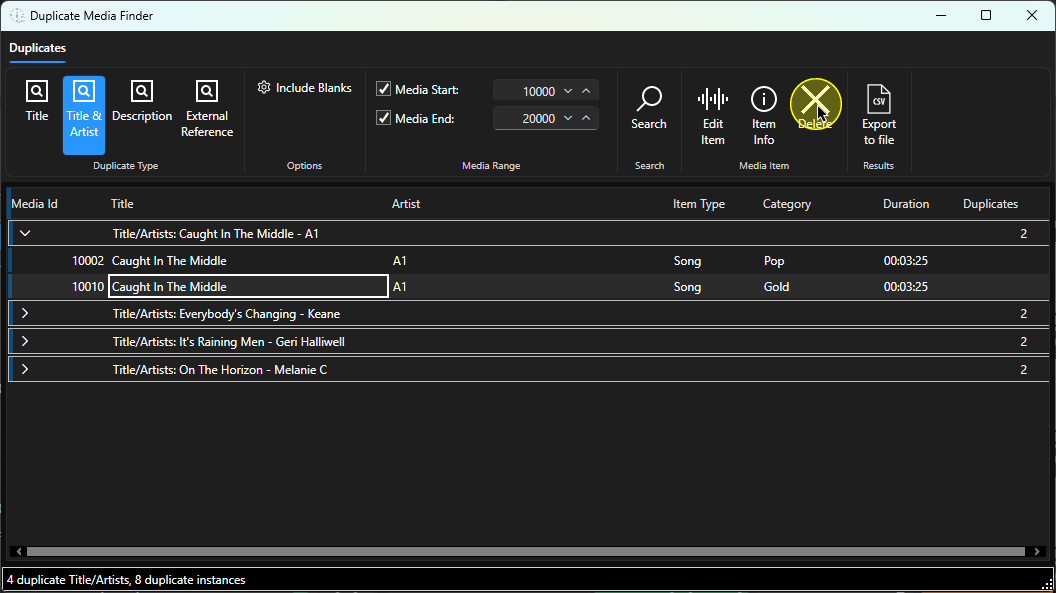
- Now if we expand one of the results, we can see we have duplicate Songs.
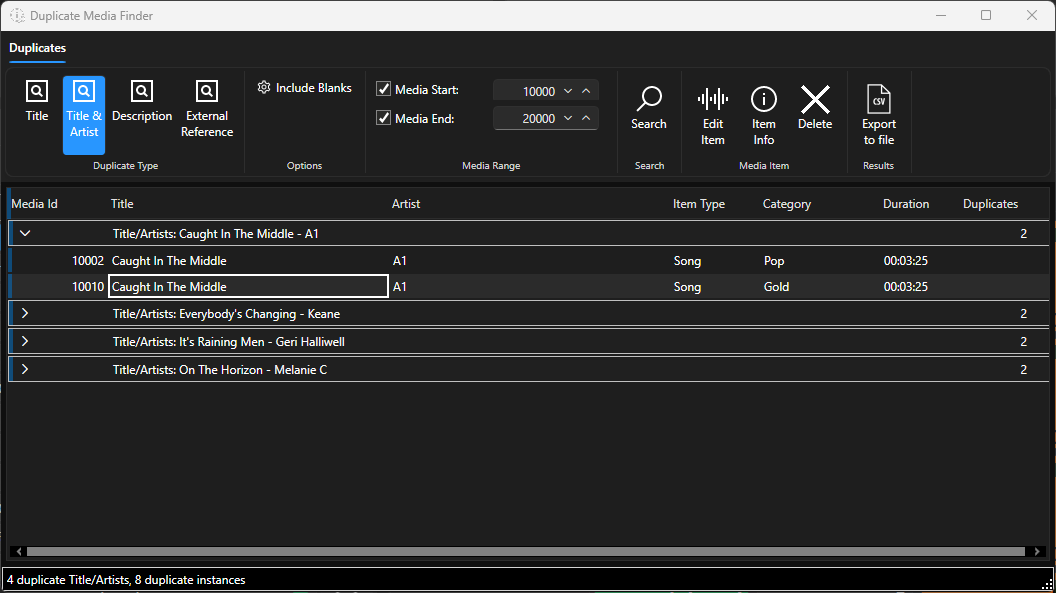
In this example, 'Caught in the Middle' by A1 is on Media ID 10002 and 10010. They are currently listed as in different Categories but it would be more efficient to have a single Song with Primary Category = Pop and Secondary Category = Gold. - To remove the duplicate item, select the item in the list and click on the Delete button.
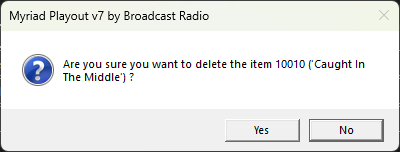
- You will be asked to confirm the action. Click on Yes to delete the selected item.
Was this article helpful?
That’s Great!
Thank you for your feedback
Sorry! We couldn't be helpful
Thank you for your feedback
Feedback sent
We appreciate your effort and will try to fix the article