You can use the Jump button on the Media Wall grid, to jump to a specific Media ID.
1. You can use the Jump button to jump to a specific Media ID on the Media Wall.
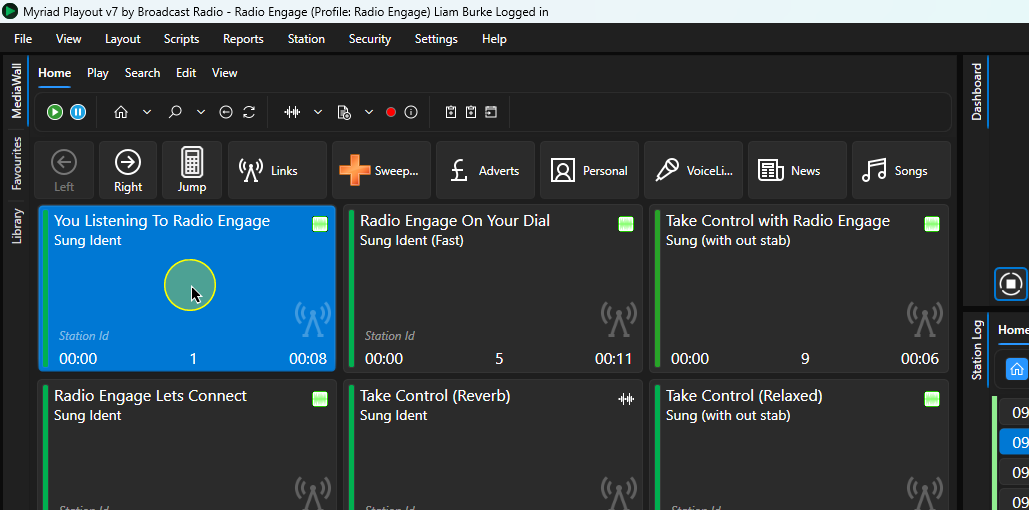
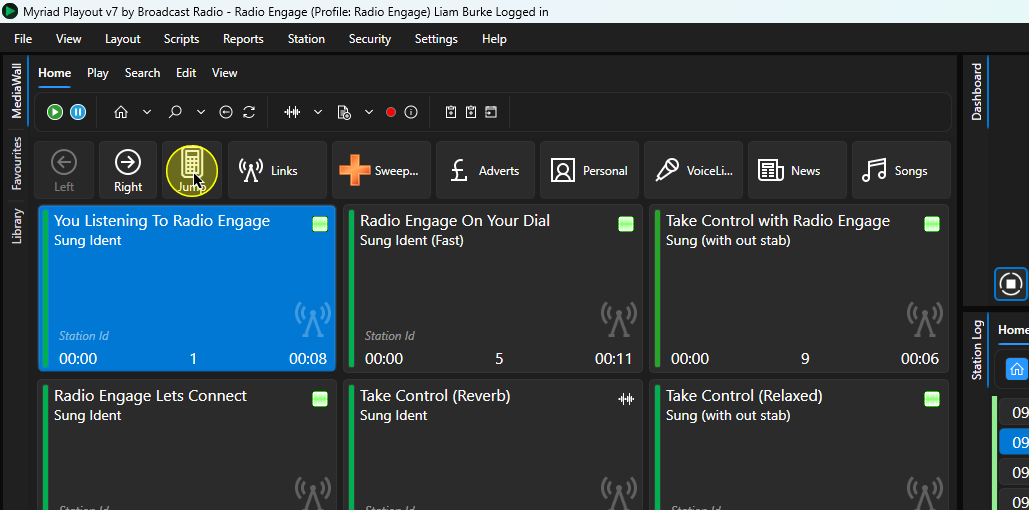
2. Click on the Jump button.
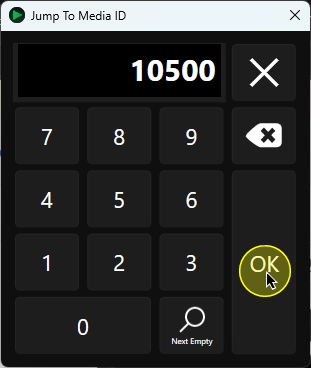
3. Type in the target Media ID you want to jump to and click OK.
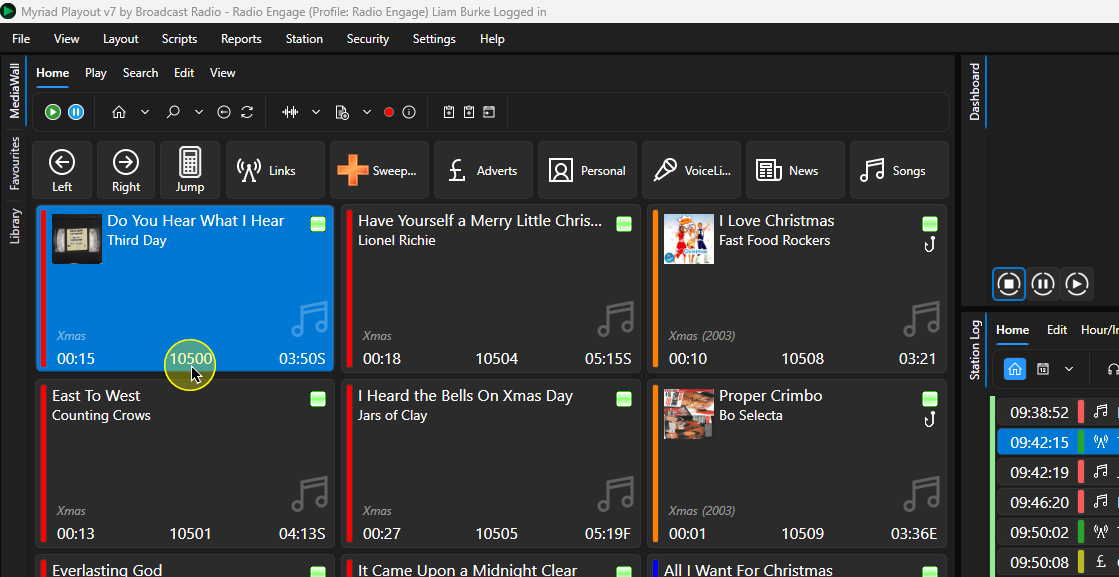
4. The view will jump to the target Media ID on the Media Wall.
Was this article helpful?
That’s Great!
Thank you for your feedback
Sorry! We couldn't be helpful
Thank you for your feedback
Feedback sent
We appreciate your effort and will try to fix the article