You can quickly find the next empty Media ID starting from a selected point on the Media Wall using the Next Empty button on the Jump window.
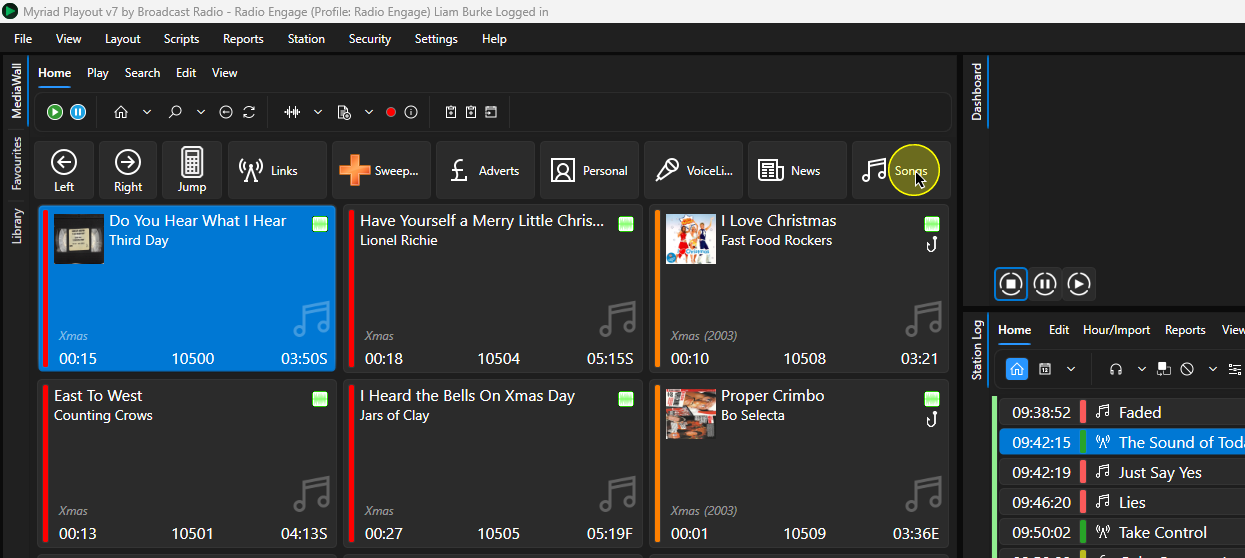
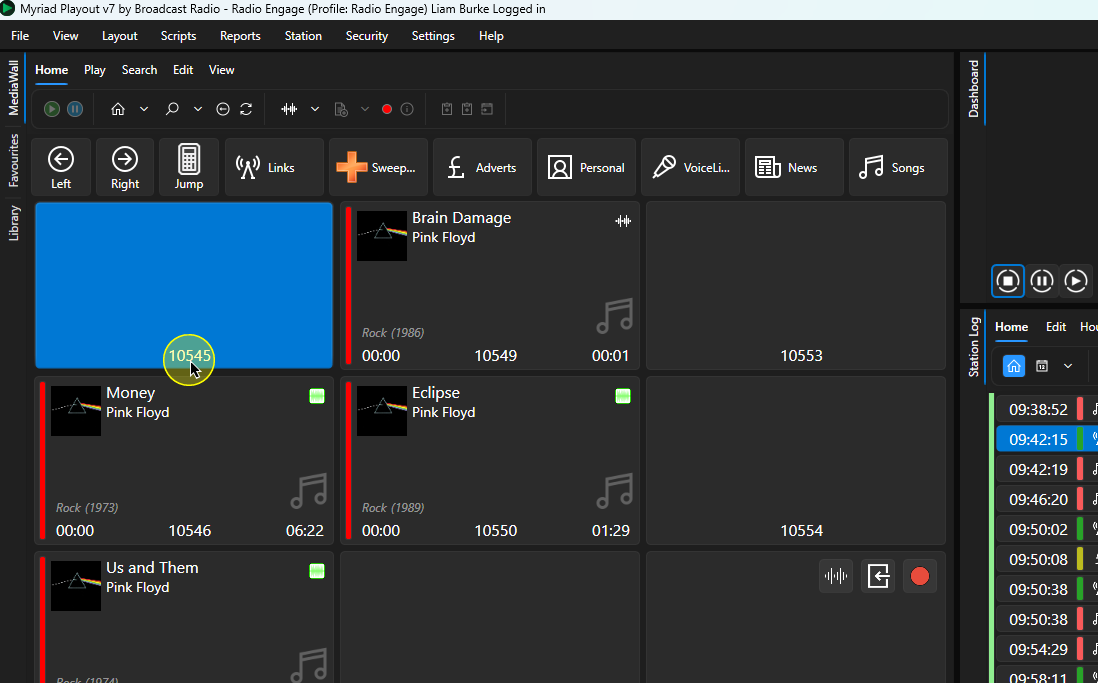
1. In this example, we will find the next empty slot in the Songs range on the Media Wall. To jump to the start of the Songs range, click on the Song Navigation button.
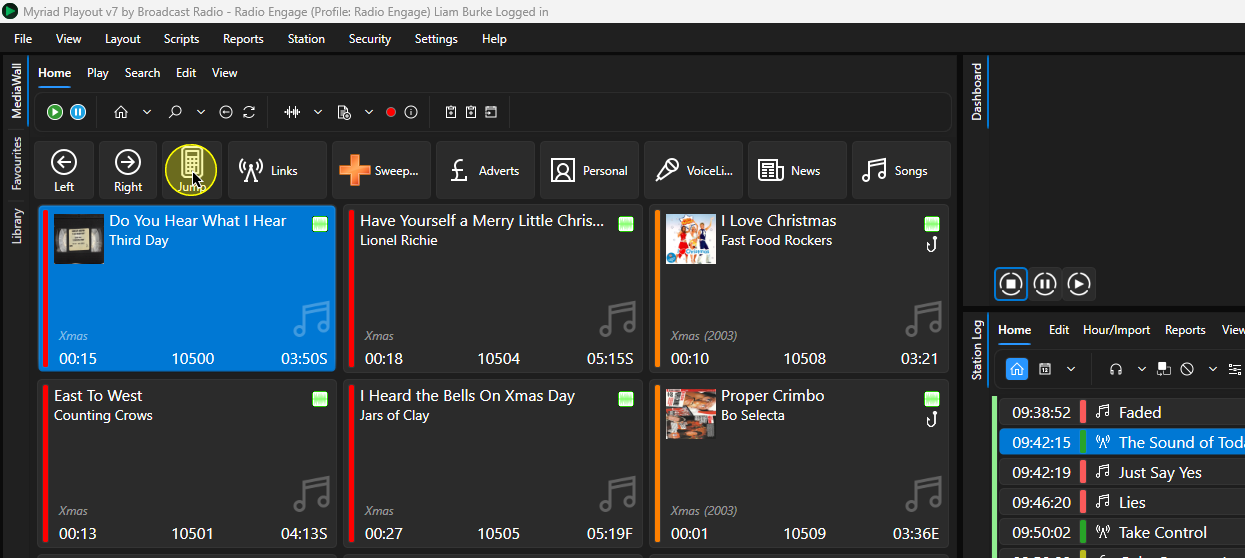
2. Click on thew Jump button to open the Jump window.
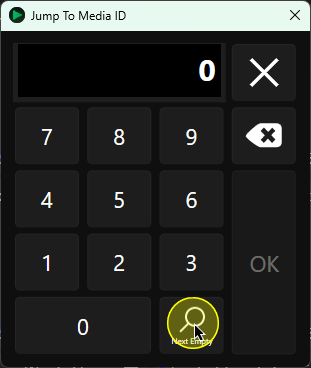
3. Click on the Next Empty button to find the next empty slot on the Media Wall starting from the selected Media ID.
4. Click on OK to confirm.
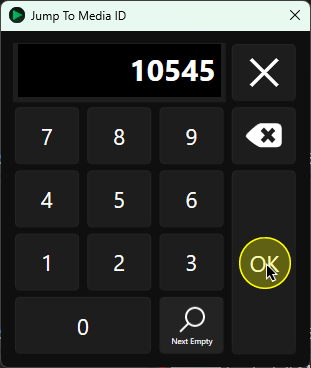
5. The next empty Media ID will be selected on the Media Wall.
Was this article helpful?
That’s Great!
Thank you for your feedback
Sorry! We couldn't be helpful
Thank you for your feedback
Feedback sent
We appreciate your effort and will try to fix the article