Previewed Media Items typically play via a preset Media Player and do not appear in the Play Logs. There are two methods you can use to Preview Media Items on the Media Wall.
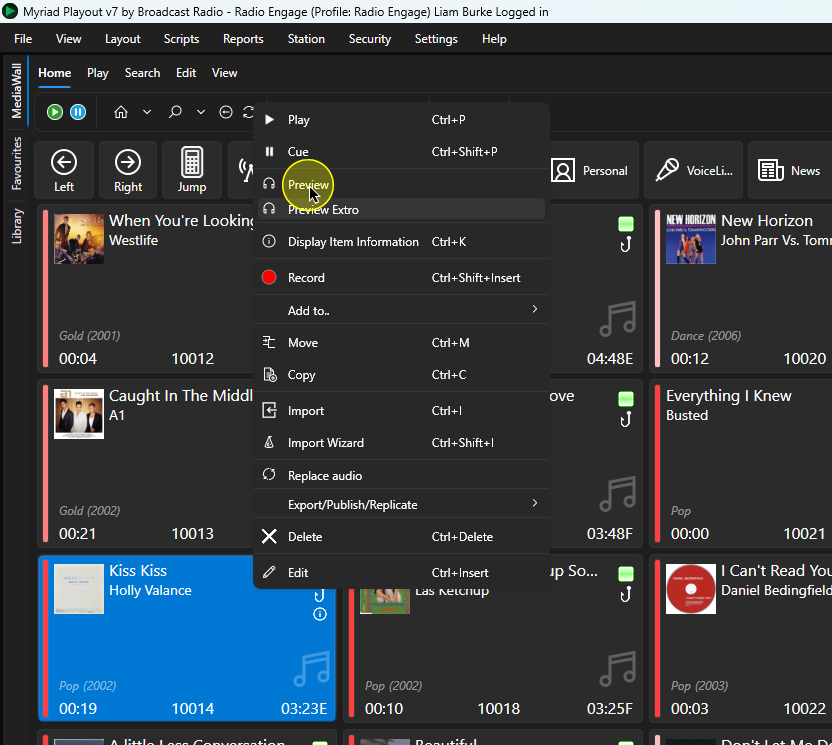
1. Option 1 - Right Click on the Media Item you want to Preview and select the Preview option.
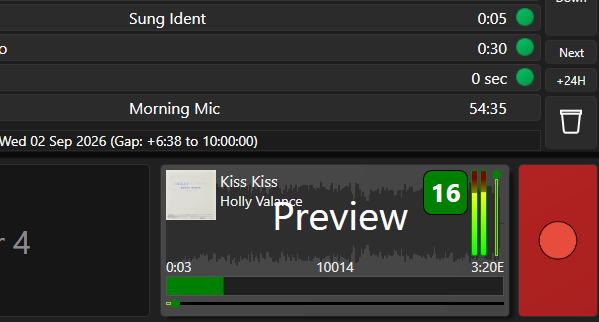
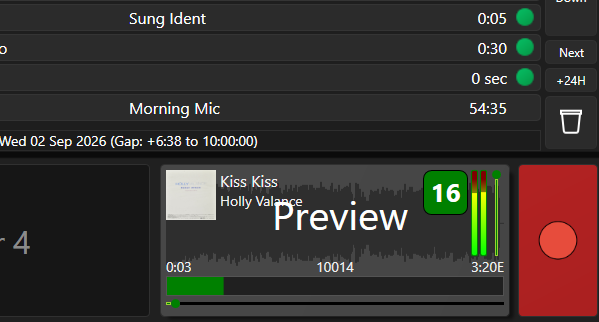
2. This will result in the Media Item being played in the assigned Media Player in Preview mode.
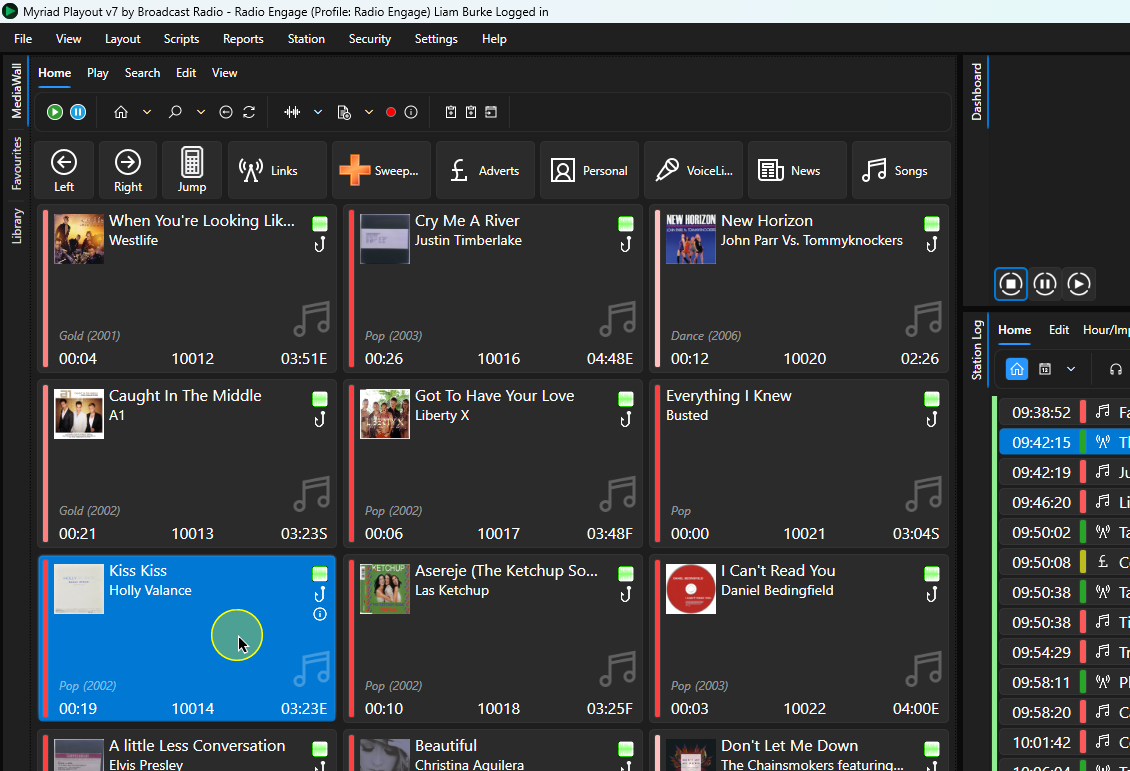
3. Option 2 - Select a Media Item on the Media Wall.
4. Switch to the Play tab on the Media Wall ribbon.
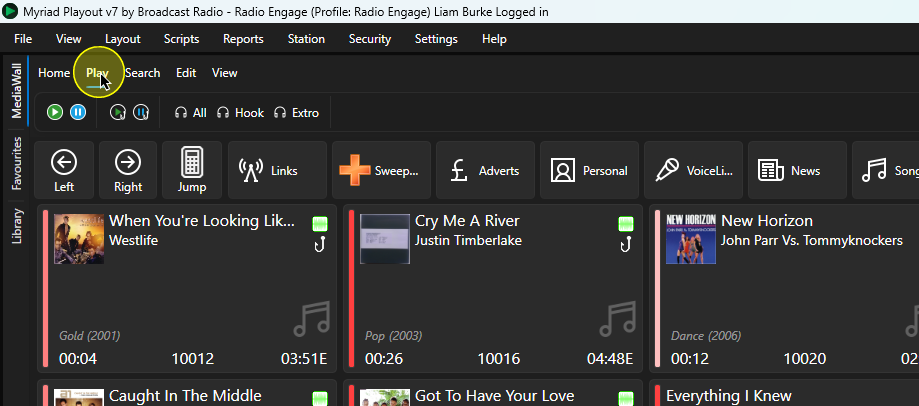
5. Click on the All button in the Preview section.
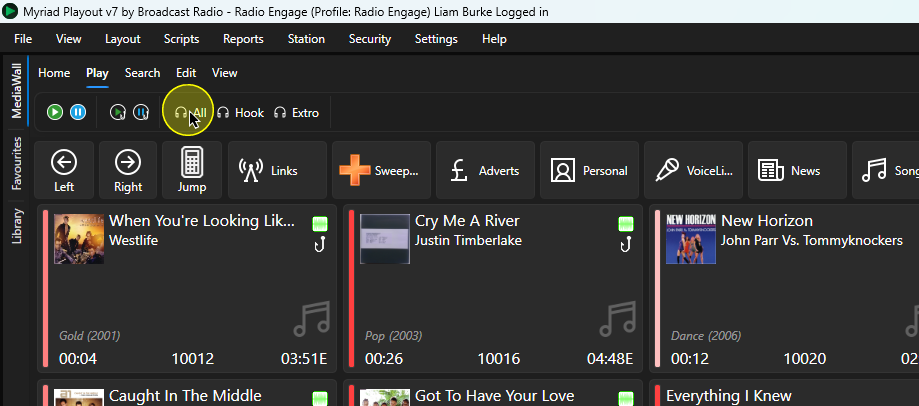
6. This will result in the Media Item being played in the assigned Media Player in Preview mode.
Was this article helpful?
That’s Great!
Thank you for your feedback
Sorry! We couldn't be helpful
Thank you for your feedback
Feedback sent
We appreciate your effort and will try to fix the article