You can add an unlimited number of Artists to a Media Item.
1. Select the Media Item you want to add an Artist to.
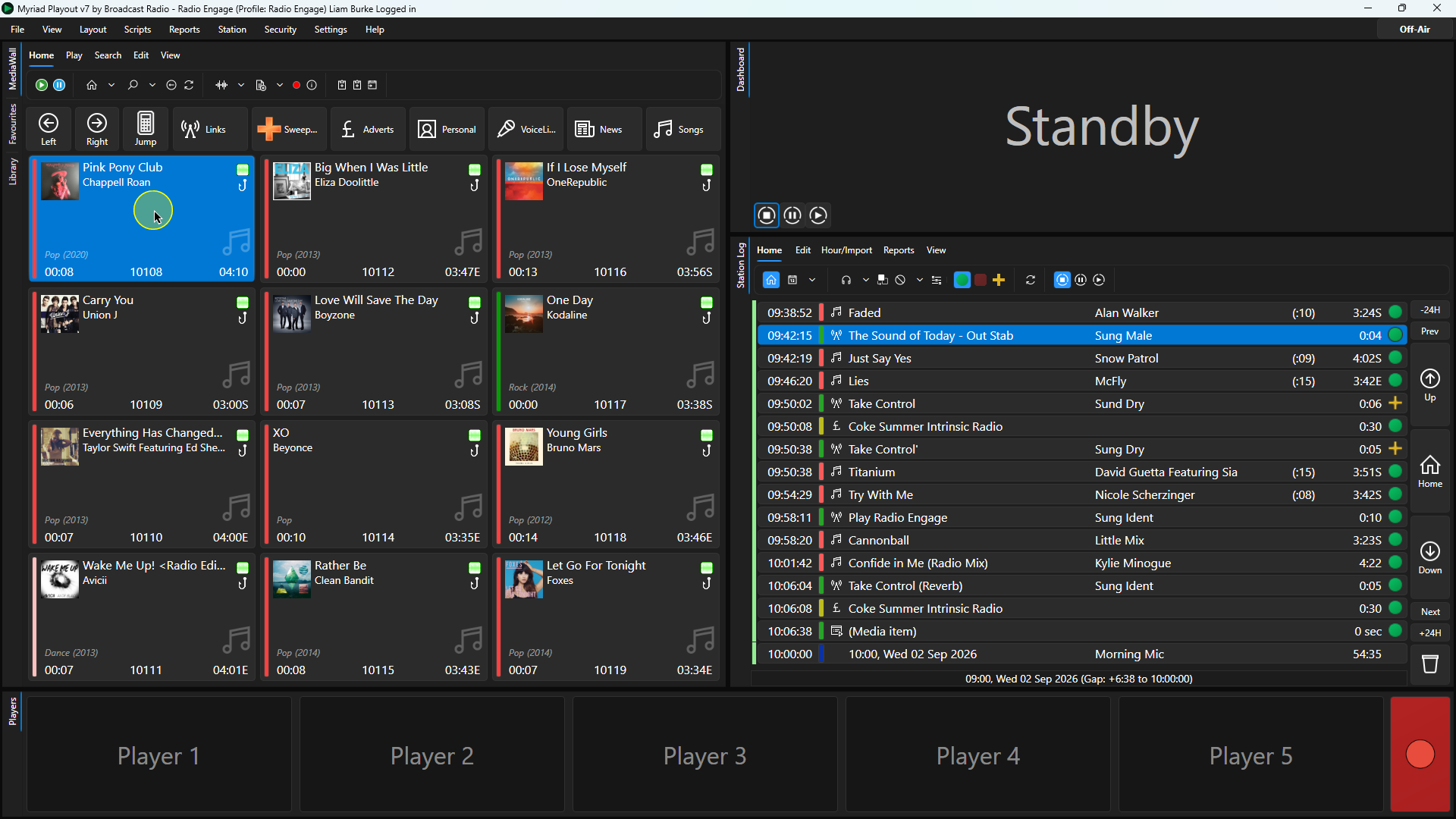
2. Click on the Edit button on the Home ribbon or right-click and select Edit from the menu options.
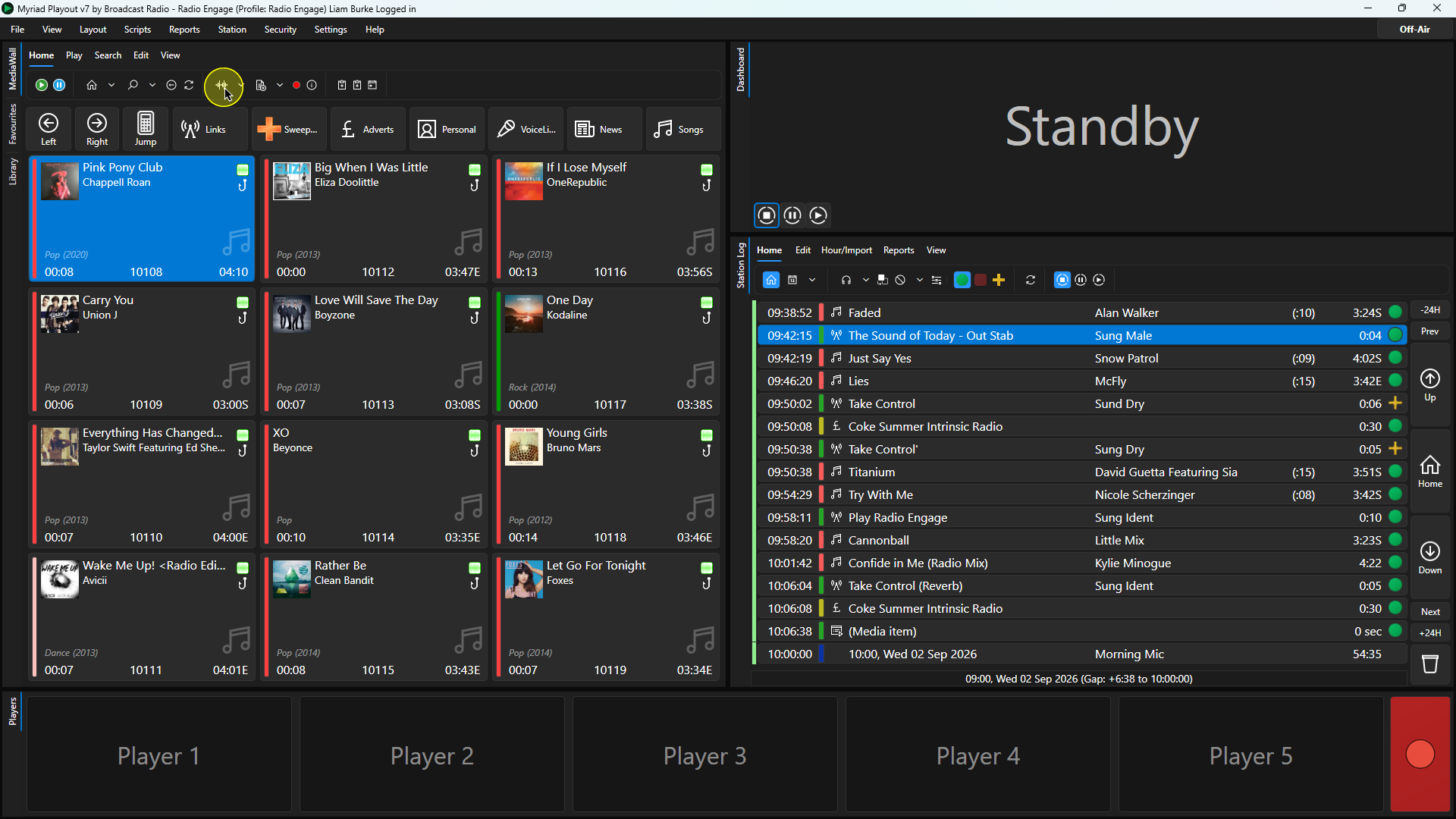
3. On the Artist field, click the '+' button to the right to add an additional Artist.
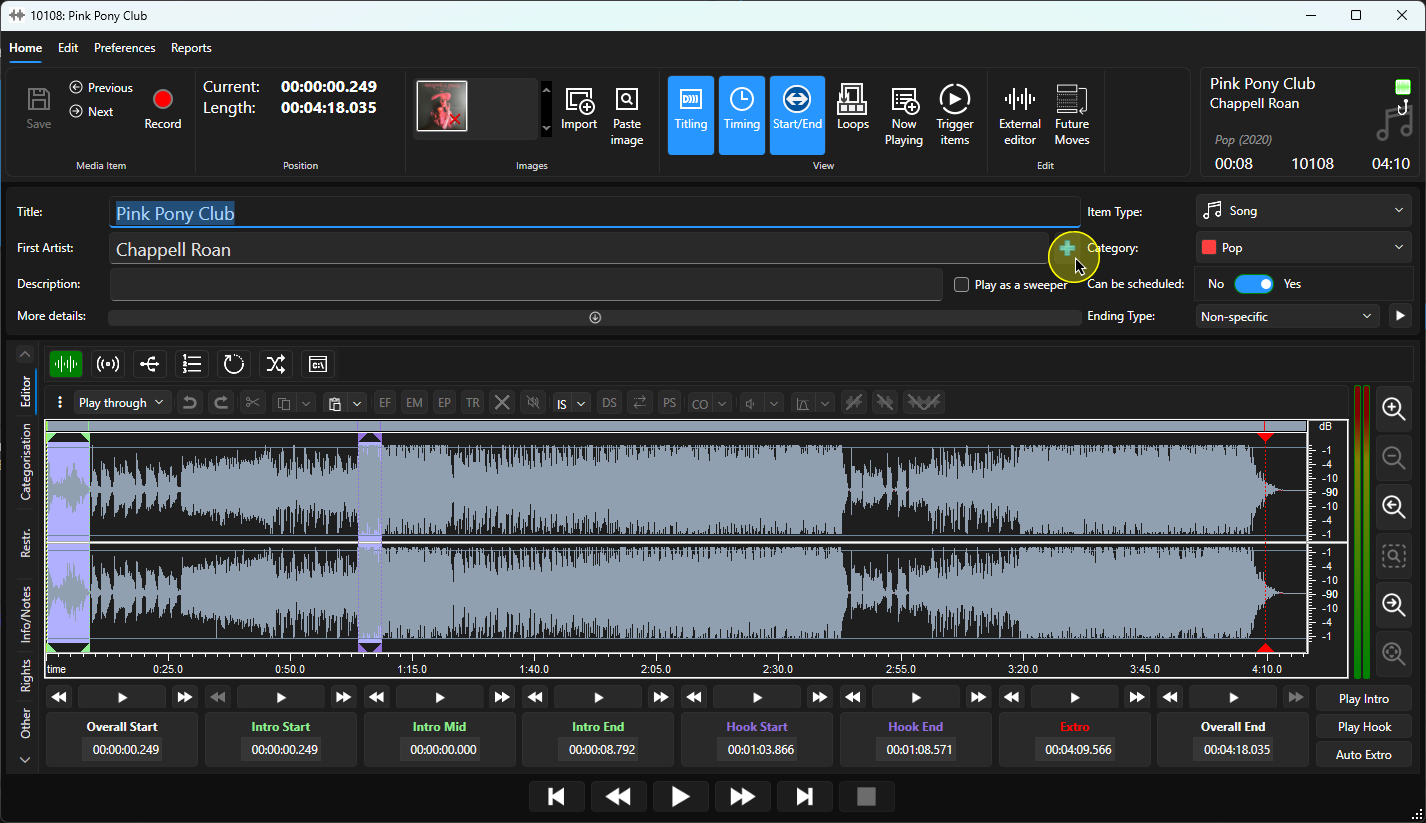
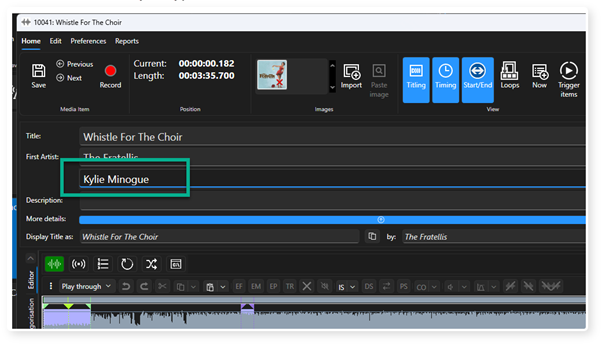
4. A new field in the Artist section will be added below the 'First Artist'.
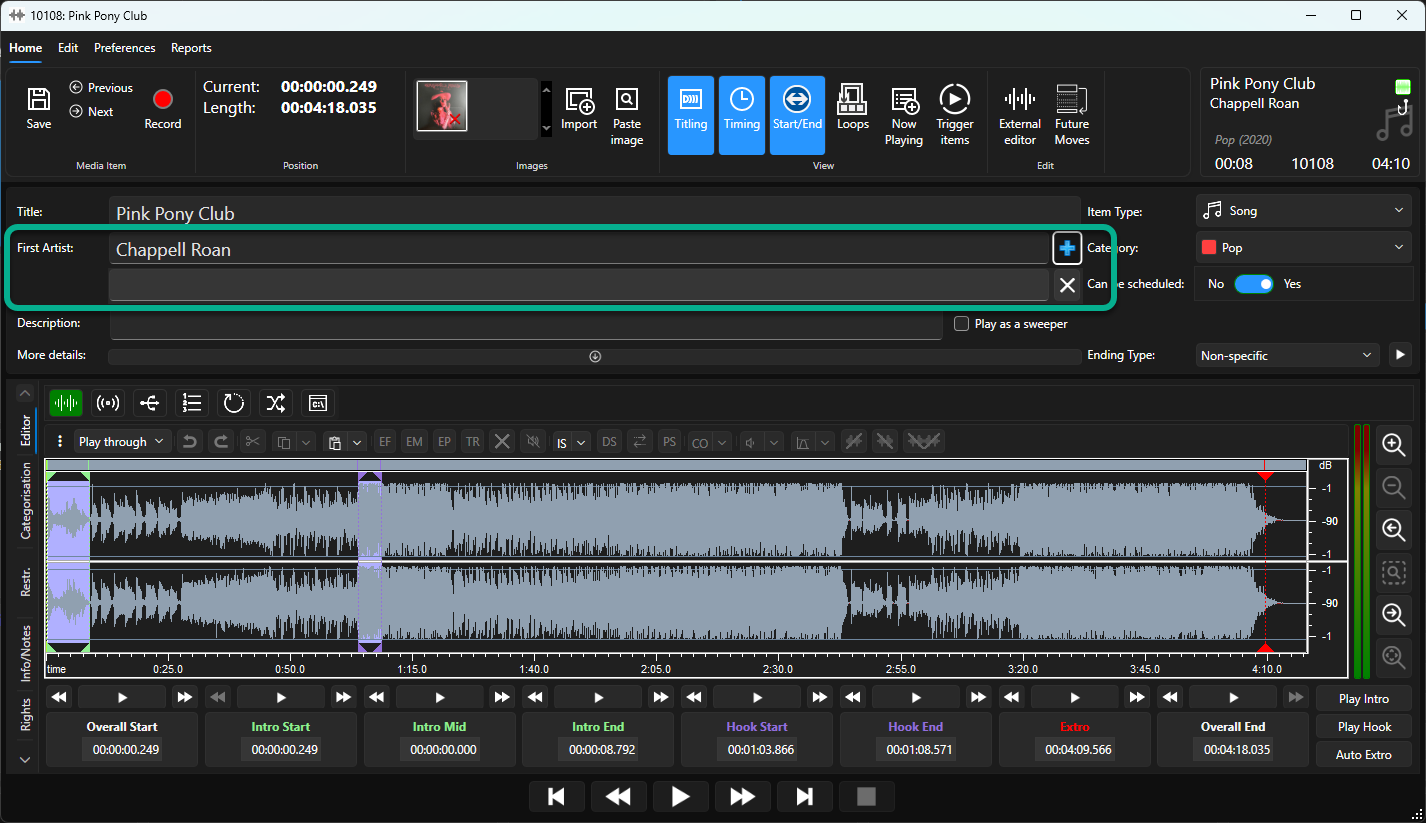
5. Type in the new Artist name into this field. Note that Myriad will suggest extisting Artist names as you type.
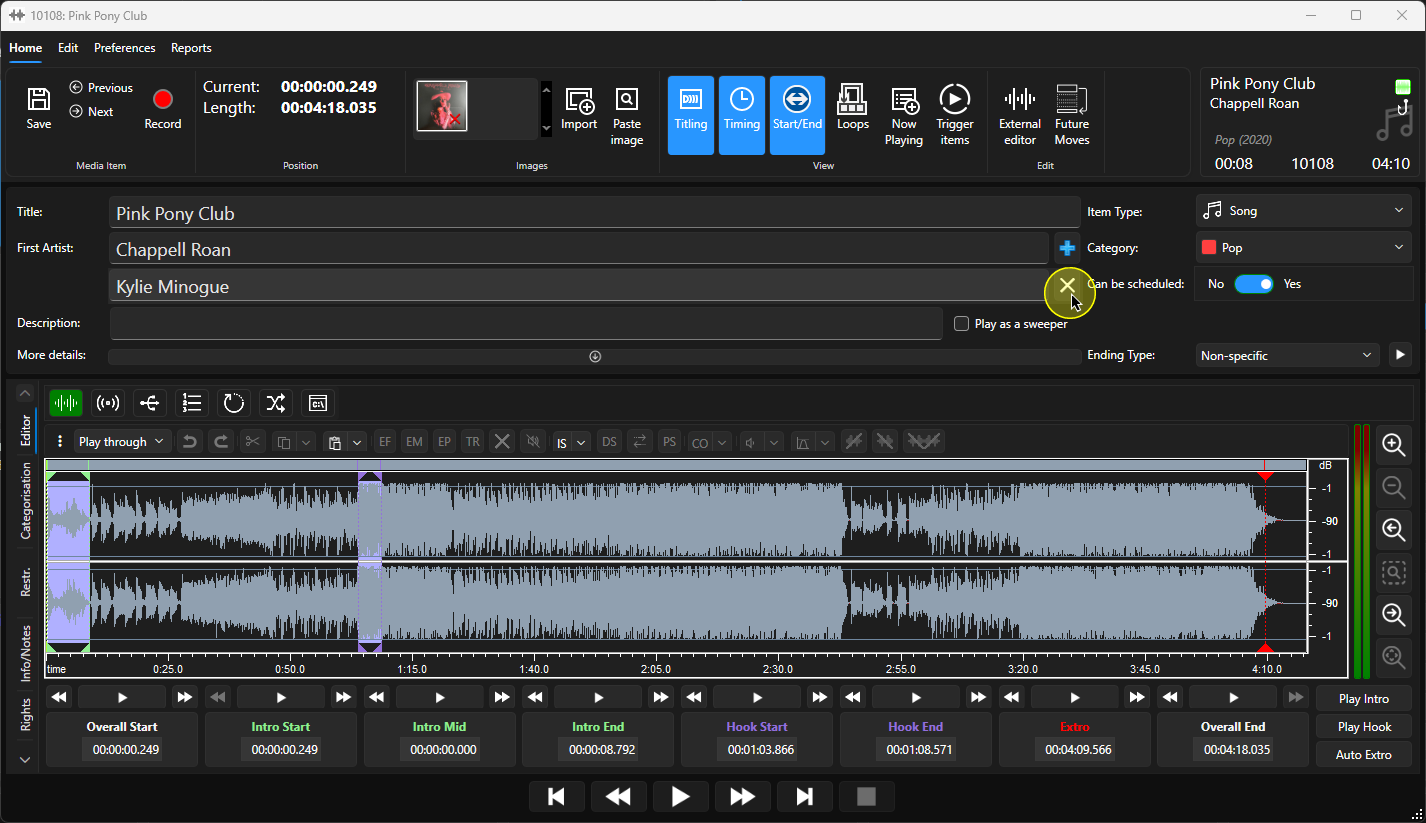
6. You can use the 'X' button to the right of each Artist field to remove that Artist if required.
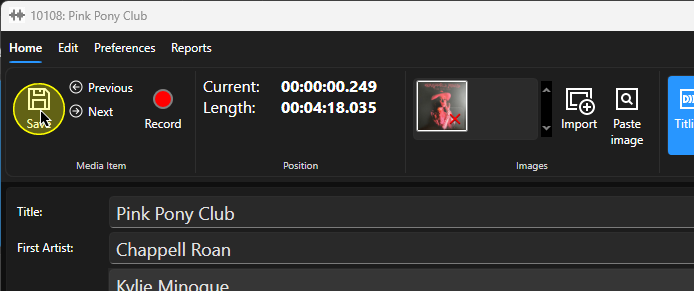
7. When you are happy, click on the Save button to save the changes.
Was this article helpful?
That’s Great!
Thank you for your feedback
Sorry! We couldn't be helpful
Thank you for your feedback
Feedback sent
We appreciate your effort and will try to fix the article