You can rename a Song Category at any time, but keep in mind the content of the Category is not affected by the Category Name change.
1. Click on the Settings Menu in Myriad Playout.
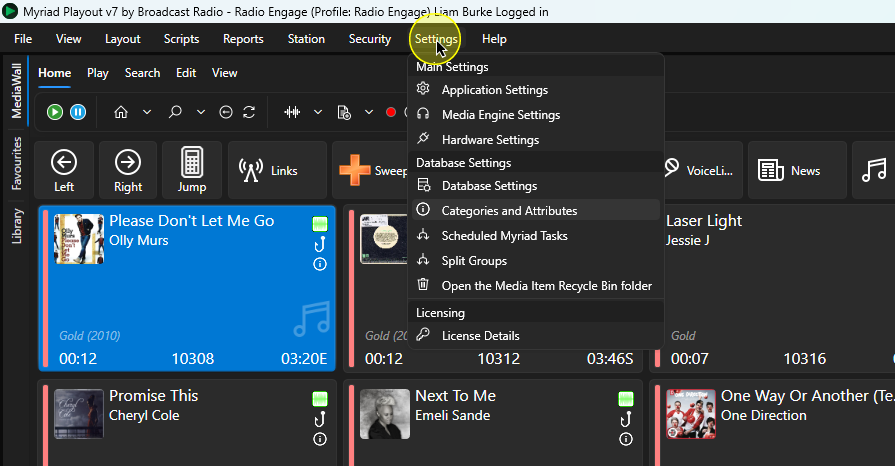
2. Select Categories & Attributes.
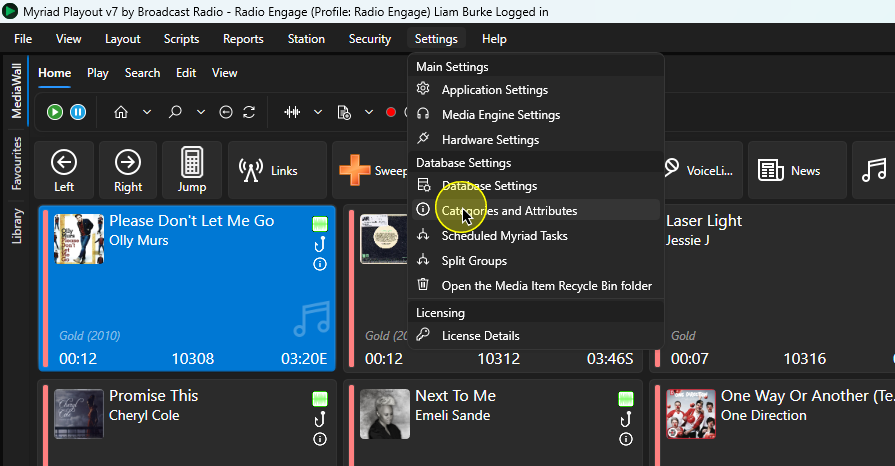
3. Make sure the Songs Tab is selected if you want to rename a Song Category. Select the appropriate tab if you want to edit Categories or Attributes for Links, Adverts, News Items or Pre-recorded Shows.
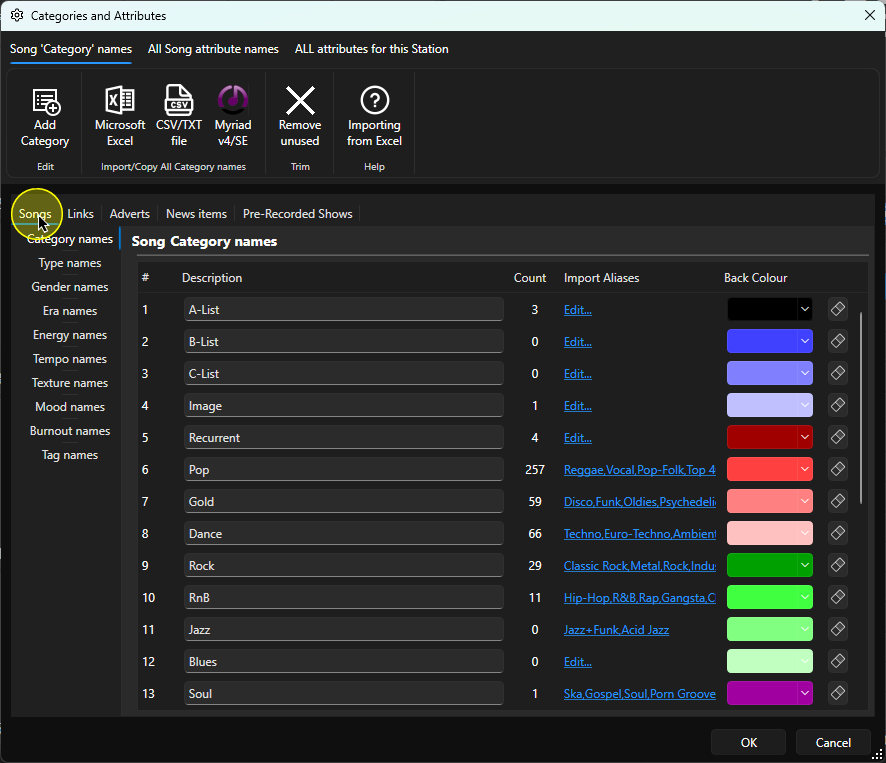
4. Select Category Names.
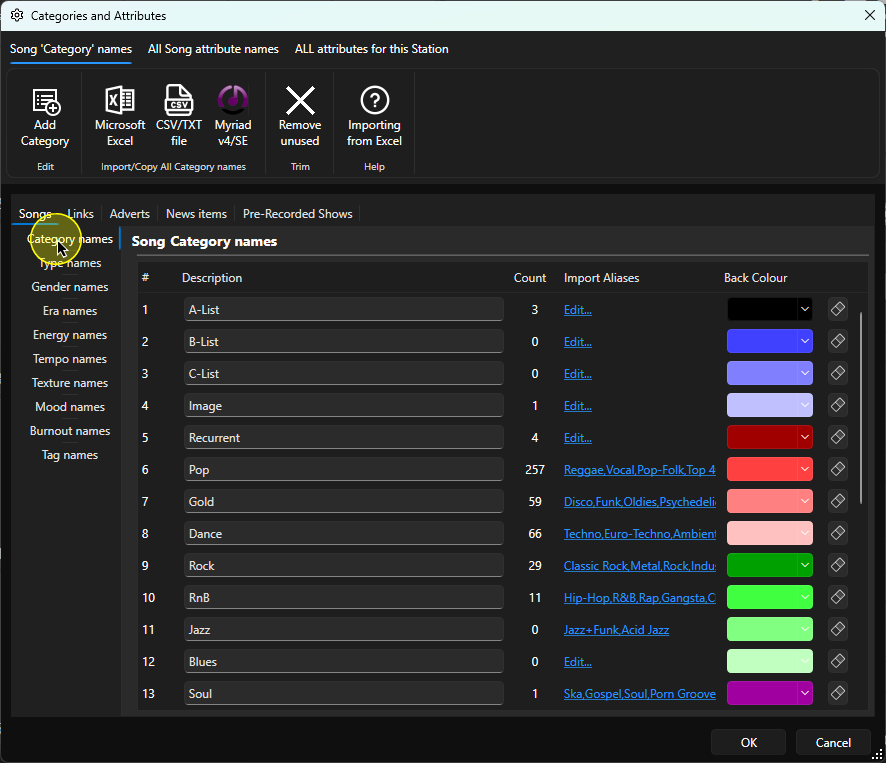
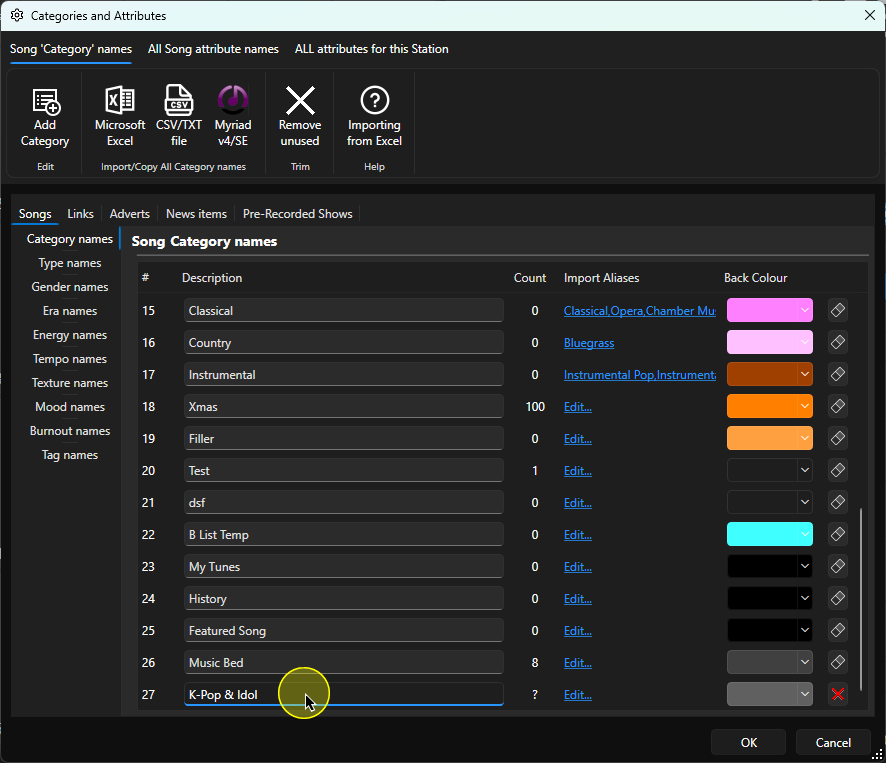
5. Click in the Description field for the Category you want to rename, and type in the new name.
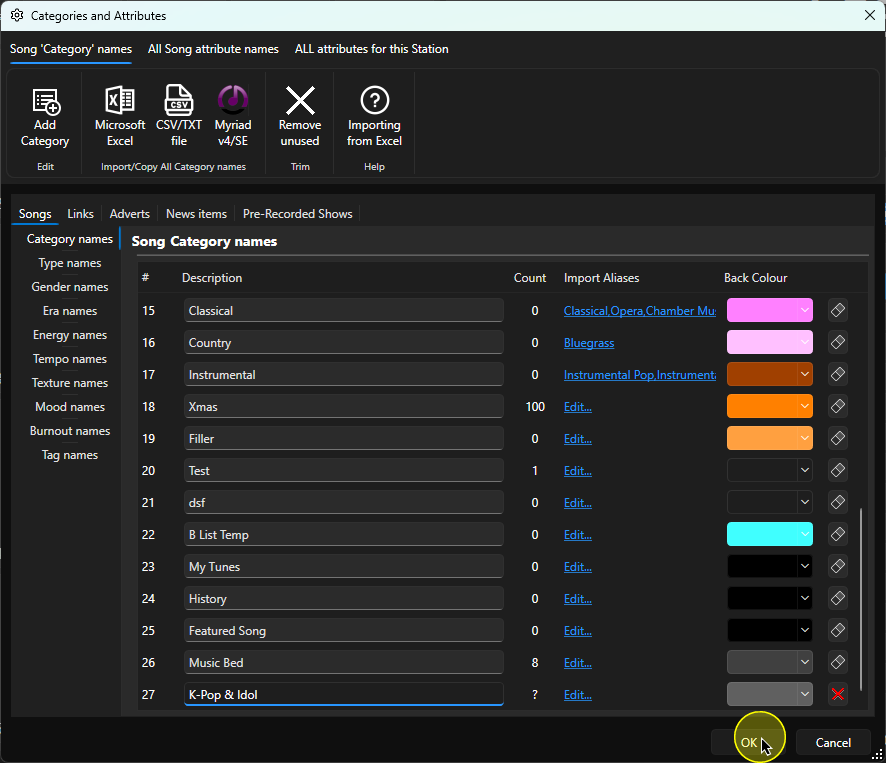
6. Click on the OK button to save the changes and close the window.
Was this article helpful?
That’s Great!
Thank you for your feedback
Sorry! We couldn't be helpful
Thank you for your feedback
Feedback sent
We appreciate your effort and will try to fix the article