Station Name, Short Name, Callsign and Tagline are used throughout the portal and as defaults for various modules and options.
1. Login to your Broadcast.Radio portal.
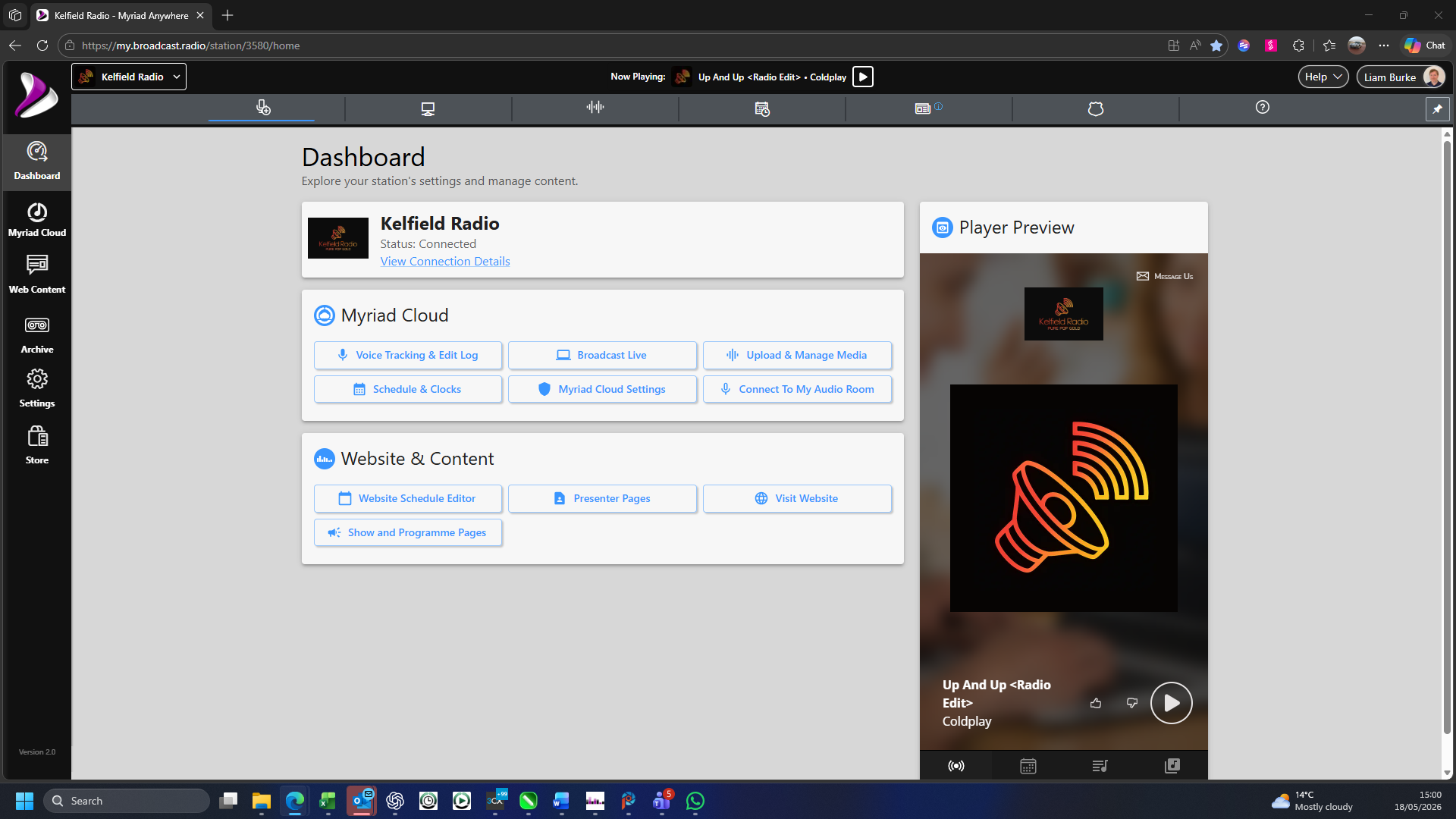
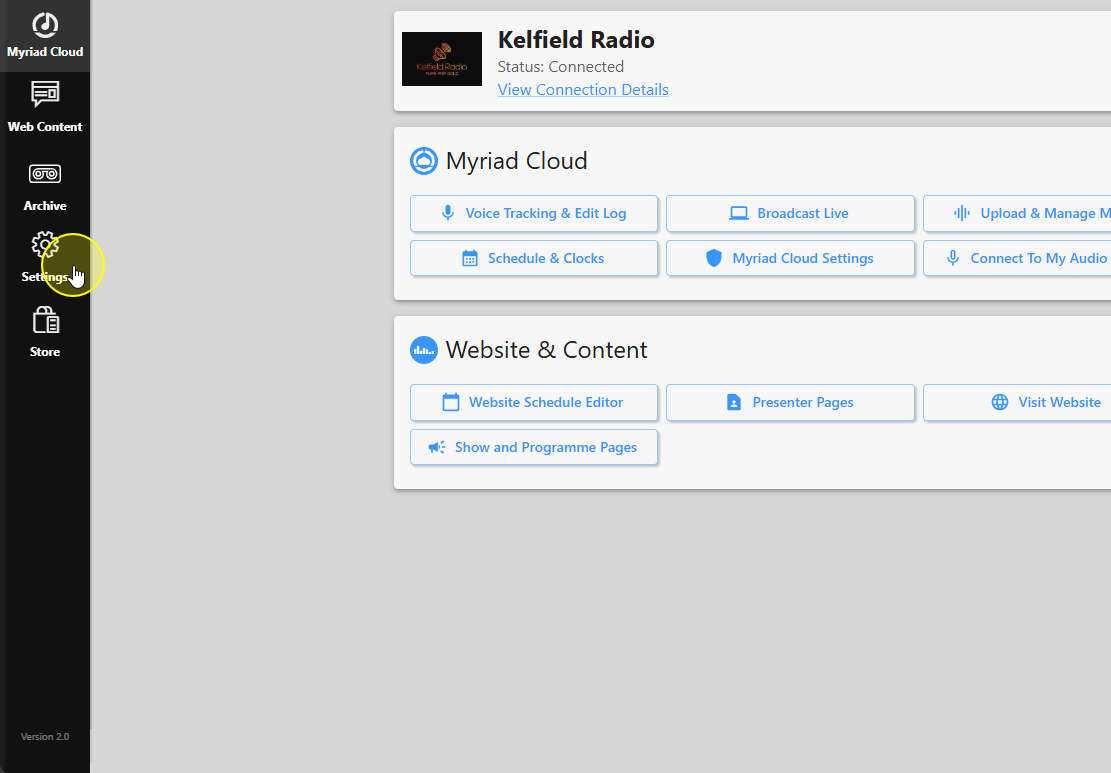
2. Click on the Settings option.
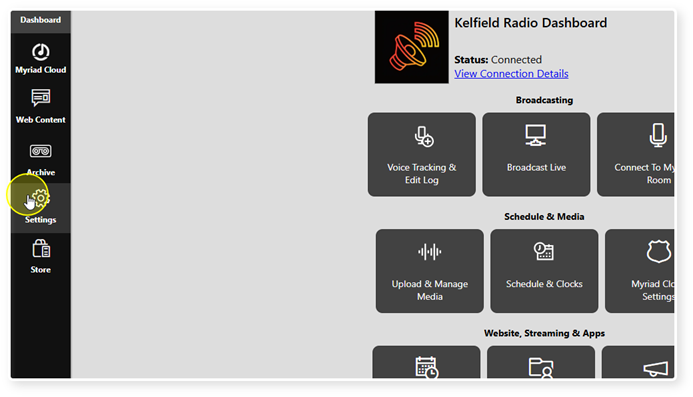
3. Select Station Settings.
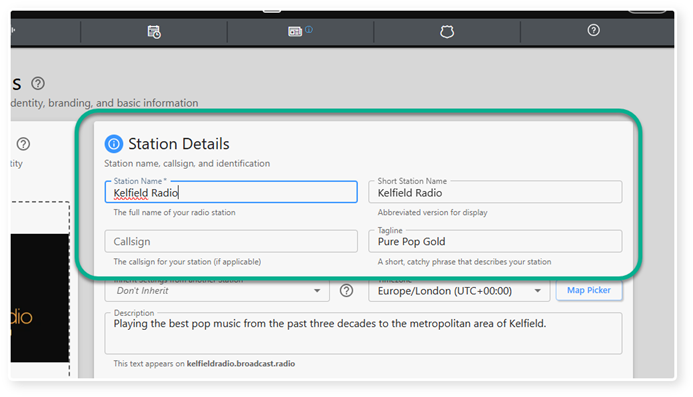
4. The Stations Details section includes:
- Station Name
- Short Station Name
- Callsign
- Tagline
You can select any of these fields and type in changes.
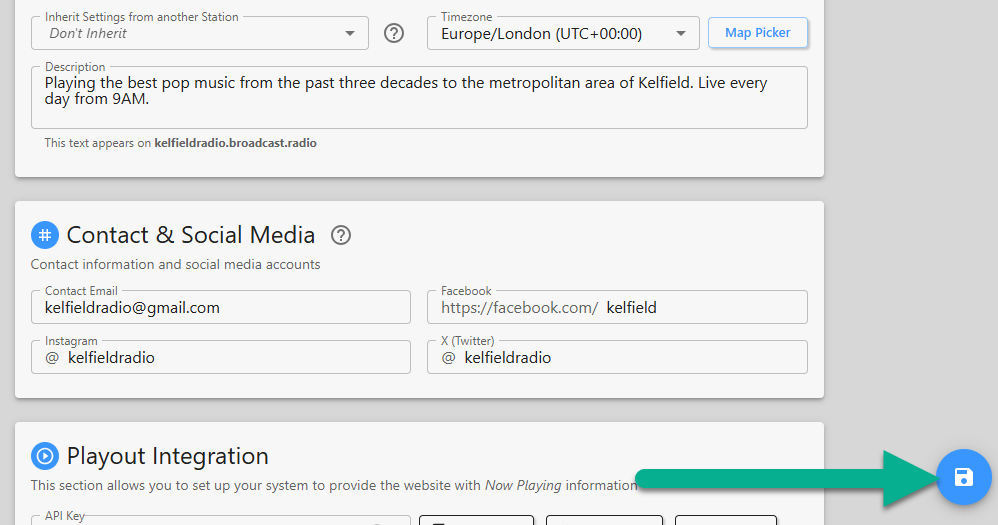
5. Click Save to save your changes.
Was this article helpful?
That’s Great!
Thank you for your feedback
Sorry! We couldn't be helpful
Thank you for your feedback
Feedback sent
We appreciate your effort and will try to fix the article