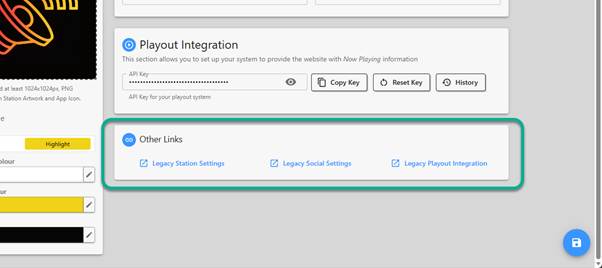
You can access the legacy Station Settings pages and other settings pages via the Other Links section.
1. Login to your Broadcast.Radio portal.
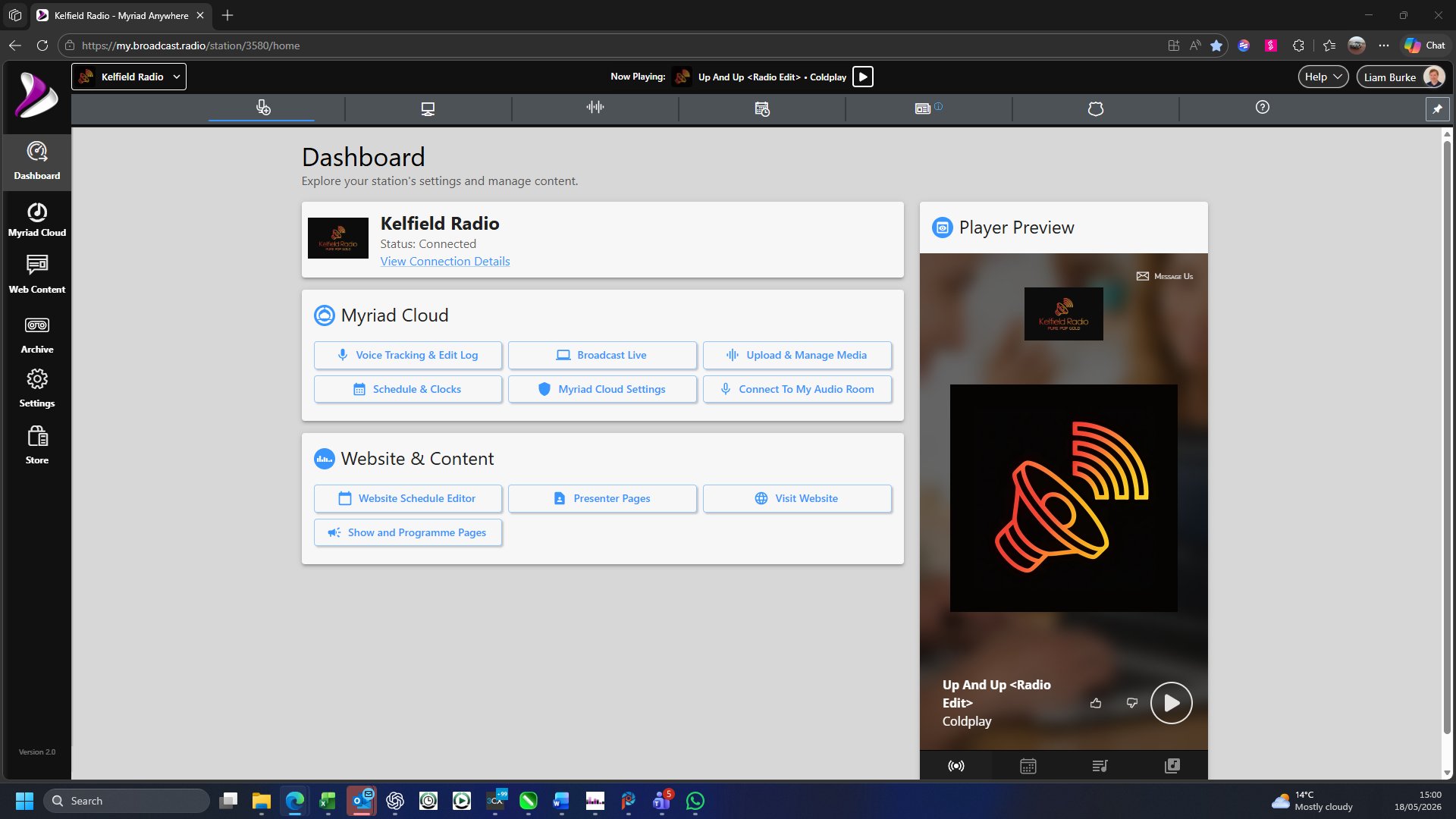
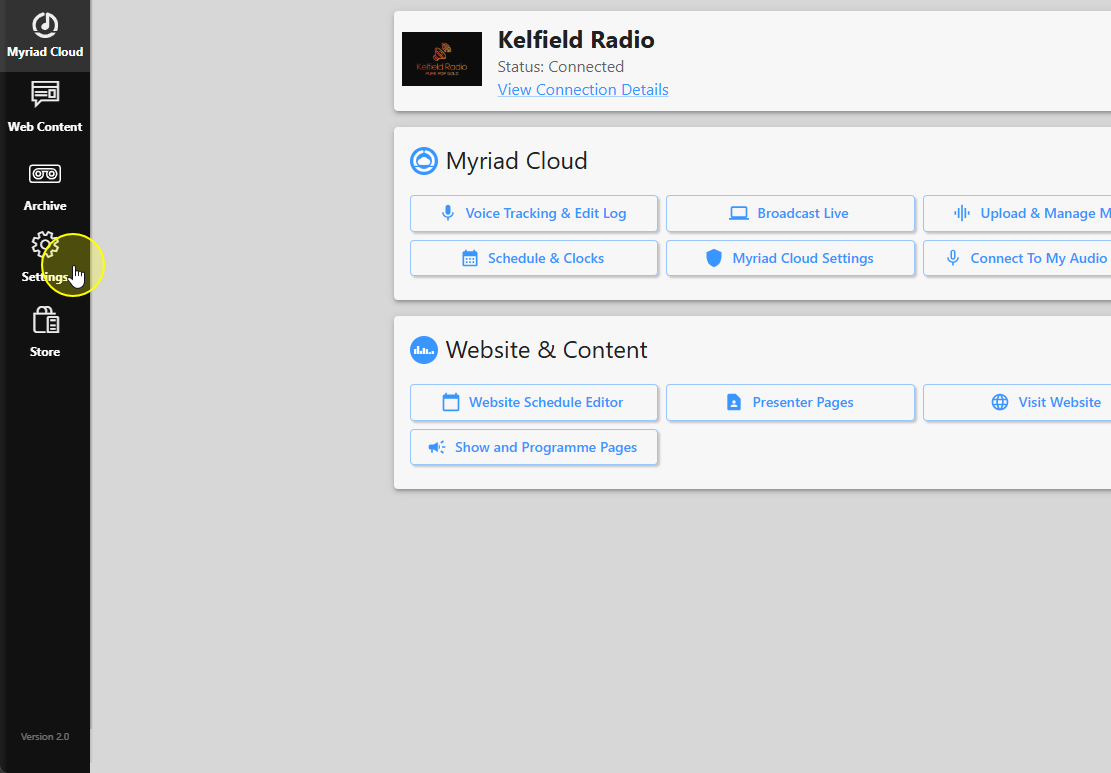
2. Click Settings.
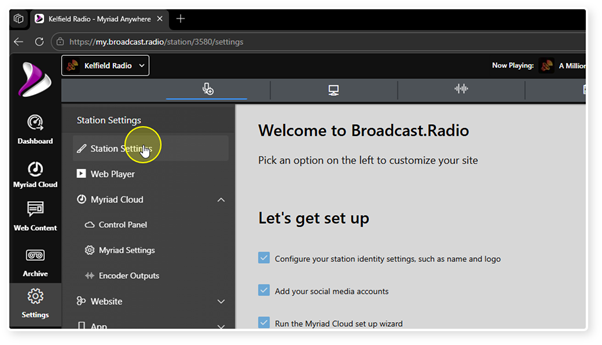
3. Choose the Station Settings option.
4. Scroll down to the Other Links section.
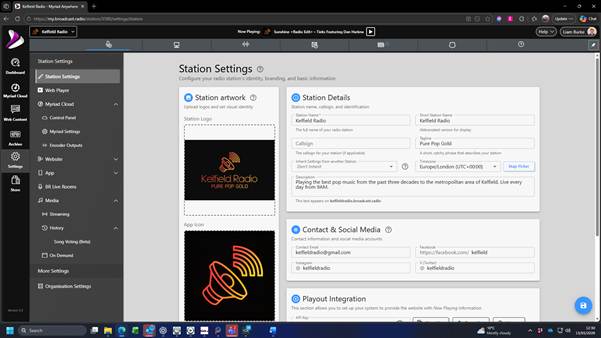
5. Here you will find clickable links to Legacy Station Settings, Legacy Social Settings & Legacy Playout Integration.
Was this article helpful?
That’s Great!
Thank you for your feedback
Sorry! We couldn't be helpful
Thank you for your feedback
Feedback sent
We appreciate your effort and will try to fix the article