This article will guide you though the initial download and install of the Broadcast Radio Audio Monitor (v6) application.
1. Go to http://www.broadcastradio.com.
Or you can directly to the downloads page - https://www.broadcastradio.com/utilities-sql-installers#BRUtilities
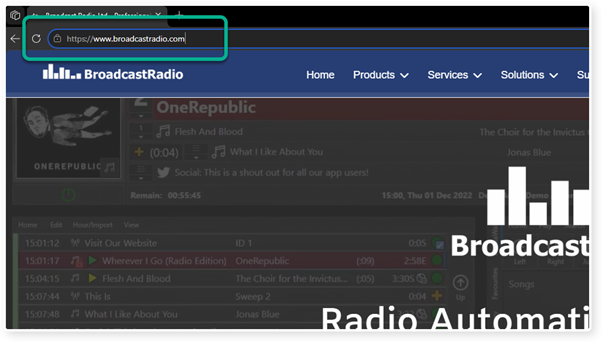
2. Click here
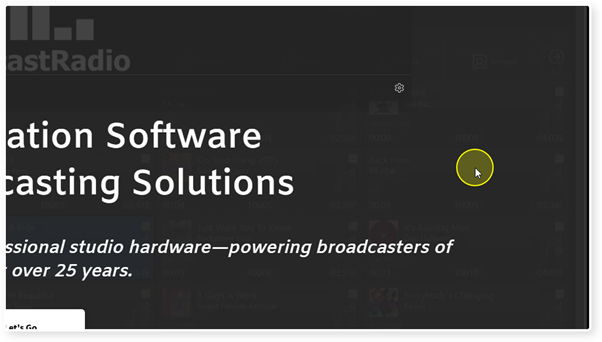
3. Drop down the Support menu option.
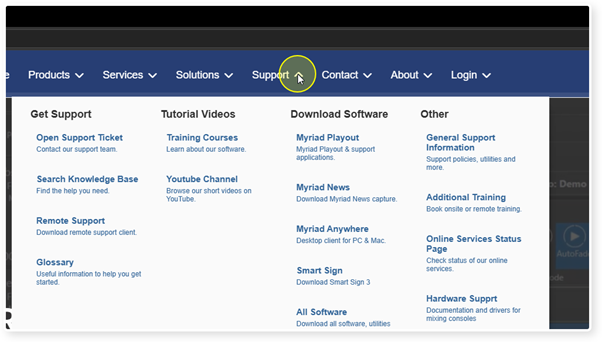
4. Click on All Software in the Download Software section.
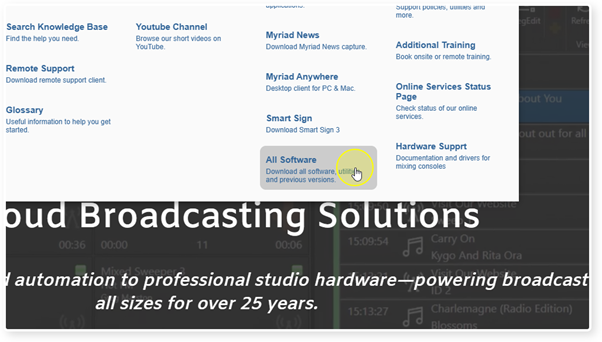
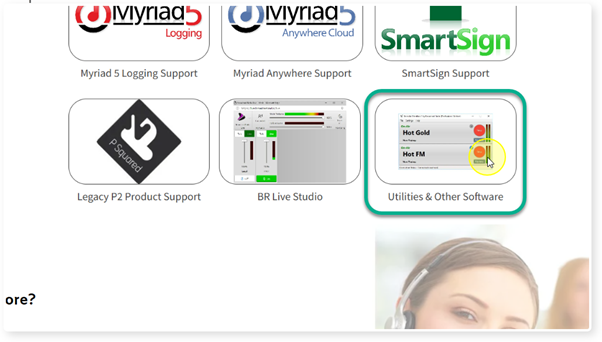
5. Scroll down until you see the Utilities & Other software section. Click on the option.
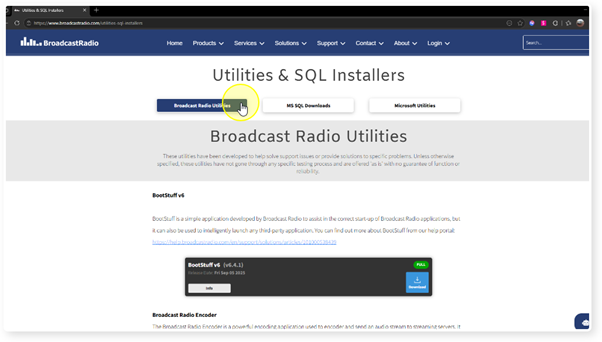
6. Click on the Broadcast Radio Utilities button.
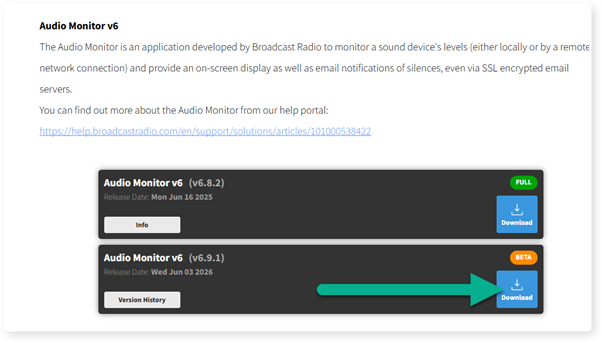
7. Scroll down to the Audio Monitor v6 section and click on Download for the version you want (Full Release or Beta)
8. The installer file will be downloaded to your Downloads folder.
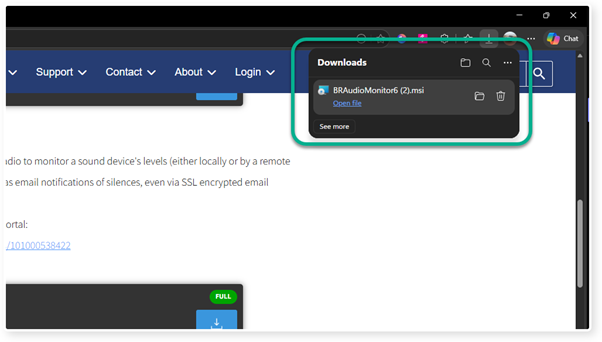
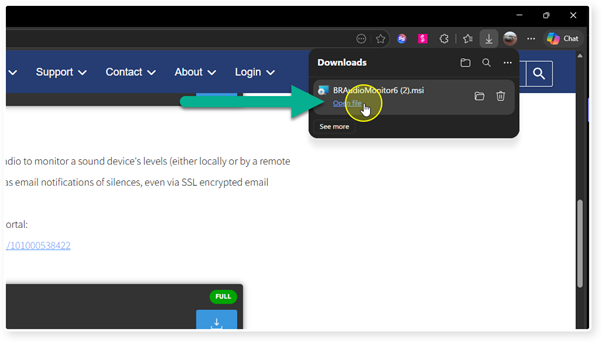
9. Once the file is downloaded, click on the Open File option to run the installer.
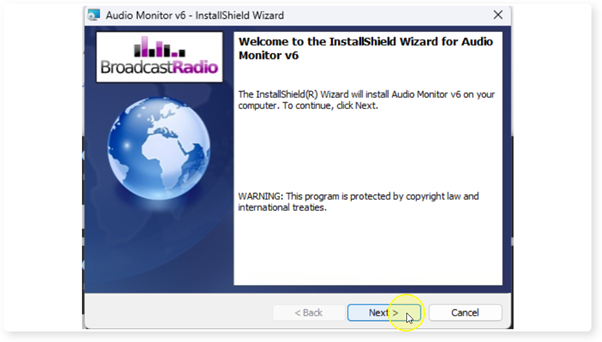
10. Once the installer opens, click on the Next button to get started.
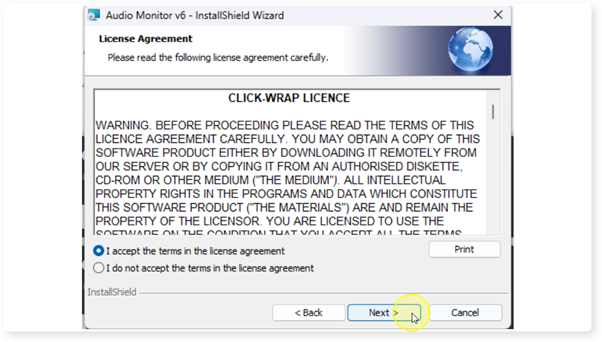
11. Click "I accept the terms in the license agreement" and then press Next.
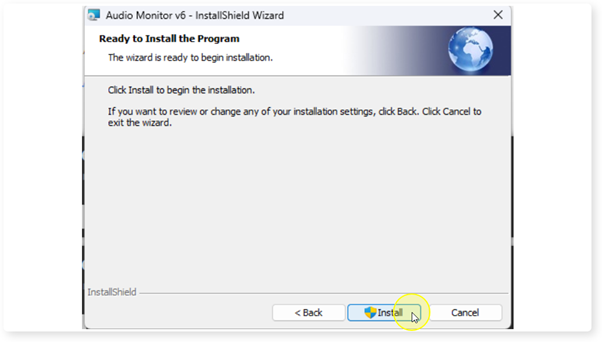
12. Click the Install button.
13. The installation should only take a few minutes. Once the install is complete, tick the 'Launch Audio Monitor' option and click Finish.
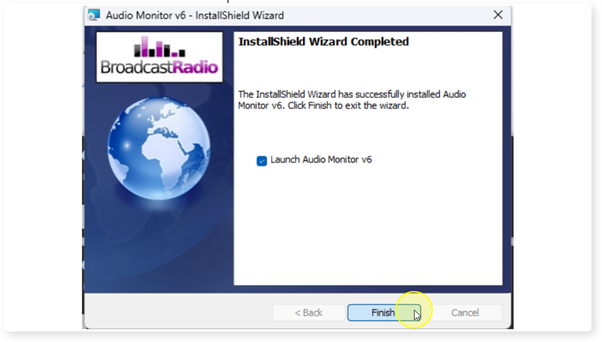
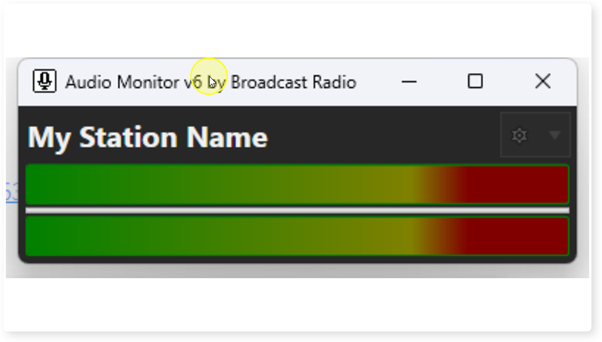
14. The Audio Monitor is now installed and ready to configure.
Was this article helpful?
That’s Great!
Thank you for your feedback
Sorry! We couldn't be helpful
Thank you for your feedback
Feedback sent
We appreciate your effort and will try to fix the article