If you have multiple Streams setup, you can Delete them via the Streaming page. You must have at least one Stream configured so it is not possible to delete your final Stream.
1. Login to your Broadcast.Radio portal.
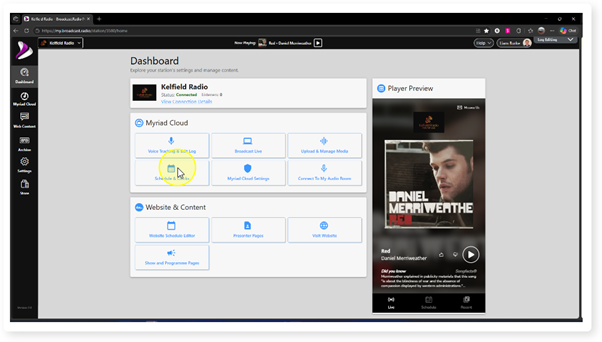
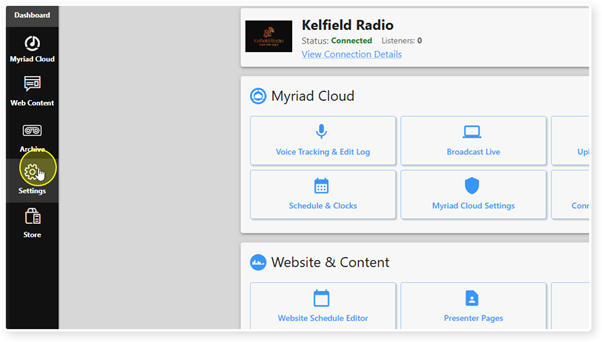
2. Select the Settings menu option.
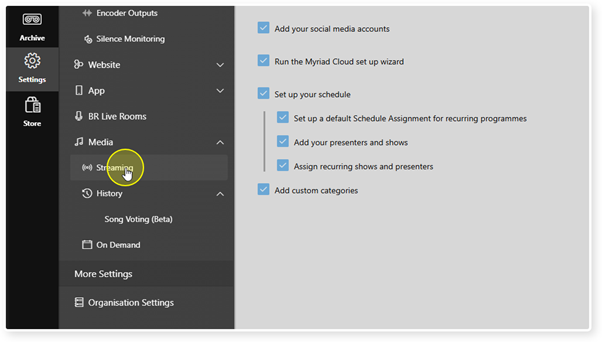
3. Click Streaming.
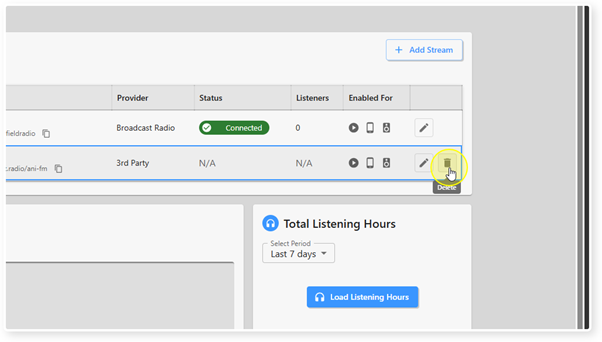
4. Locate the Stream you wish to delete.
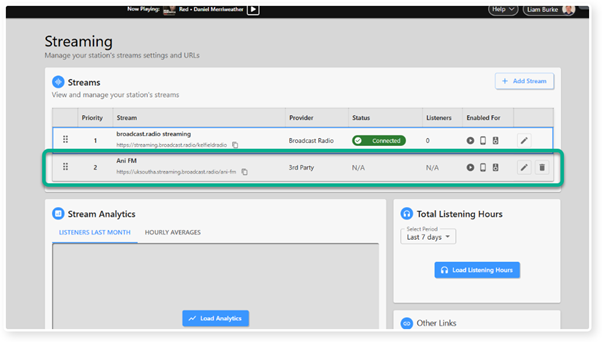
5. Click on the Delete button.
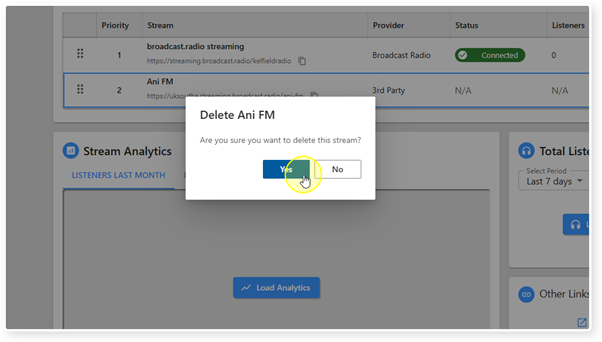
6. You will be asked to confirm. Click on Yes to proceed.
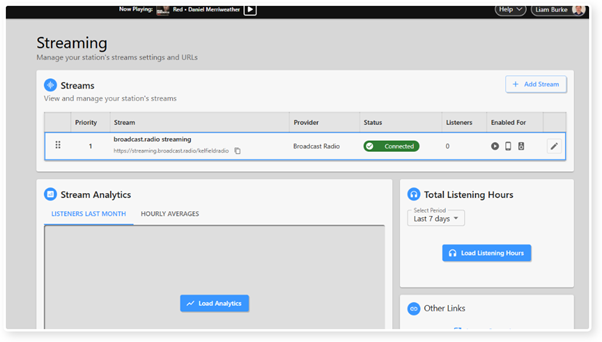
7. The Stream will be removed from the Stream List.
Was this article helpful?
That’s Great!
Thank you for your feedback
Sorry! We couldn't be helpful
Thank you for your feedback
Feedback sent
We appreciate your effort and will try to fix the article