All BR Streaming subscriptions include some basic Streaming Analytics to allow you to see how your Station has been performing over the past month.
1. Login to your Broadcst.Radio portal.
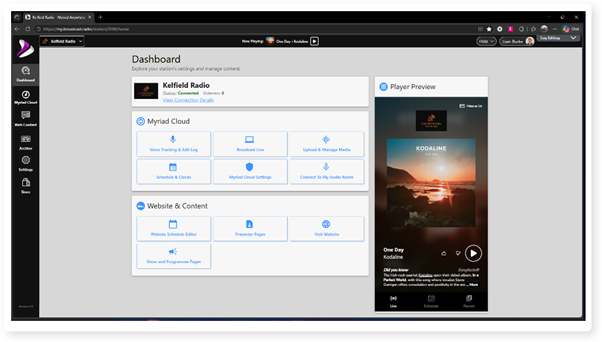
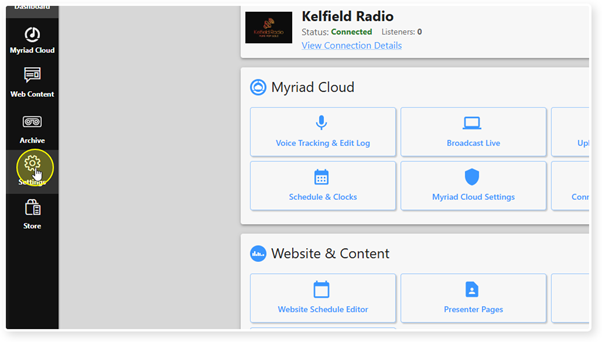
2. Click on the Settings menu.
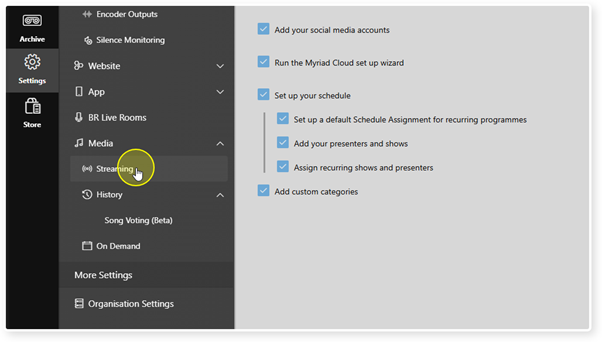
3. Select Streaming.
4. Scroll down to the Stream Analytics section.
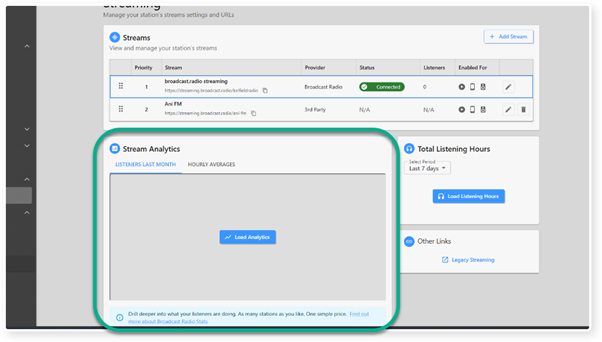
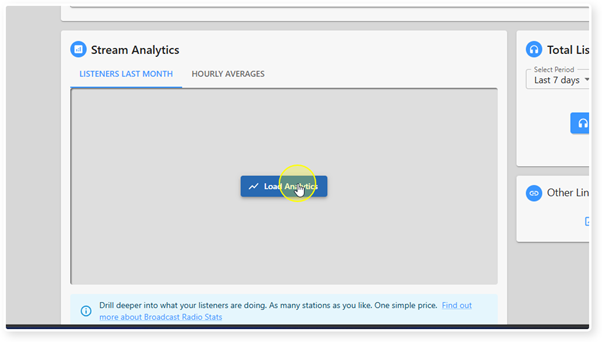
5. Click on the Load Analytics button.
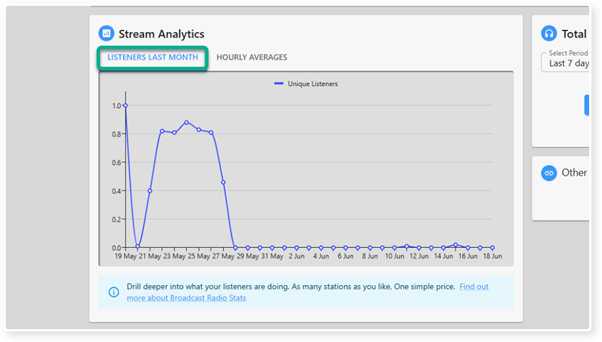
6. The Listeners Last Month tab shows you total unique listeners for each day over the past mont.
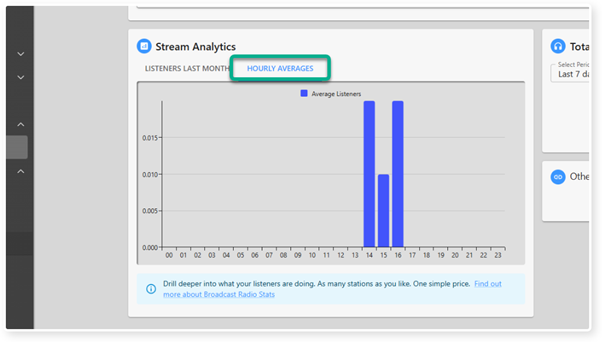
7. The Hourly Average tab show your average number of listeners per hour, over the past month.
Was this article helpful?
That’s Great!
Thank you for your feedback
Sorry! We couldn't be helpful
Thank you for your feedback
Feedback sent
We appreciate your effort and will try to fix the article