CAUTION: Once a Station is deleted, it cannot be recovered so only proceed if you are 100% sure you want to delete a Station.
1. Login to your Broadcast.Radio portal.
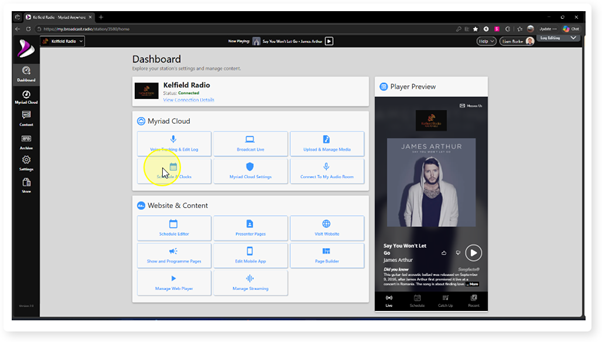
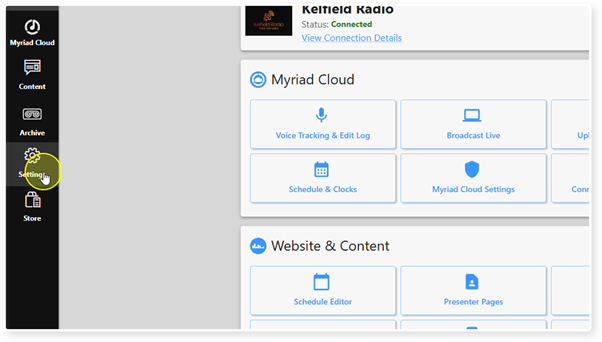
2. Click on the Settings menu option.
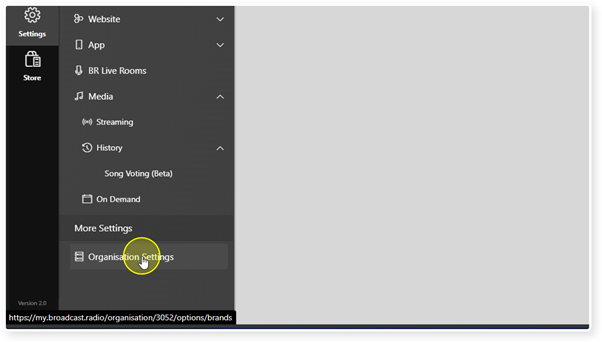
3. Select Organisation Settings in the More Settings section.
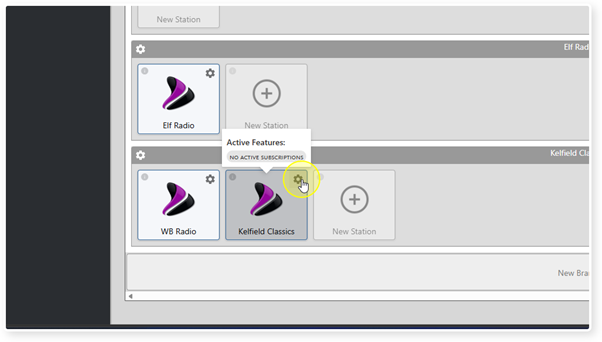
4. Click on the Cog icon for the Station you want to delete.
5. Click on the Delete Station button.
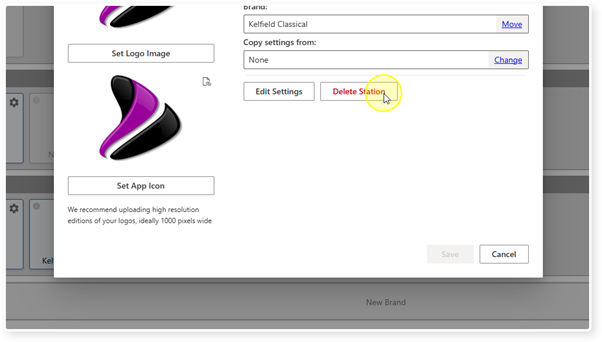
6. You will be asked to confirm, click Yes.
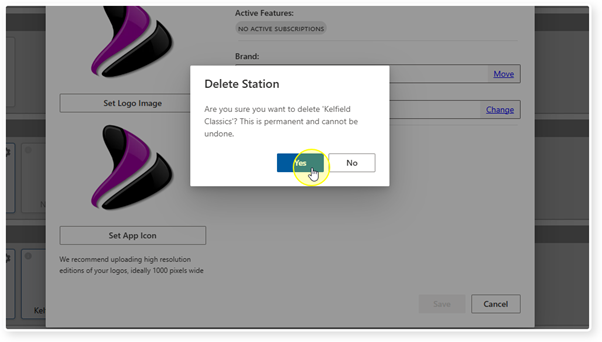
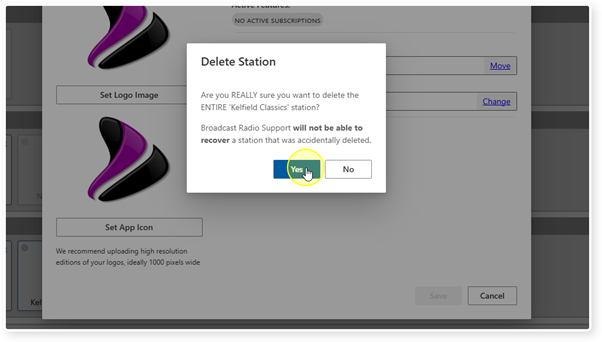
7. You will be asked for a second confirmation.
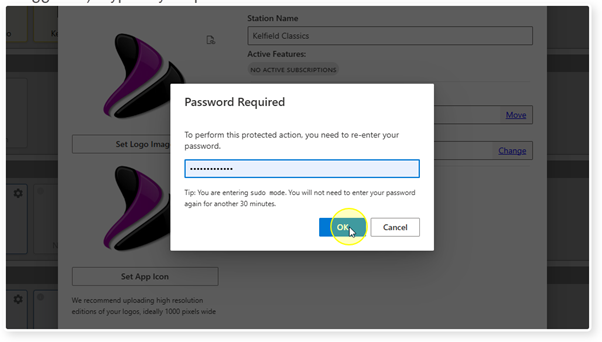
8. You may be asked to enter your portal password (depending on when you logged in). Type in your password and click on OK.
9. You may need to refresh the page to update the Brands / Station window.
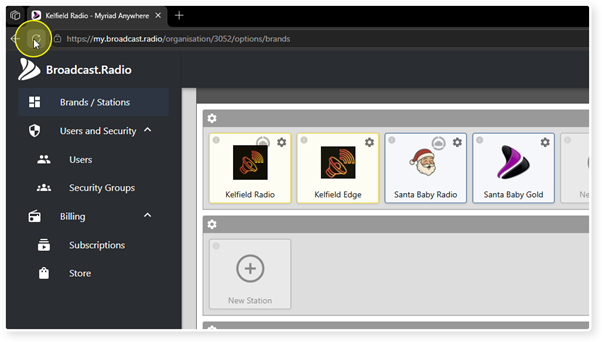
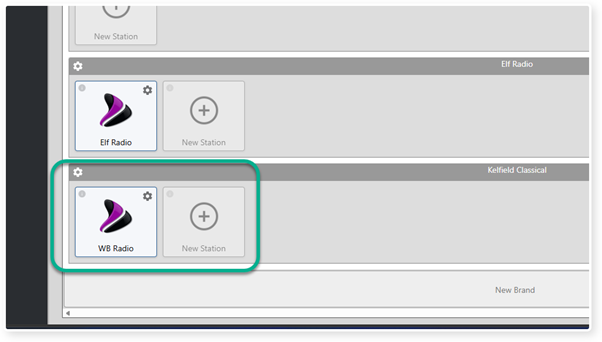
10. The deleted Station will be removed from the Brand.
Was this article helpful?
That’s Great!
Thank you for your feedback
Sorry! We couldn't be helpful
Thank you for your feedback
Feedback sent
We appreciate your effort and will try to fix the article