All Users on stations with Myriad Cloud, have a unique contribution streaming link which can be used to contribute live streaming via the Cloud Contributor application. You can get a Users Contribution Stream URL from the Users section in Organisation Settings.
1. Login to your Broadcast.Radio portal.
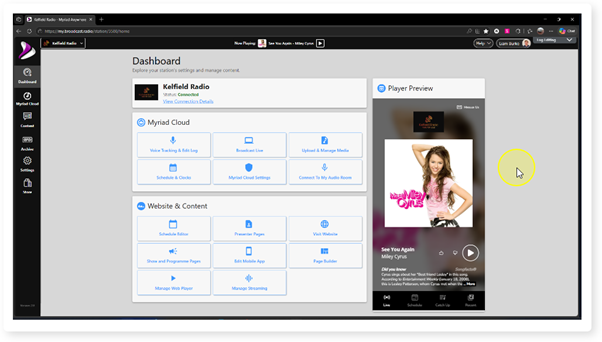
2. Click the Settings menu option.
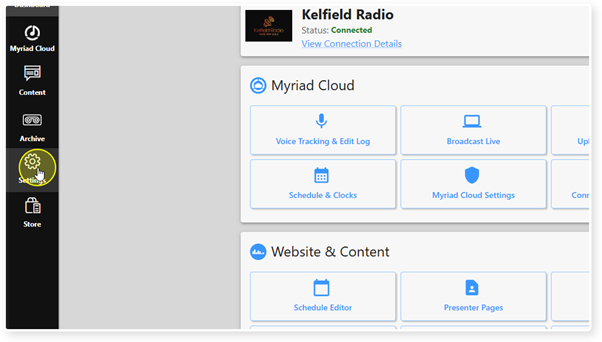
3. Select Organisation Settings.
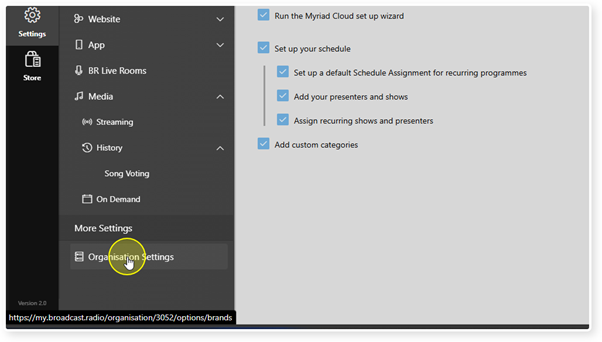
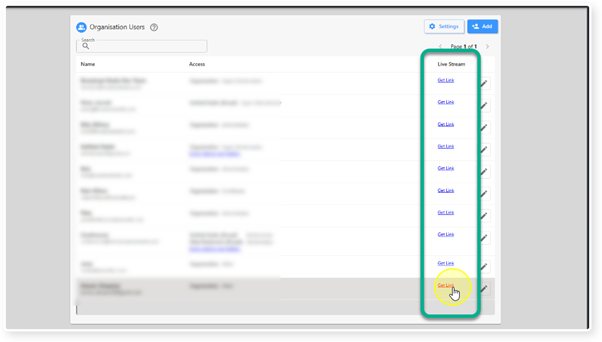
4. Click Users.
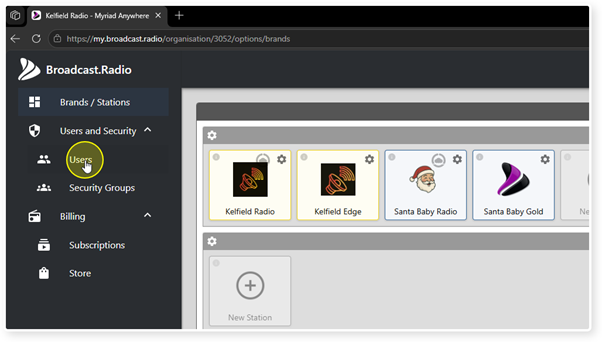
5. Click on the Get Link option for the a specific User.
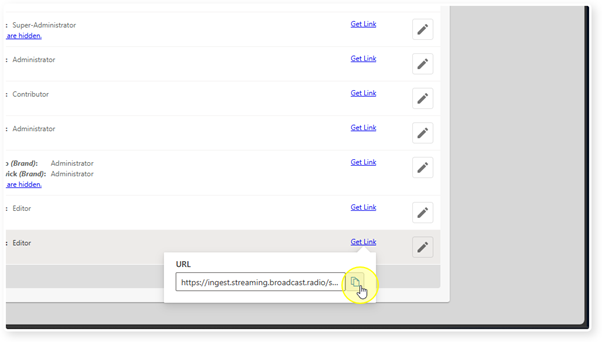
6. The Contribution Stream URL will be displayed. Click on the Copy button to copy the address.
Was this article helpful?
That’s Great!
Thank you for your feedback
Sorry! We couldn't be helpful
Thank you for your feedback
Feedback sent
We appreciate your effort and will try to fix the article