Manage User and User Access Permissions for your Broadcast.Radio portal and optionally Myriad Anywhere / Myriad Cloud.
1. Login to your Broadcast.Radio portal.
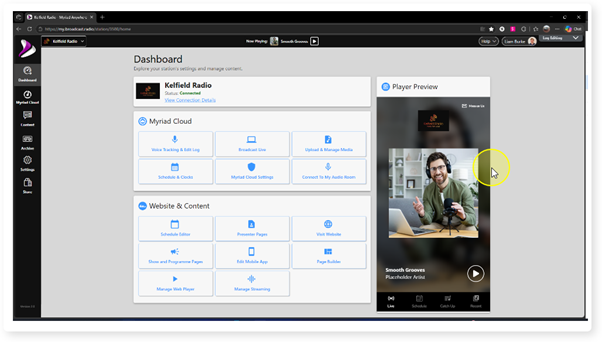
2. Click on the Settings menu.
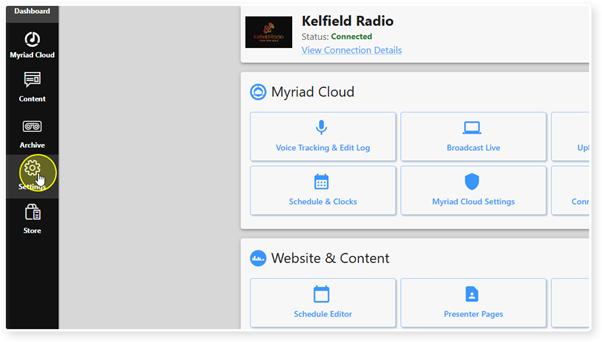
3. Select Organisation Settings.
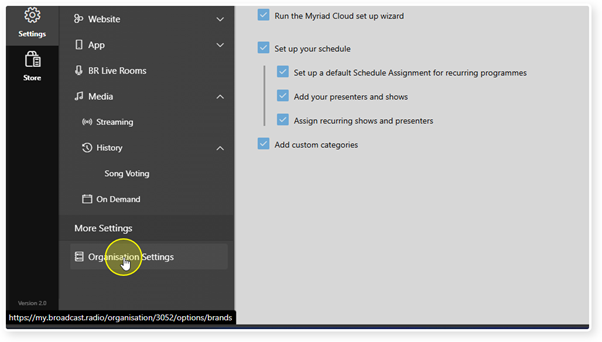
4. Click on the Users option. This will open the Users section within Organisation Settings.
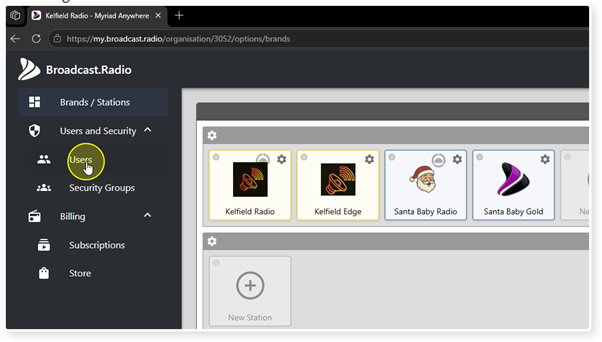
5. Organisation Users provides a list of all Users with access to your Broadcast.Radio portal and/or Myriad Anywhere / Mydiad Cloud. You can also add new Users or edit User details from here.
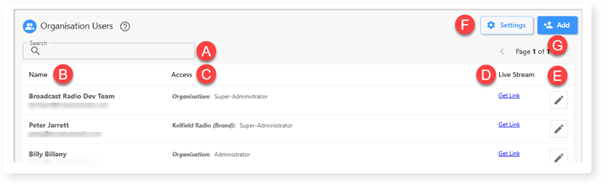
A. Search for Users on your Broadcast.Radio portal.
B. Name and contact email for the User.
C. Current access level assigned.
D. Get link to Users Contribution Stream (Myriad Cloud customers only).
E. Edit User details.
F. Set whether Myriad Anywhere / Myriad Cloud access is granted via Broadcast.Radio User Login, Myriad Director Login or both.
G. Add new User.
These settings are explored in more detail in dedicated articles.
Was this article helpful?
That’s Great!
Thank you for your feedback
Sorry! We couldn't be helpful
Thank you for your feedback
Feedback sent
We appreciate your effort and will try to fix the article