You can create new Security Groups to control access to Broadcast.Radio features, and edit existing Security Groups via the Security Groups option in Organisation Settings.
1. Login to your Broadcast.Radio portal.
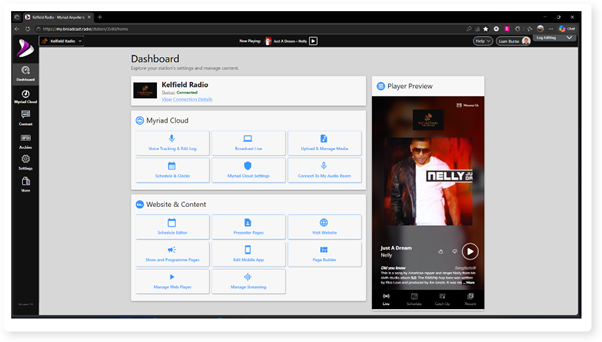
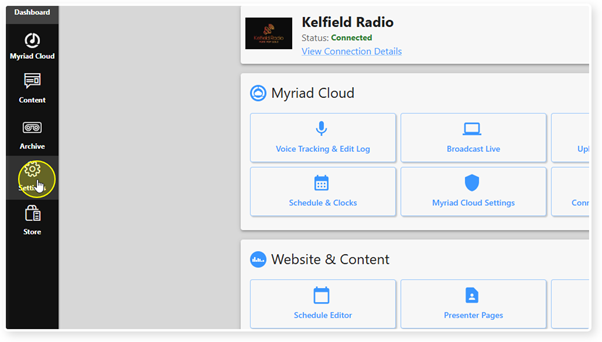
2. Click Settings.
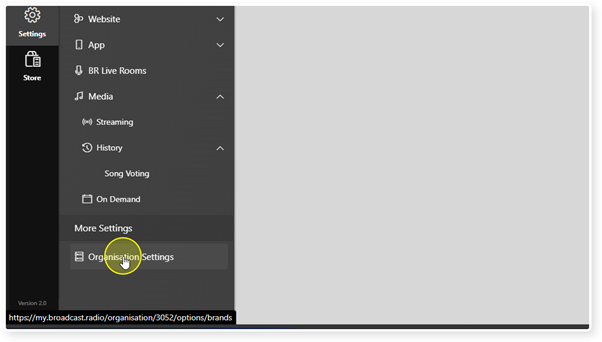
3. Select the Organisation Settings option.
4. Click on Security Groups.
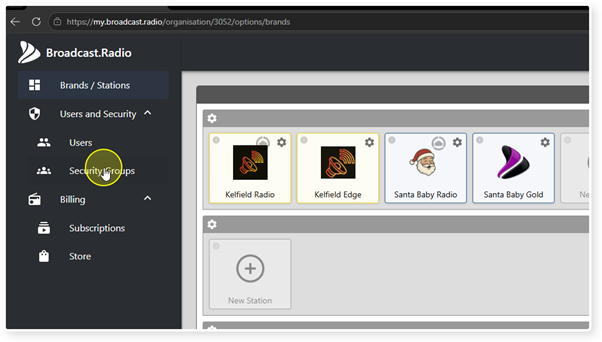
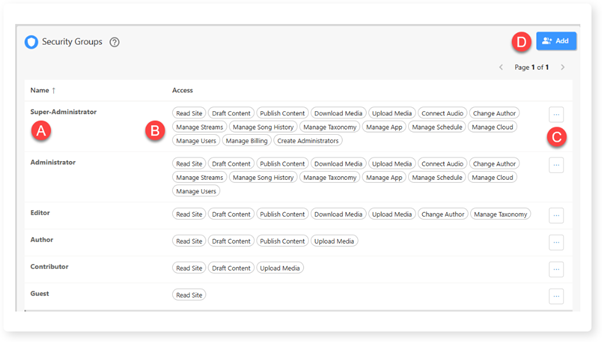
5. You will see a list of all existing Security Groups as well as the access included within each Security Group.
A. Security Group name.
B. Features members of the Security Group can access.
C. Options - Used to access Edit and Delete Security Group.
D. Add new Security Group.
Please note that creating, editing and deleting Security Groups is covered in a separate article.
Was this article helpful?
That’s Great!
Thank you for your feedback
Sorry! We couldn't be helpful
Thank you for your feedback
Feedback sent
We appreciate your effort and will try to fix the article