TABLE OF CONTENTS
Deleting A Show
To delete a Show, follow these steps:
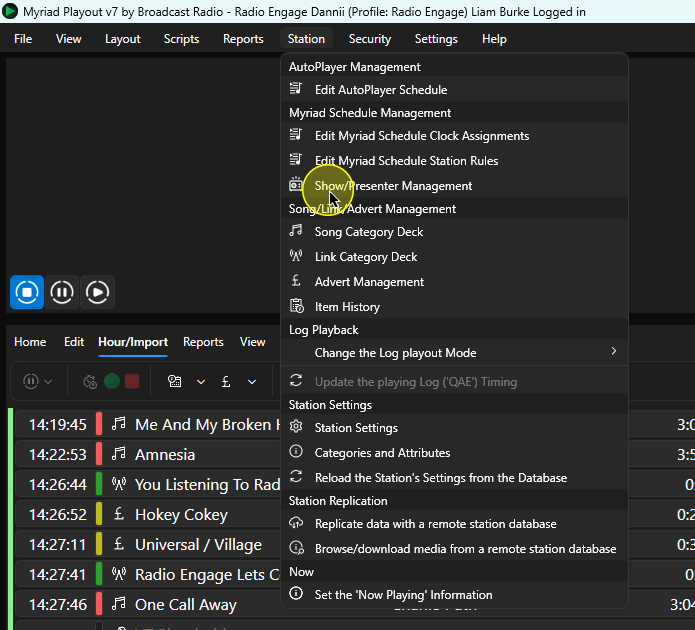
- In Myriad Playout, click Station Menu > Show/Presenter Management.
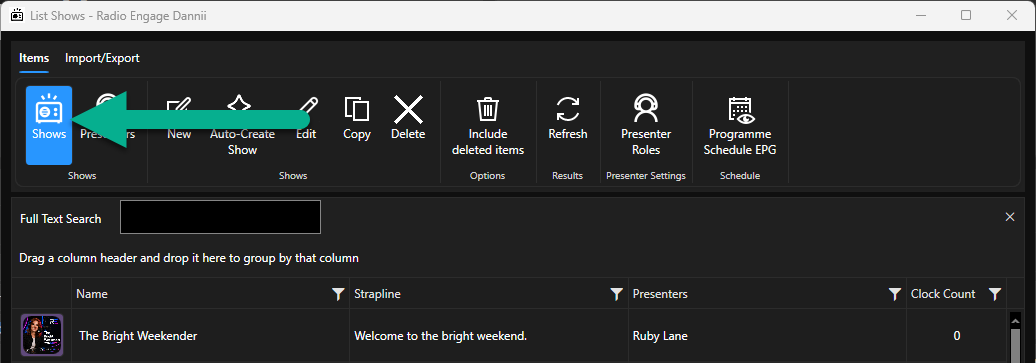
- Make sure Shows is selected in the top ribbon.
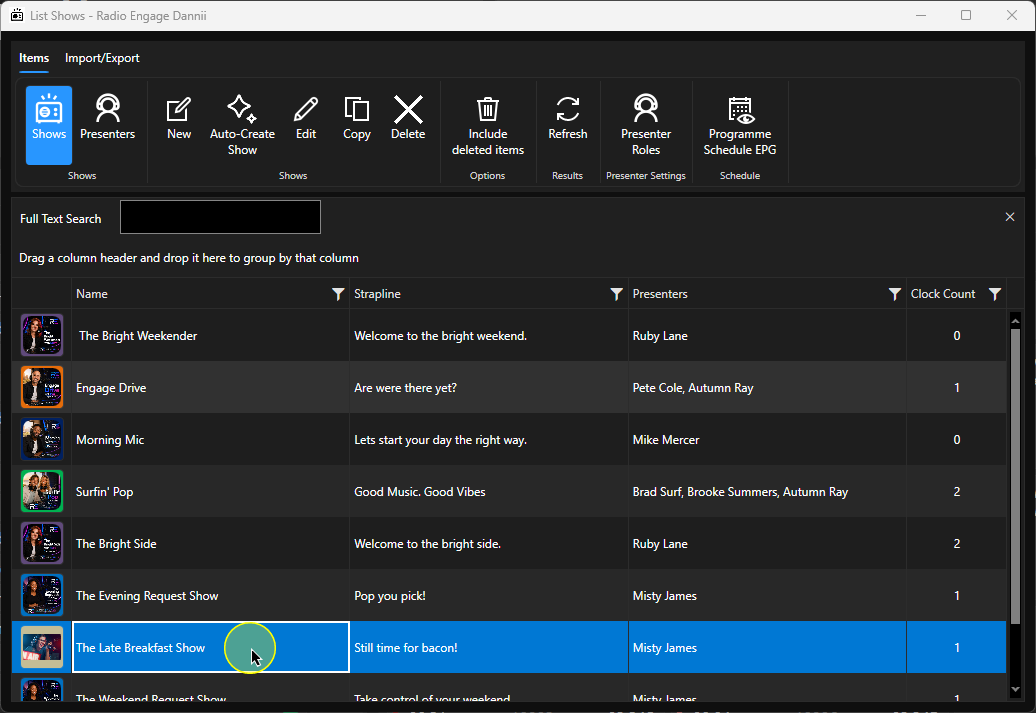
- Select the Show you want to delete.
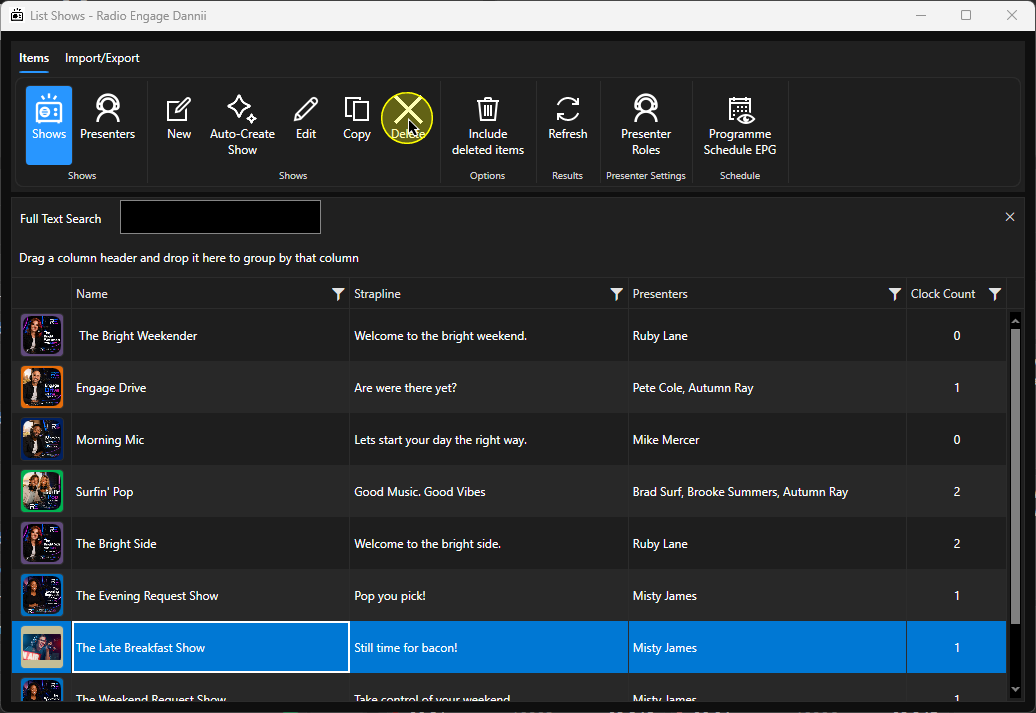
- Click on the Delete button.
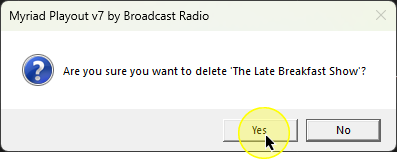
- You will be asked to confirm. Click Yes to proceed.
Restoring A Deleted Show
To restore a deleted Show, follow these steps:
- In Myriad Playout, click Station Menu > Show/Presenter Management.
- Make sure Shows is selected in the top ribbon.
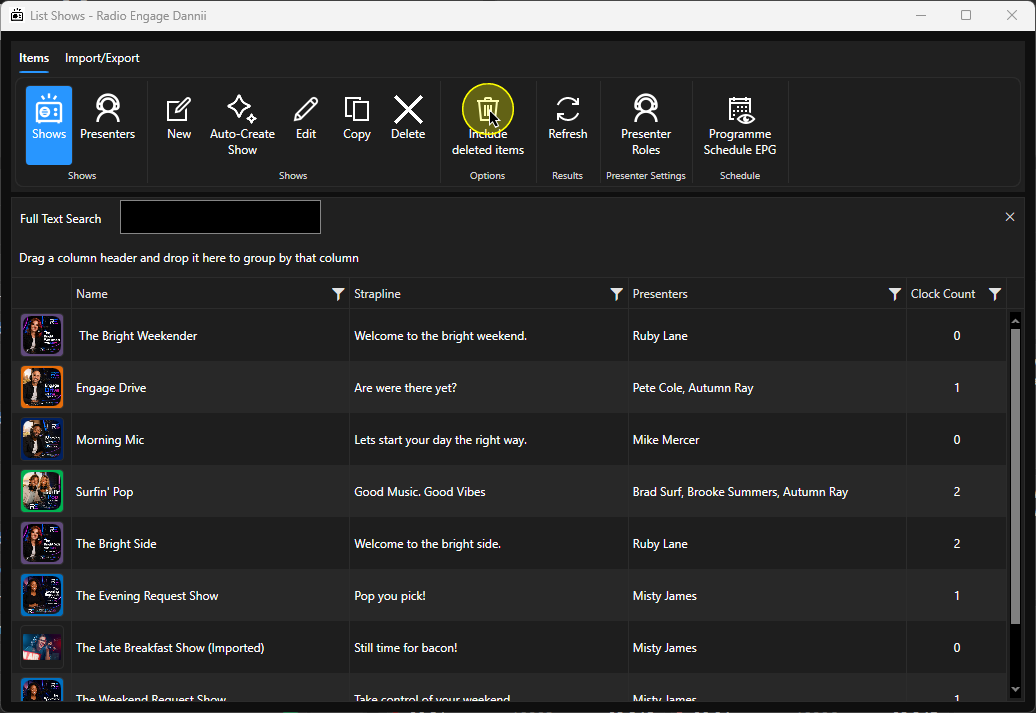
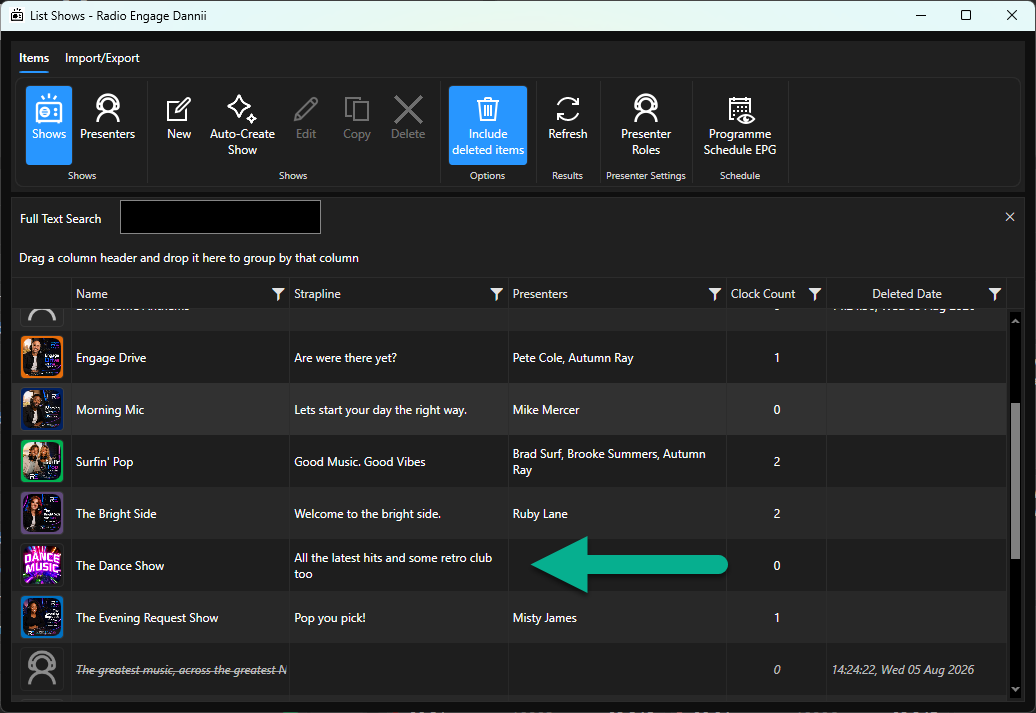
- Click on the Include Deleted Items button. This will expand the list to include any deleted Shows.
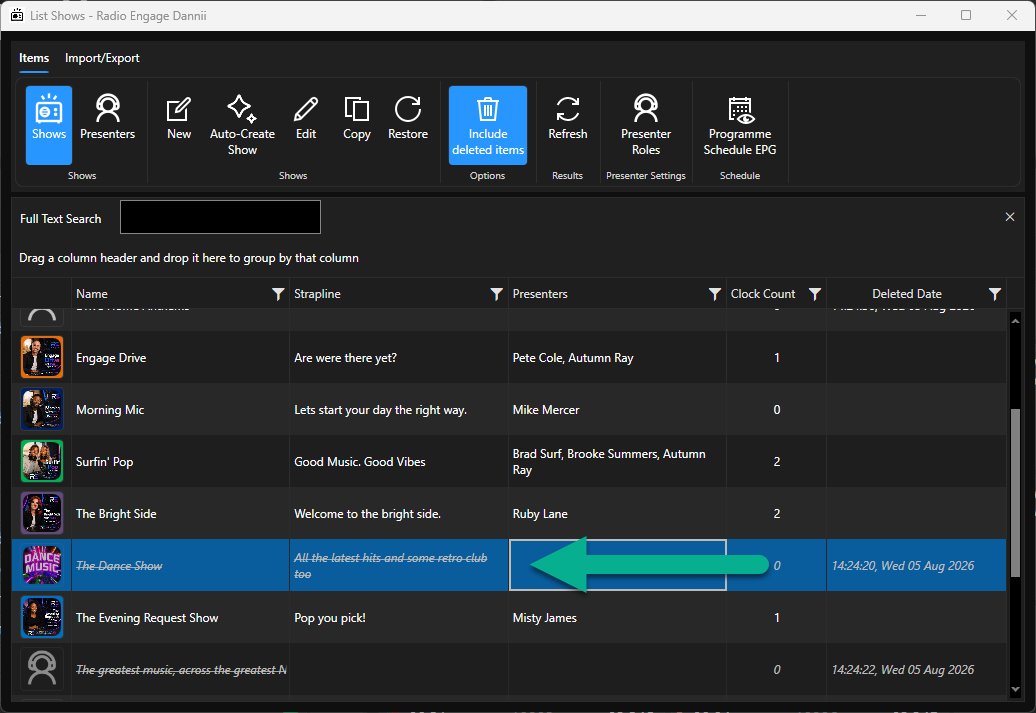
- Deleted Shows will be displayed with the text 'strike through'.
- To restore a deleted show, select the Show and click on the Restore button.
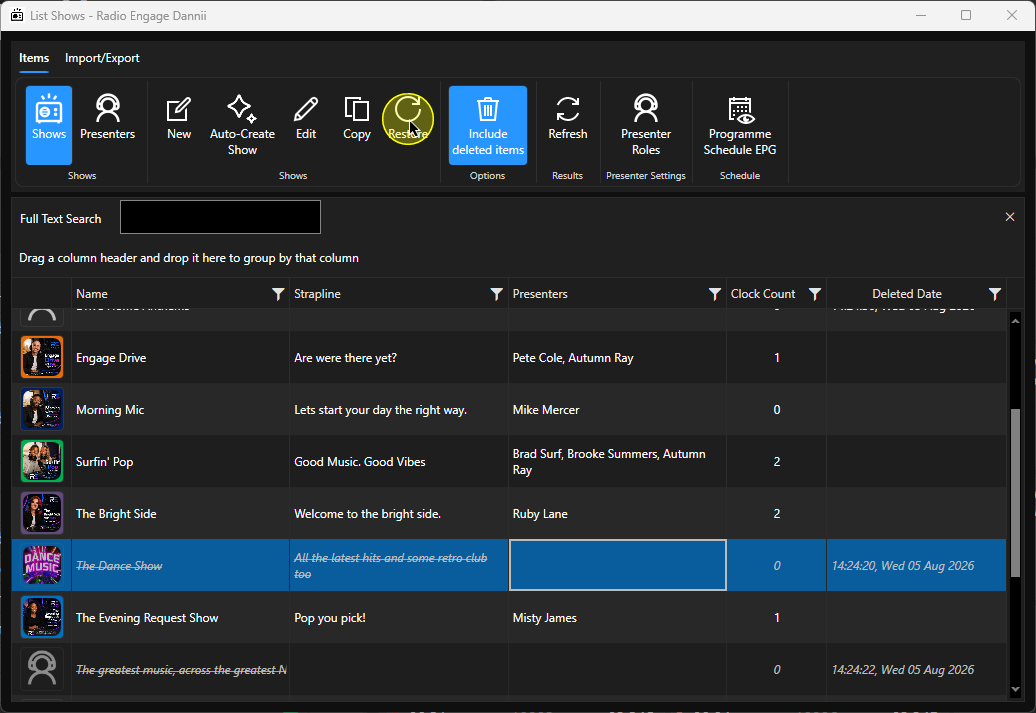
- You will be asked to confirm. Click Yes to restore the deleted Show.
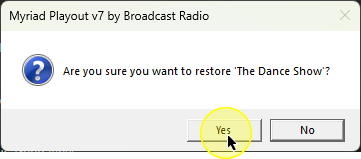
- The Show will be restored as an available Show in the list.
Was this article helpful?
That’s Great!
Thank you for your feedback
Sorry! We couldn't be helpful
Thank you for your feedback
Feedback sent
We appreciate your effort and will try to fix the article