The Presenter Roles in Myriad 7 provide a method of assigning Roles within a Show. This can be used in public facing information such as Show webpages (where Feature Presenters may be included but News Reader is not) and when generating AI Voice LInks.
Myriad 7 has multiple Presenter Roles included by default.
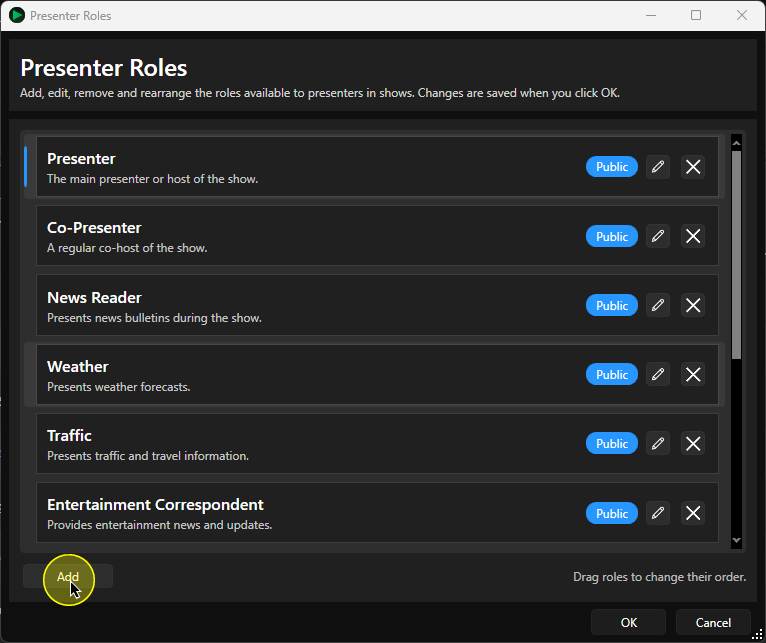
These include:
- Presenter
- Co-Presenter
- News Reader
- Weather
- Traffic
- Entertainment Correspondent
- Sports Correspondent
- Contributor
- Guest
To edit this list or add new Roles:
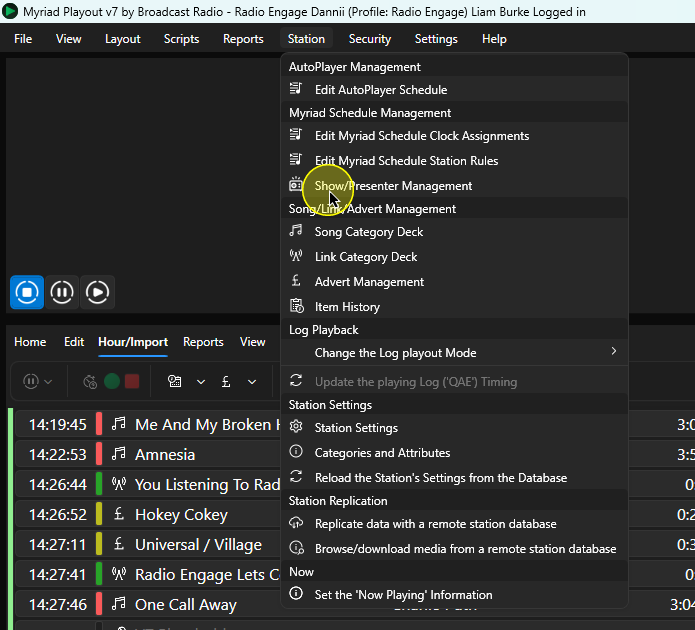
- In Myriad Playout, click Station Menu > Show/Presenter Management.
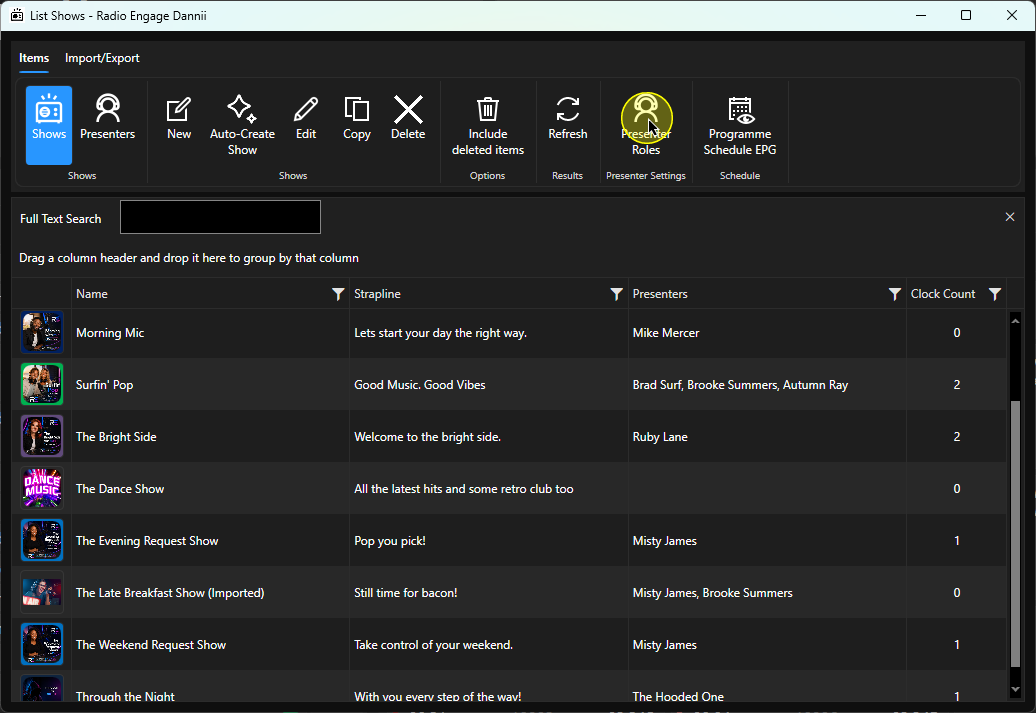
- Click on the Presenter Roles button.
- To add a new Role, click on the Add button.
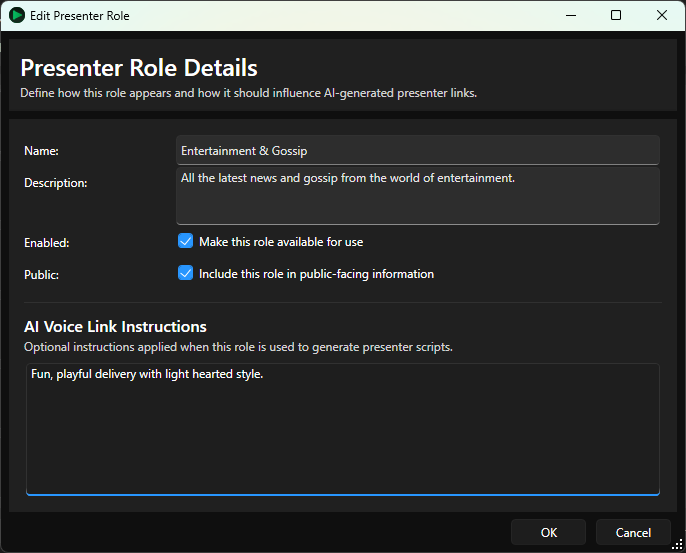
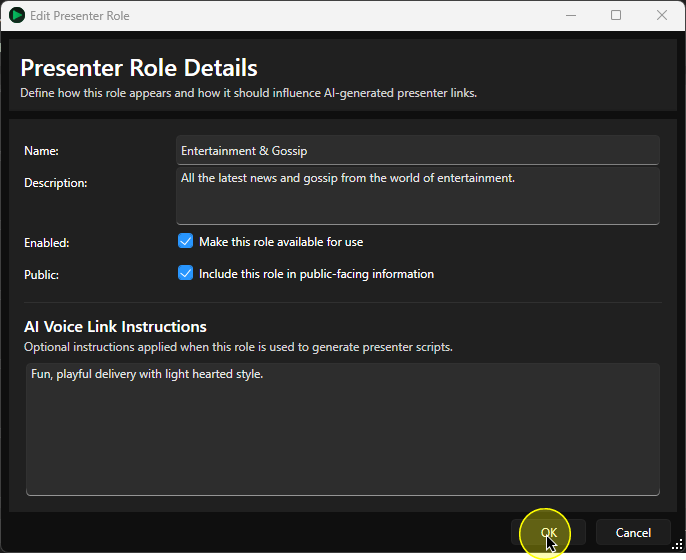
- Fill in the Presenter Role details:
- Name - Name of the Role.
- Description - Briefly describe the Role.
- Enabled (toggle) - Toggle whether this Role is enabled or not.
- Public (toggle) - Toggle whether this Role is visible to the public.
- AI Voice Link Instructions - Add instructions to help the prompt generation for AI Voice Links created for Presenters with this Role assigned within a Show.
- Click on OK to save the new Role.
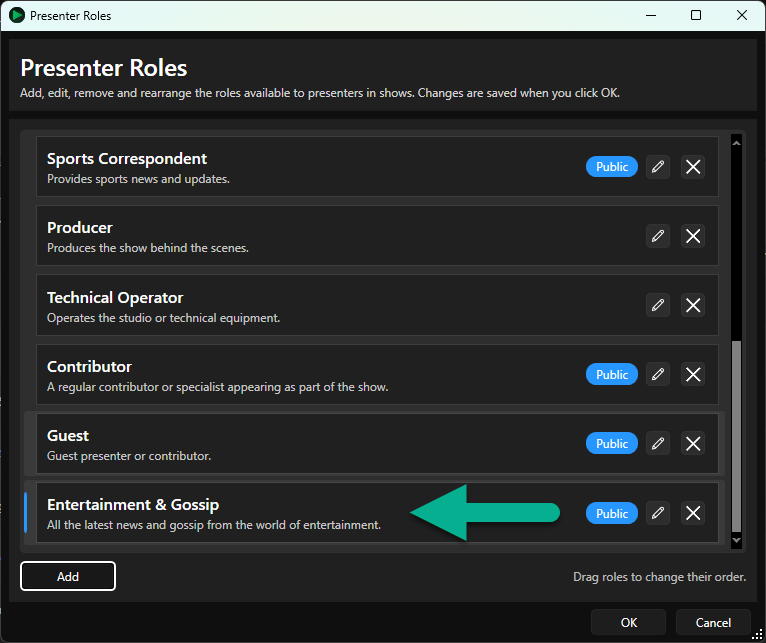
- The Role will be added to the list of available options.
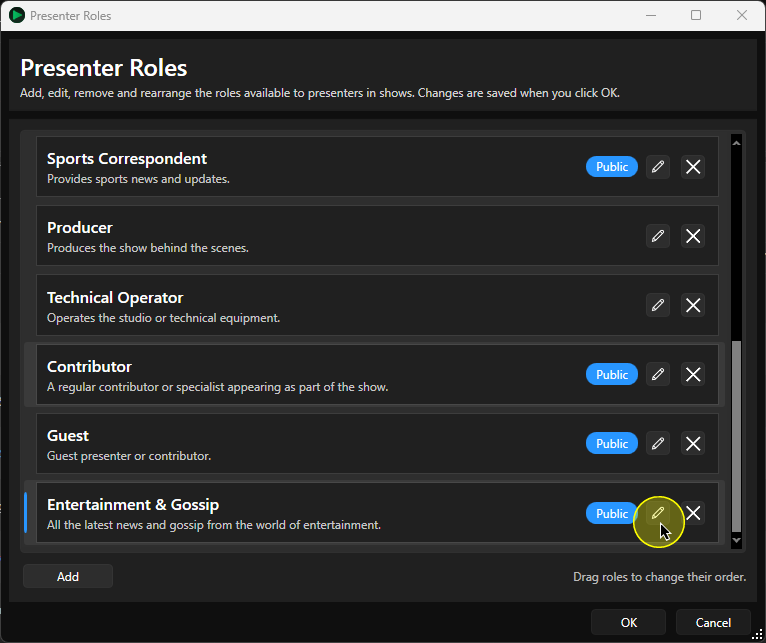
- To edit an existing Role, click on the Edit button on the Role.
This will open the Edit Presenter Role window to allow you to make changes.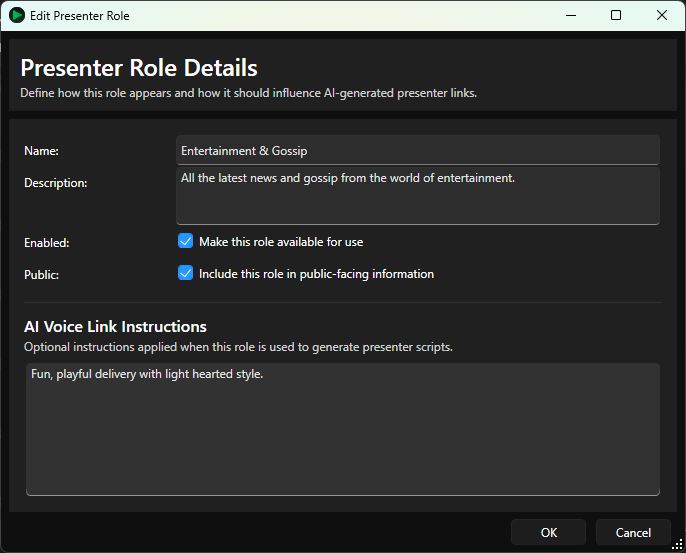
- If you want to delete a Presenter Role, click on the Delete button on the Role.
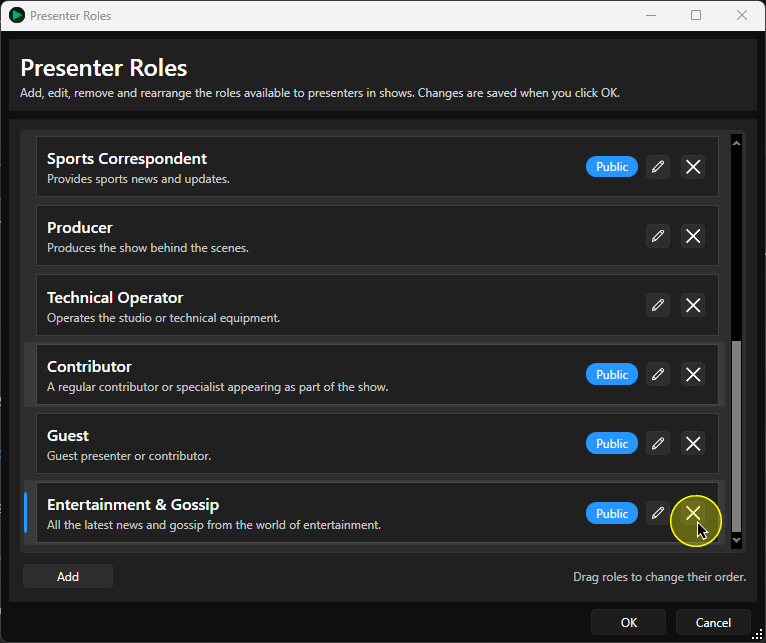
You will be asked to confirm the action. Click Yes to delete the Presenter Role.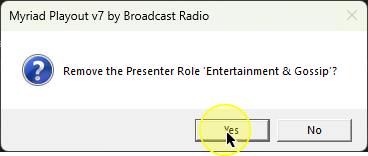
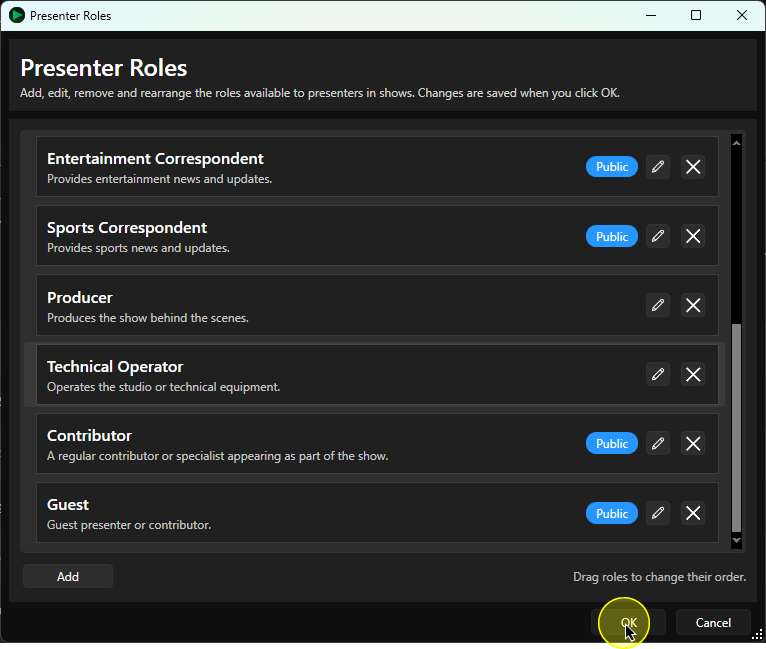
- Click on OK to close the Presenter Role window.
Was this article helpful?
That’s Great!
Thank you for your feedback
Sorry! We couldn't be helpful
Thank you for your feedback
Feedback sent
We appreciate your effort and will try to fix the article