Some Songs include an short instrumental period at the beginning which can be used to talk over as a DJ or to play a sweeper jingle over. Setting the Intro End at the end of this section allows Myriad Playout to automatically apply 'sweepers' and allows DJ's to easily talk 'up to the vocals'.
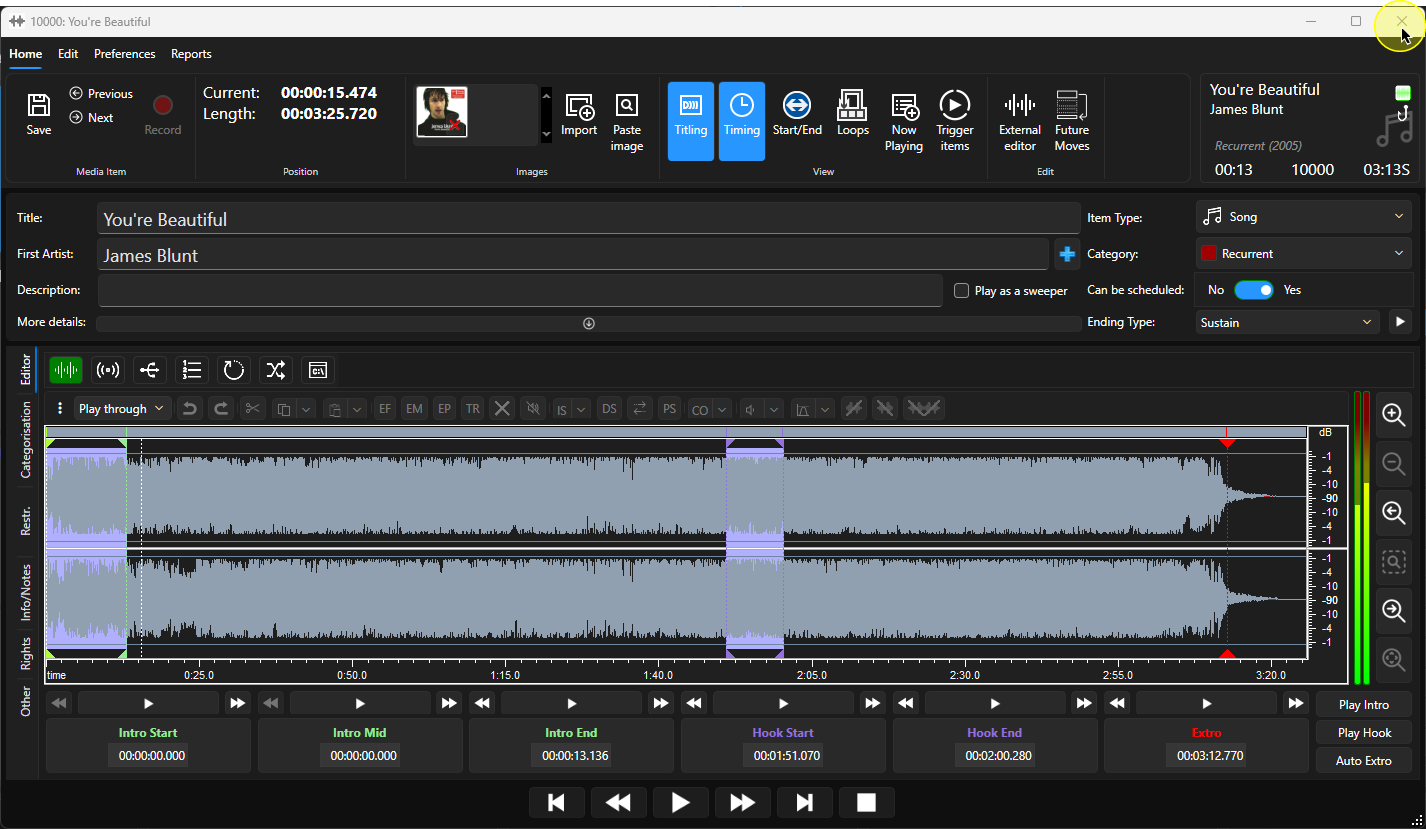
1. Select a Song that does not have the Intro set (lower left if Media Item on Media Wall).
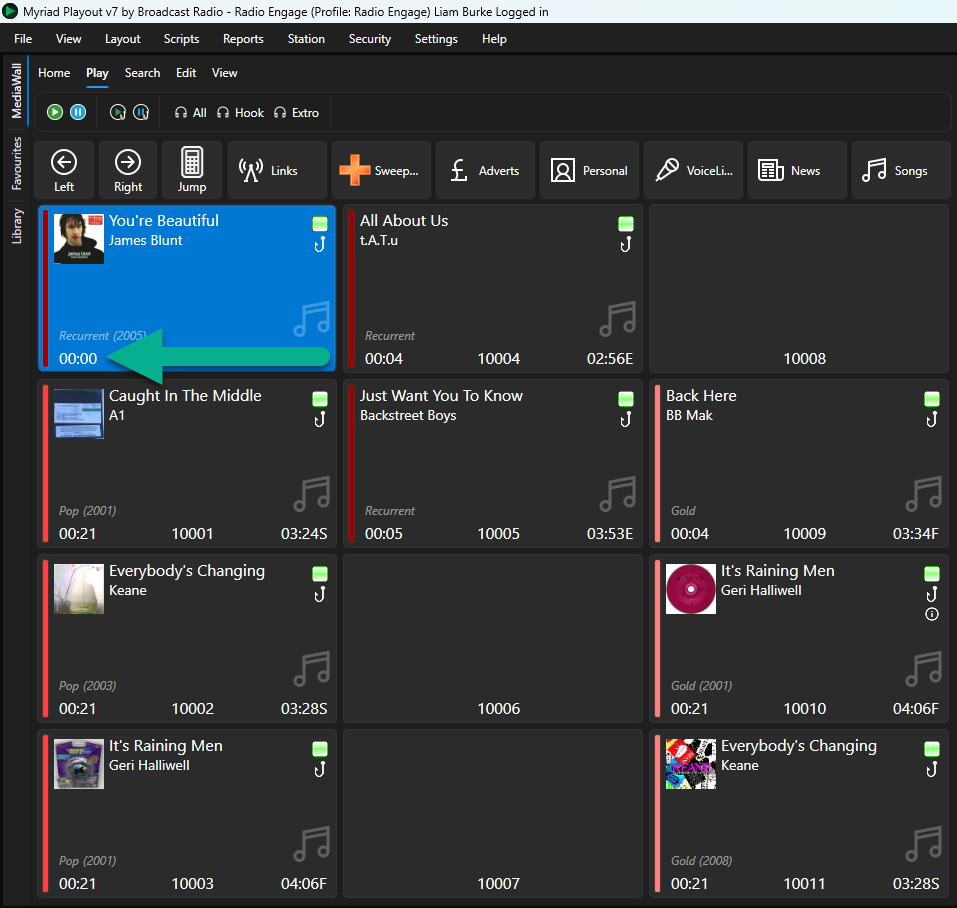
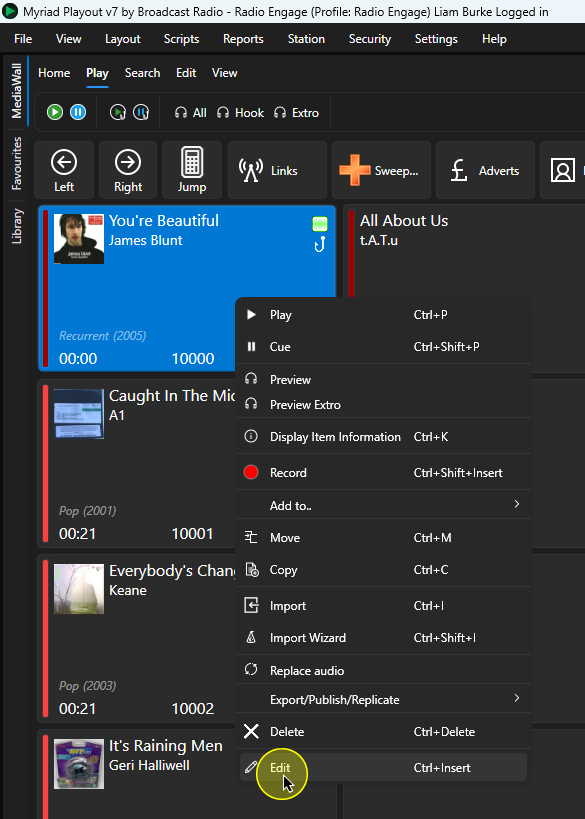
2. Right-click and select Edit from the menu option.
3. Click the Play button in the Edit Window to listen to the start of the Song.
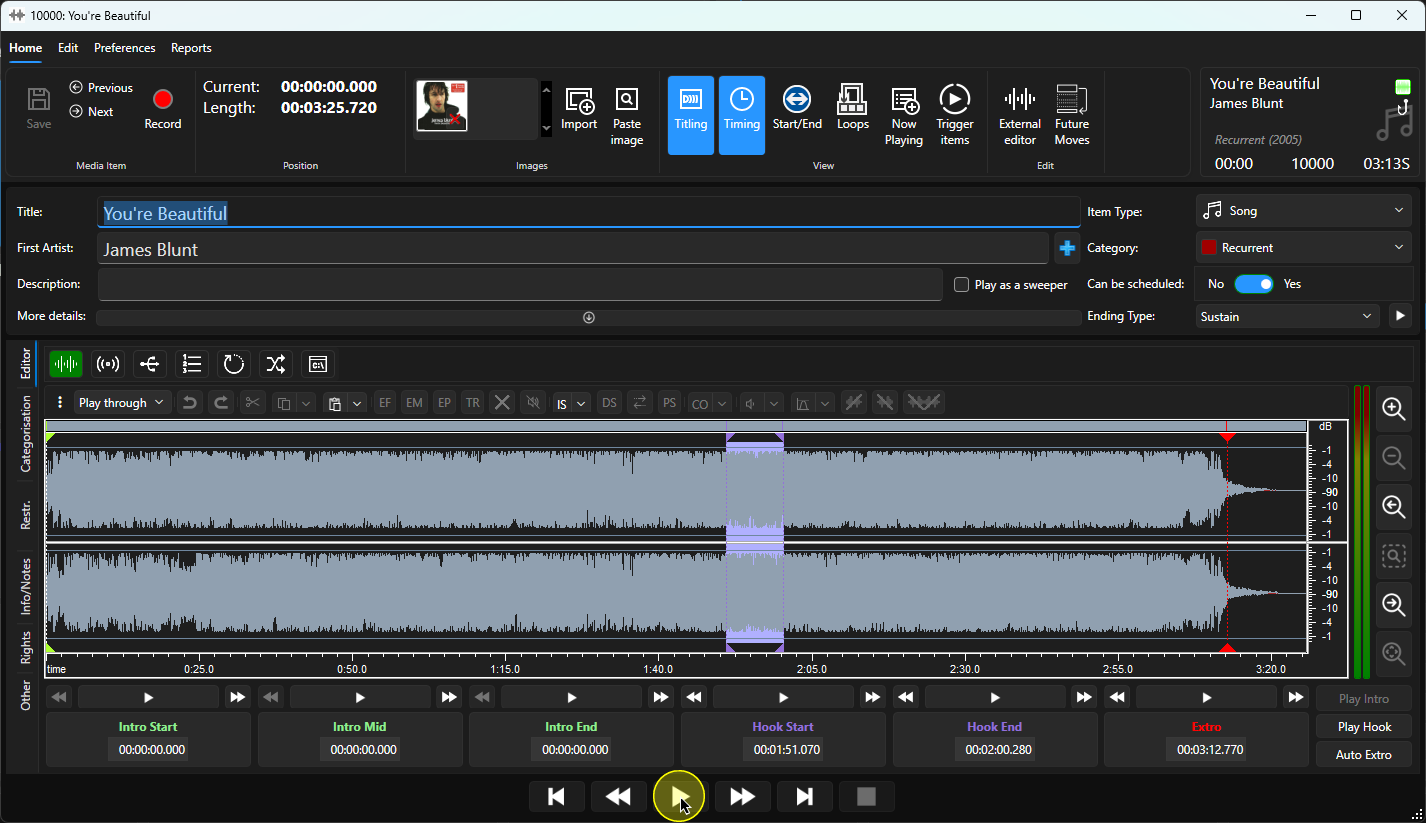
You can use the transport controls to advanced playback as required
You can also click in the wavform to move the 'play' point.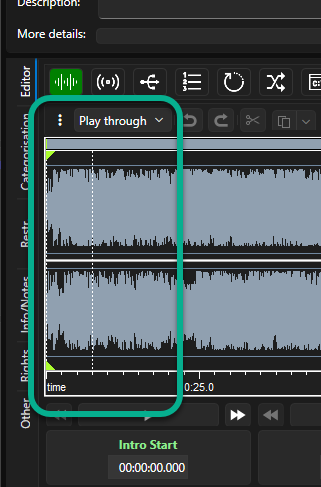
When you get to the point in the audio where you want to set the Intro End, click on the Intro End button.
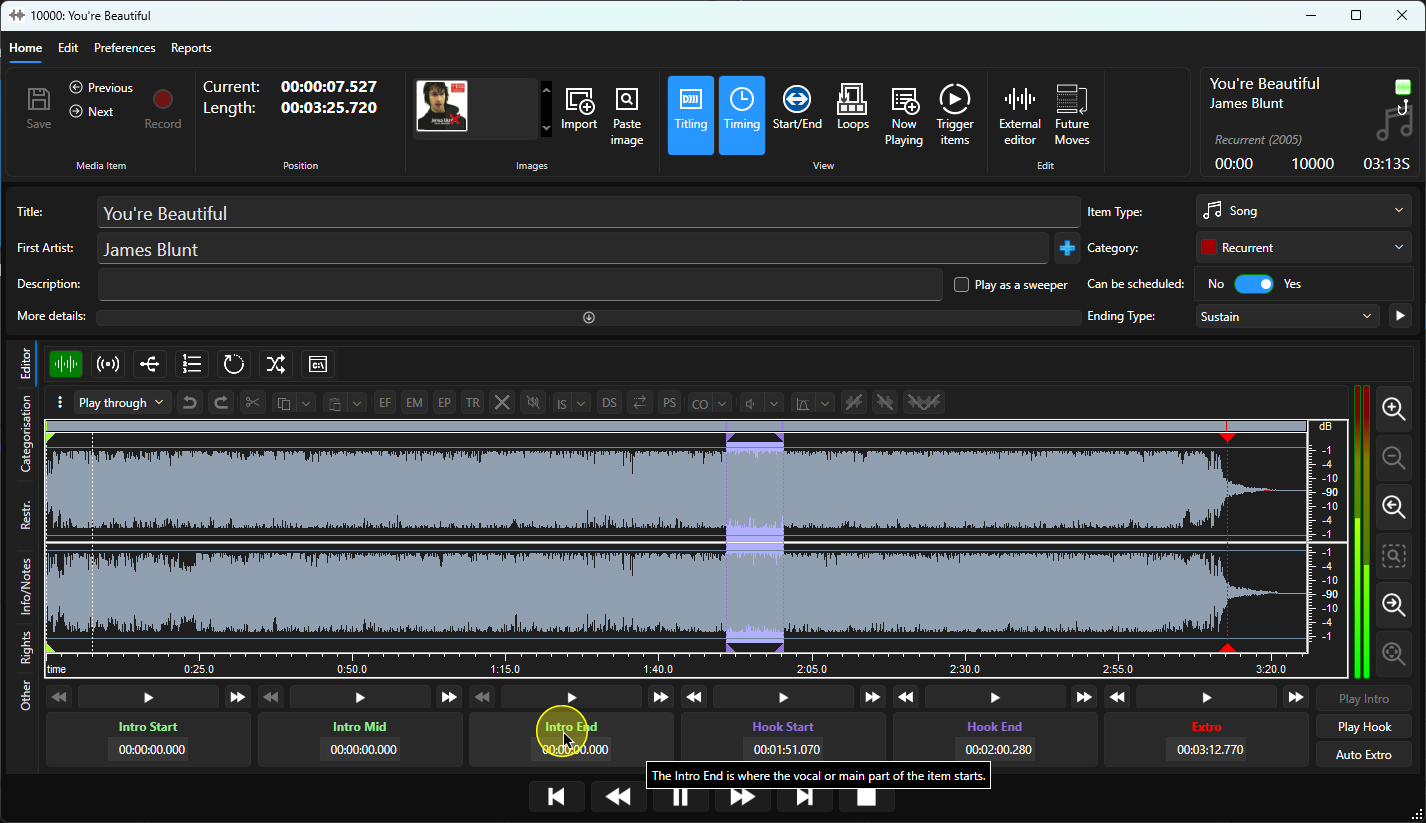
6. Top review the Intro End, click on the Play button directly above the Intro End button.
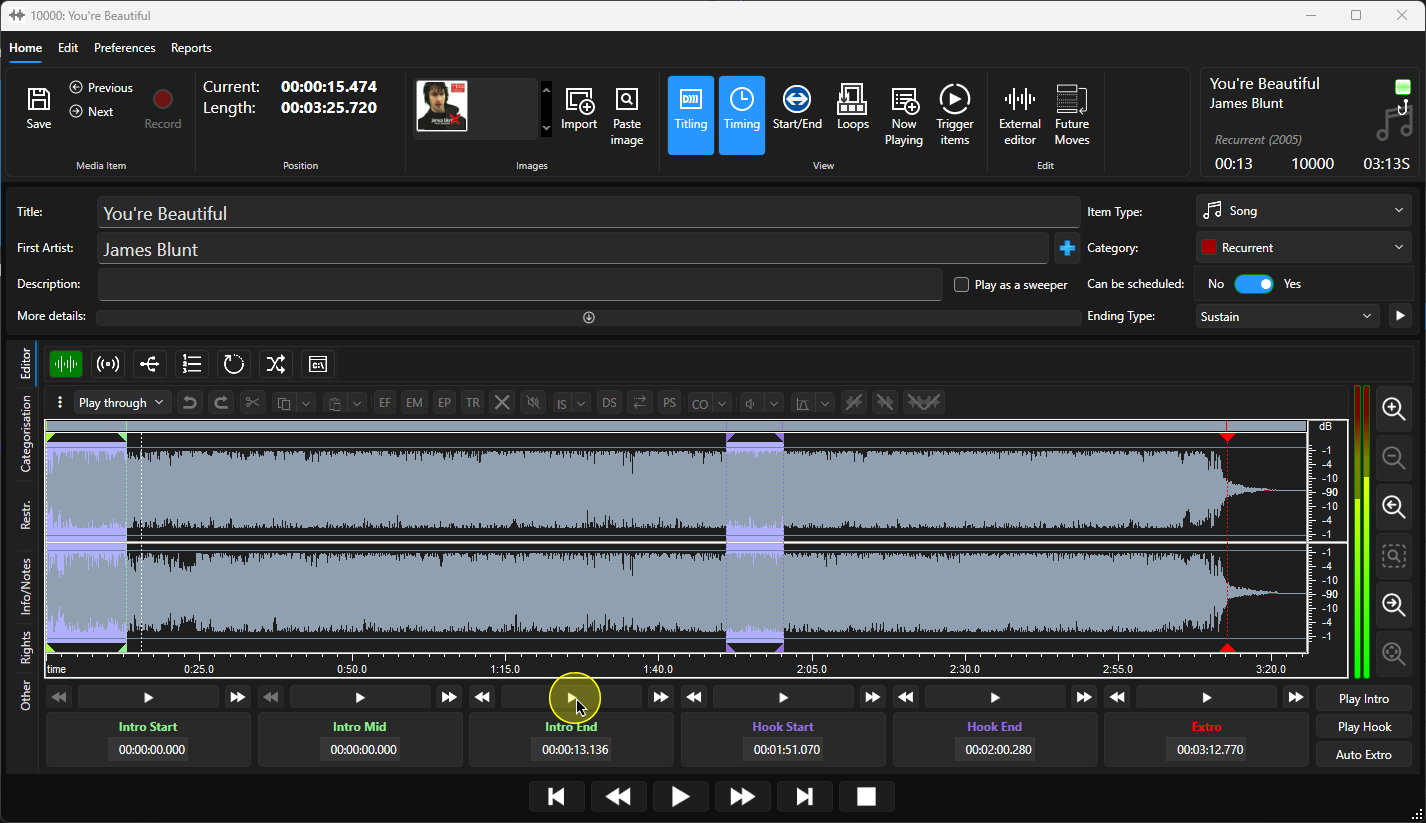
7. You can use the Left/Right Nudge buttons to move the Intro End a small amount backwards or forwards to fine tune the Intro End.
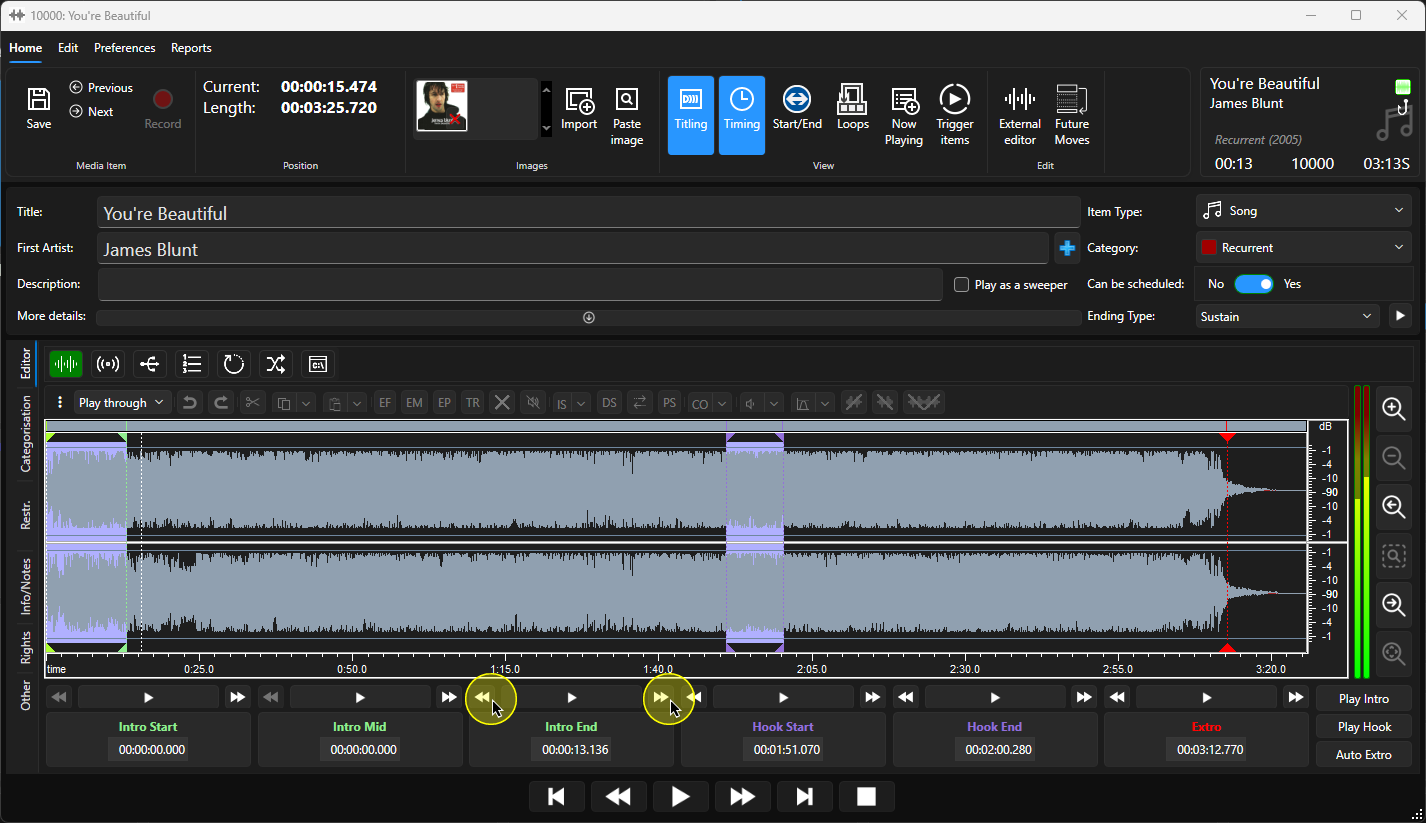
8. When you are happy, you can click on the Save button to save the Intro End point.
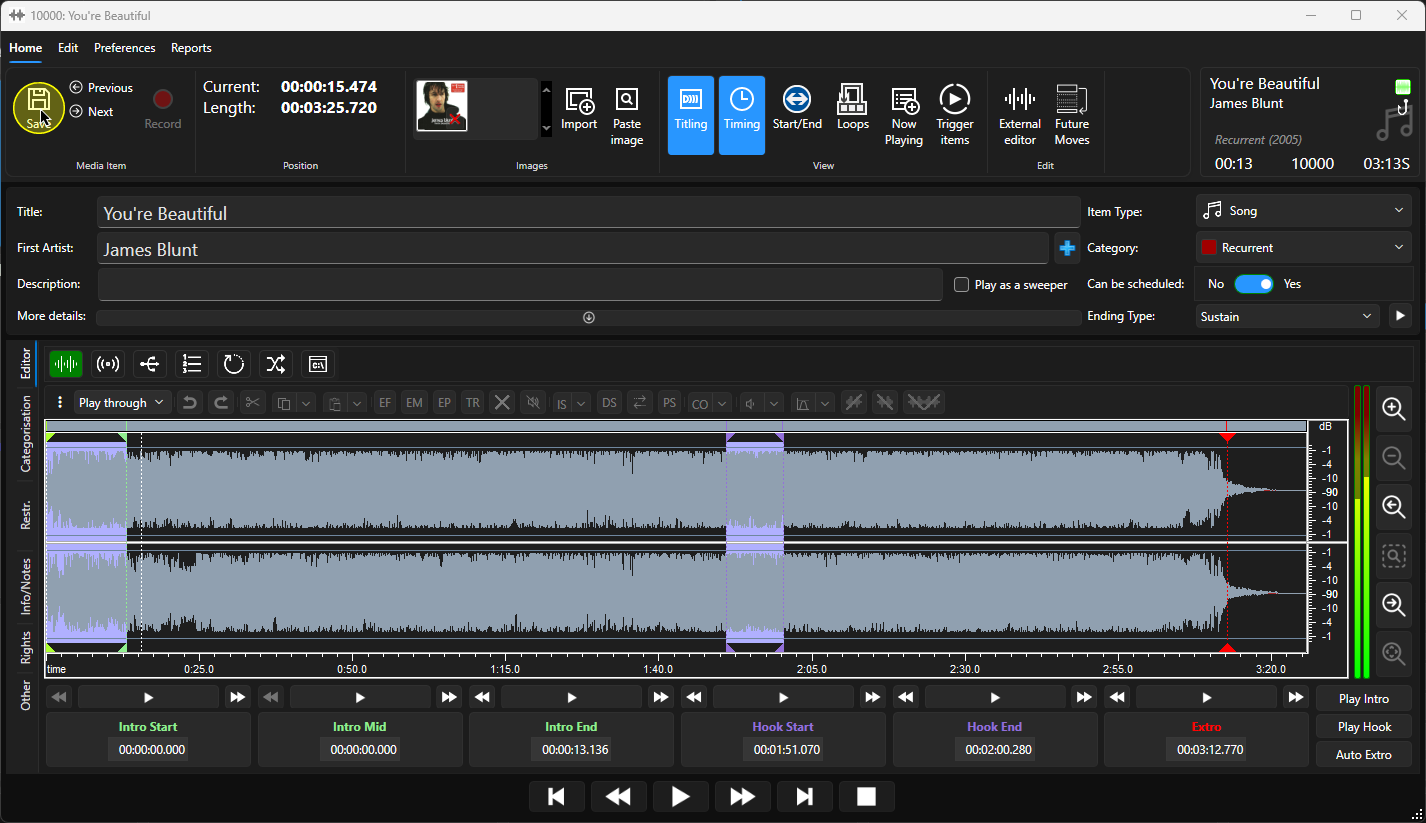
9. You can now close the Edit Window.
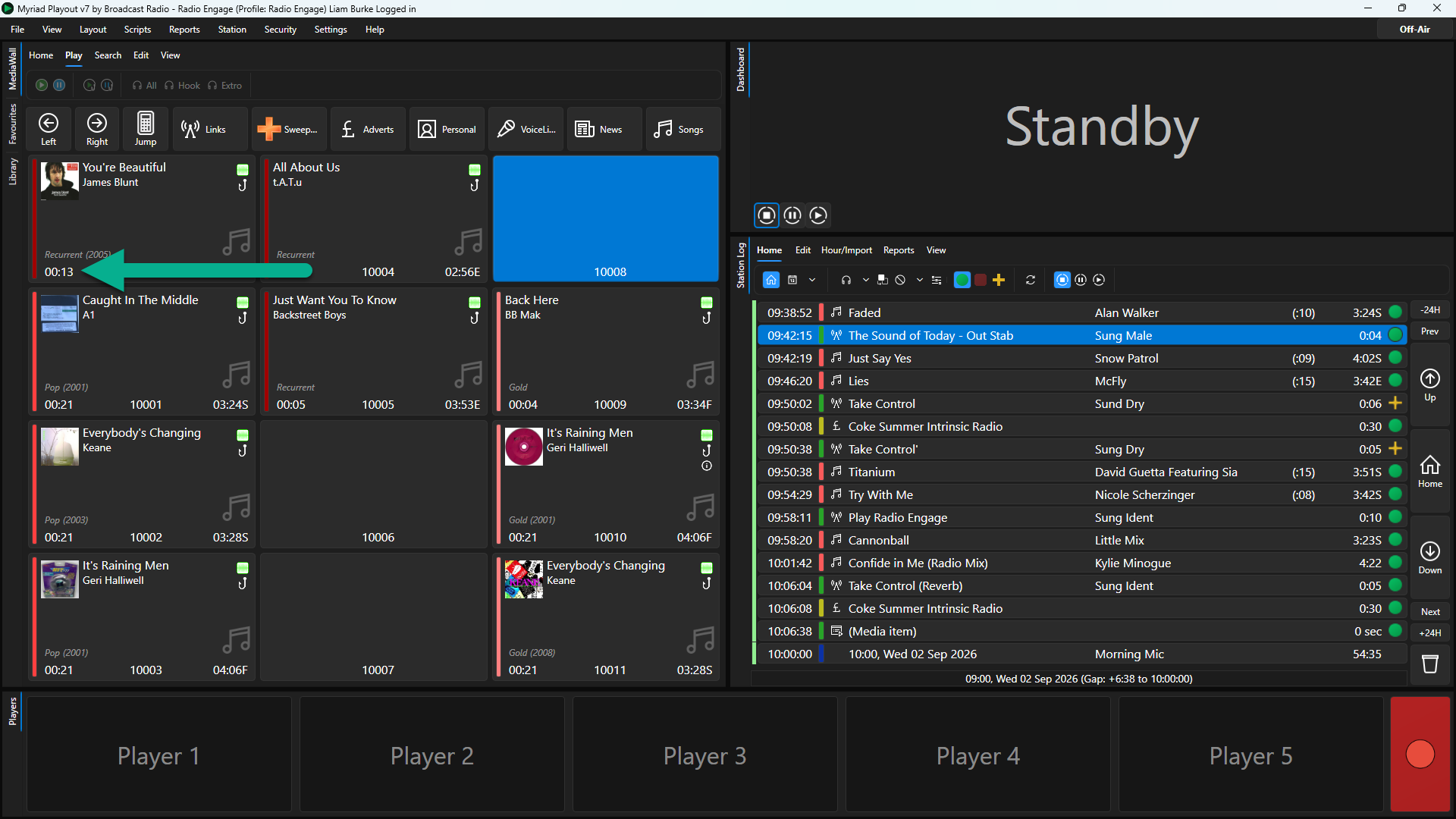
10. The Intro Time will now be displayed in the bottom left corner of the Media Item.
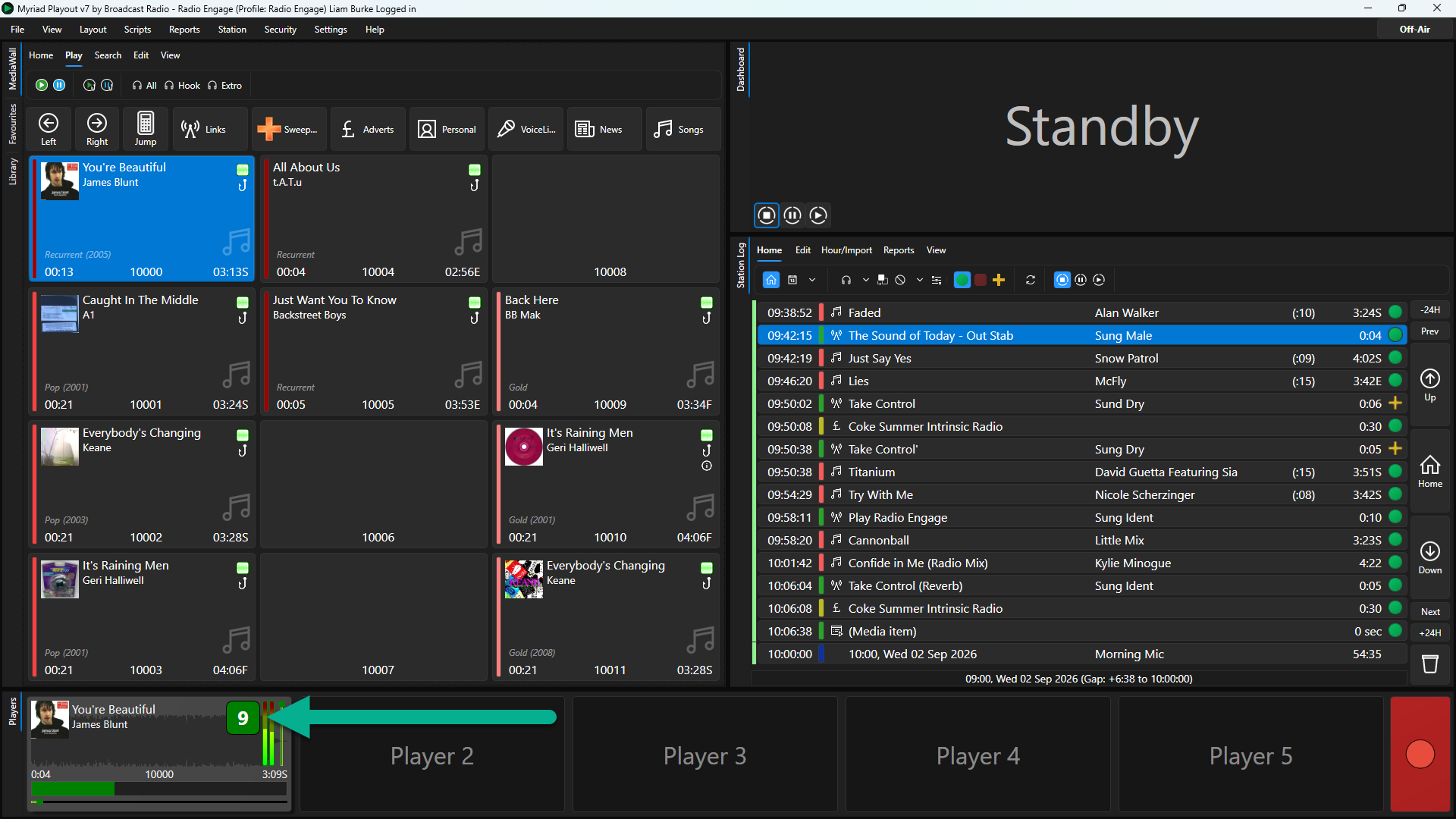
11. When the Media Item is played, the Intro Time will be displayed in the Media Player as a count down and progress bar.
Was this article helpful?
That’s Great!
Thank you for your feedback
Sorry! We couldn't be helpful
Thank you for your feedback
Feedback sent
We appreciate your effort and will try to fix the article