You can set an Intro Mid point in Songs with an overall Intro. This is displayed as a soft marker on the progress bar on the Media Players when played in Myriad Playout.
1. Select a Song with an Intro set (you can also set the Intro Mid the same time you set the Intro End if preferred).
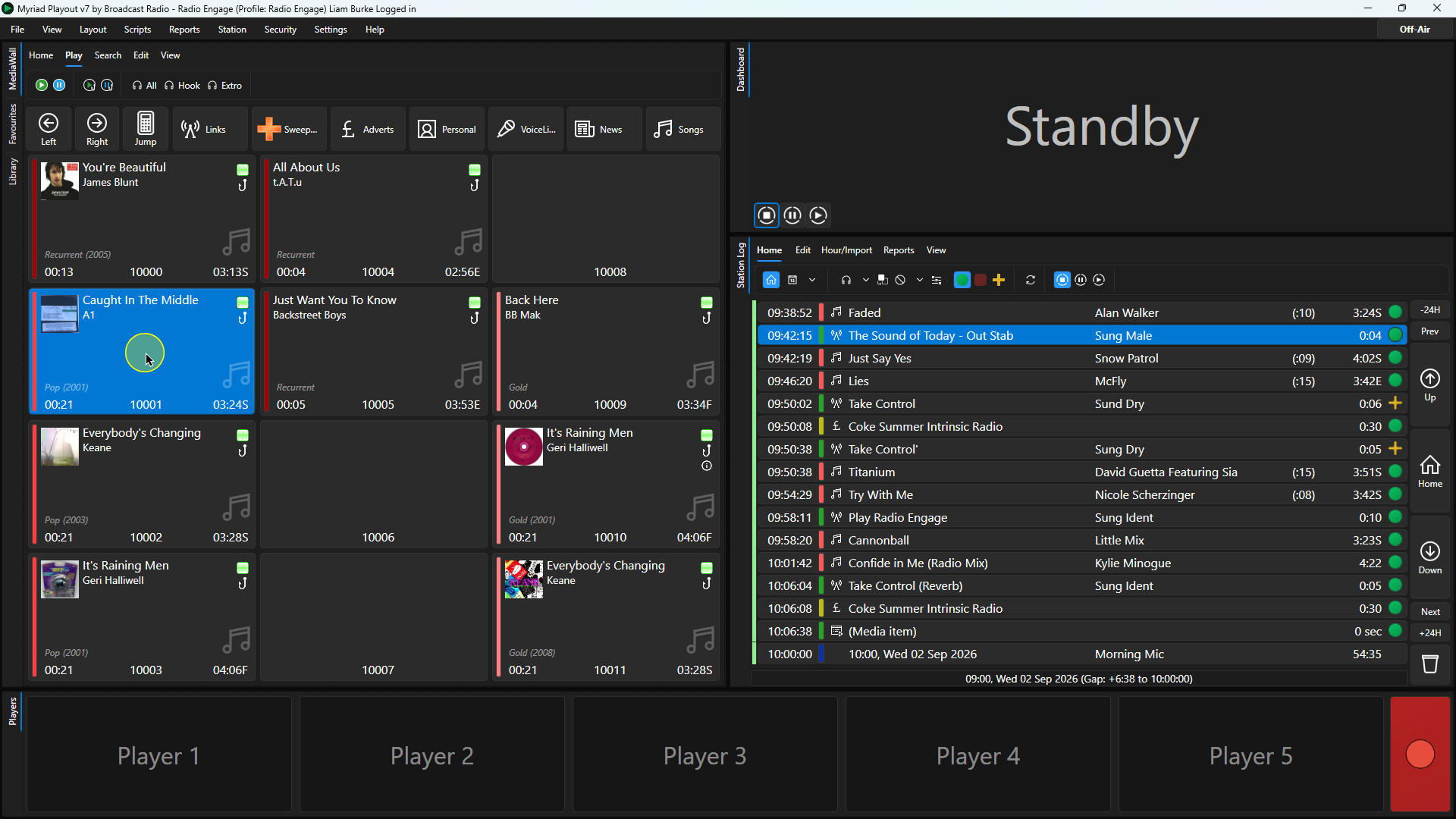
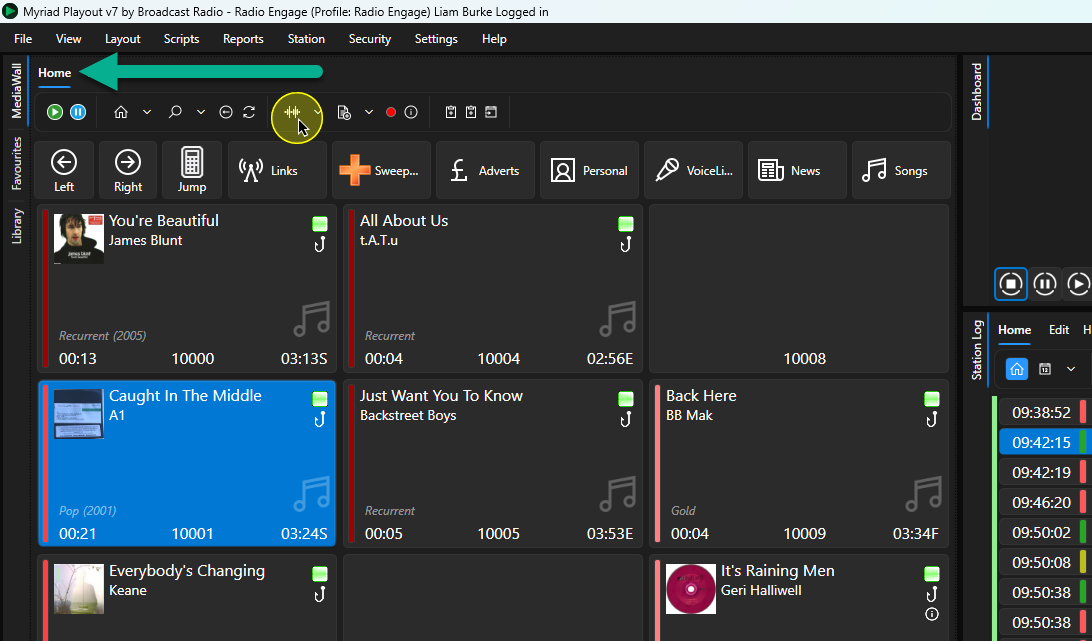
2. Click on the Edit button on the Home ribbon or right click on the Media Item and select Edit.
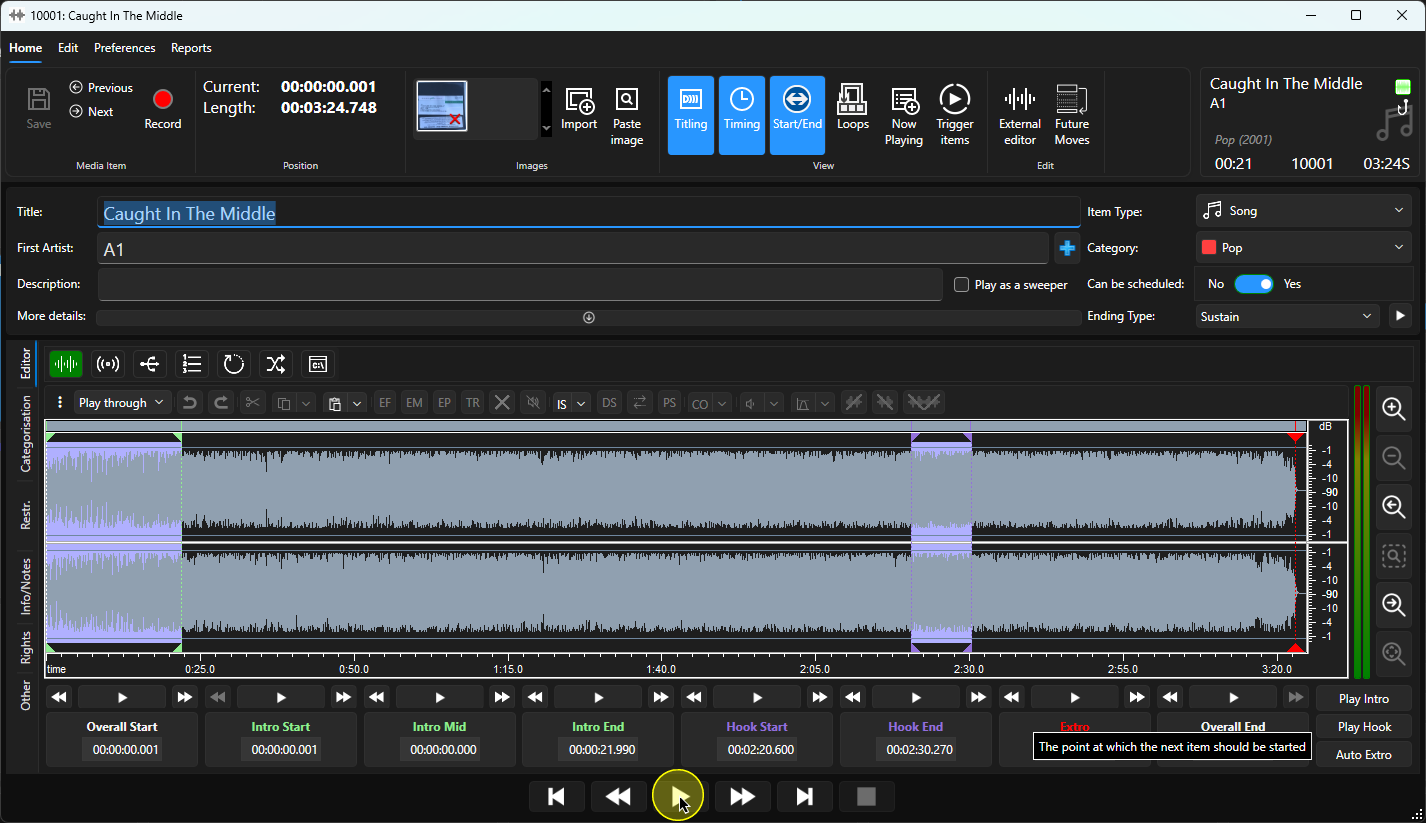
3. Click on the Play button on the Edit Window to begin playback of the audio from the start of the Intro.
4. At an appropriate time, click on the Intro Mid button to set the Intro Mid point.
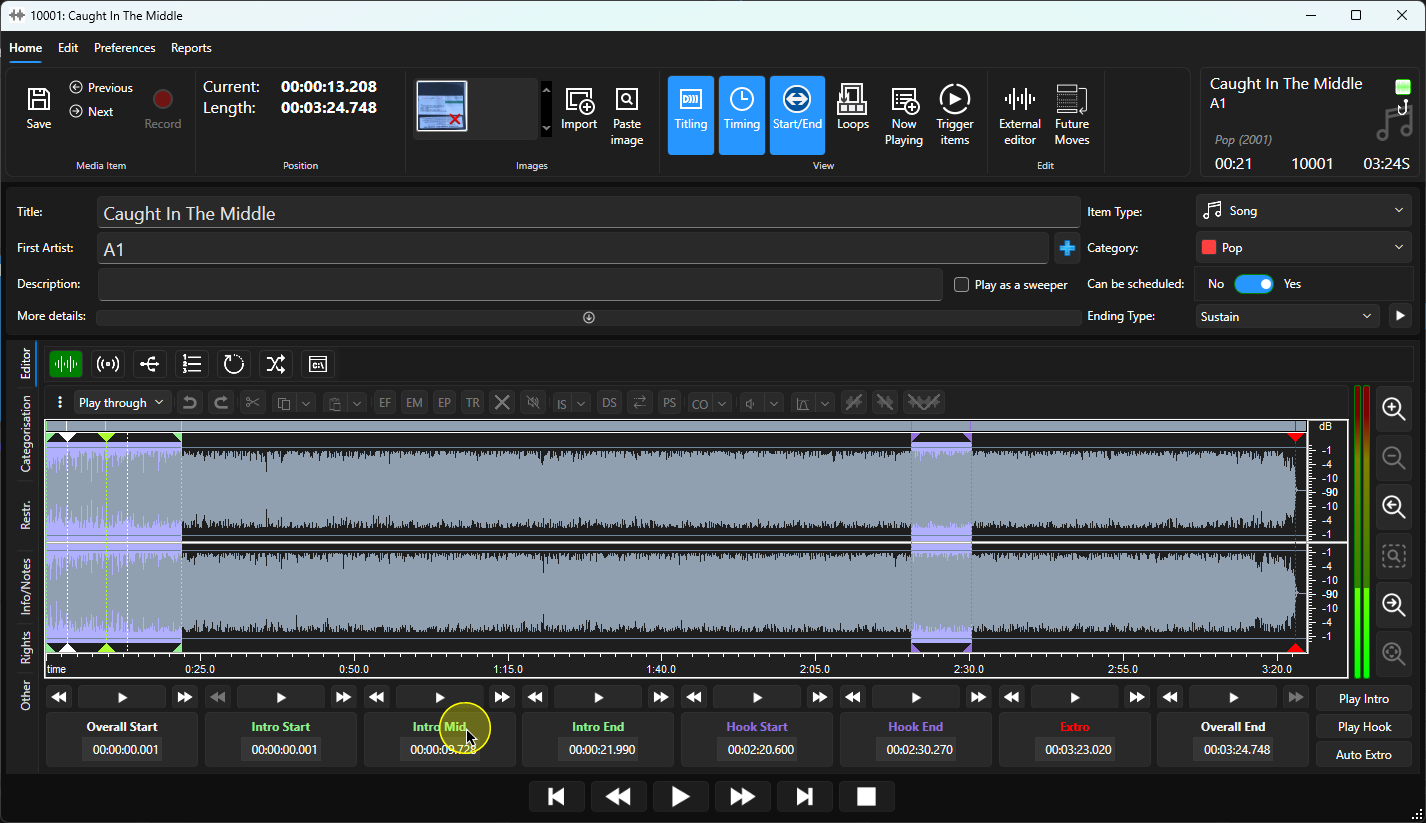
5. To review the Intro Mid point, click on the Play button directly above the Intro Mid button.
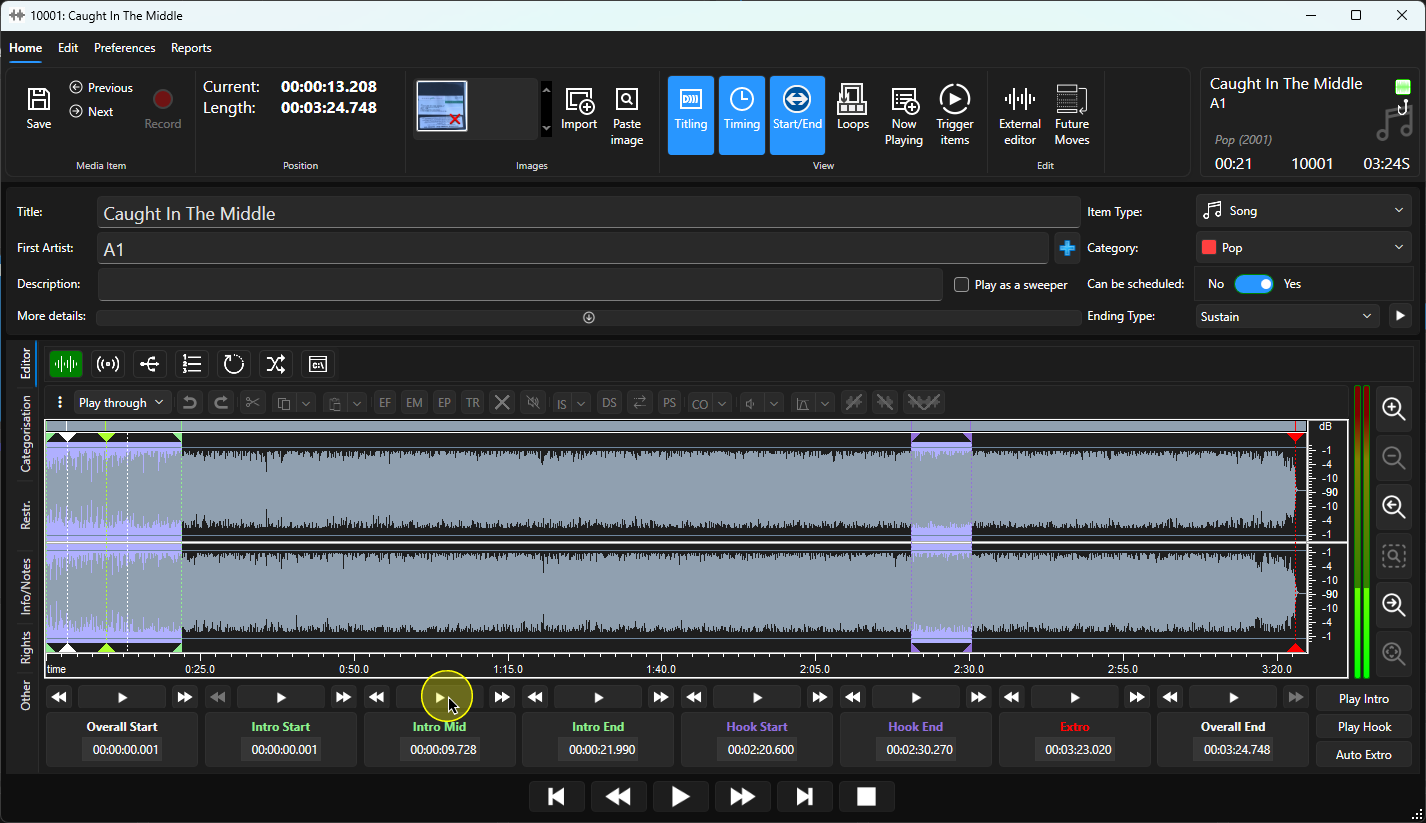
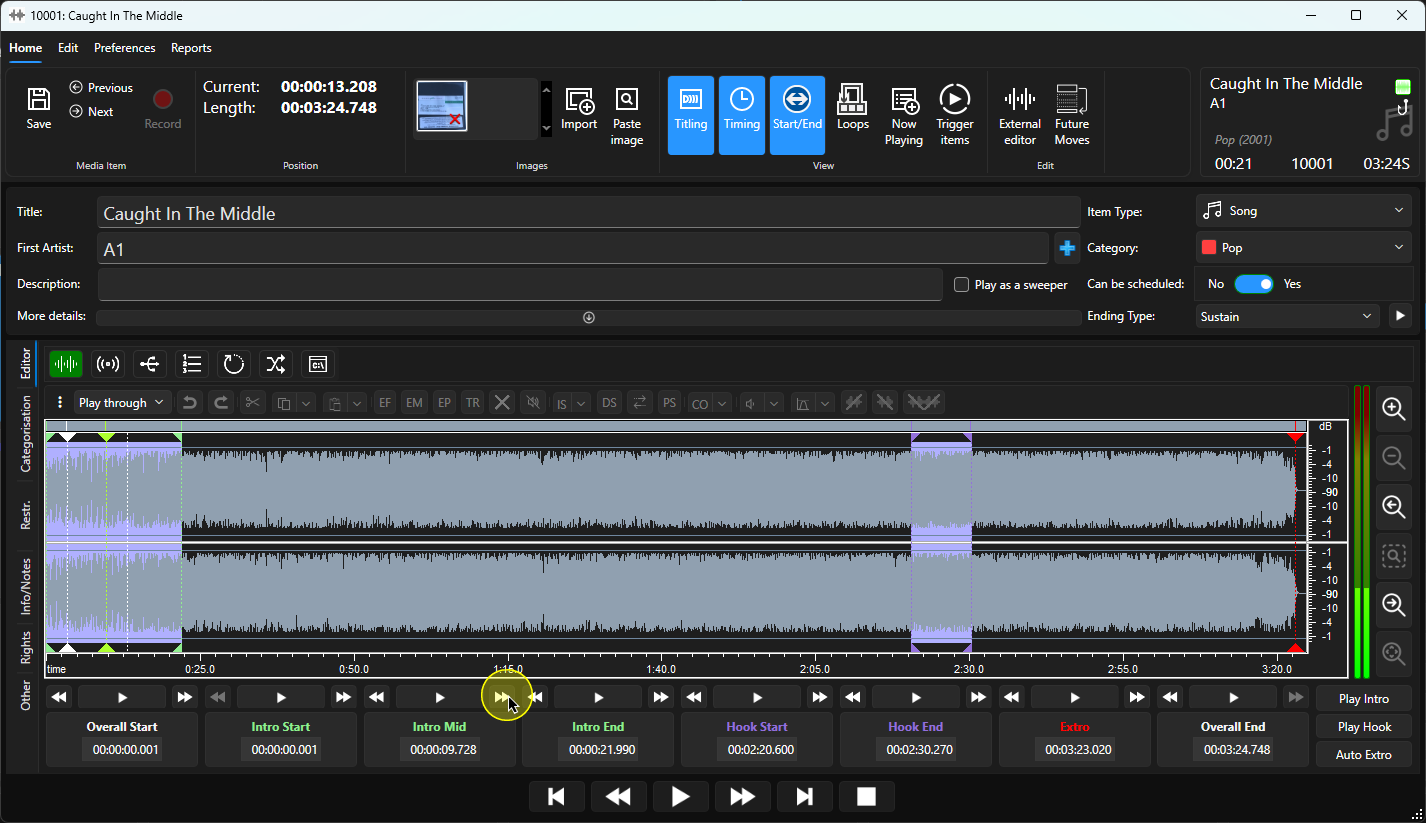
6. You can use the Intro Mid Nudge buttons to move the Intro Mid point forward or backward as required.
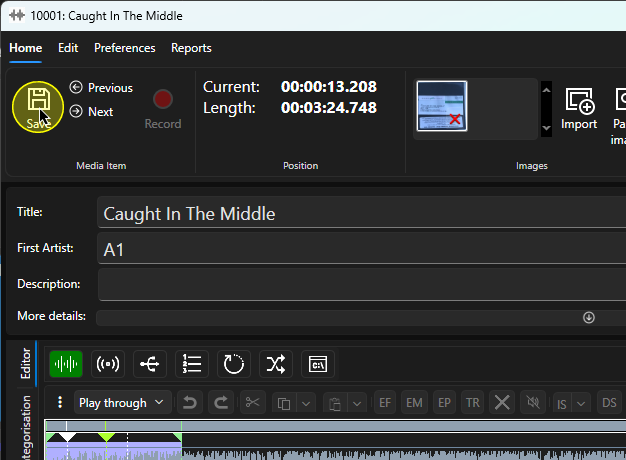
7. When you are happy, click on the Save button on the Home Ribbon to save the Intro Mid point.
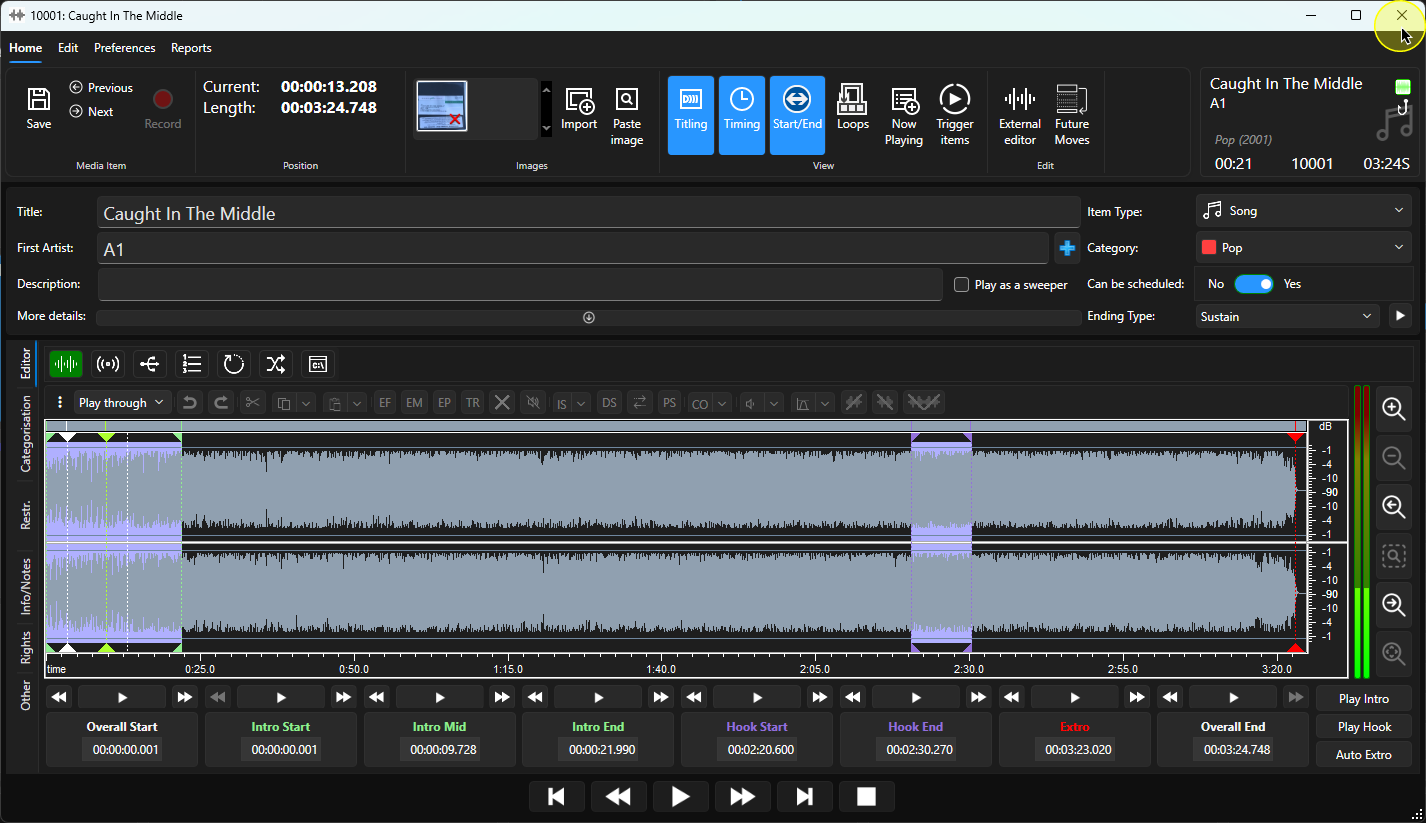
8. You can now close the Edit Window.
Was this article helpful?
That’s Great!
Thank you for your feedback
Sorry! We couldn't be helpful
Thank you for your feedback
Feedback sent
We appreciate your effort and will try to fix the article