You can add unlimited Tags for both Songs and Links. These Tags can then be assigned to Songs or Links to provide a fine level of control when scheduling content.
1. In Myriad Playout, click on the Settings menu.
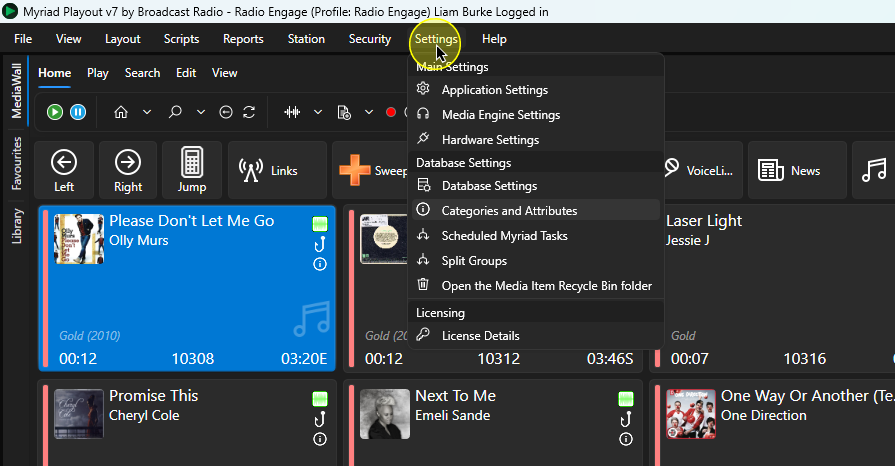
2. Select Categories and Attributes.
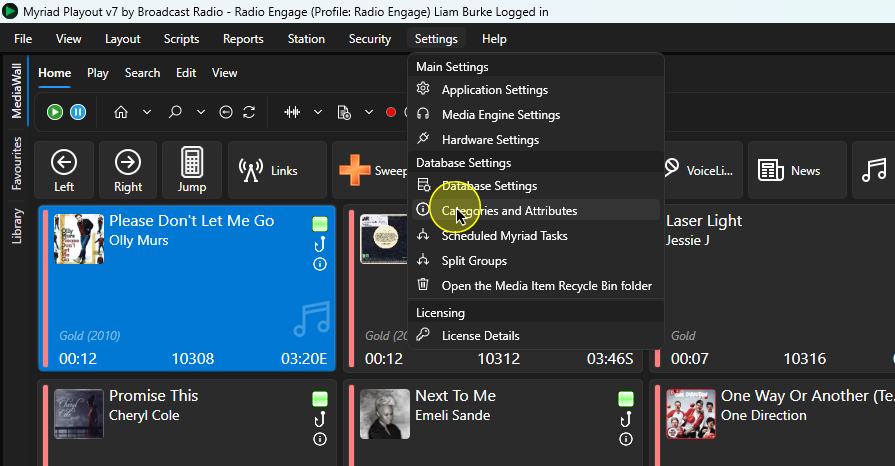 3. If you want to edit or add Song Tags, click on the Songs tab. If you want to add or edit Links, select the Links Tag.
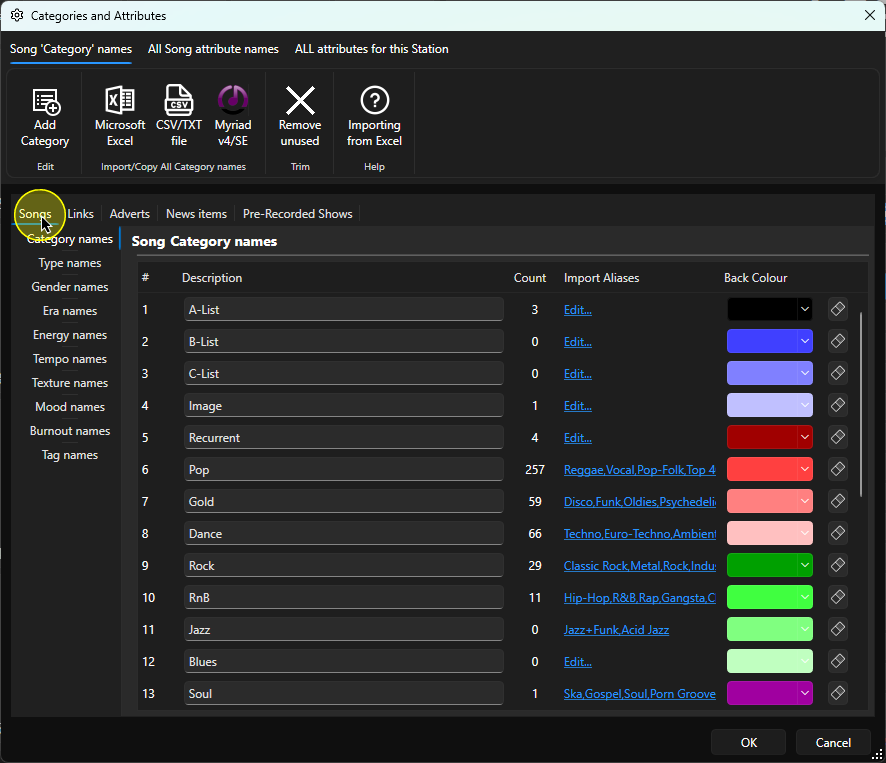
4. Select the Tag Names option.
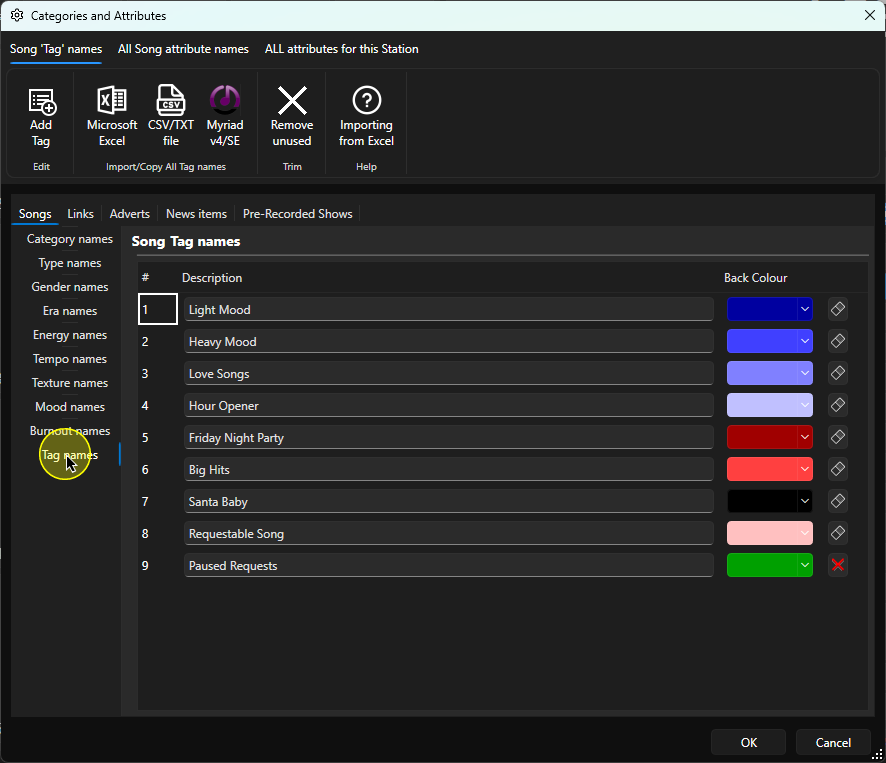
5. You can edit an existing Tag by clicking the Description field and typing in the the new name.
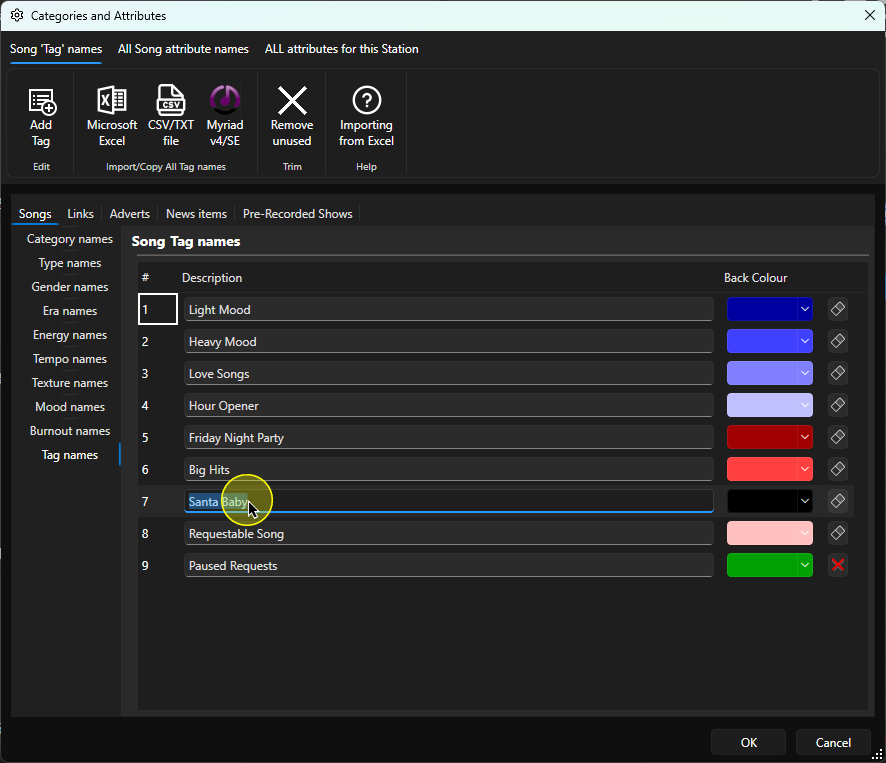
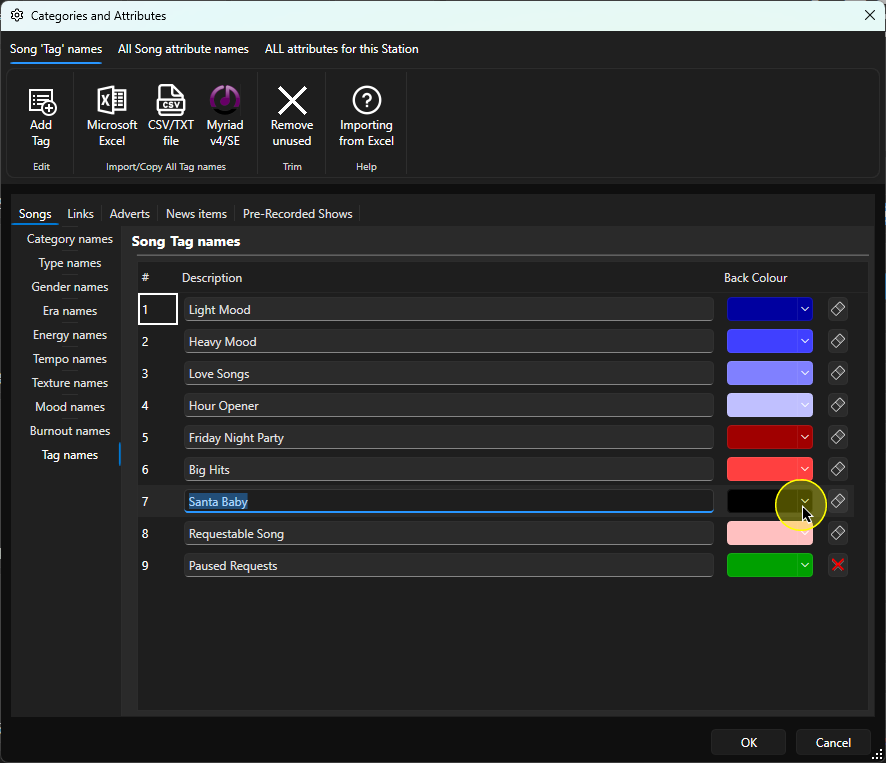
6. You can also set a colour for the Tag if required.
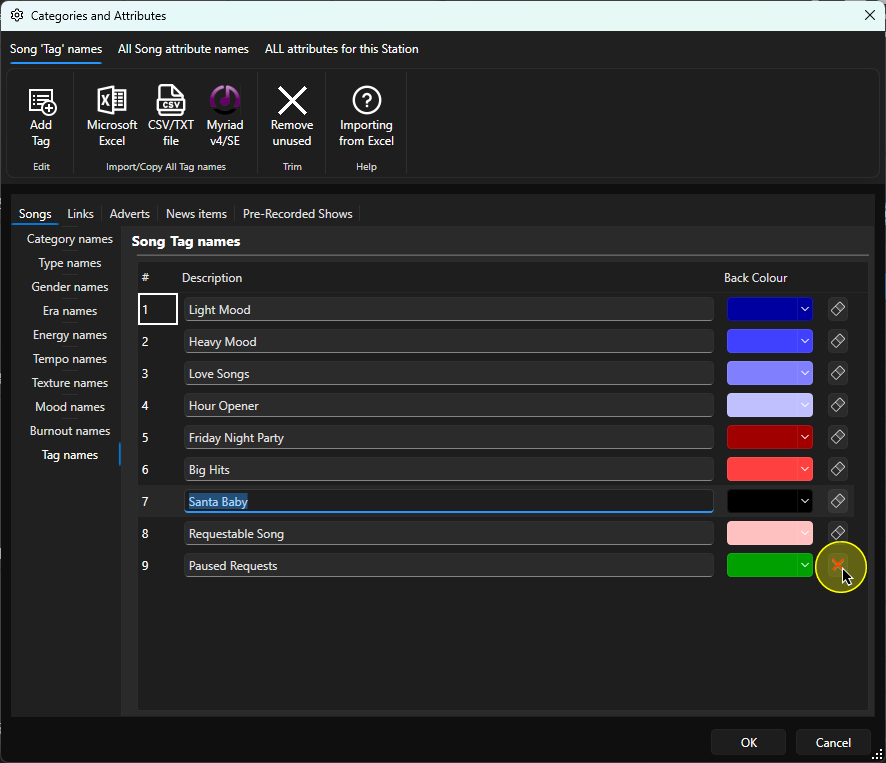
7. As long as the Tag is not currently assigned to a Song (or Link), you can click on the X to delete the Tag. The system will not allow you to delete a Tag that is assigned to a Song or Link.
8. To add a new Tag, click on the Add Tag button on the Song Tag Name ribbon.
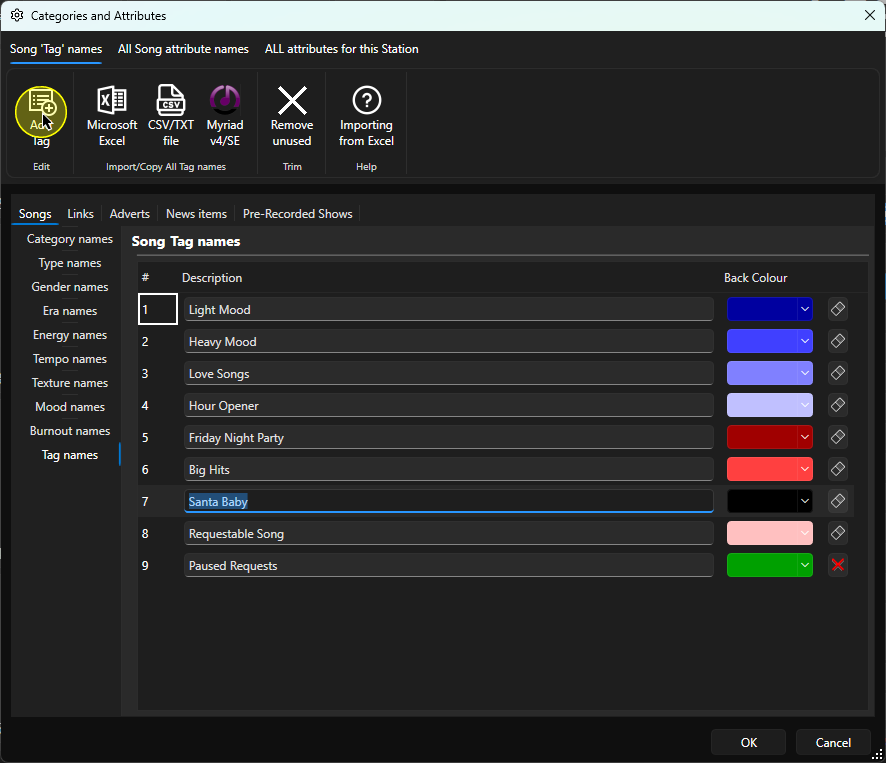
9. The new Tag will be added to the bottom of the list.
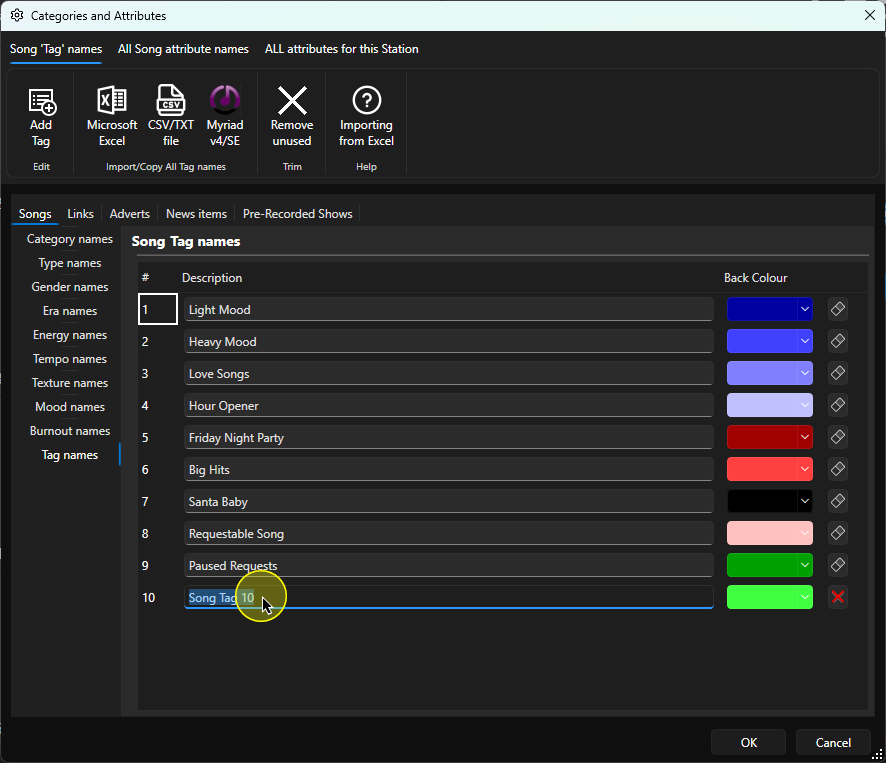
10. Type in a suitable Tag Name into the Description field and assign a colour for the Tag.
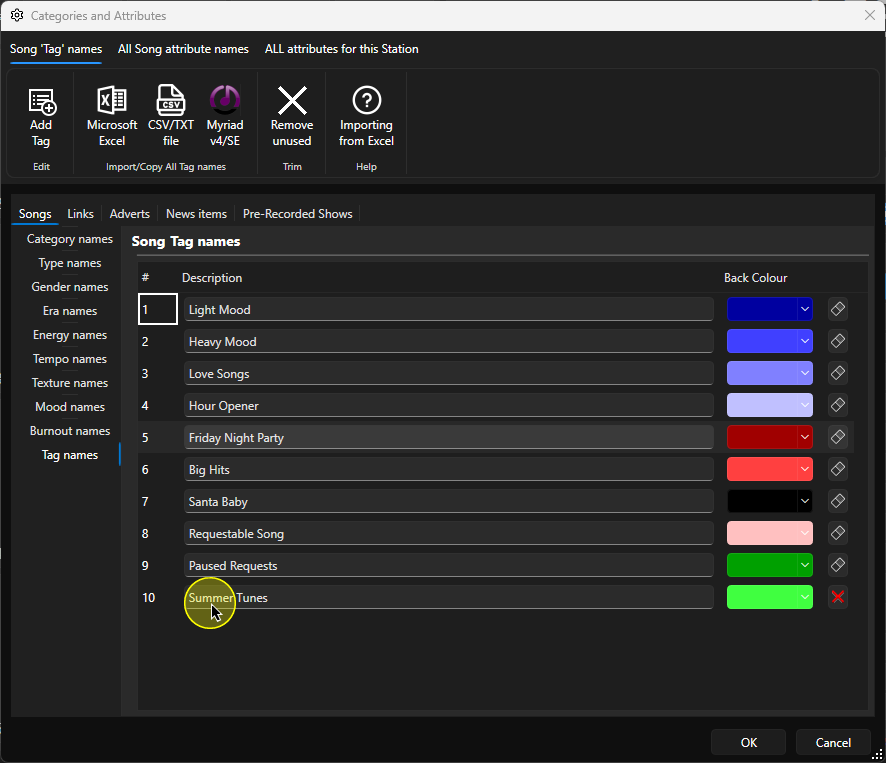

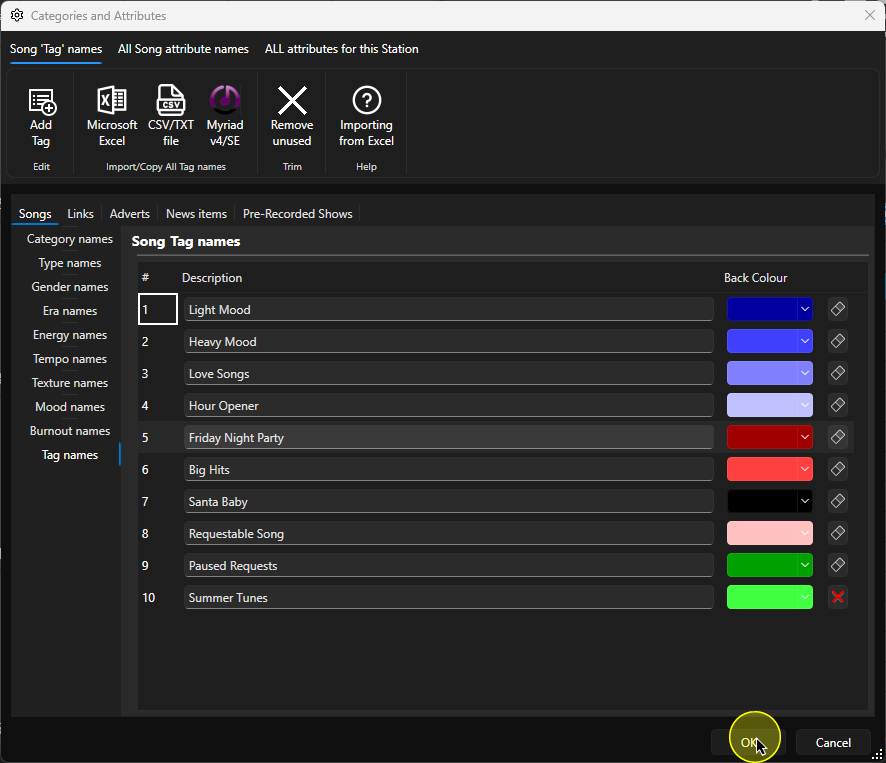
11. When you have finished, click OK to save and close the window.
Was this article helpful?
That’s Great!
Thank you for your feedback
Sorry! We couldn't be helpful
Thank you for your feedback
Feedback sent
We appreciate your effort and will try to fix the article