Adverts have a special type of Tag called a Collision Tag, which is used to Tag adverts selling related products so that can be positioned apart from each other when scheduled in Advert Breaks. For example, you may have a Collision Tag called Food & Drink which can be used to ensure Burger King and McDonalds adverts are not scheduled next to each other.
1. In Myriad Playout, click on the Settings menu.
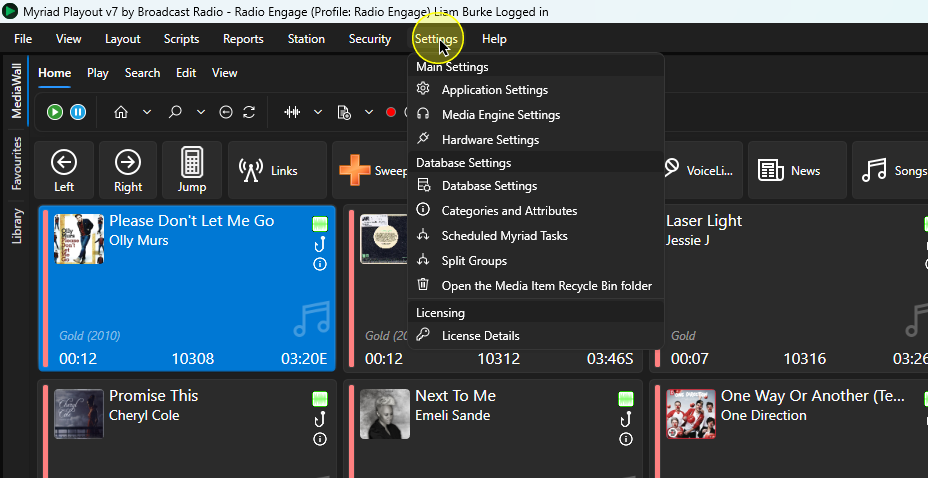
2. Select the Categories and Attributes option.
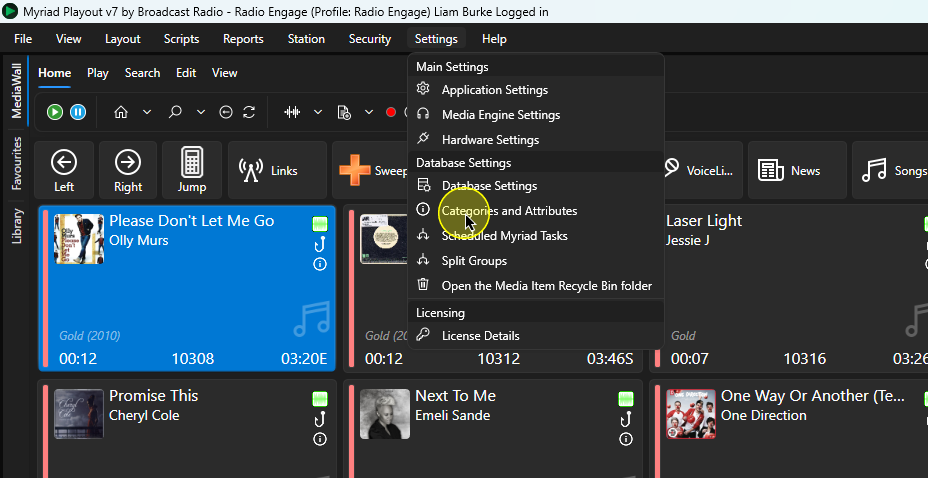
3. Click on the Adverts tab.
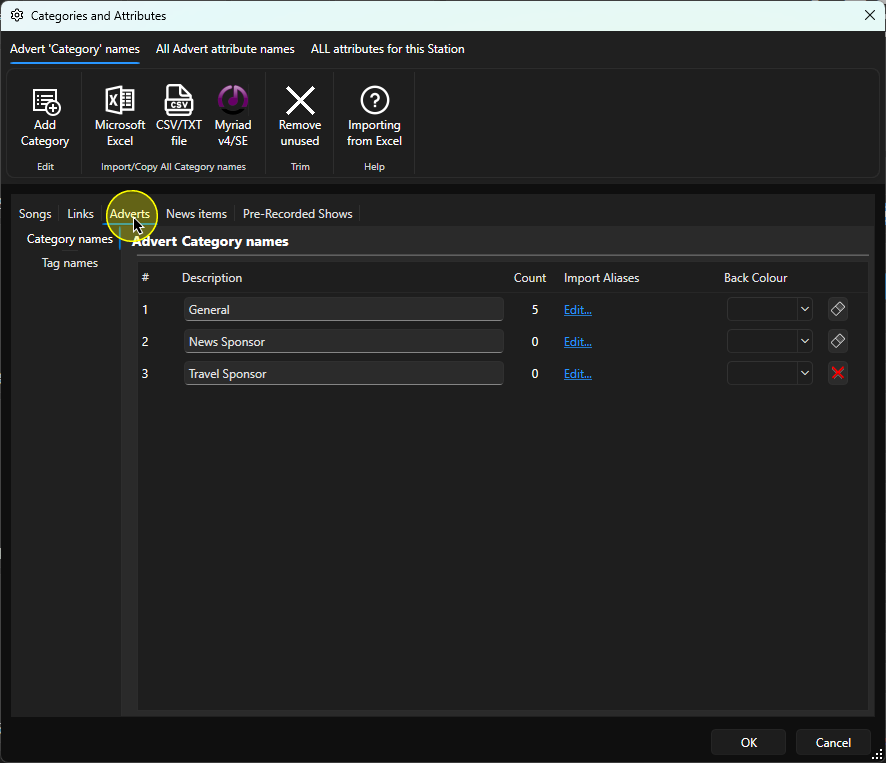
4. Select the Tag Names option. This will list the existing Collision Tags.
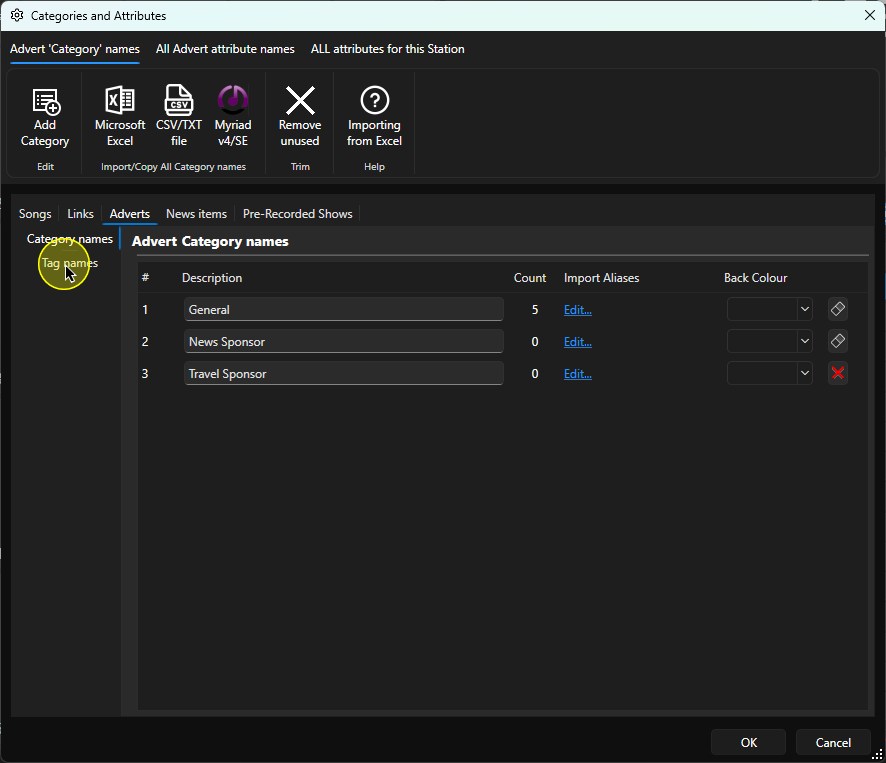
5. To add a new Collision Tag, click on the Add Tag button.
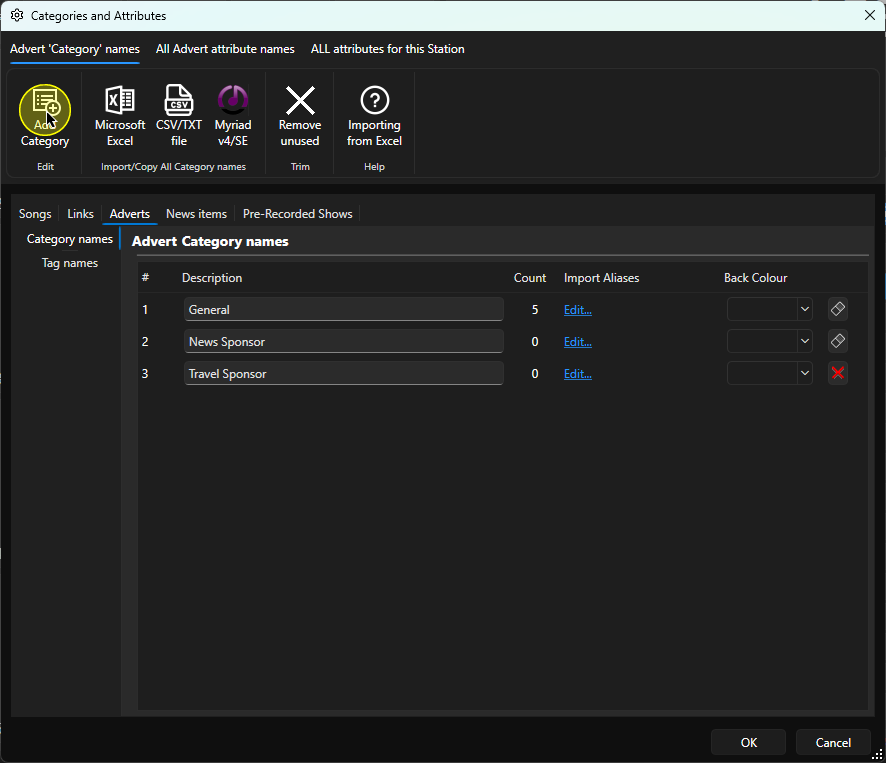
6. The Tag will be added to the bottom of the list.
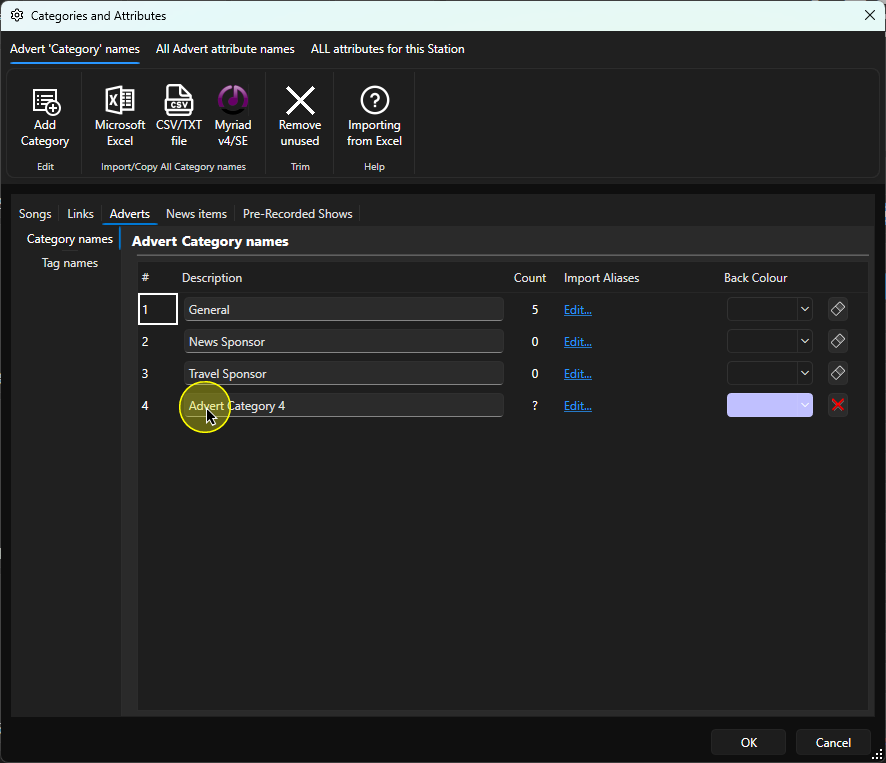
7. Add a suitable Tag name into the Description field. You can also set a colour for the Collision Tag.
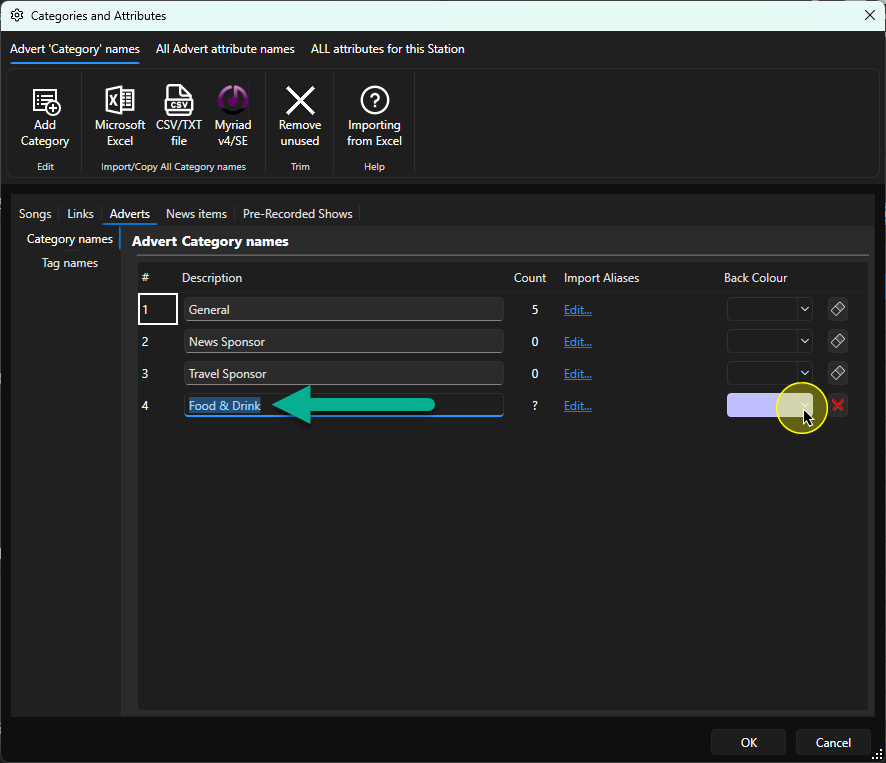
8. If you want to change the Name for any existing Collision Tags, click into the Description field and type the new name.
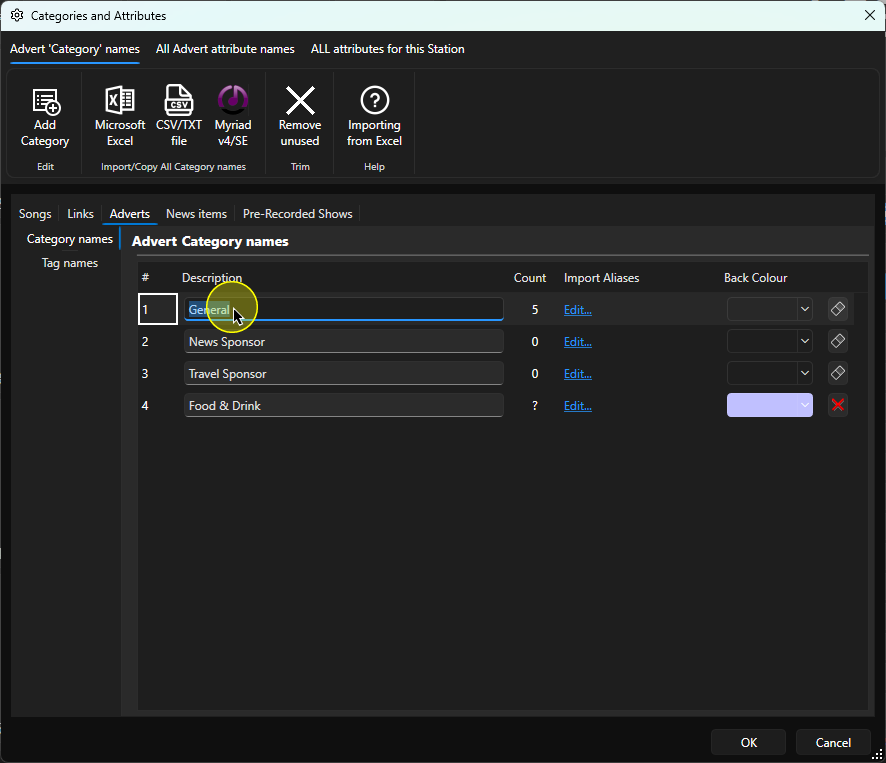
9. You can also change the colour.
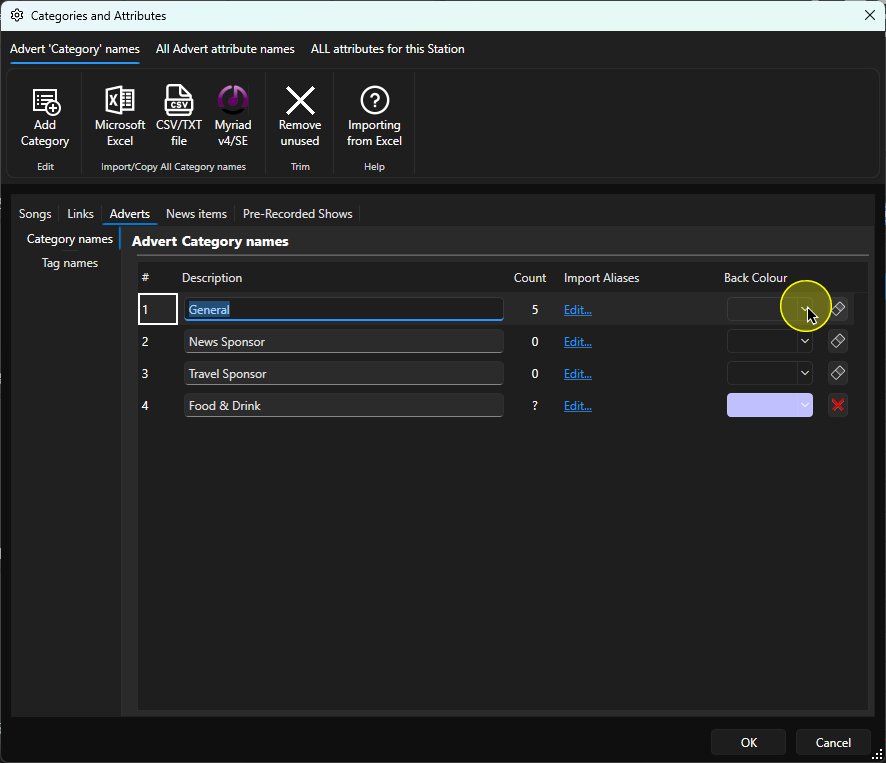
10. You can remove unused Collision Tags using the Delete button to the right. If the Tag is in use, the system will not allow you to delete it.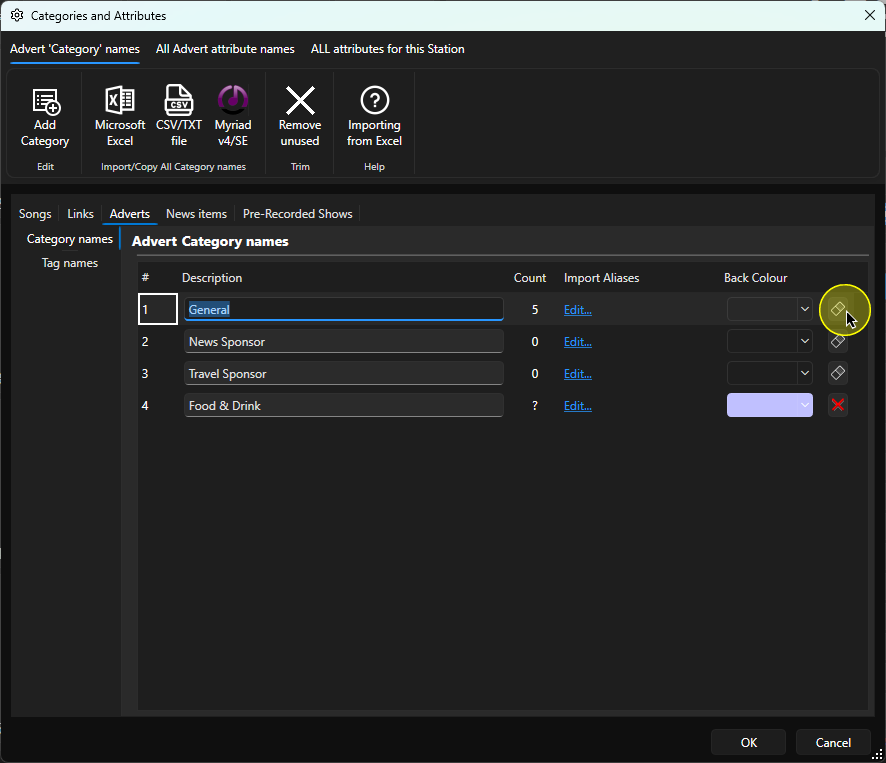
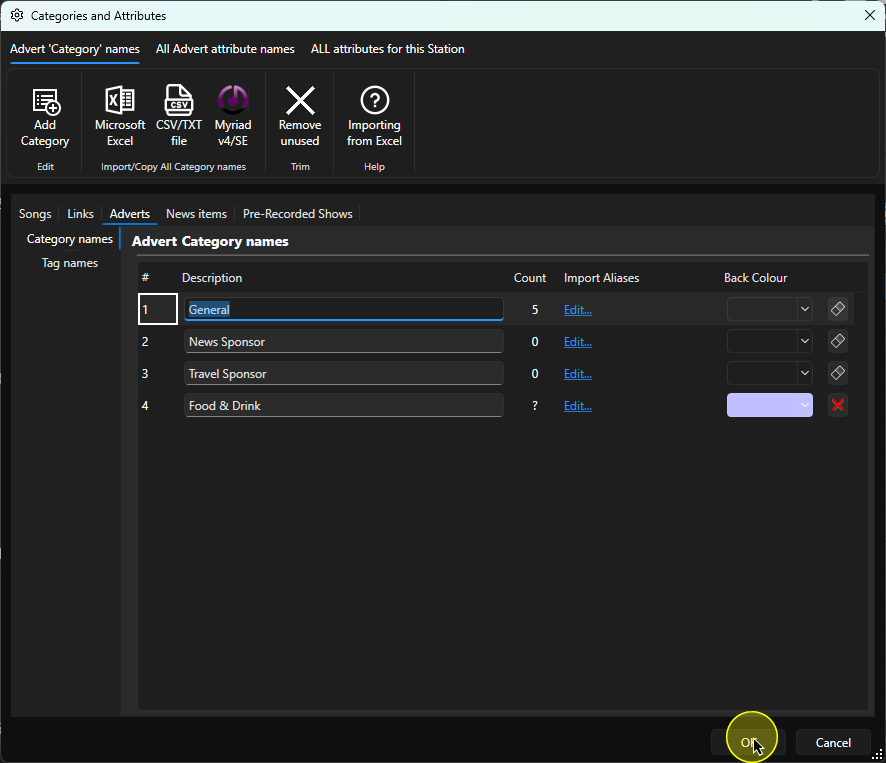
11. When you have finished editing, click on OK to save and close the window.
Was this article helpful?
That’s Great!
Thank you for your feedback
Sorry! We couldn't be helpful
Thank you for your feedback
Feedback sent
We appreciate your effort and will try to fix the article