The Throw Depth percentage refers to how far down the Category Deck an item is placed once it has been successfully scheduled. For example, an item with a Throw Depth of 100% is right at the back of the Deck when scheduled, but an item with 50% throw depth is placed only half way down the Deck meaning it gets back to the top quicker and effectively schedules twice as often as an item with 100% Throw Depth (Rules allowing).
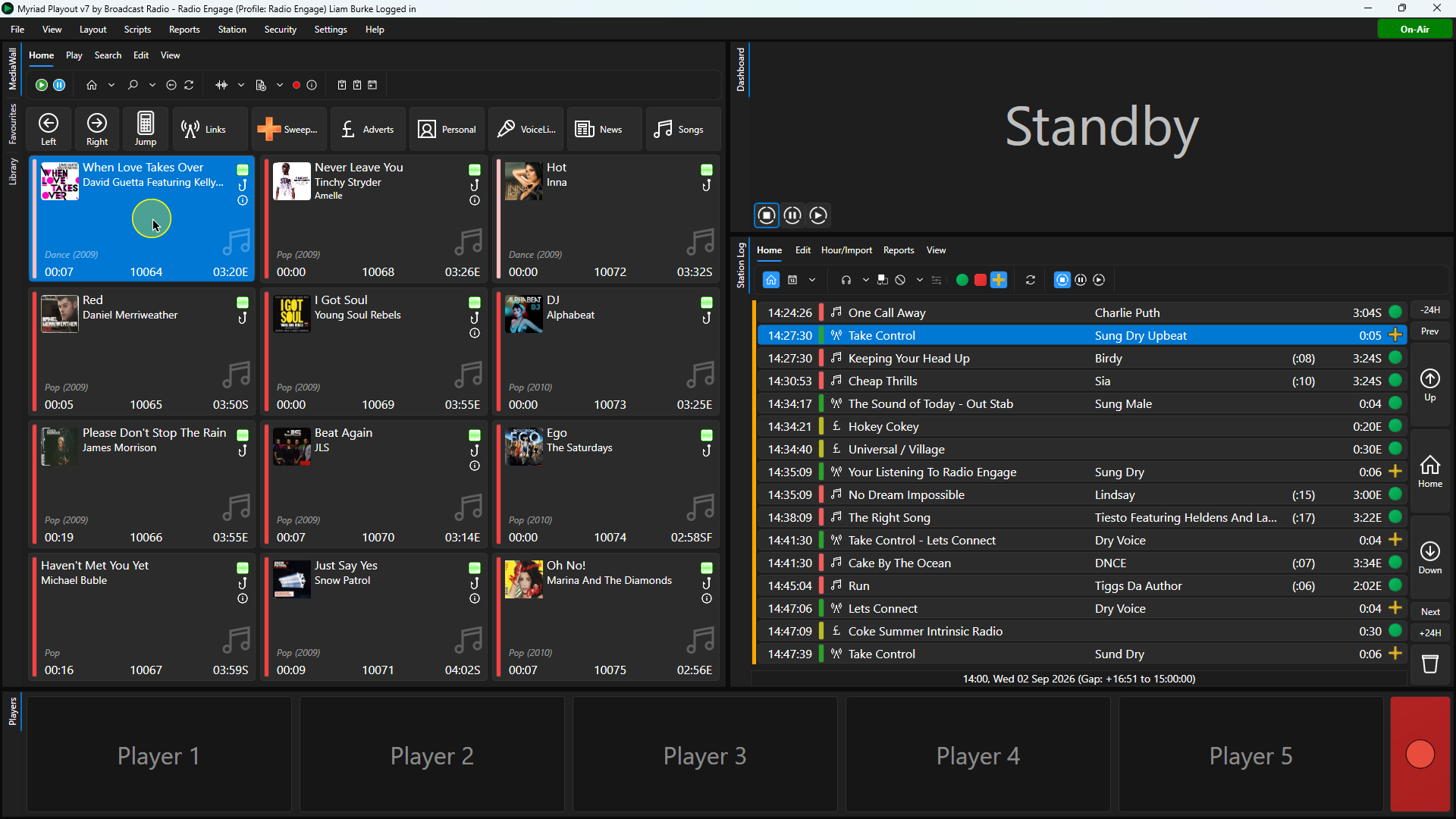
1. Select a Song or Link on the Media Wall or Library tabs.
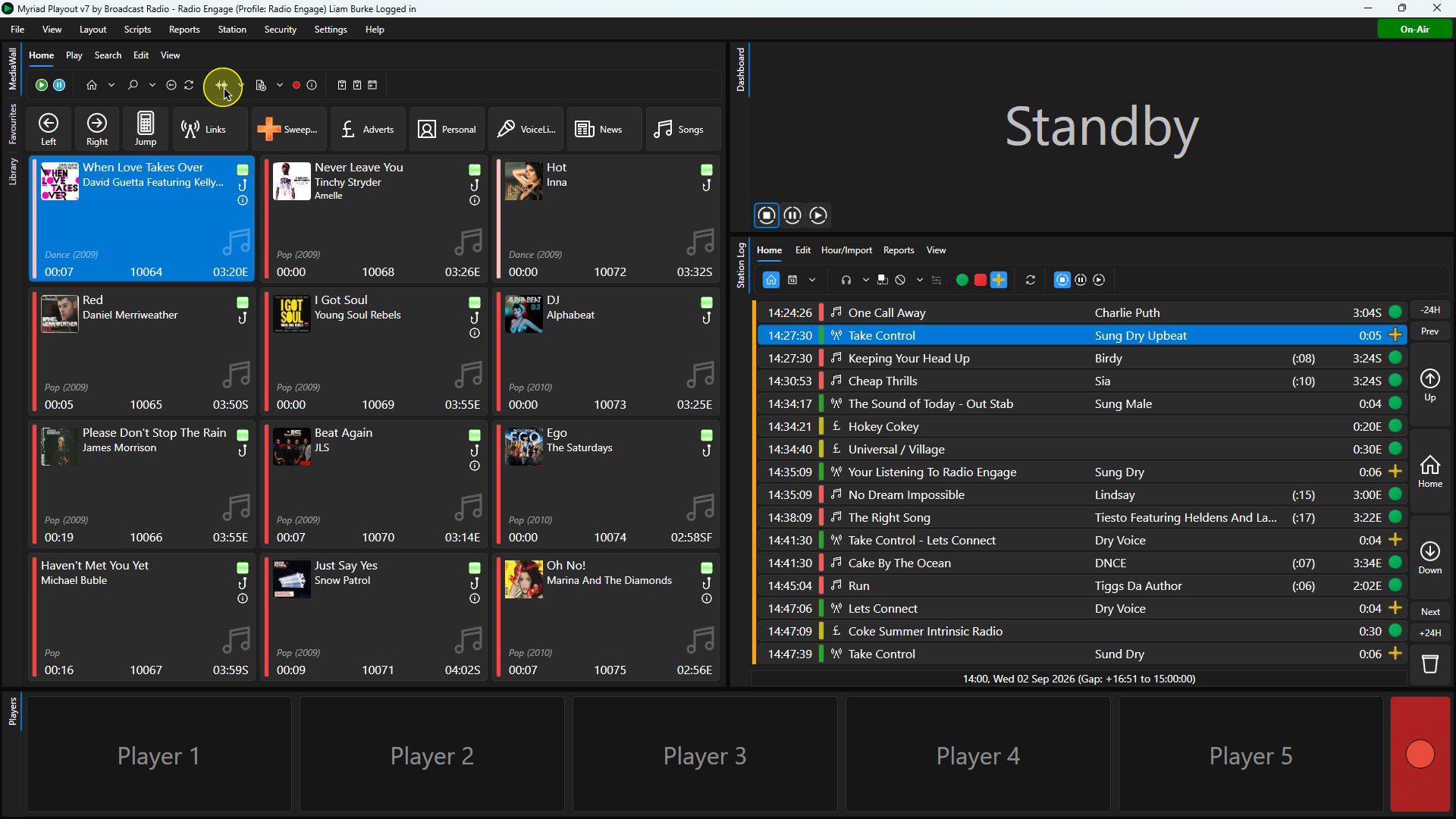
2. Click on the Edit button on the Home Tab or access Edit via the right click menu.
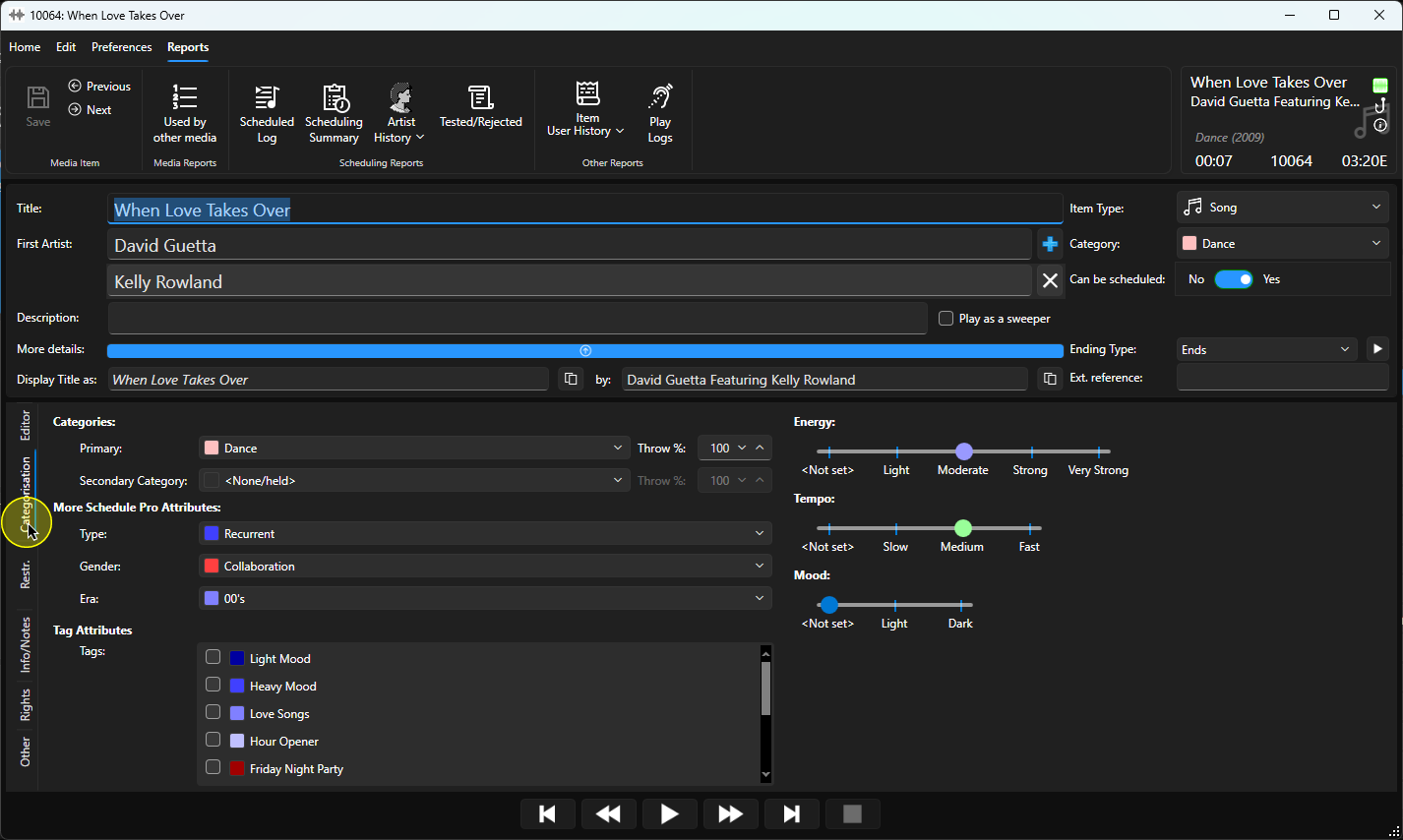
3. Once the Edit window has loaded, click on the Categorisation tab.
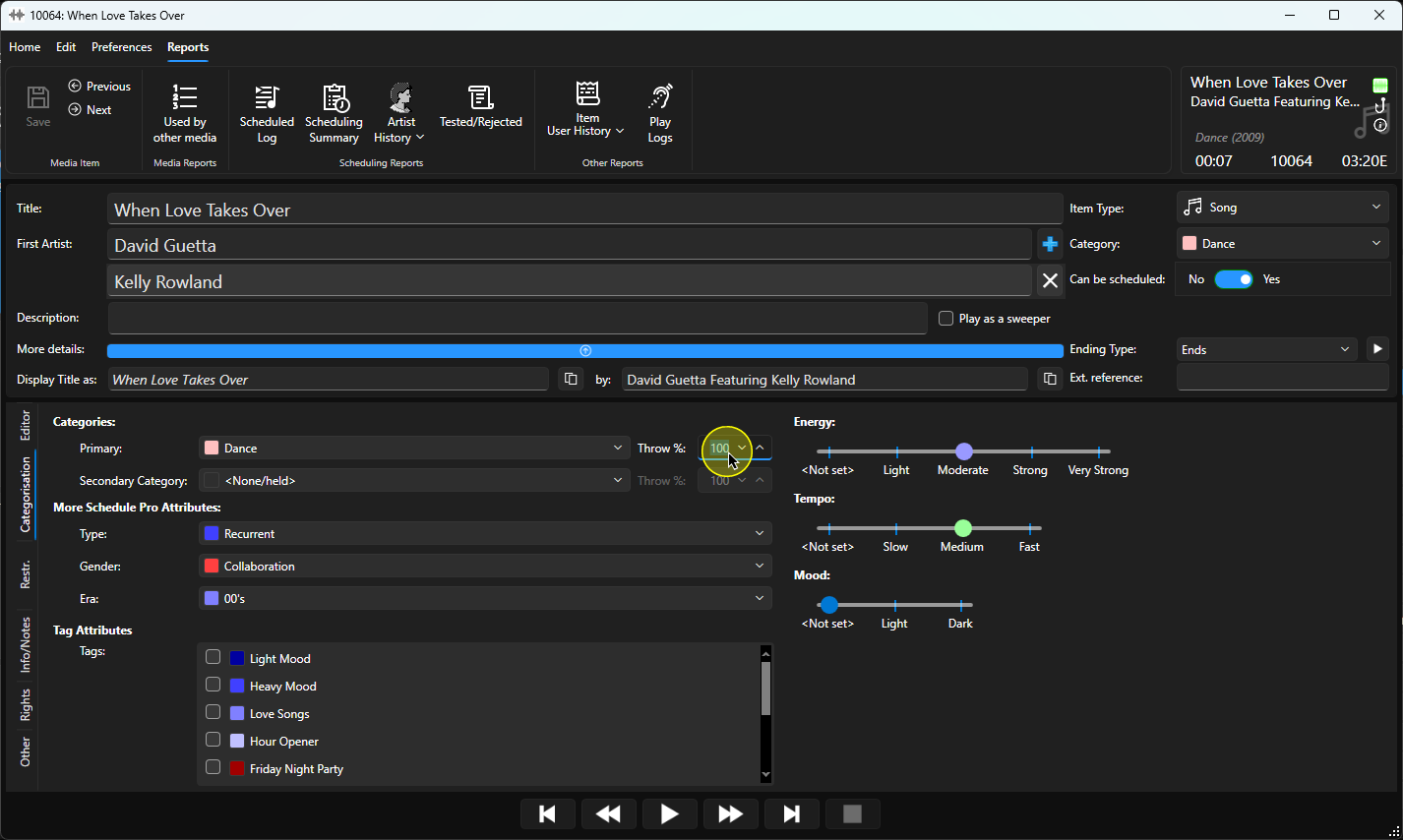
4. The Throw Depth setting is located to the right of the Primary and Secondary Category fields.
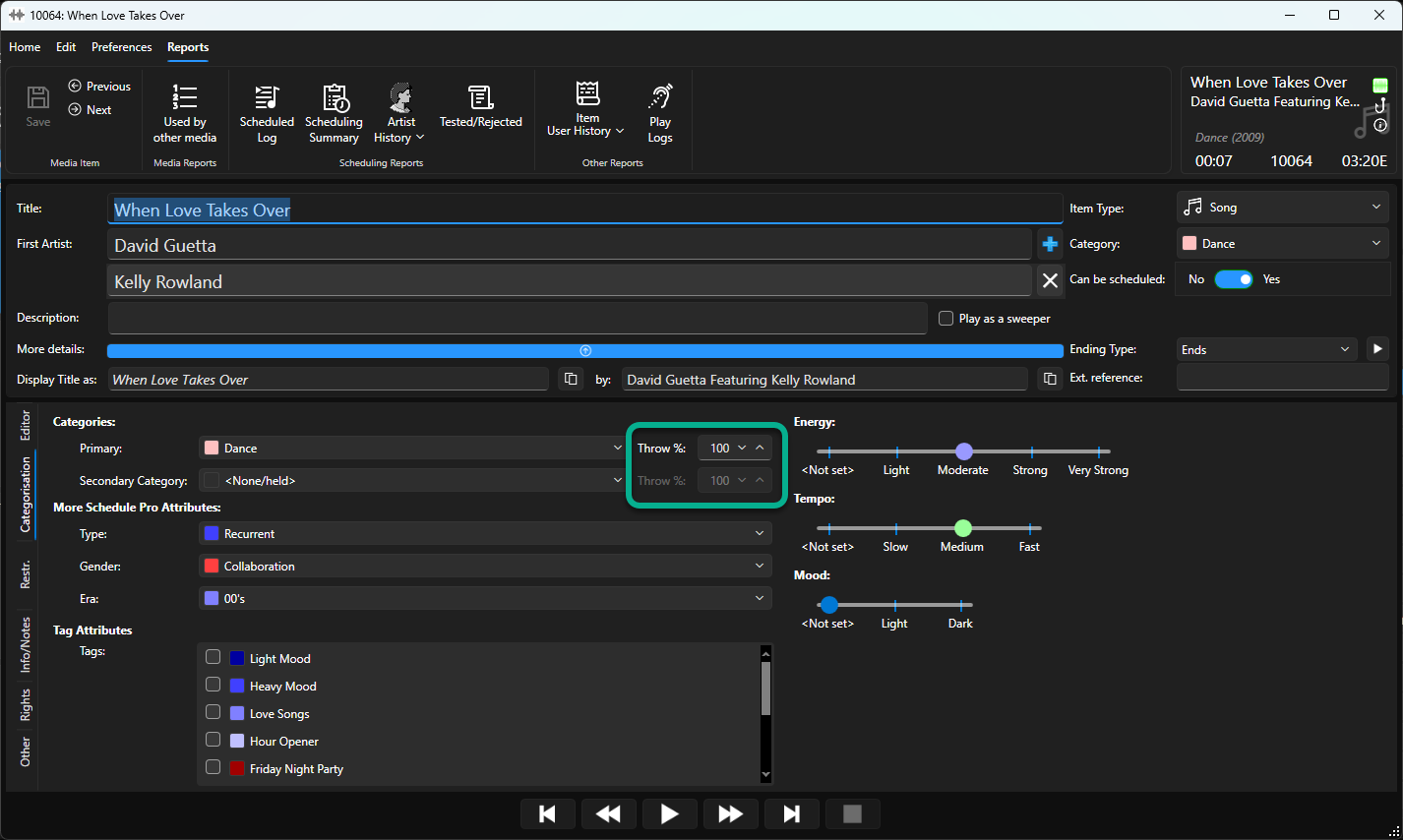
5. Type in the Throw Depth percentage or use the up/down buttons to adjust the percentage.
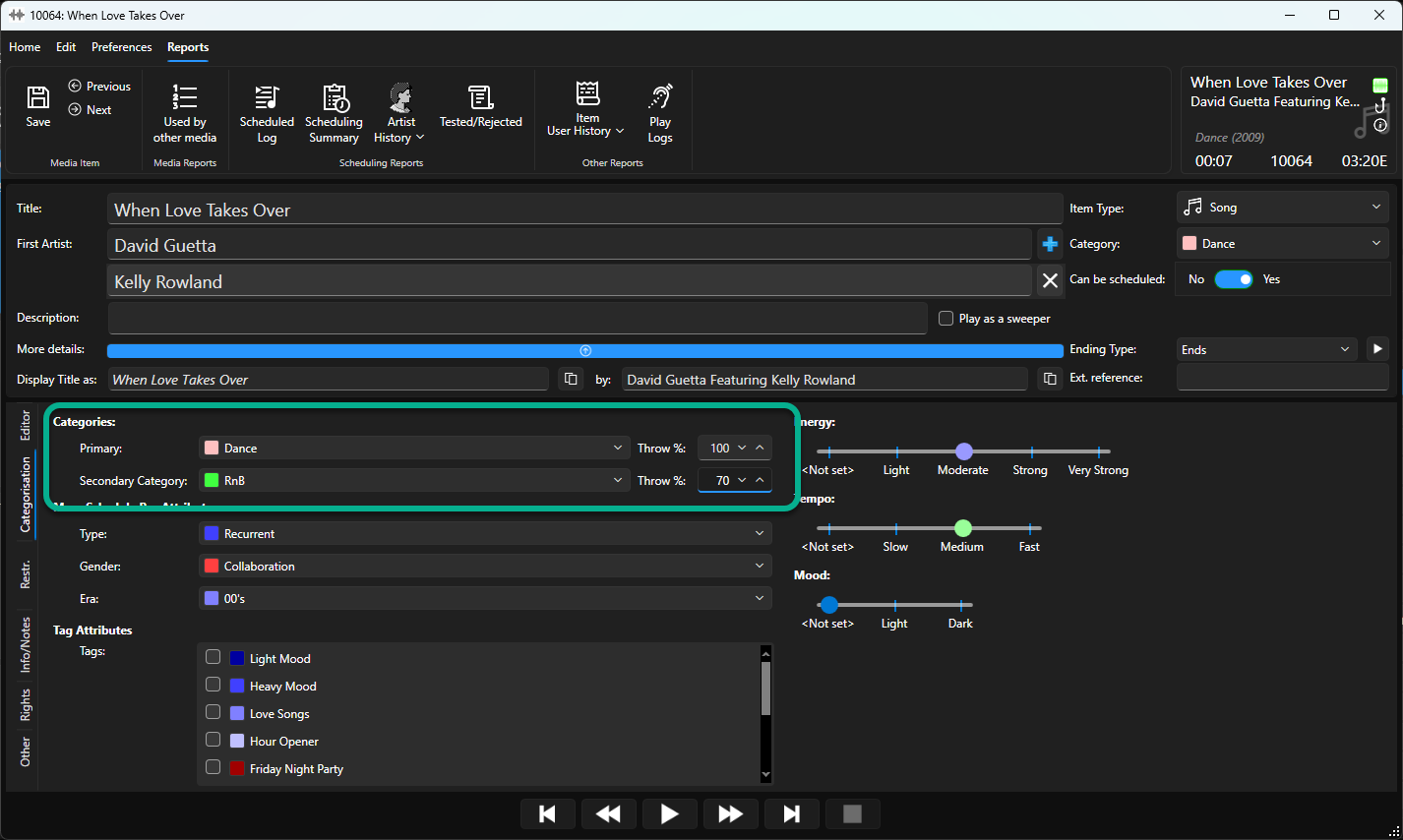
6. You can set Throw Depth differently for Primary and Secondary categories.
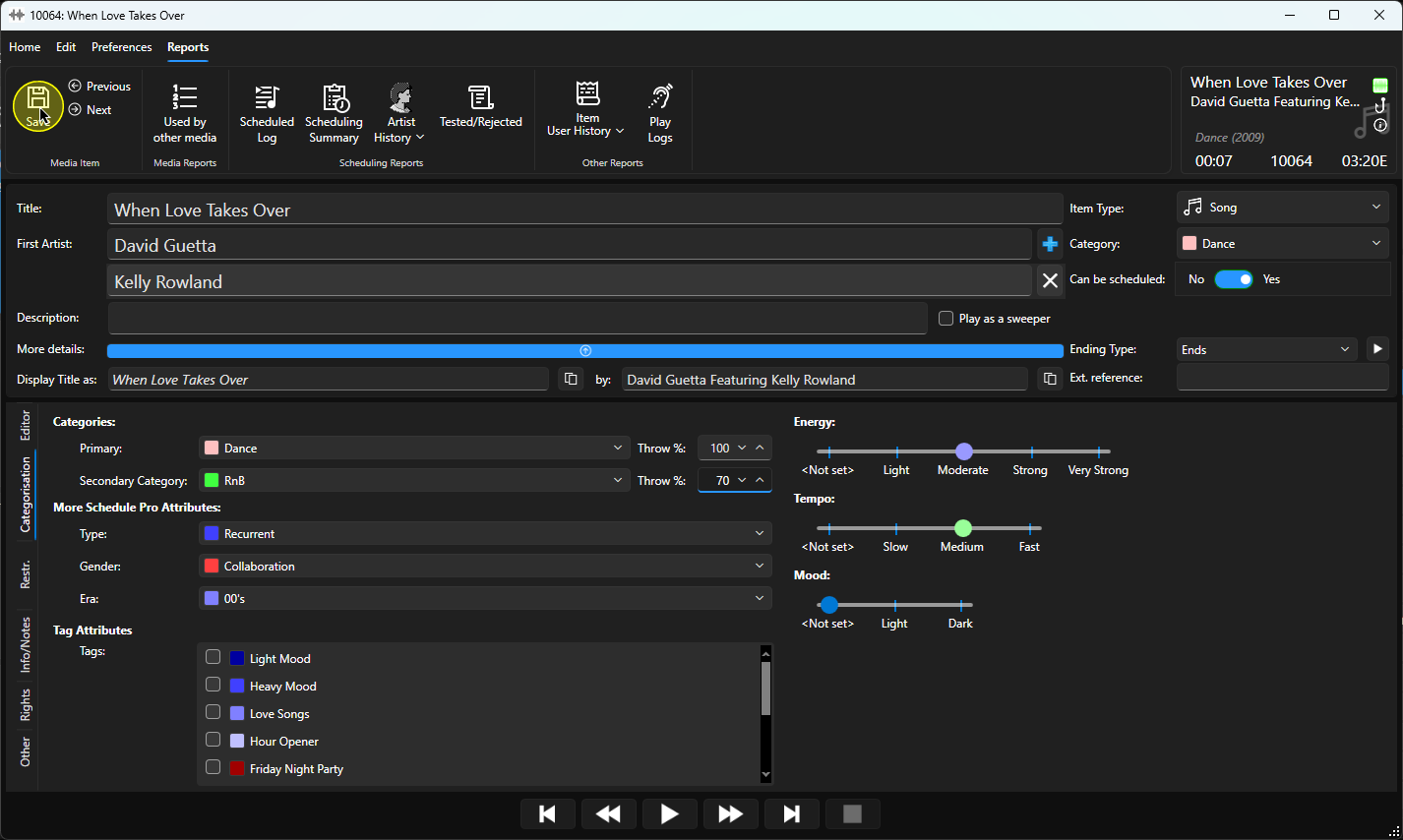
7. When you have finished settings Throw Depth, click on Save and close the window.
Was this article helpful?
That’s Great!
Thank you for your feedback
Sorry! We couldn't be helpful
Thank you for your feedback
Feedback sent
We appreciate your effort and will try to fix the article