In addition to Primary and Secondary Categories, Myriad Schedule Pro users can also set Type, Gender and Era attributes to further classify Songs.
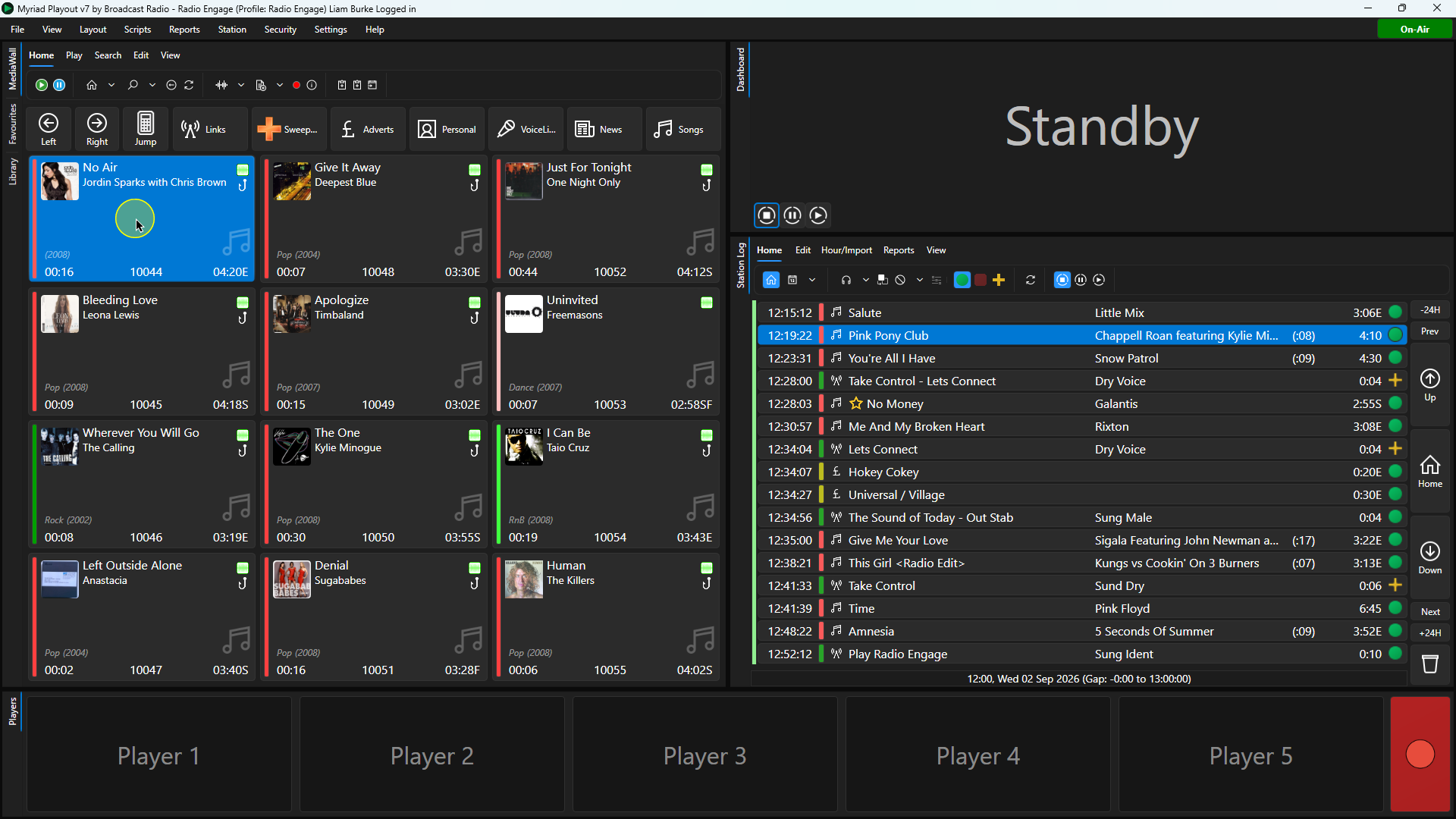
1. Select the Song you want to edit on the Media Wall or Library tab.
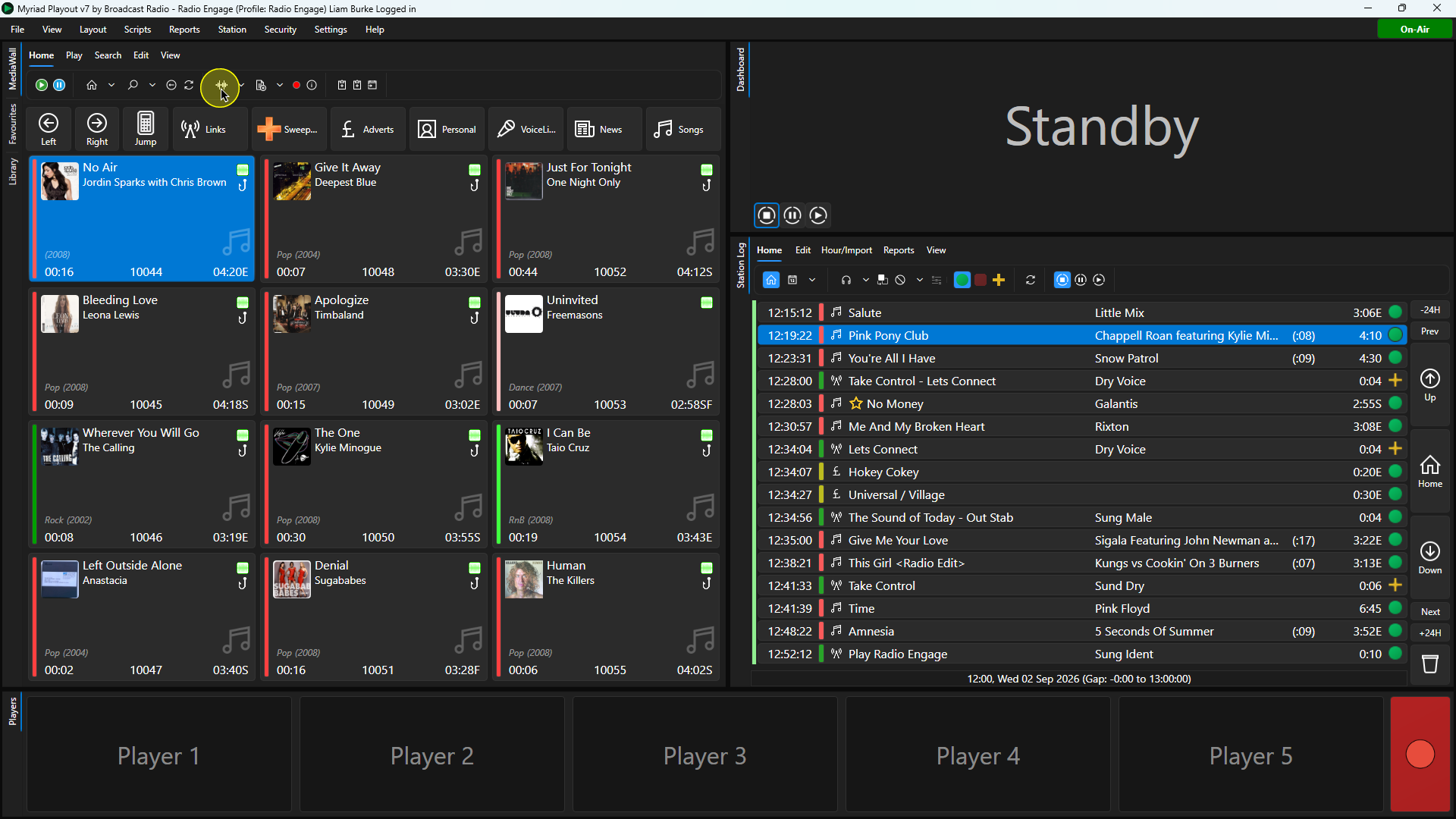
2. Click on the Edit button on the Home ribbon. You can also use the Edit option on the right click menu.
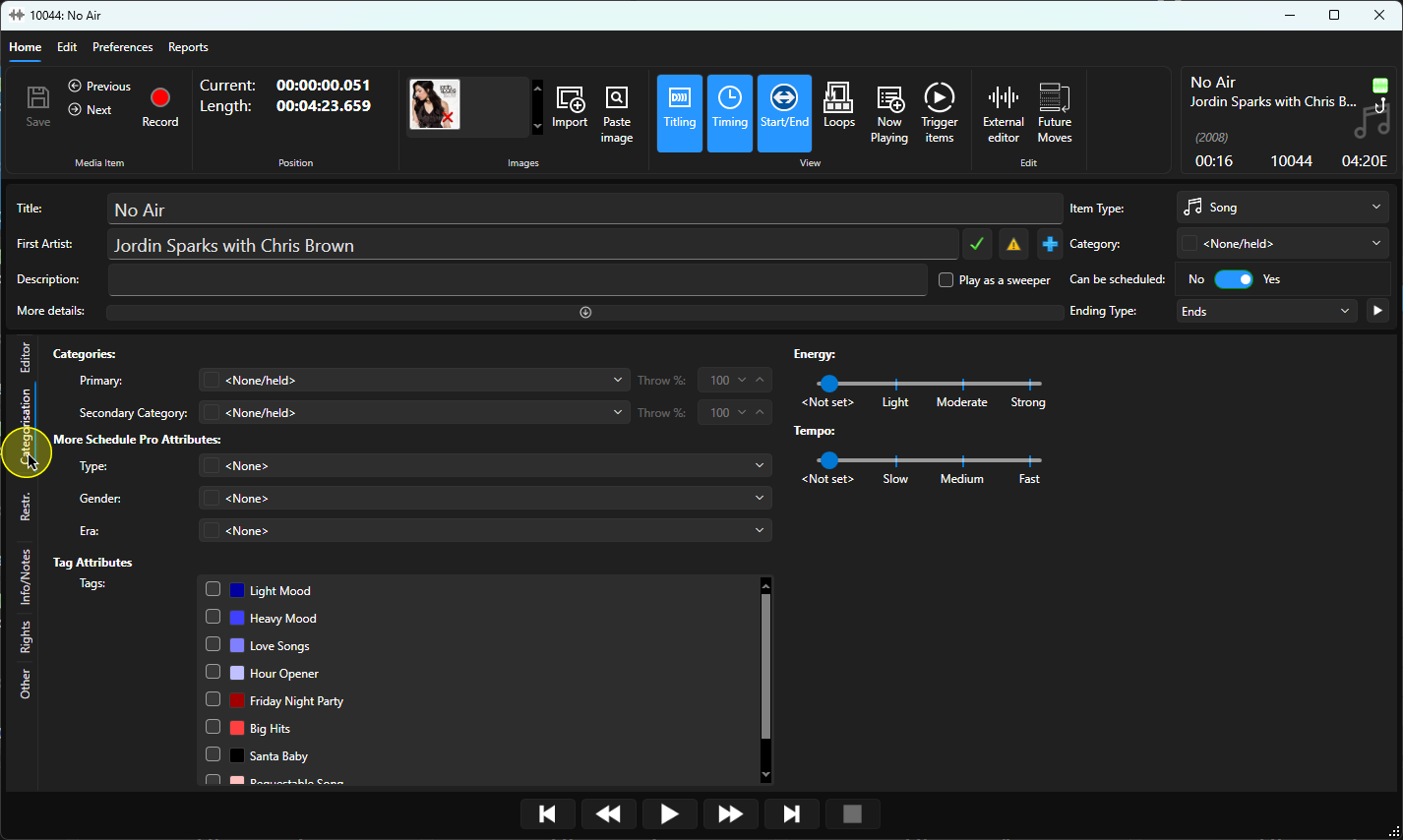
3. Once the Edit window has loaded, click on the Categorisation tab.
4. To set the Type, open the Type drop down list.
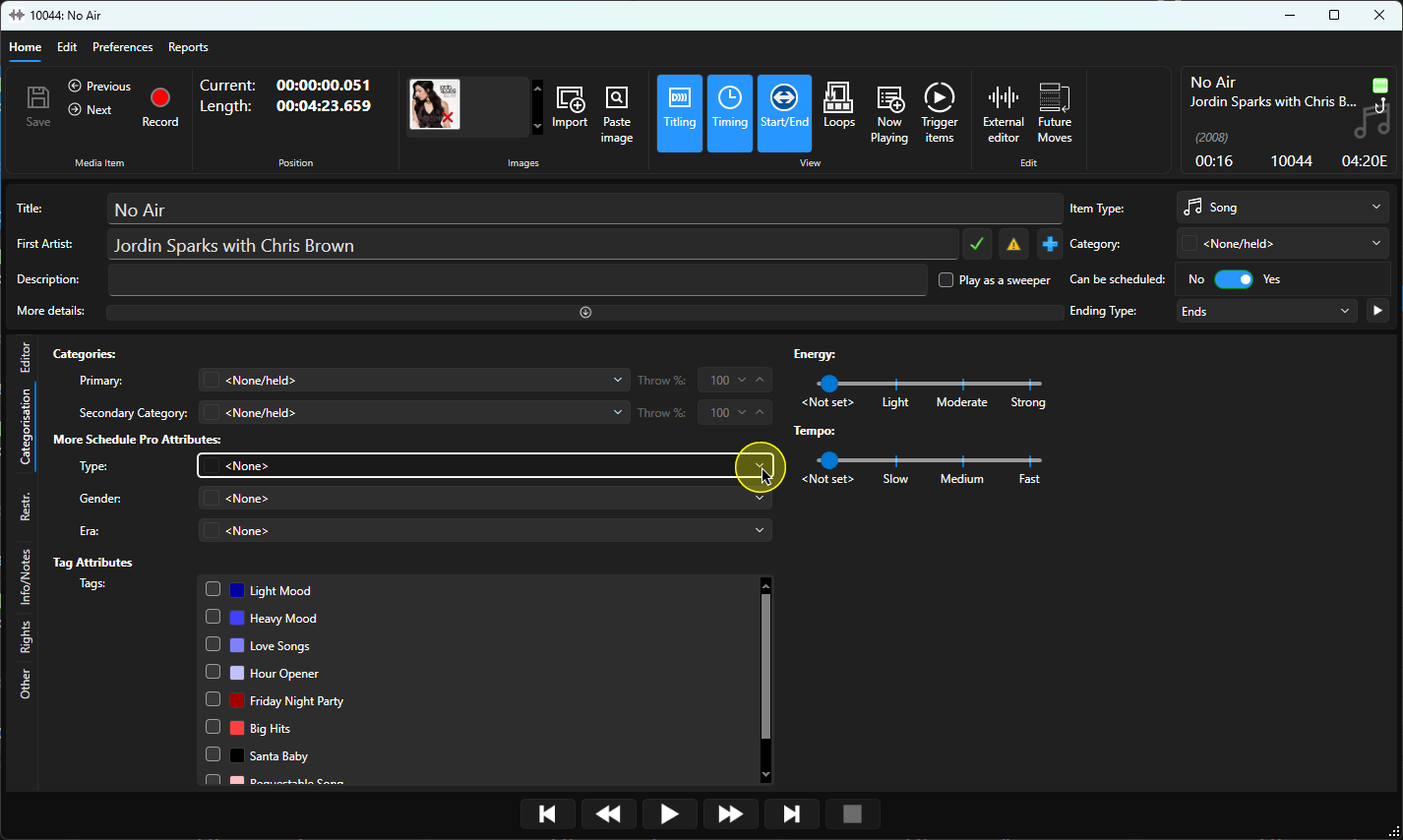
5. Select the Type you want to set for the Song.
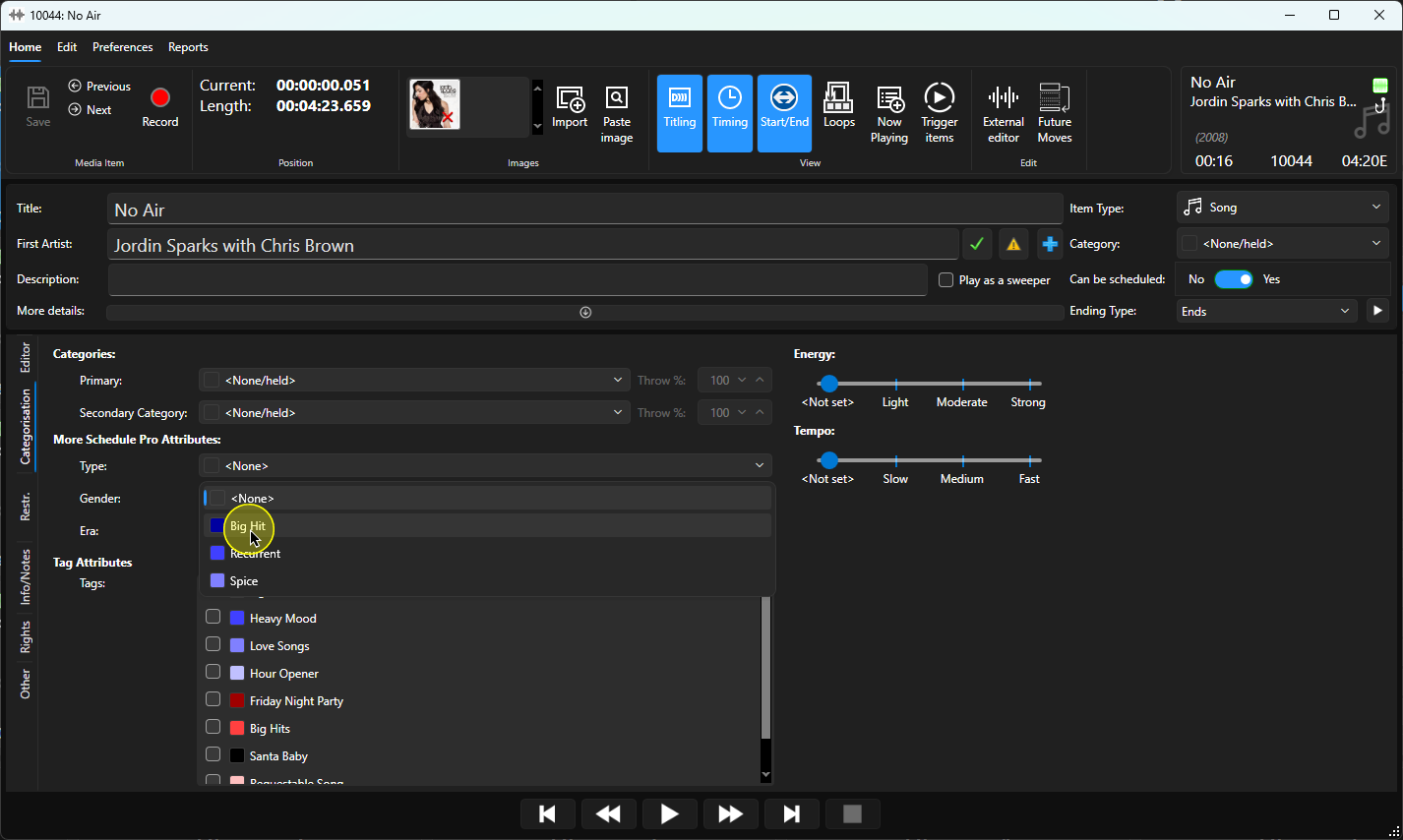
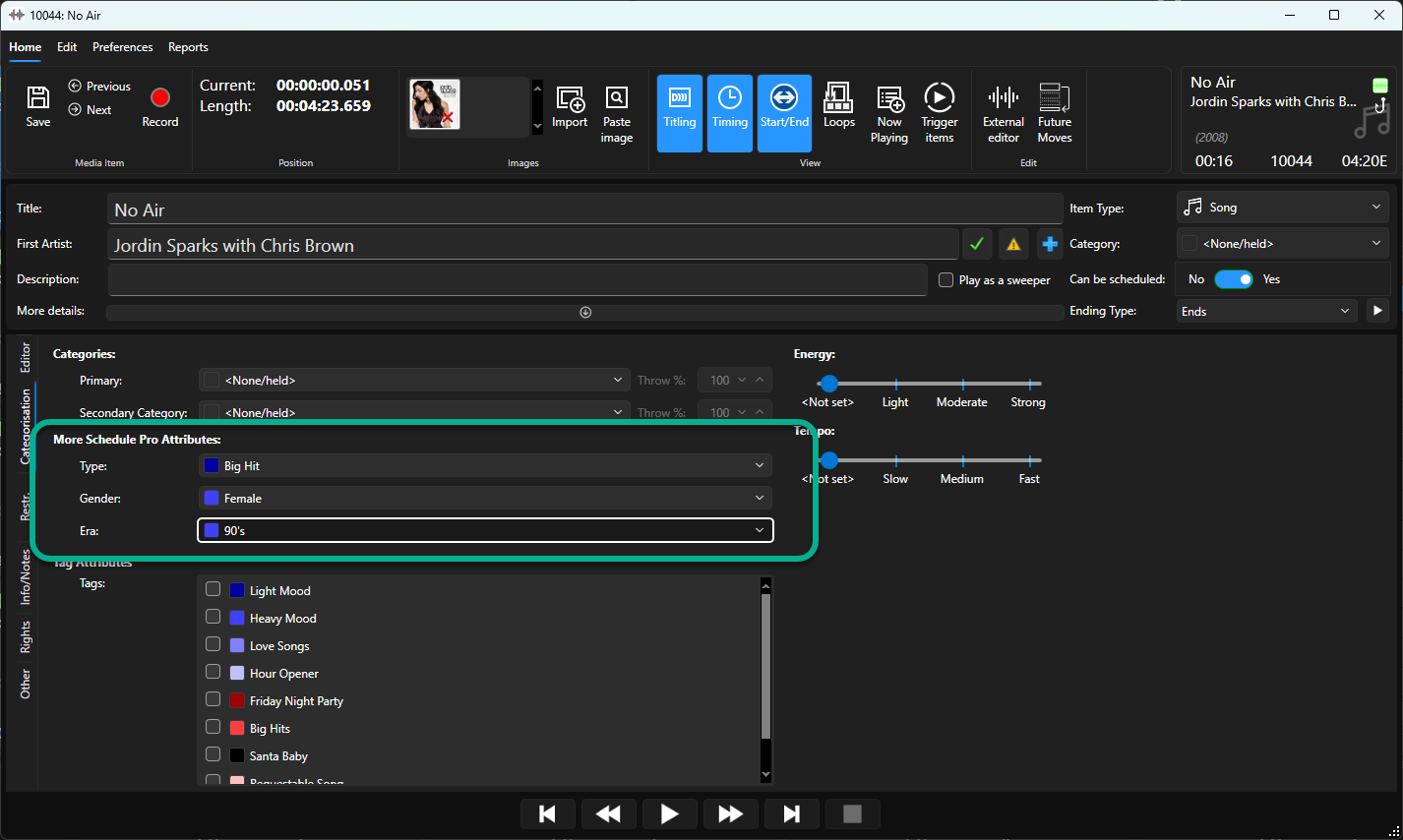
6. Repeat for the Gender and Era attributes as required.
7. Click on Save to save the changes. You can close the Edit window.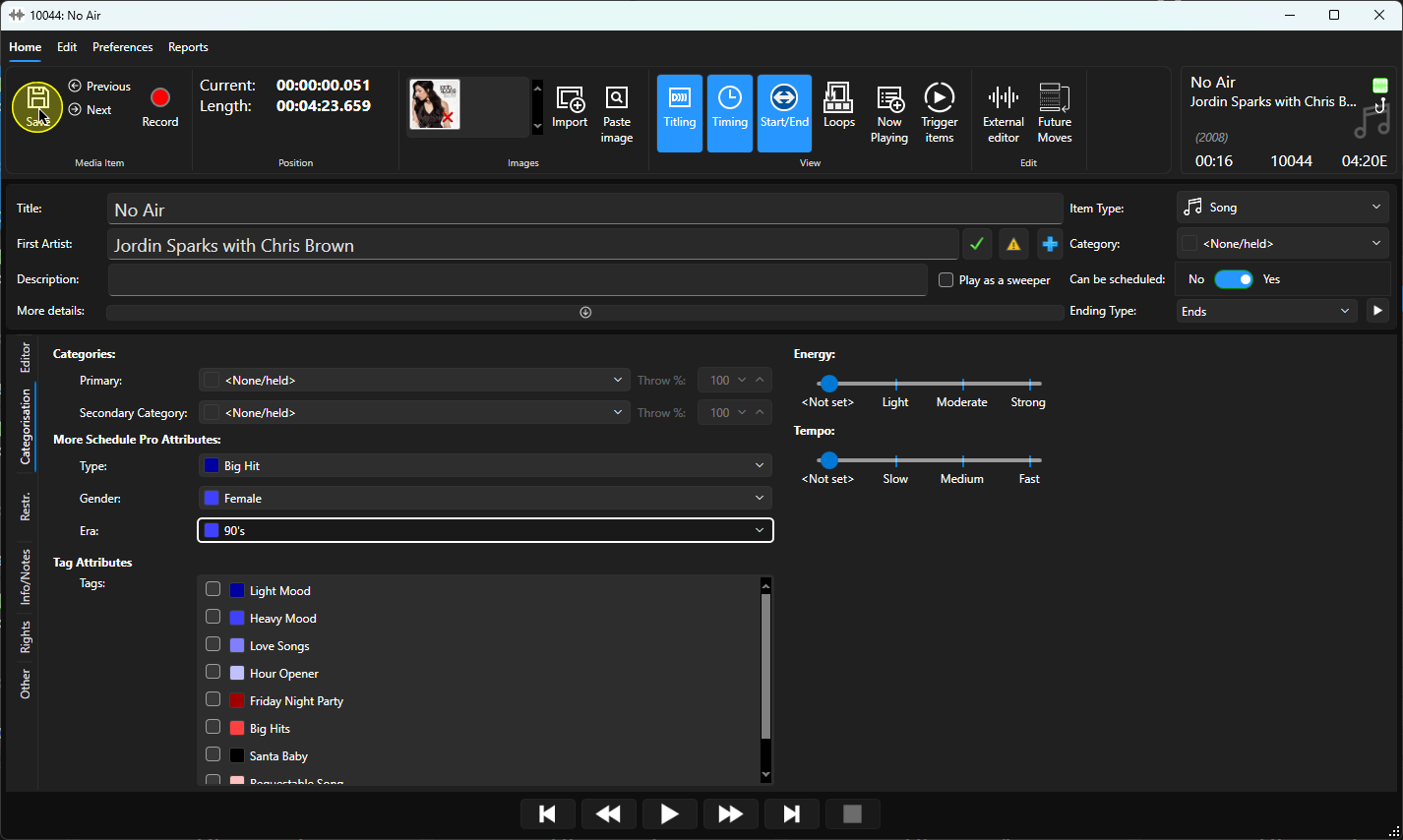
Was this article helpful?
That’s Great!
Thank you for your feedback
Sorry! We couldn't be helpful
Thank you for your feedback
Feedback sent
We appreciate your effort and will try to fix the article