You can create unlimited Tags for both Songs and Links. Multiple Tags can be assigned to Songs and Links to provide control when Tagged content is scheduled in your Log.
1. Select a Song or Link on the Media Wall or the Library tab.
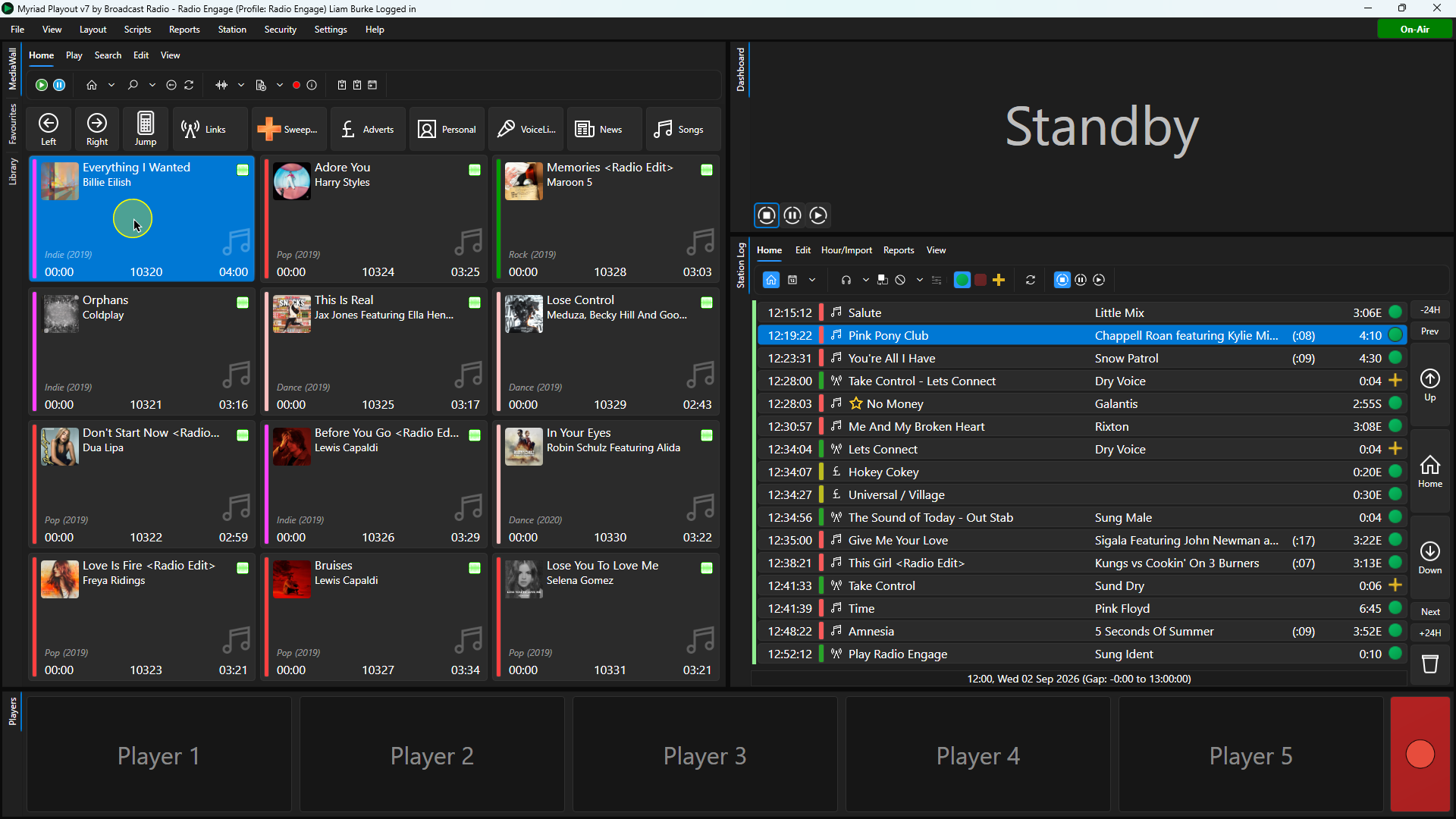
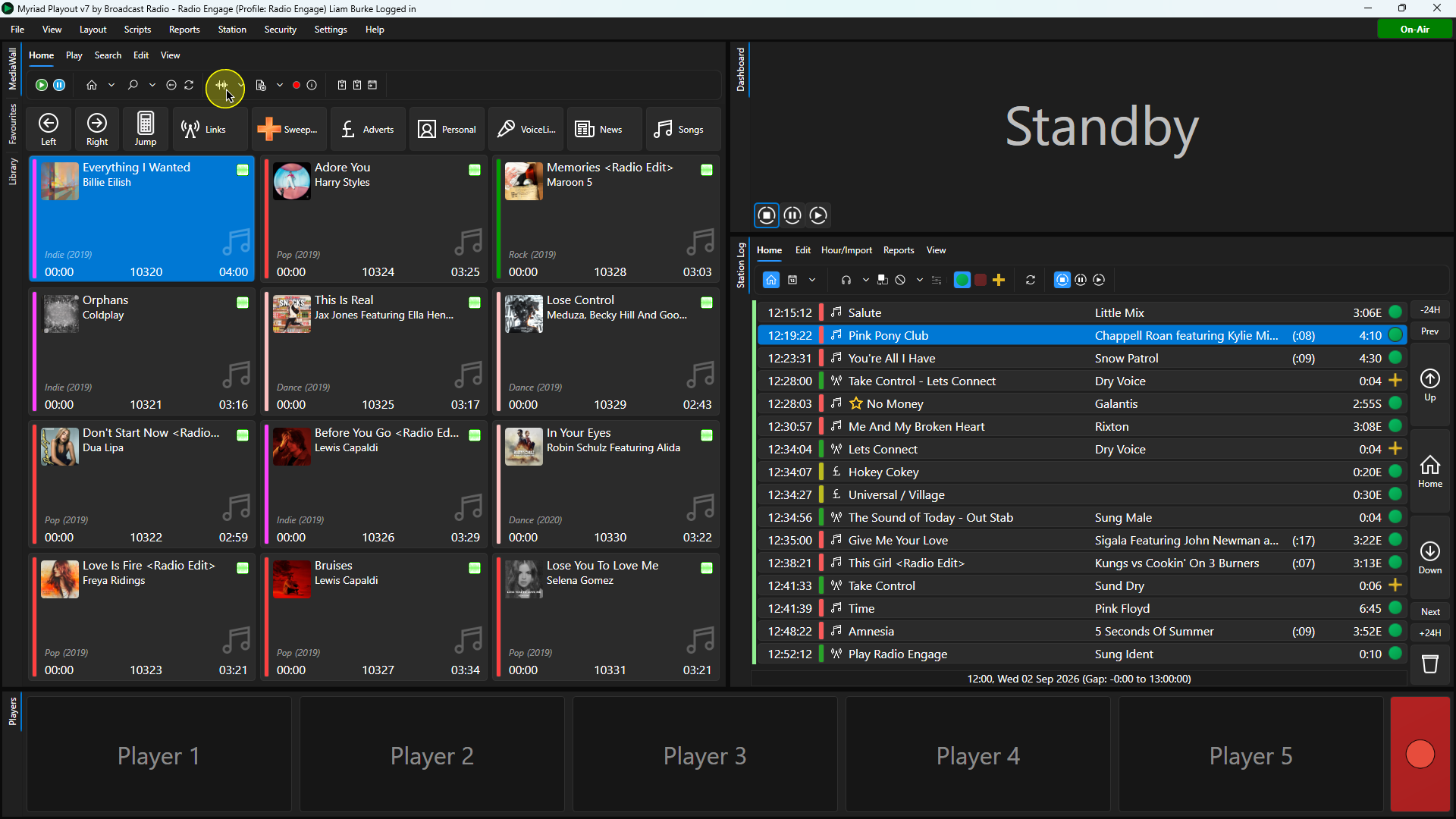
2. Click Edit on the Home ribbon or right-click on the Media Item and select Edit from the right-click menu.
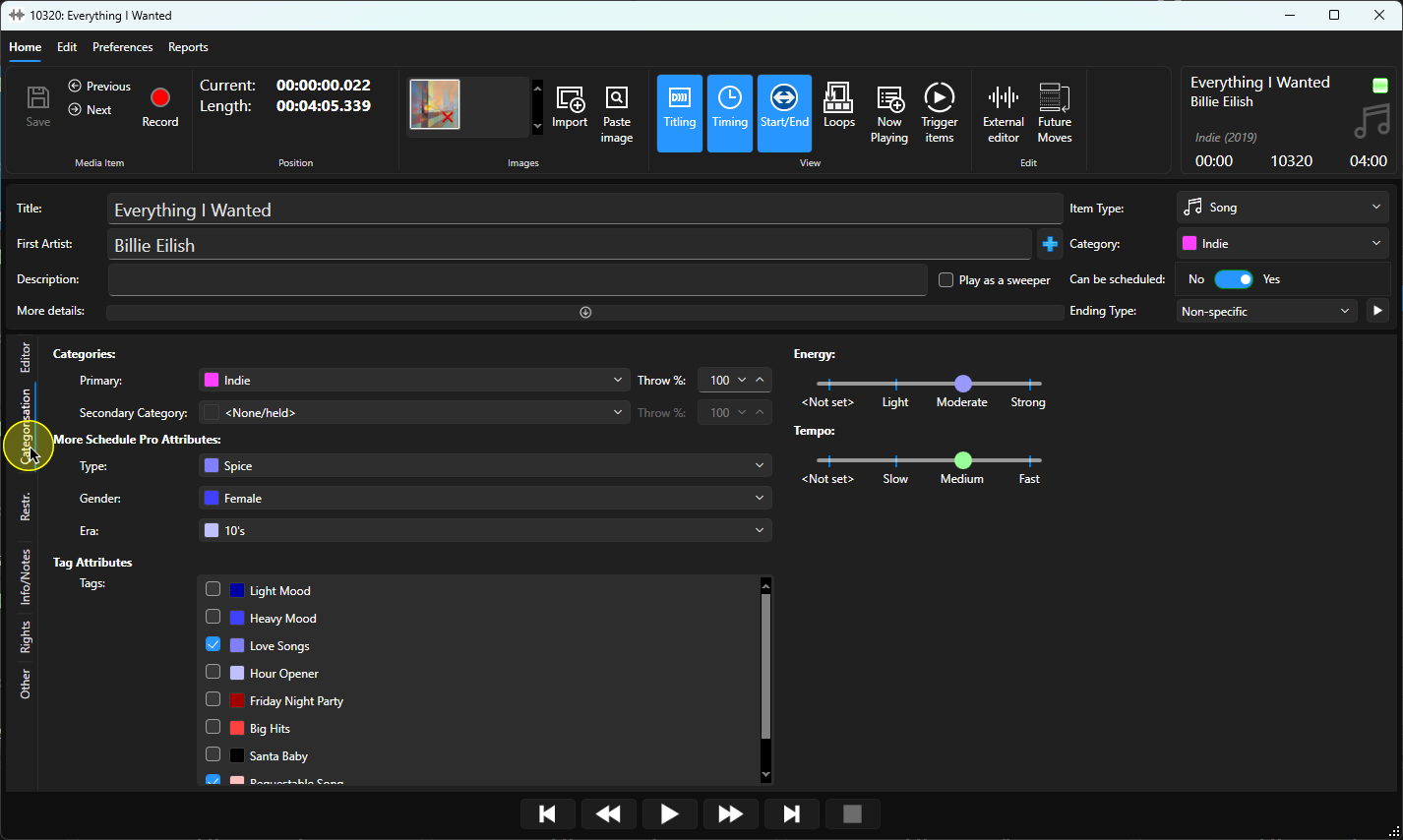
3. Once the Edit window has loaded, click on the Categorisation tab.
4. The available Tag attributes will be listed towards the bottom of the window.
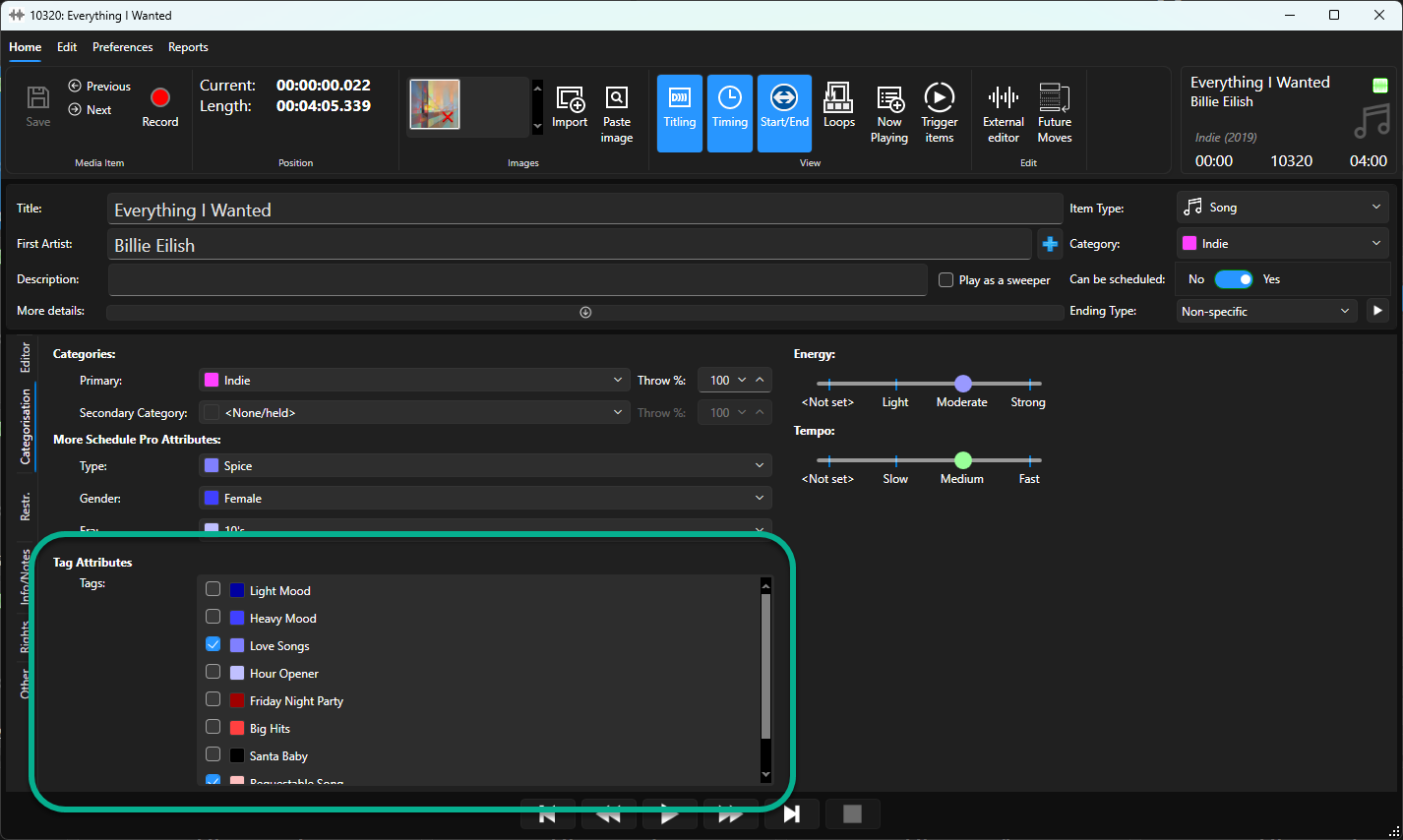
5. Simply tick and Tags you want to assign to the Song or Link.
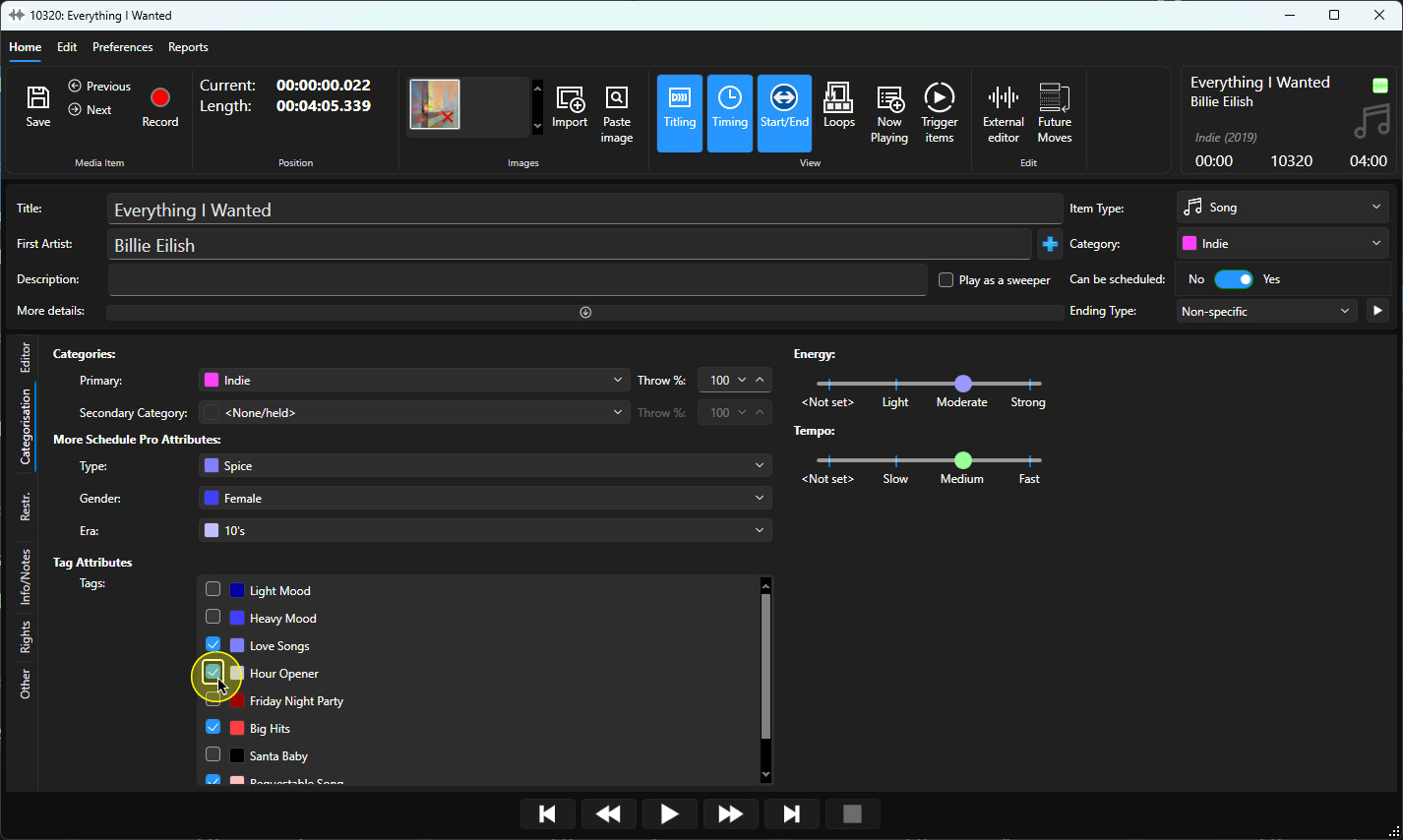
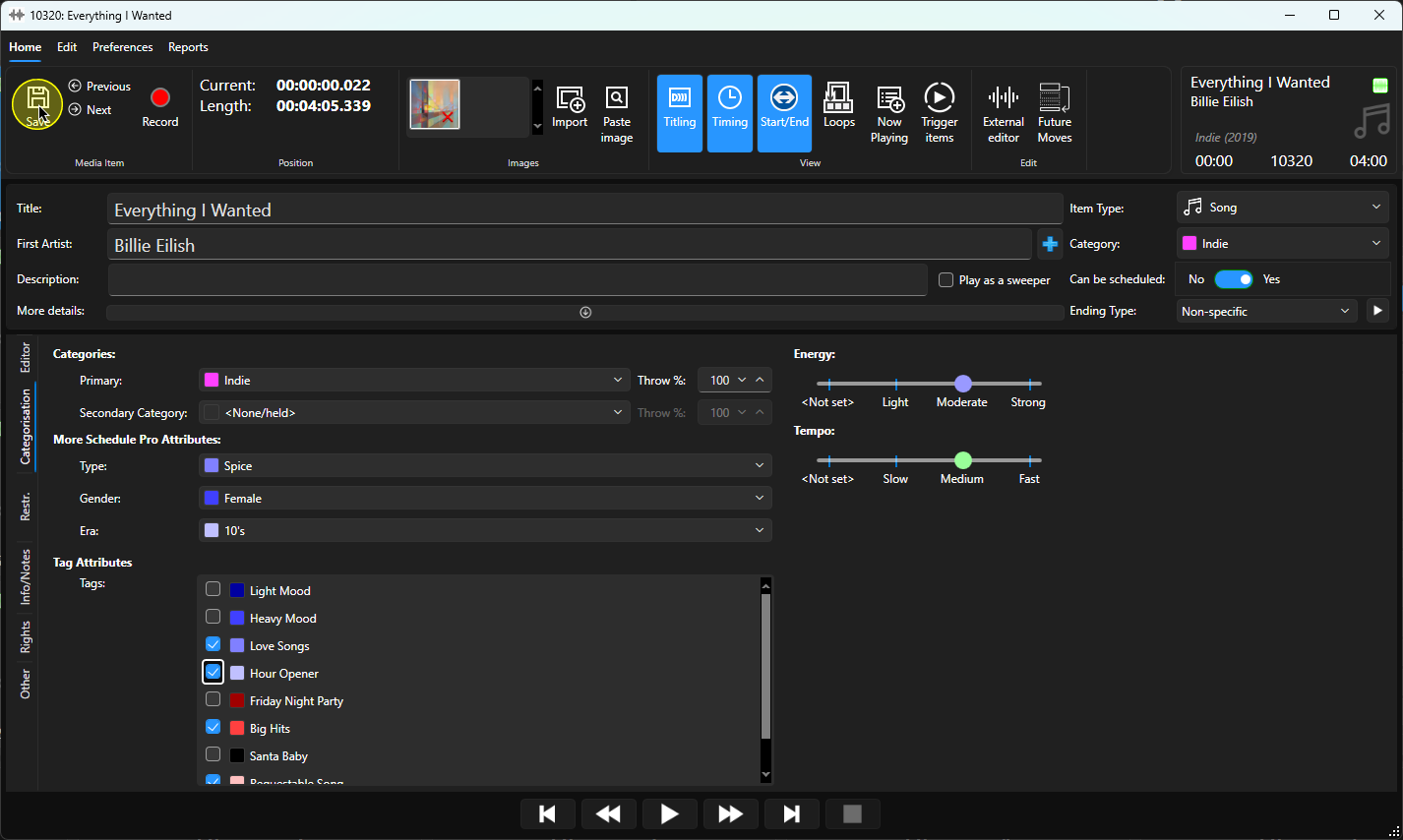
6. When you have finished assigning Tags, click on the Save button.
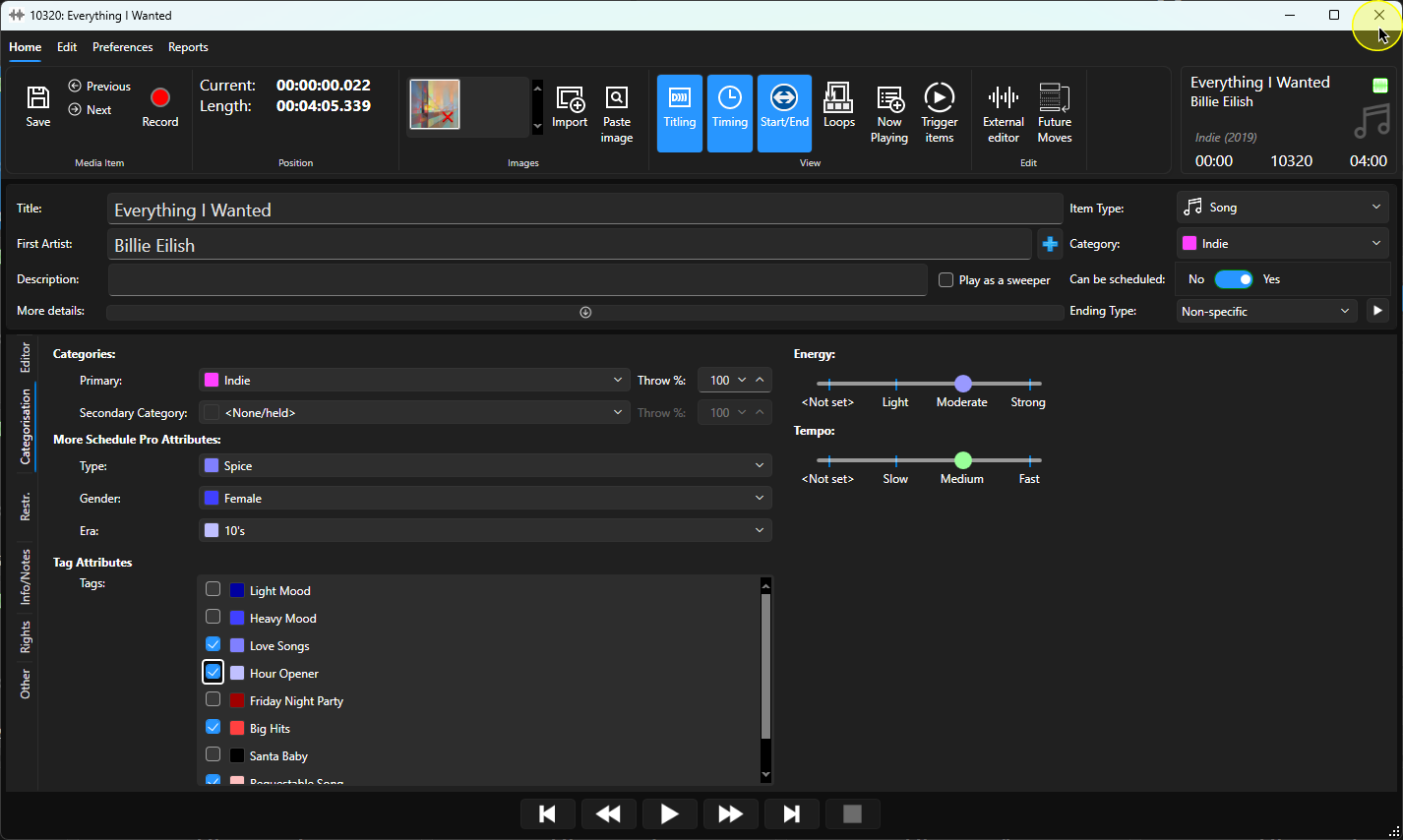
7. You can now close the Edit window.
Was this article helpful?
That’s Great!
Thank you for your feedback
Sorry! We couldn't be helpful
Thank you for your feedback
Feedback sent
We appreciate your effort and will try to fix the article