You can use up to five Characteristics in Myriad Playout. These are used to describe the sound of the Media Item. For each Characteristic, you can set up to six levels which can be assigned to Media Items.
1. Select a Media Item on the Media Wall or Library tab.
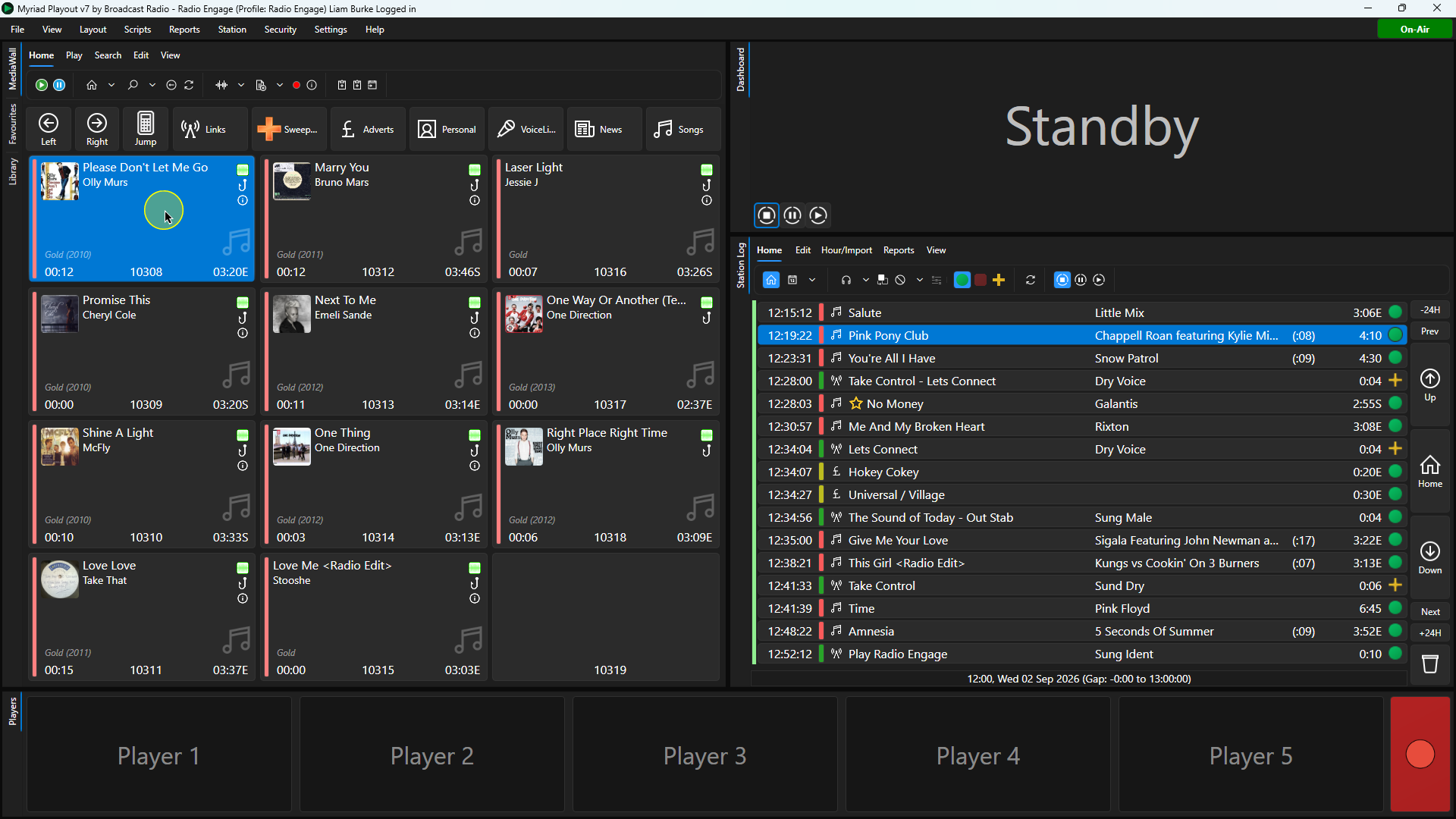 2. Click on the Edit button on the ribbon or right-click on the Media Item and select Edit from the list of options.
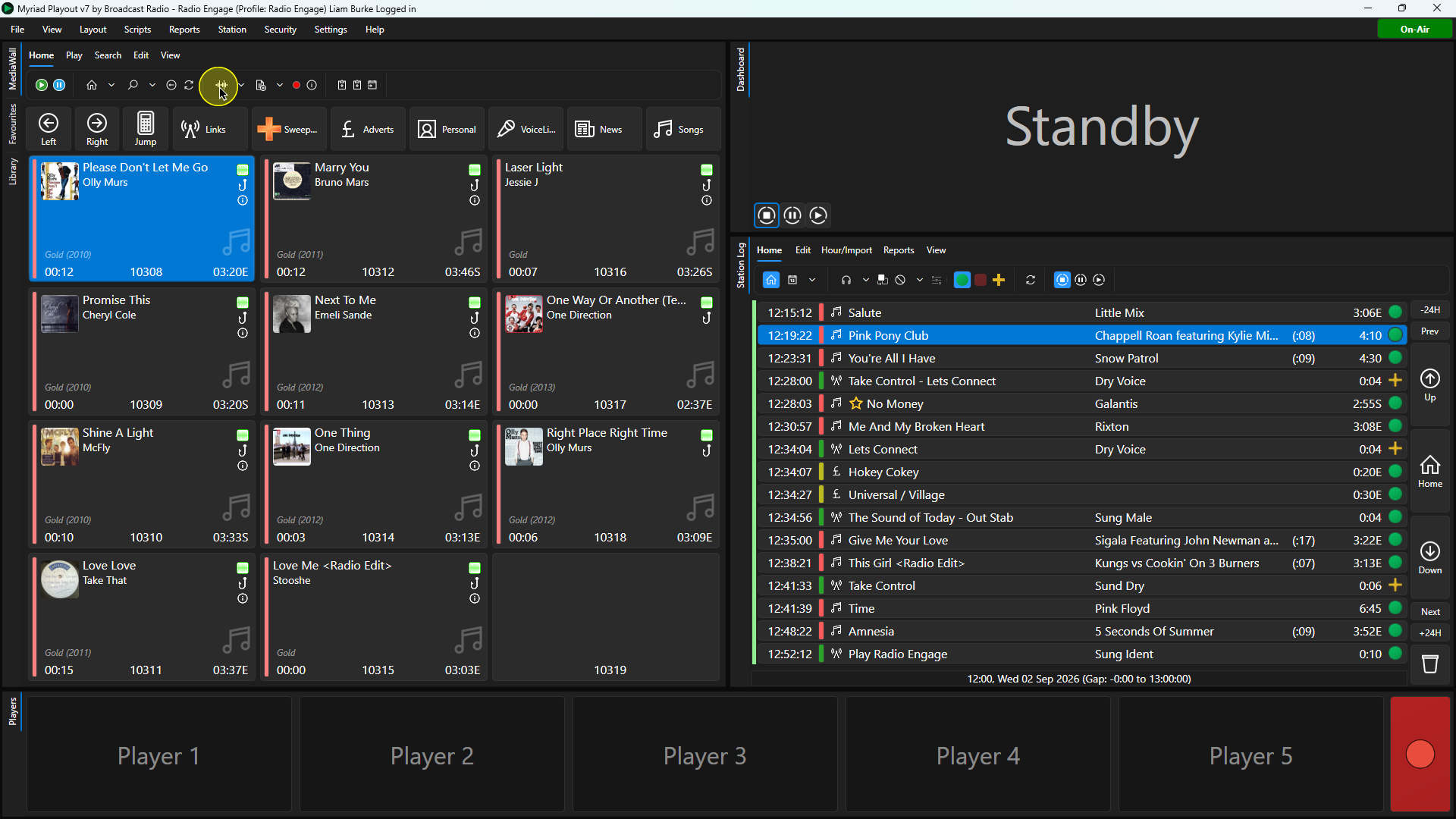
3. Click on the Categorisation tab.
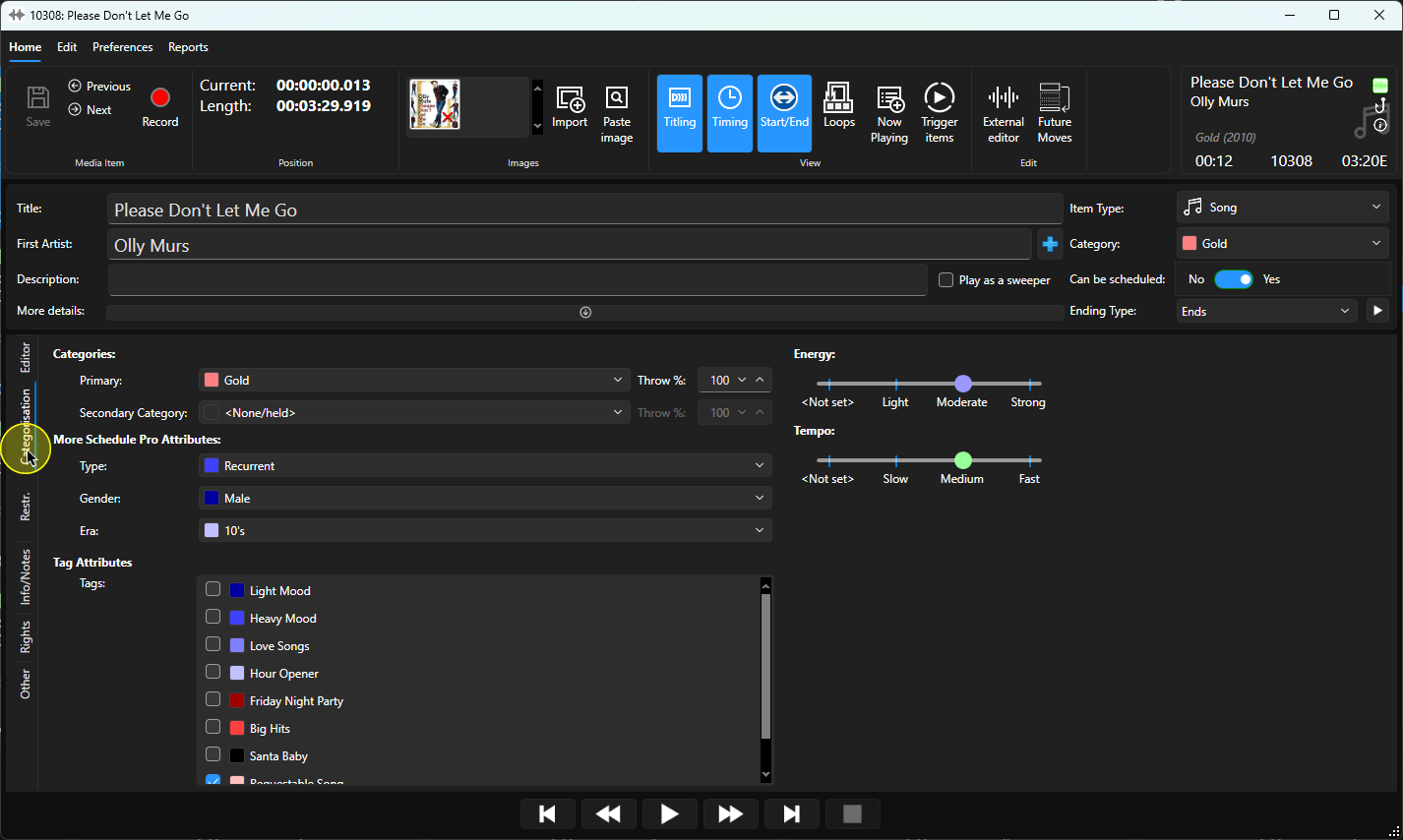
4. Characteristic levels are represented by sliders to the right of the Edit window. Please note that only Characteristics that have levels defined (see Settings Menu > Categories & Attributes) will be listed.
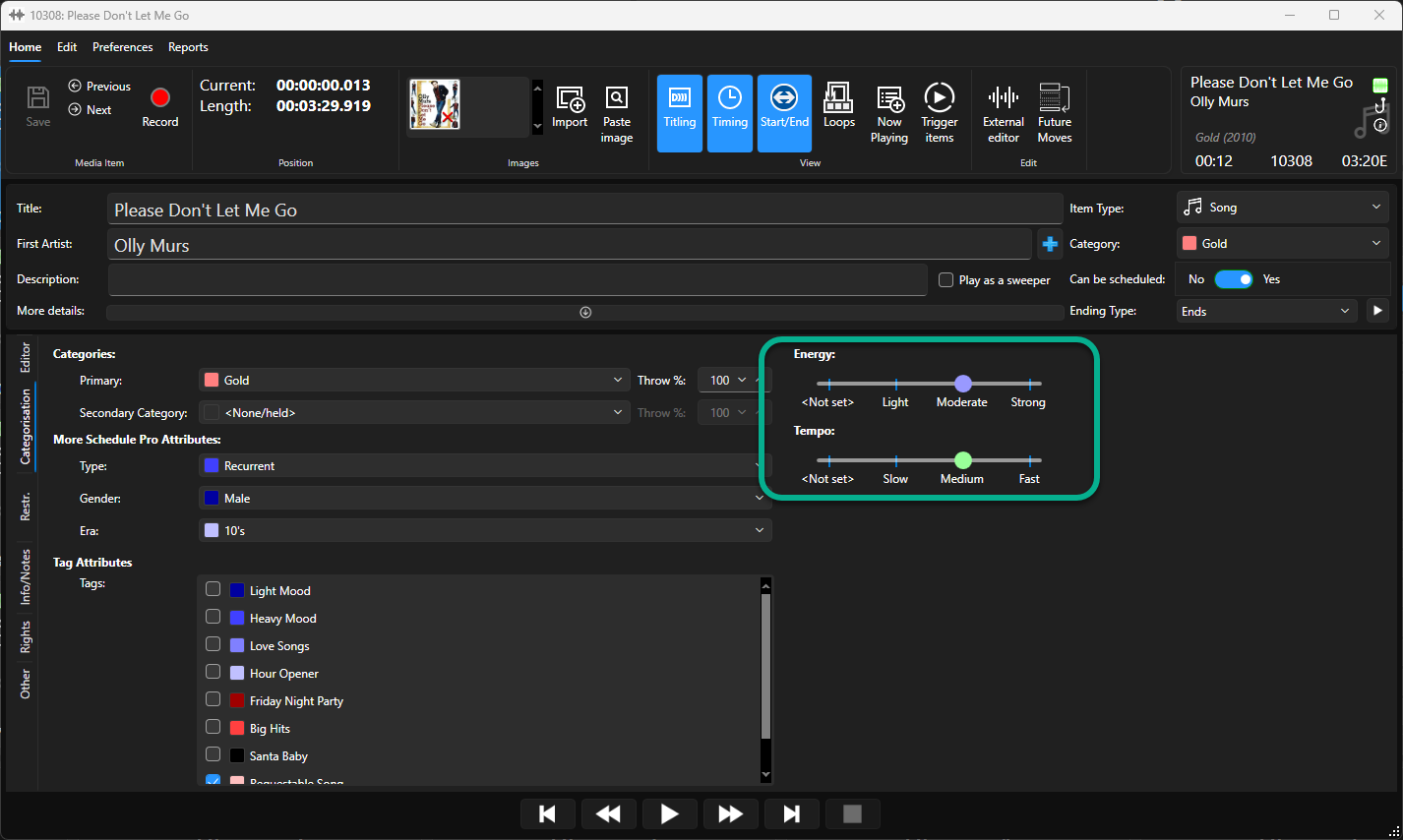
5. Drag the slider set the desired level for each Characteristic you want to assign.
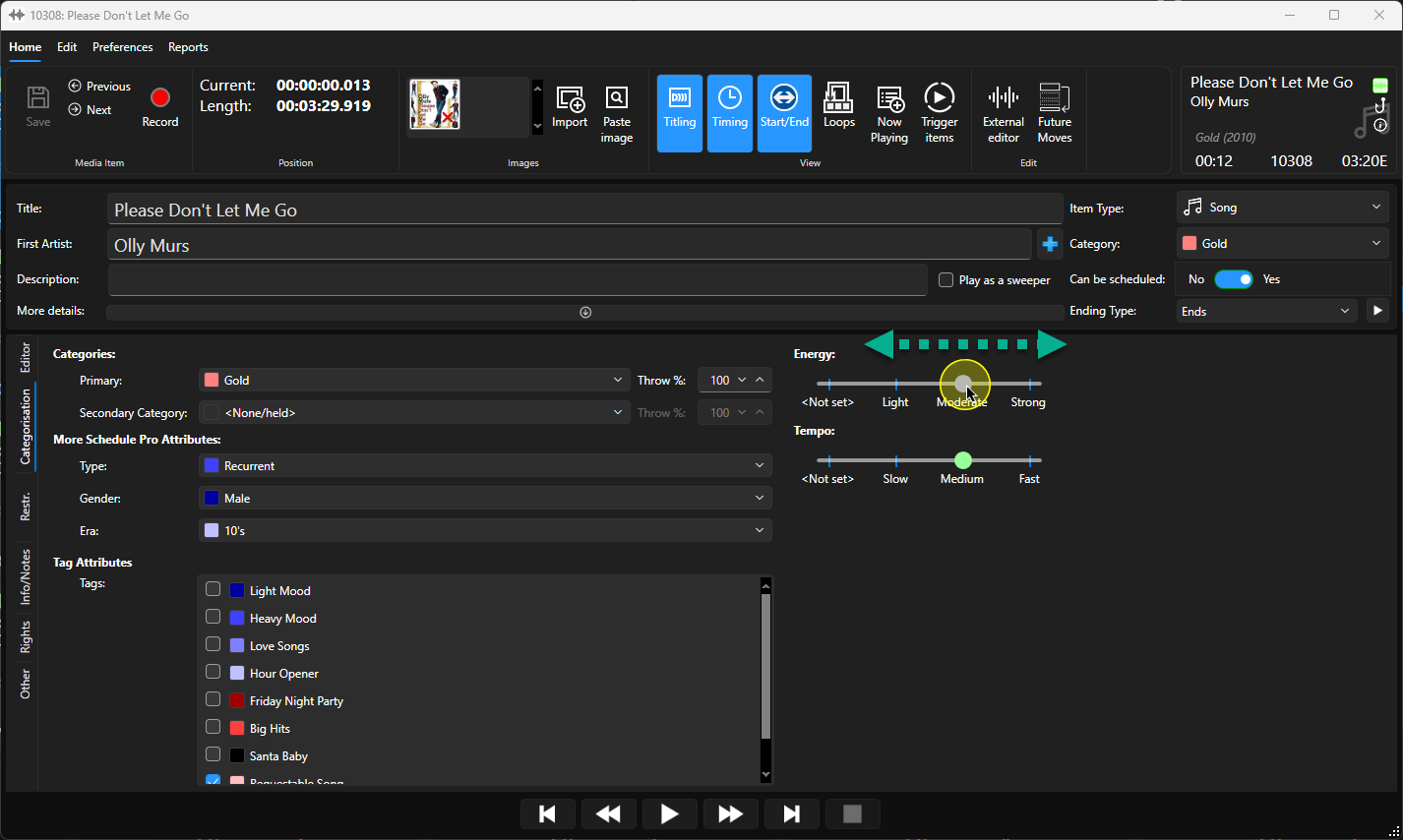
6. You can leave some Characteristics as Not Set if they do not apply.
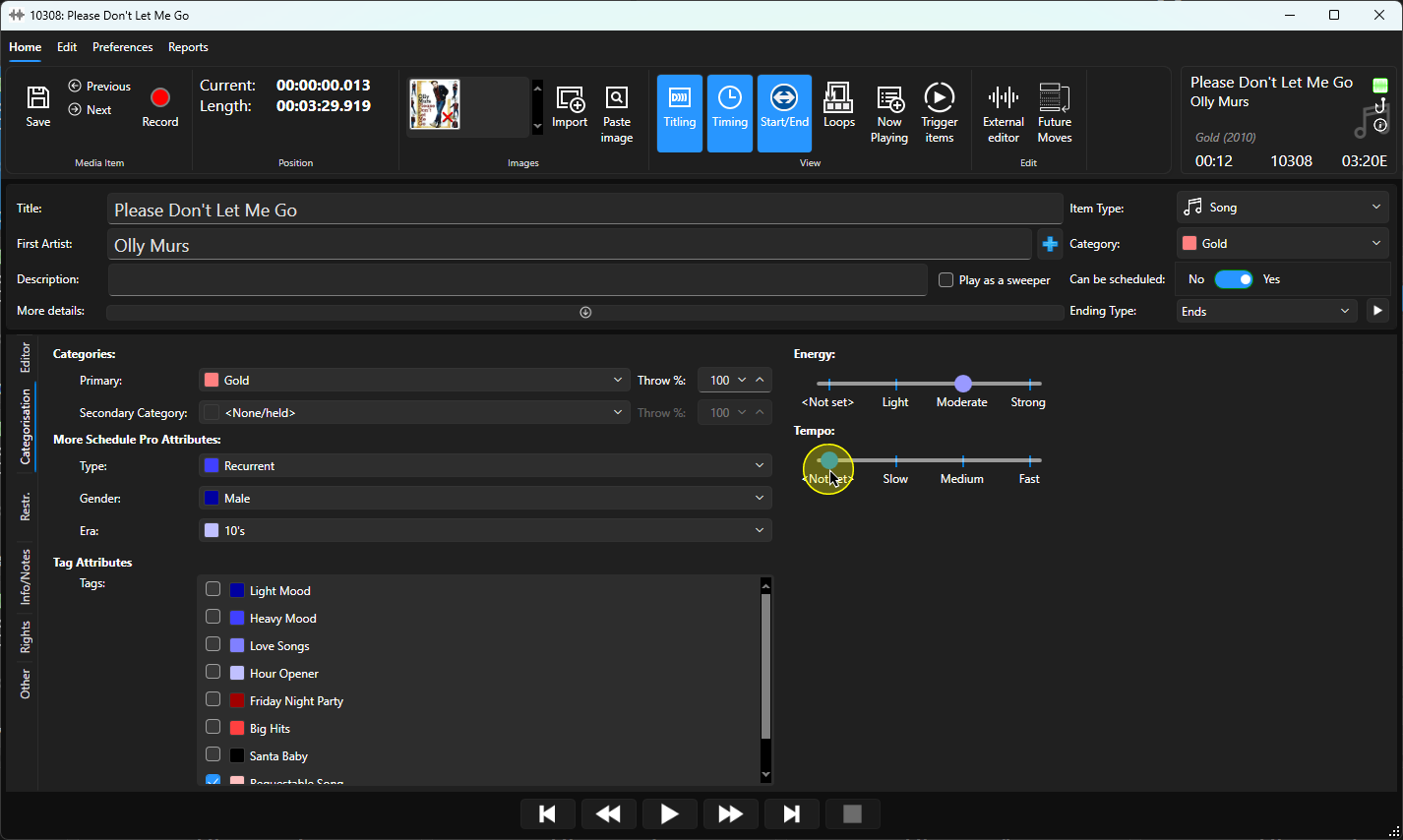
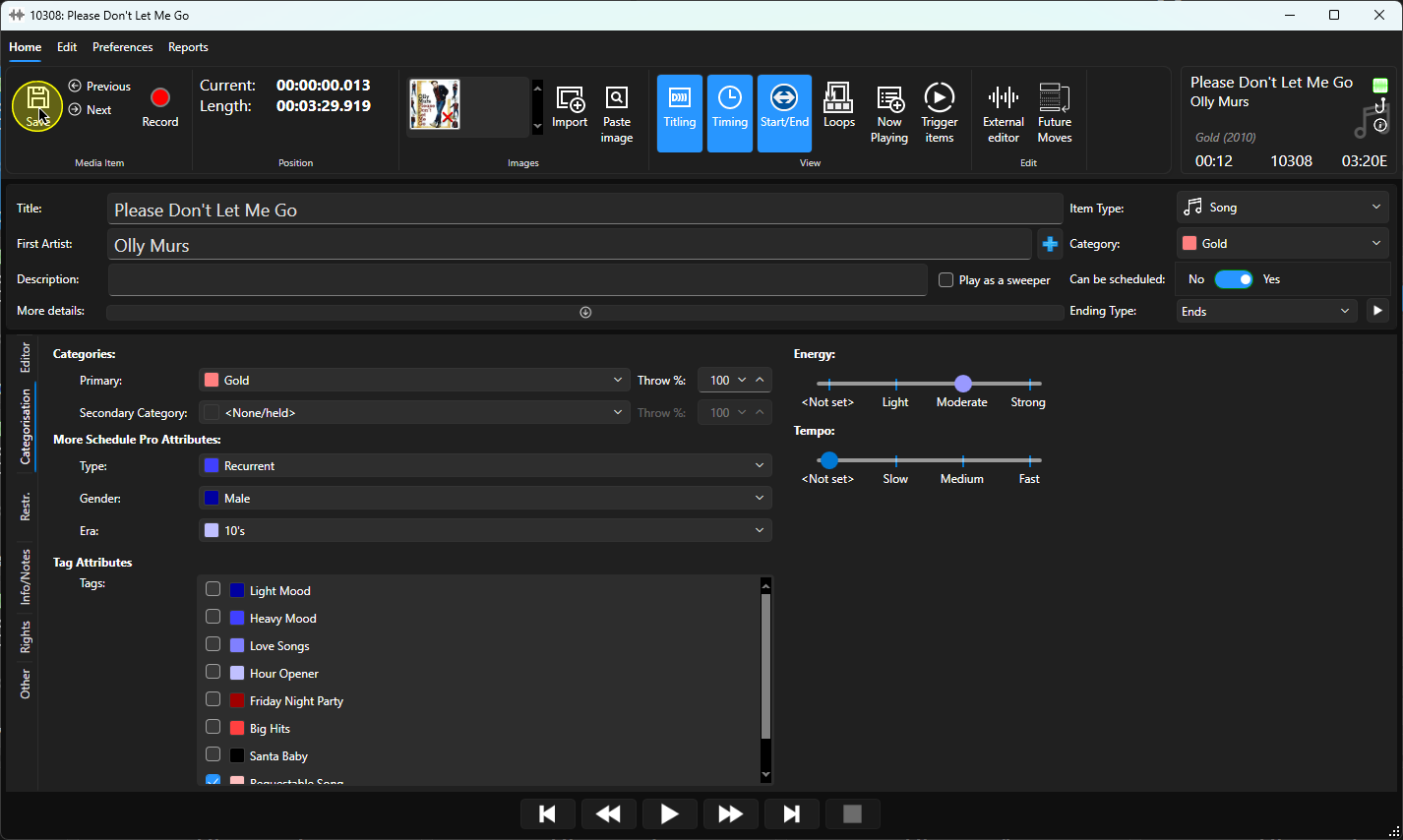
7. Once you have set the Characteristics you want to use, click on the Save button.
8. You can now close the Edit window.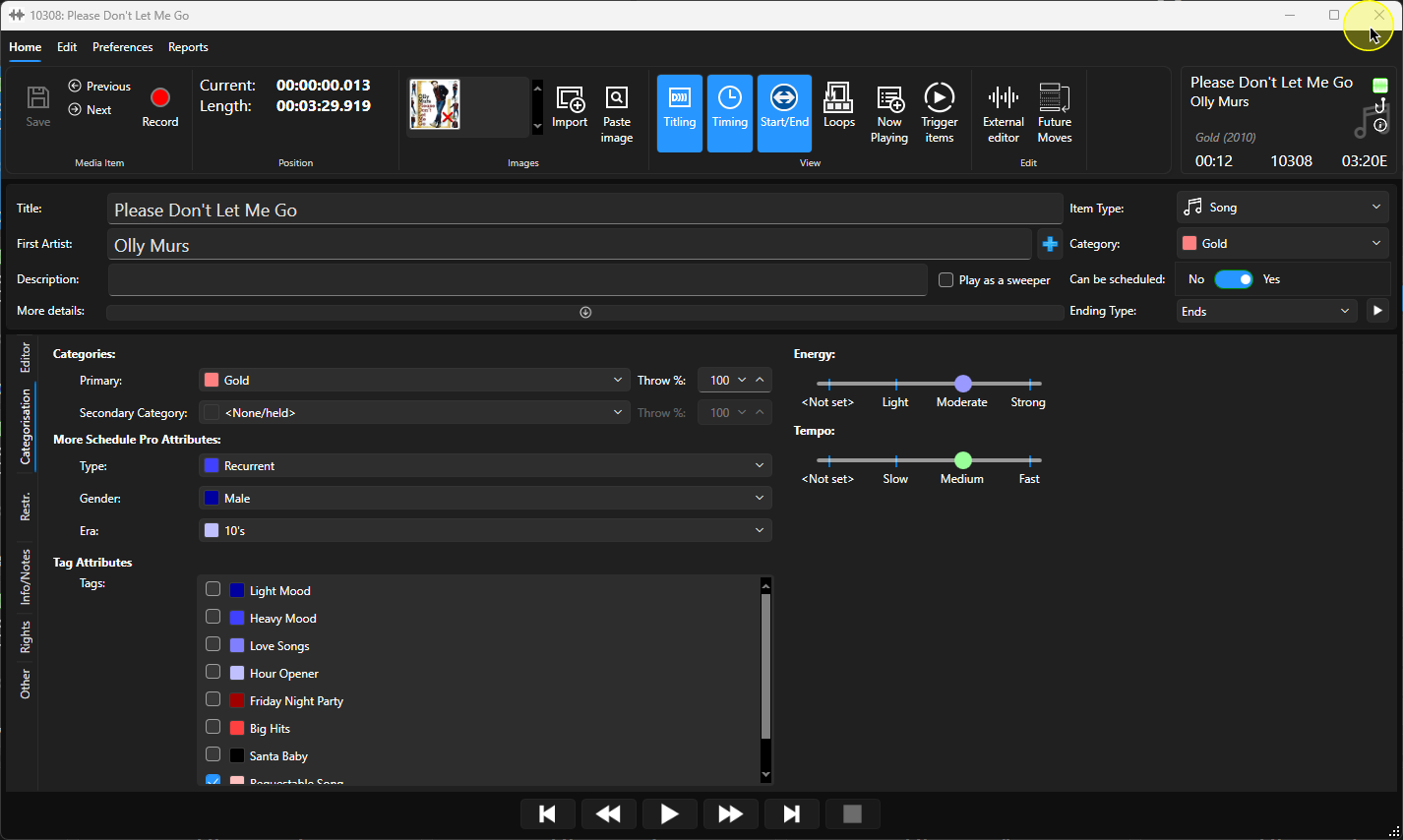
Was this article helpful?
That’s Great!
Thank you for your feedback
Sorry! We couldn't be helpful
Thank you for your feedback
Feedback sent
We appreciate your effort and will try to fix the article