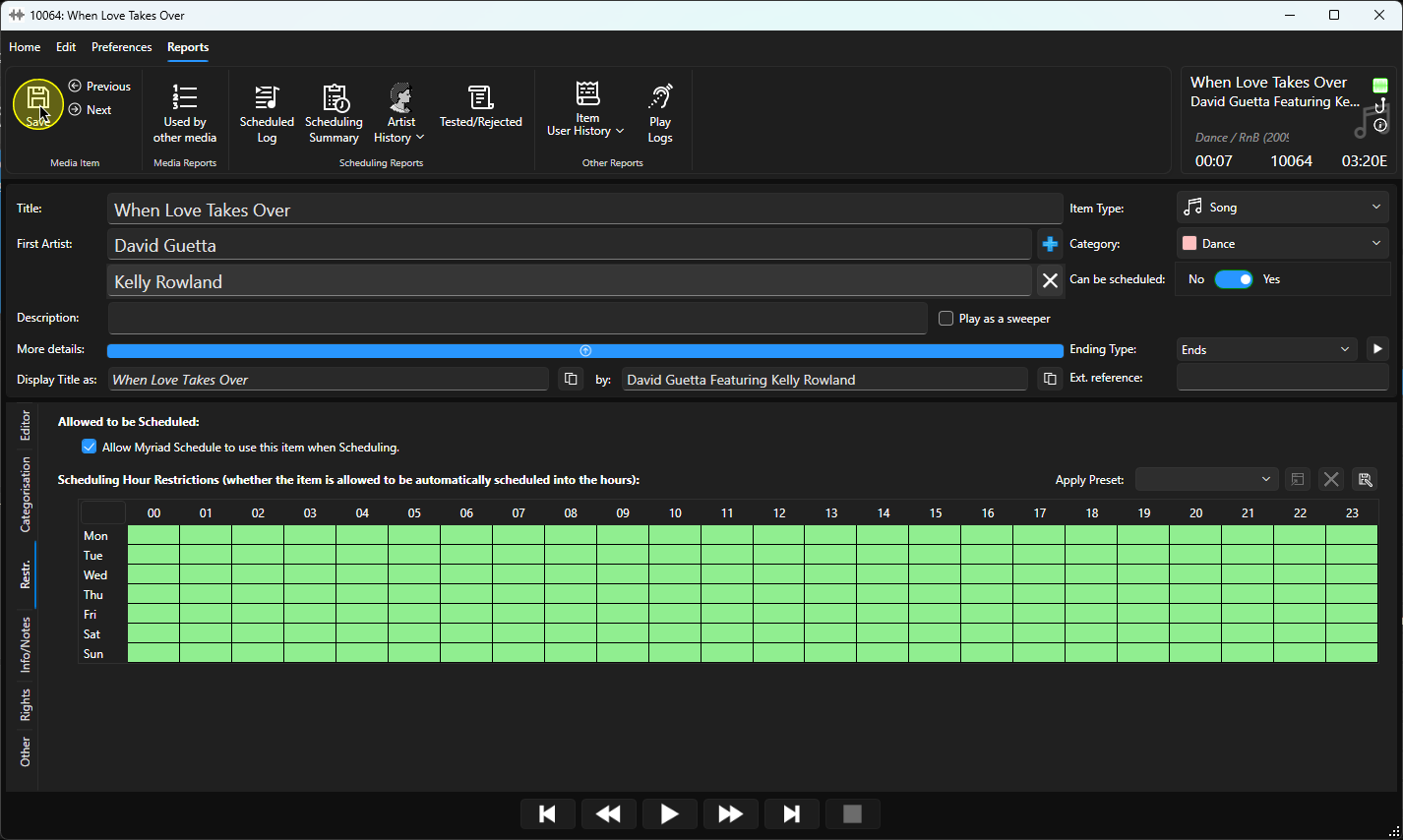
You can toggle whether a Song or Link can be considered for scheduling using the Restrictions tab on the Edit window.
1. Select a Song on Link on the Media Wall or in the Library tab.
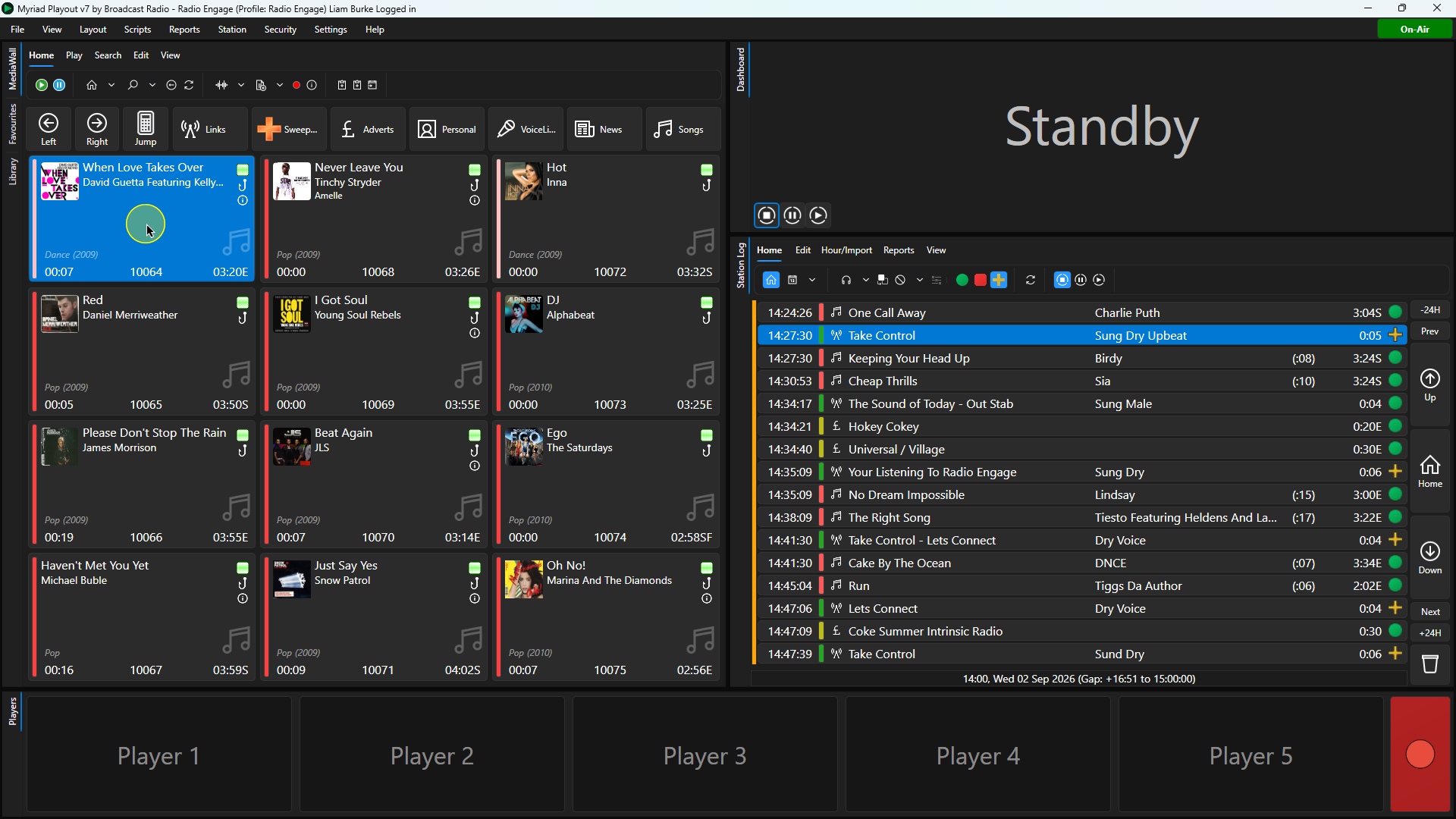
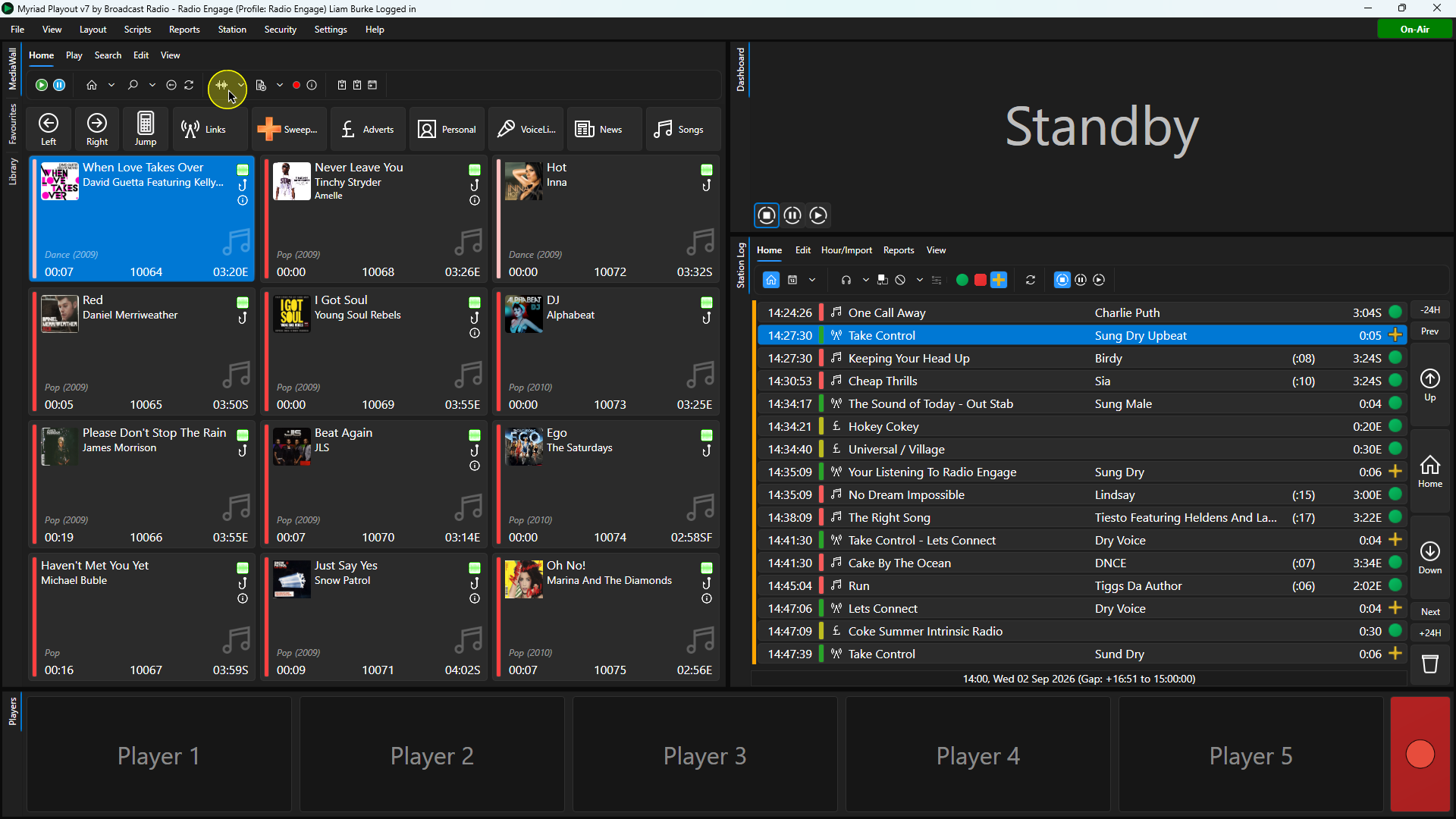
2. Click on the Edit button on the Home ribbon.
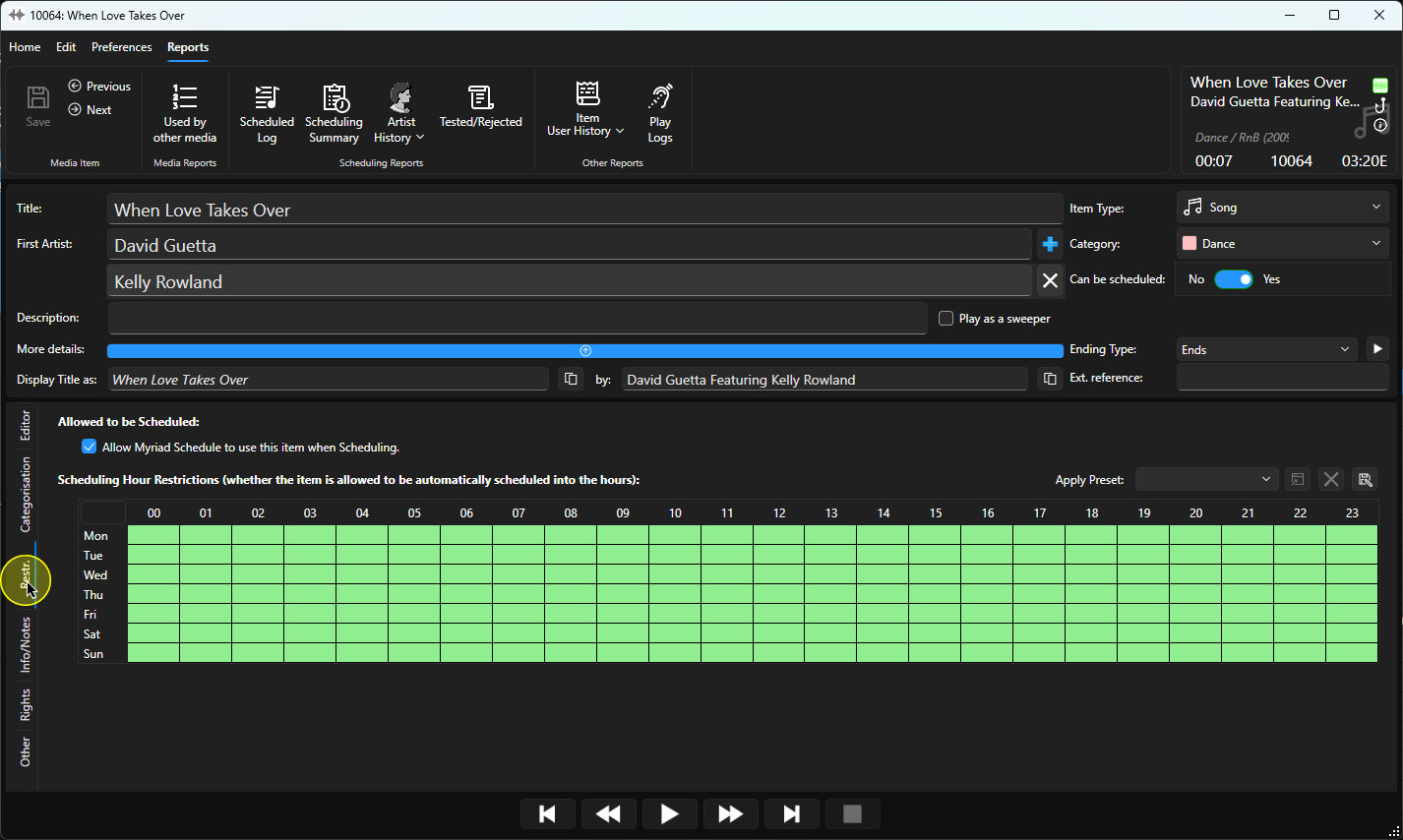
3. Once the Edit window is loaded, click on the Restrictions tab.
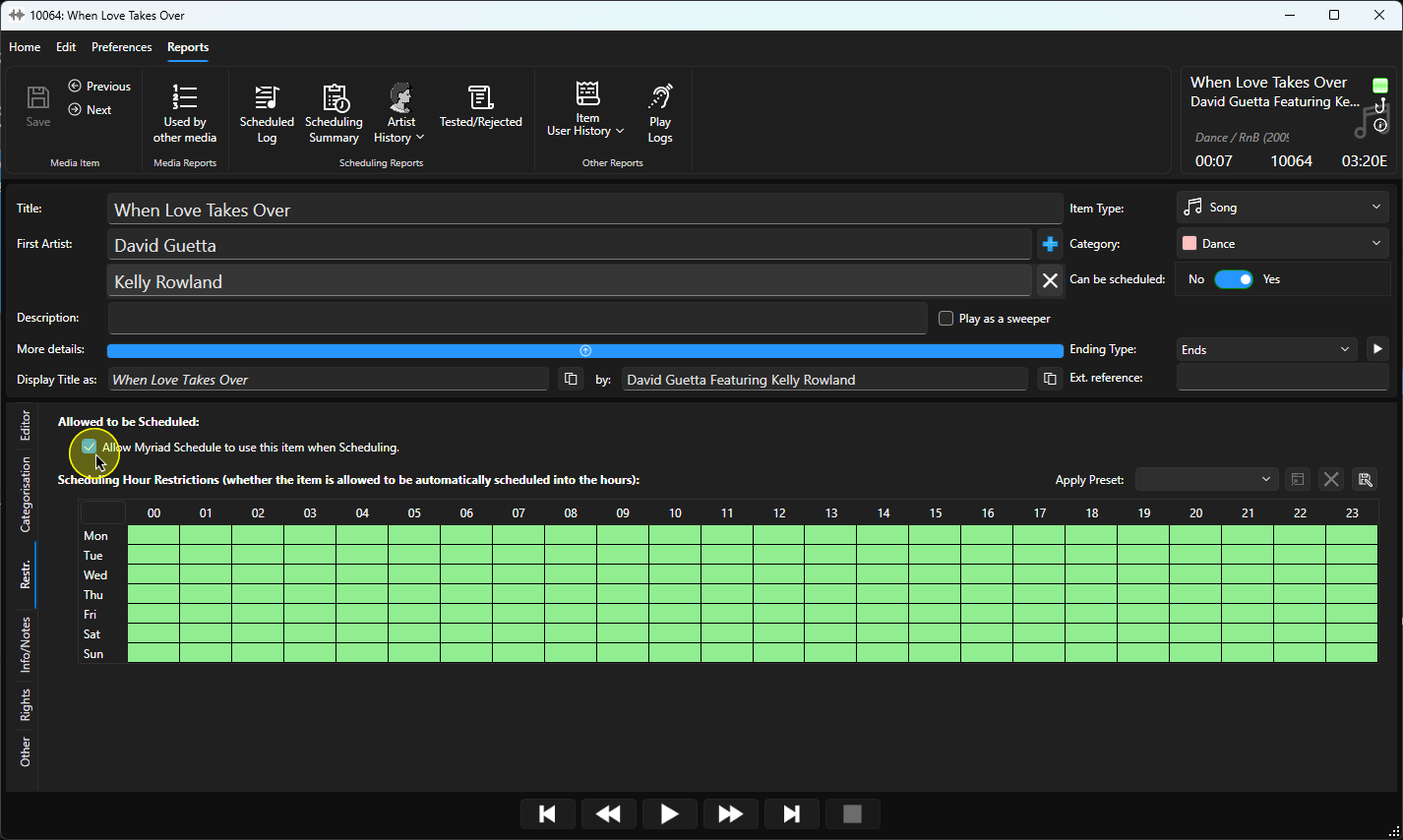
4. Toggle the "Allow Myriad Schedule to use this item when Scheduling" option on or off.
5. Click on Save to save the changes. You can now close the Edit window.
Was this article helpful?
That’s Great!
Thank you for your feedback
Sorry! We couldn't be helpful
Thank you for your feedback
Feedback sent
We appreciate your effort and will try to fix the article