Myriad Cloud alerts you when a new version of the software is available and allows you to update all software in your station via a single click on the updated version banner.
1. Login to your Broadcast.Radio portal.
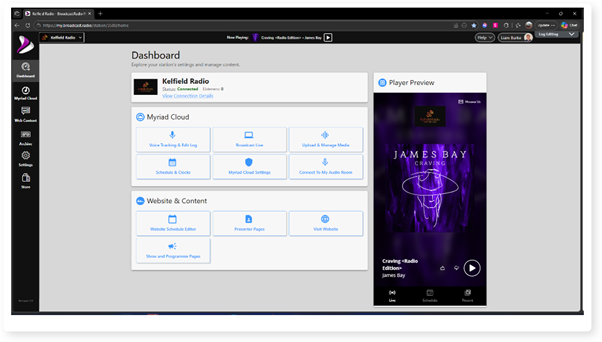
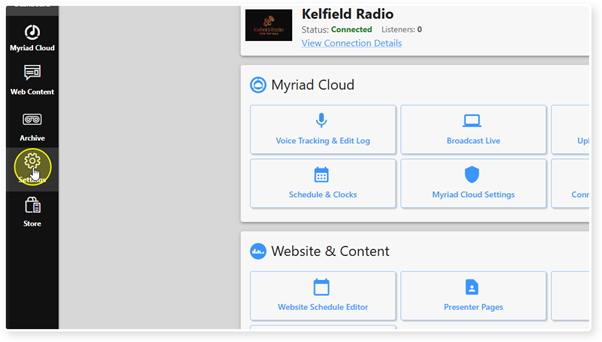
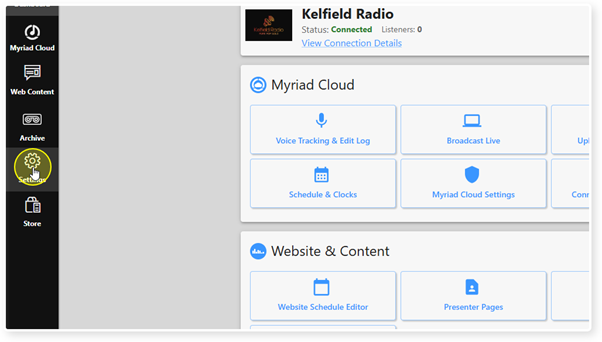
2. Click on the Settings menu option.
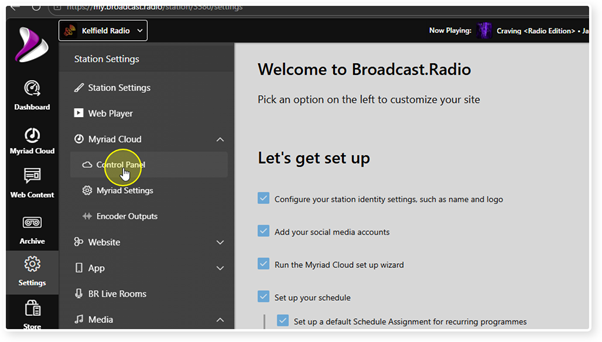
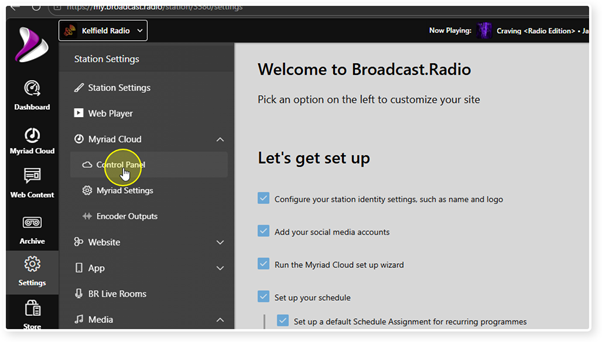
3. Expand the Myriad / Myriad Cloud option and select Control Panel.
 1. Login to your Broadcast.Radio portal.
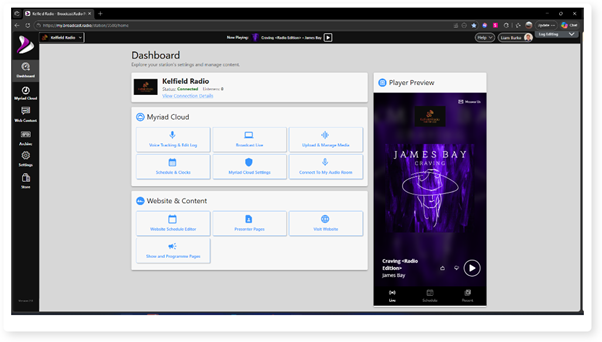
2. Click on the Settings menu option.
3. Expand the Myriad / Myriad Cloud option and select Control Panel.
There are three Version Tracks available in Myriad Cloud:
- Full Release Track- Full public with full technical support.
- Beta Release Track - Partial release with full technical support but some features still undergoing public testing.
- Alpha Release Track- The very latest software build with cutting edge features and limited technical support.
The currently selected Release Track is displayed in the Myriad Cloud Version panel and also in the Update Notification banner.
If preferred, you can select a specific release version which will stop all update notifications and allow you to select future versions to upgrade to in your own time.
Release Tracks are selected using the Manage Versions button in the Myriad Cloud System Controls section.
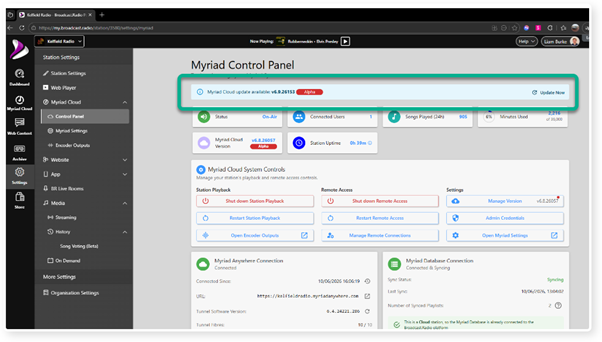
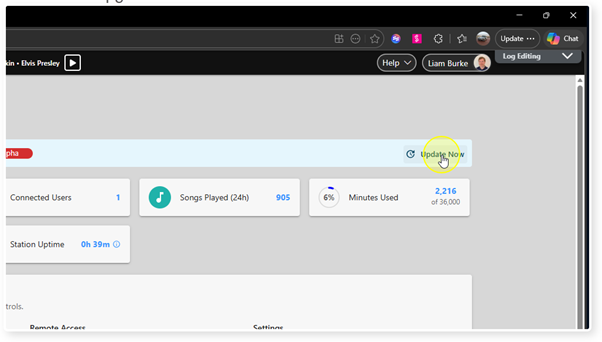
5. To upgrade to the latest version in your Release Track, click on the Update Now link in the Upgrade Notification banner.
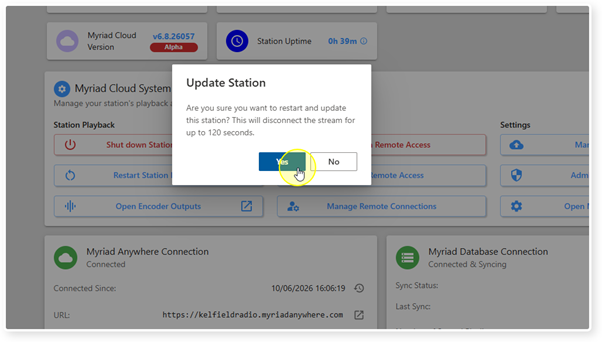
6. You will be asked to confirm your upgrade before the process starts. Click Yes to proceed.
CAUTION - This process can take up to 120 seconds and your Station will be off air throughout the process.
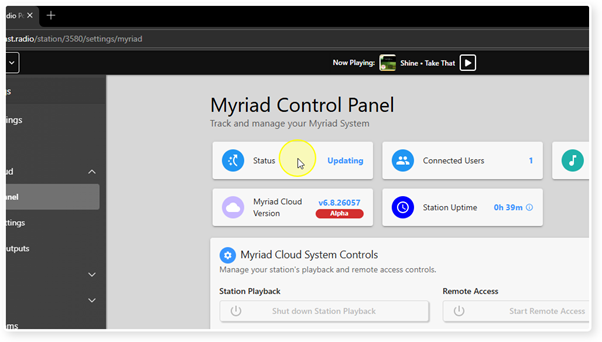
7. The Status will display Updating while the process is completed.
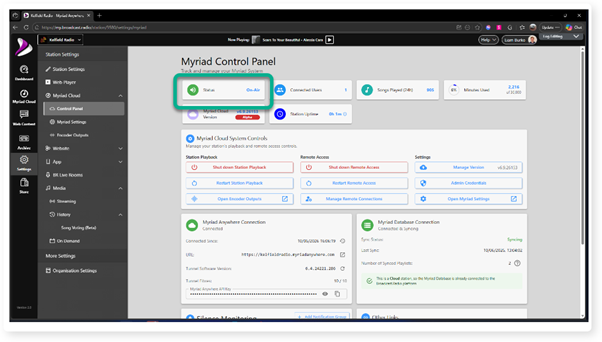
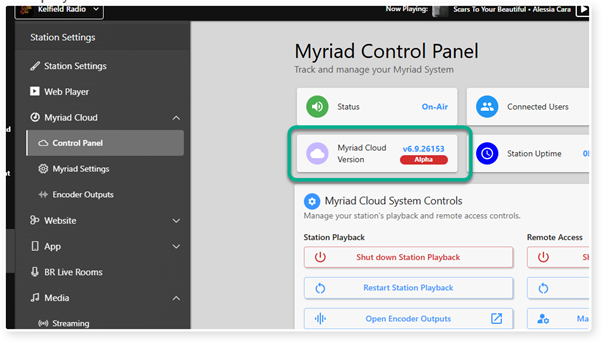
9. Note that the Myriad Cloud Version panel now has the latest version number displayed.
Was this article helpful?
That’s Great!
Thank you for your feedback
Sorry! We couldn't be helpful
Thank you for your feedback
Feedback sent
We appreciate your effort and will try to fix the article