Warning - Once a User is deleted from the portal, there is no way to recover their User Login details.
1. Login to the Broadcast.Radio portal.
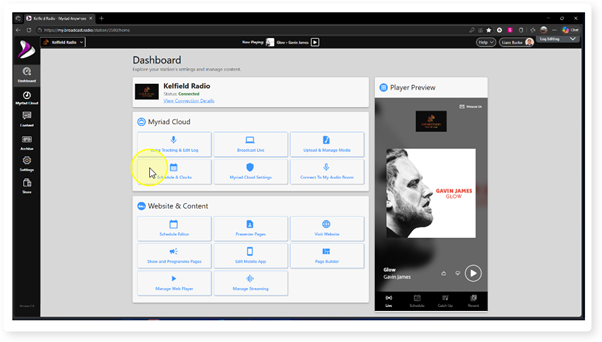
Add text here
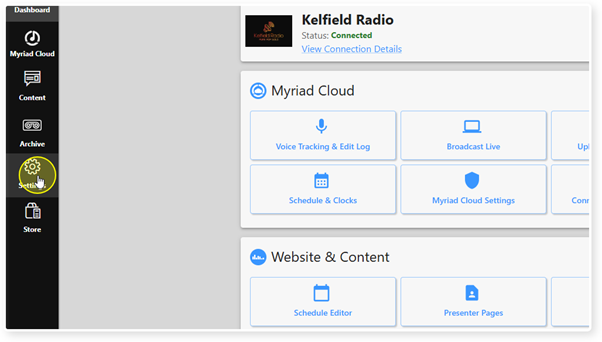
2. Click Settings.
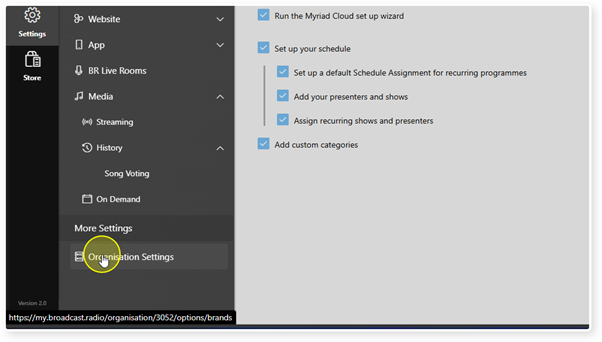
3. The Organisation Settings.
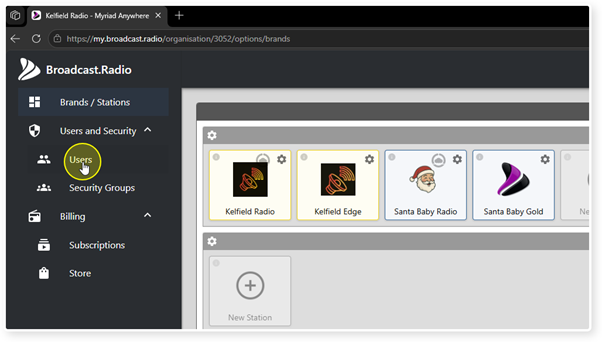
4. Select the User option.
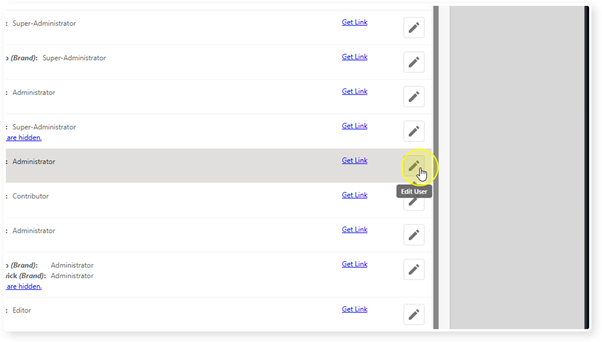
5. Click on the Edit button to the right of the User you want to delete.
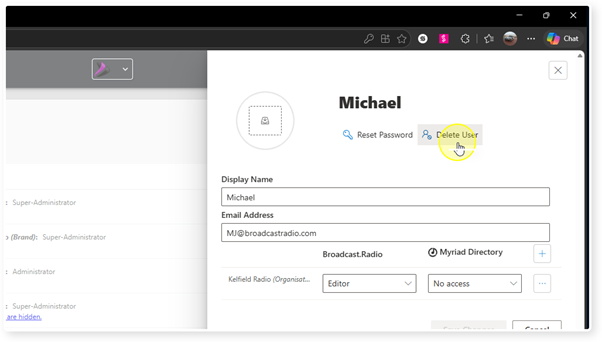
6. Click on the Delete Users button.
7. You will be asked if you want to proceed.
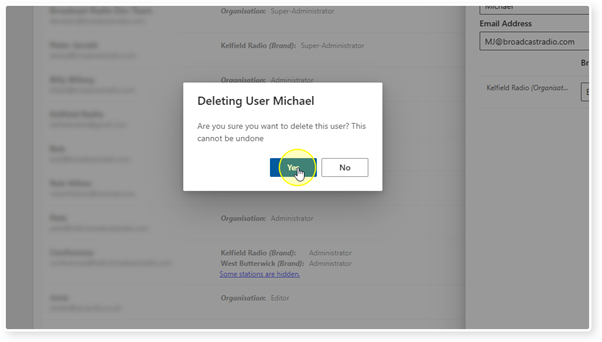
8. You will then be asked to confirm a second time.
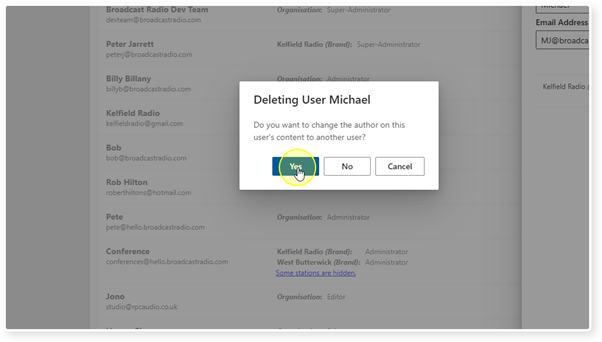
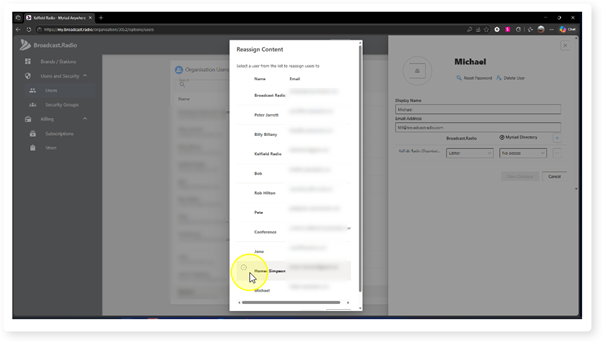
9. You will be asked who to Reassign Content to. Select another User and click on OK.
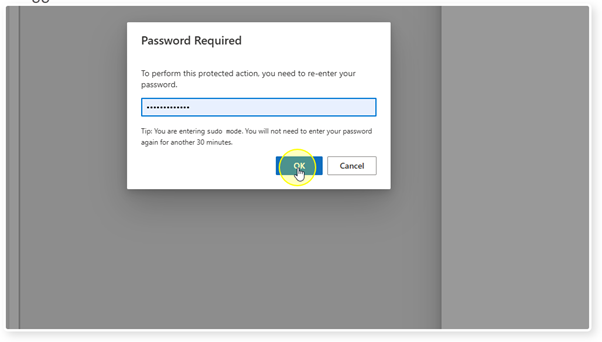
10. You may need to re-enter your password depending on how long you have been logged in.
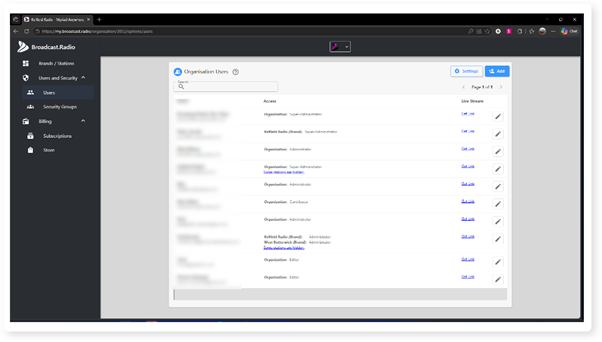
11. The User is not deleted and cannot login to the Broadcast.Radio portal. If you are using the Broadcast.Radio credentials to access Myriad Anywhere / Myriad Cloud, they will also be prevented from accessing those portals.
Was this article helpful?
That’s Great!
Thank you for your feedback
Sorry! We couldn't be helpful
Thank you for your feedback
Feedback sent
We appreciate your effort and will try to fix the article