Myriad 7 introduces the option to display some ribbons in a more compact form to allow additional screen space other information.

Compact Ribbon
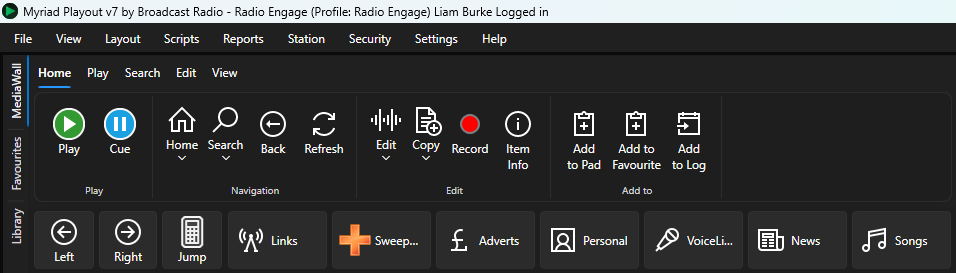
Large Ribbon
You can select whether to use compact ribbons (the default) or large ribbons using via the View Menu. This setting is 'per User' so will remember your preference between logins.
To switch between ribbon views:
- Click on the View menu option.
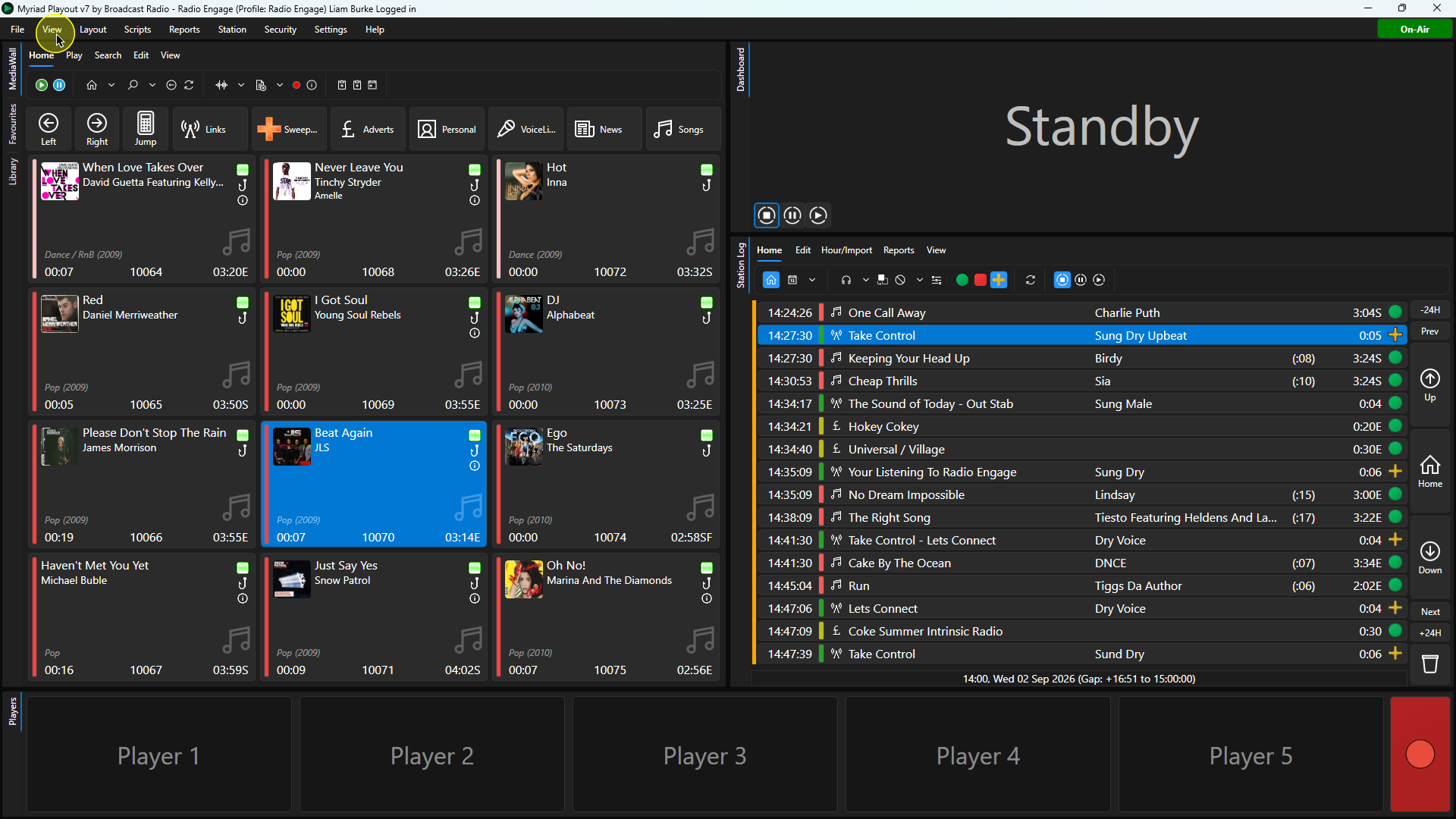
- Toggle the Show Large Ribbons option accordingly.
Was this article helpful?
That’s Great!
Thank you for your feedback
Sorry! We couldn't be helpful
Thank you for your feedback
Feedback sent
We appreciate your effort and will try to fix the article