You can automatically inherit key Broadcast.Radio settings from another Station within your Organisation. This allows you to quickly share colour themes and logos etc across your stations.
Important note: This setting only applies to Broadcast.Radio settings such as colour themes etc. It does not inherit Myriad Cloud settings from other stations.
1. Login to your Broadcast.Radio portal.
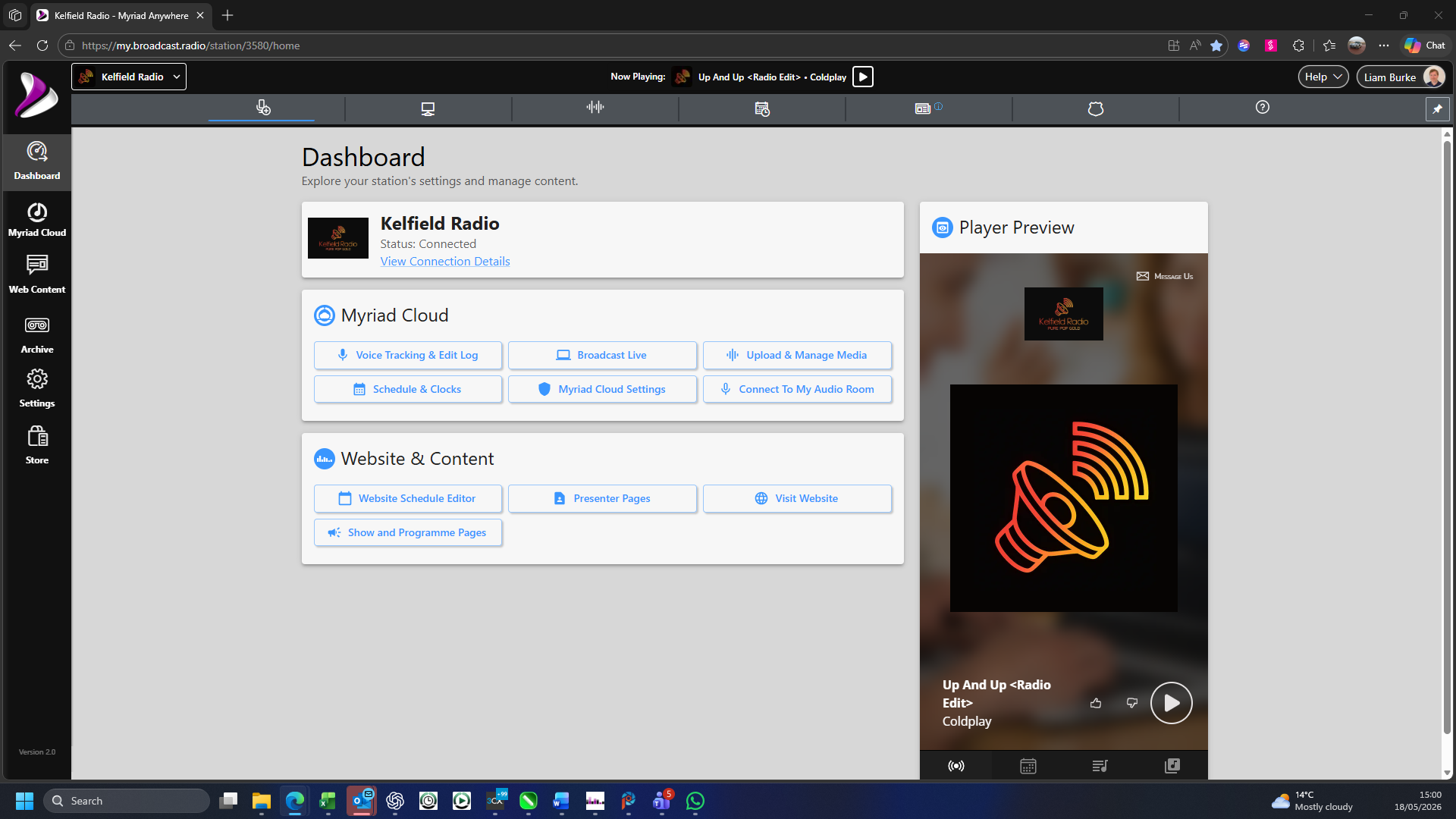
2. Click on the Settings option.
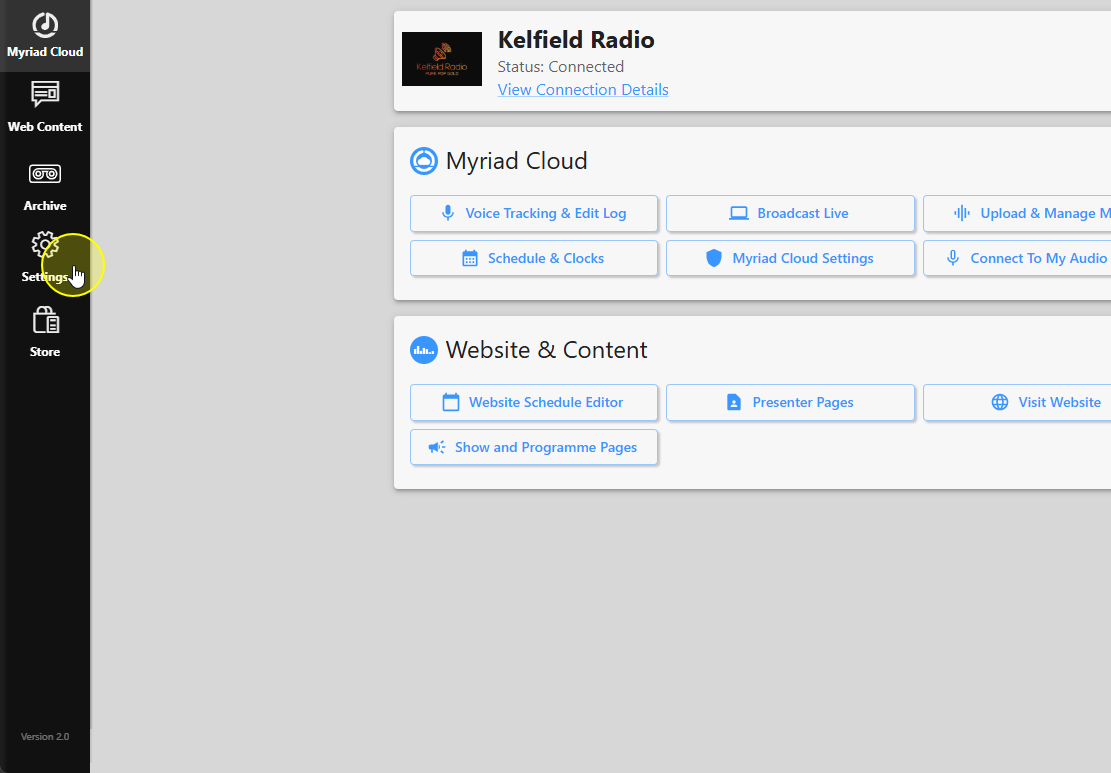
3. Select Station Settings.
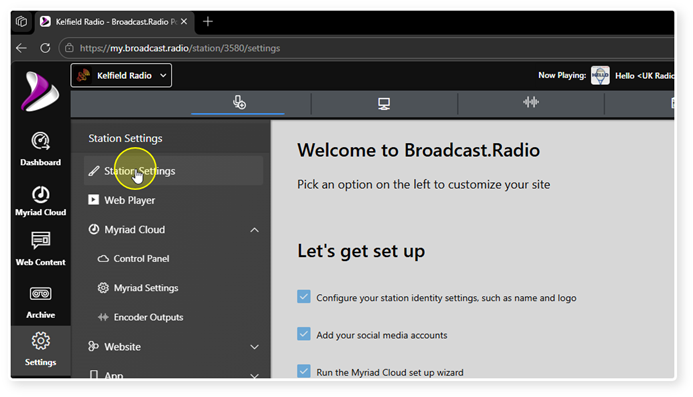
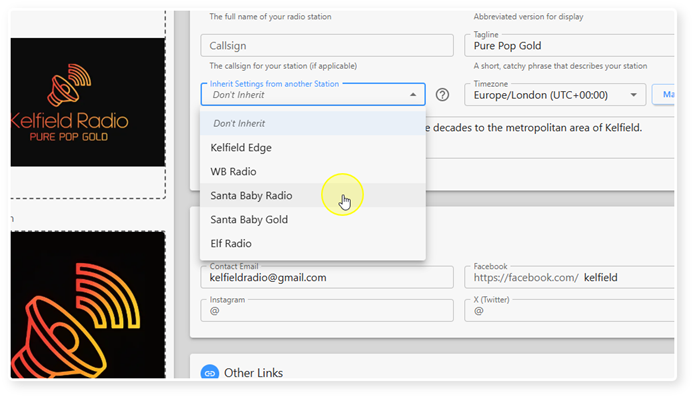
4. Click on the drop down button in the "Inherit Settings from another Station"
section.
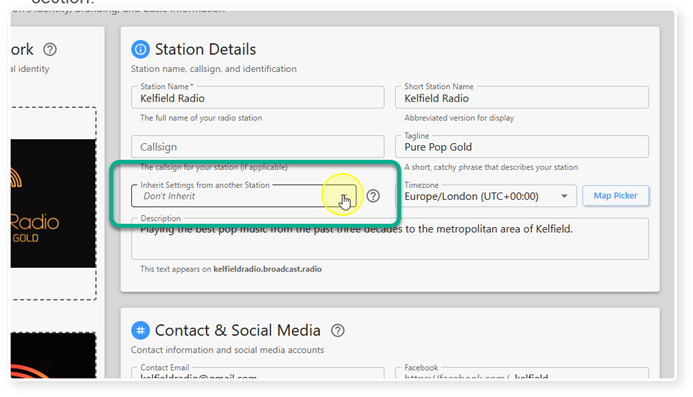
5. Select the Station to inherit from, using the drop down list. Only Stations within your organisation will be listed.
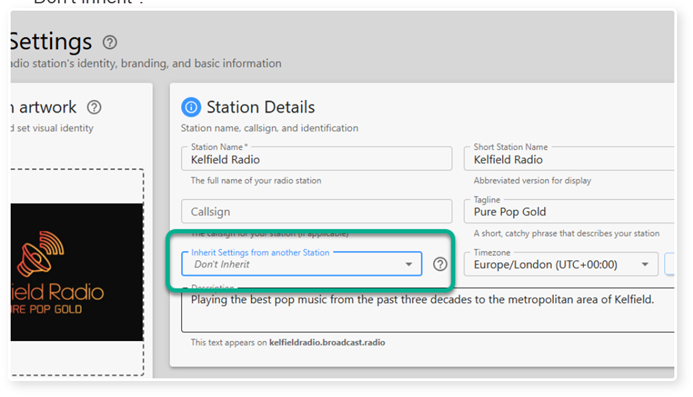
6. If you want to set everything from scratch for this Station, leave the settings as "Don't inherit".
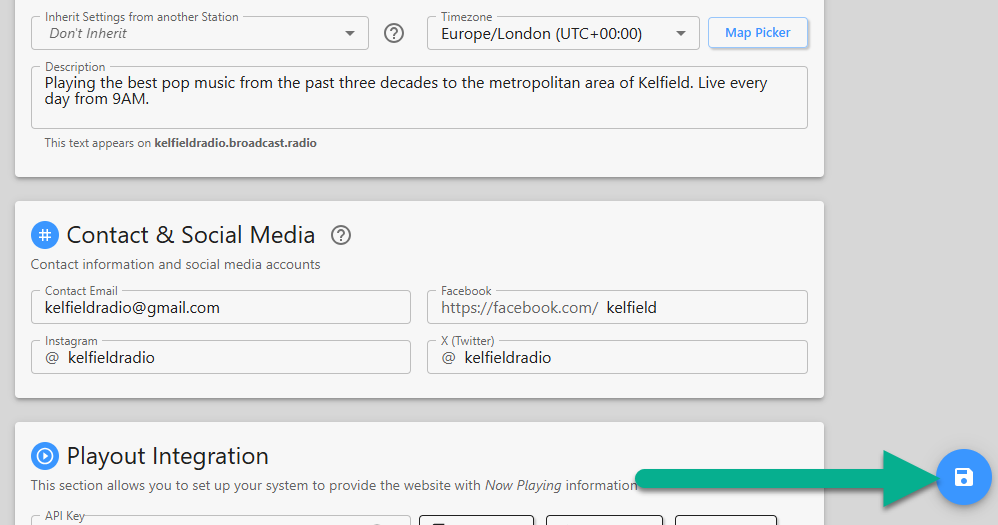
7. Click Save to save your changes.
Was this article helpful?
That’s Great!
Thank you for your feedback
Sorry! We couldn't be helpful
Thank you for your feedback
Feedback sent
We appreciate your effort and will try to fix the article