The Manage Remote Connections option allows you to view a list of all currently connected remote Users and disconnect them as required.
1. Click "Kelfield Radio - Broadcast.Radio Portal" on Microsoft Edge
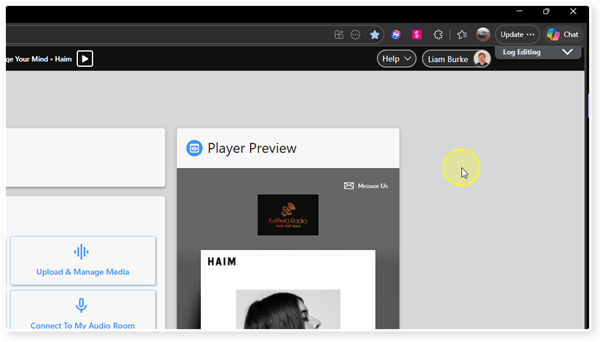
2. Click "Settings"
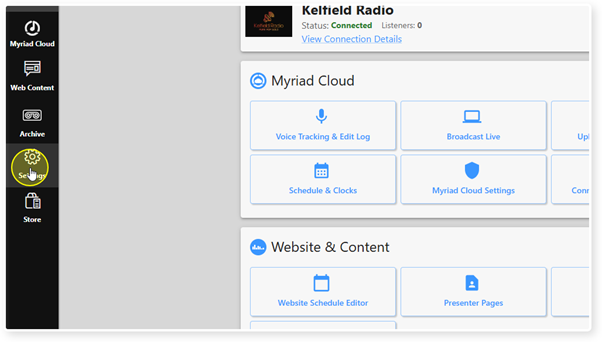
3. Click "c2> Control Panel"
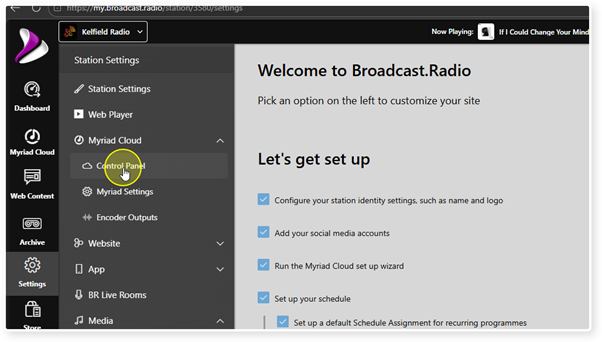
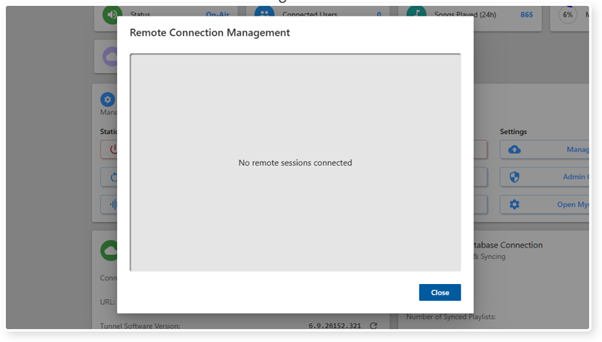
4. Click on the Manage Remote Connections button.
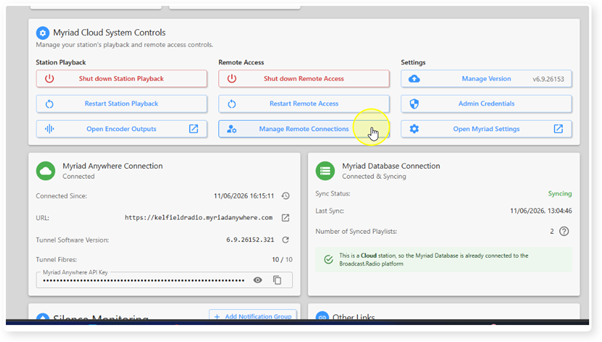
5. All connected Users will be listed. You can view more details by clicking on the More Details link (or using the down arrow to expand the details).
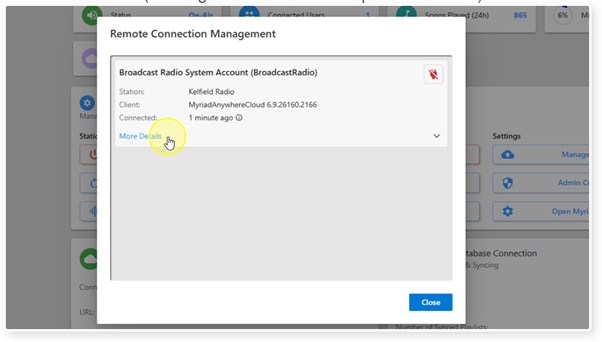
6. Expanding the More Details section show more details about the connected User.
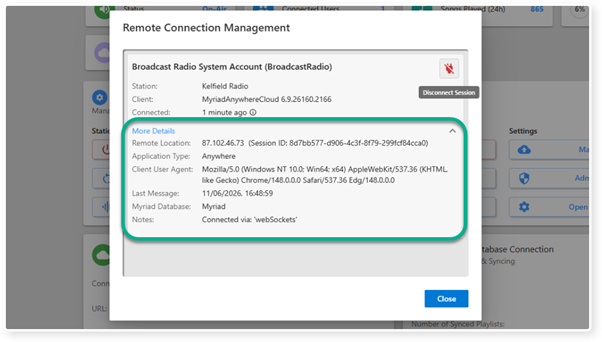
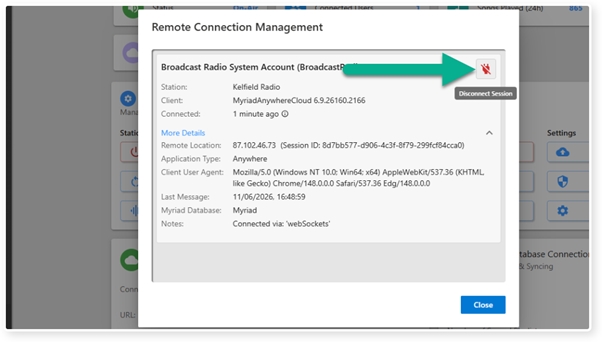
7. To disconnect the User, click on the Disconnect Session button.
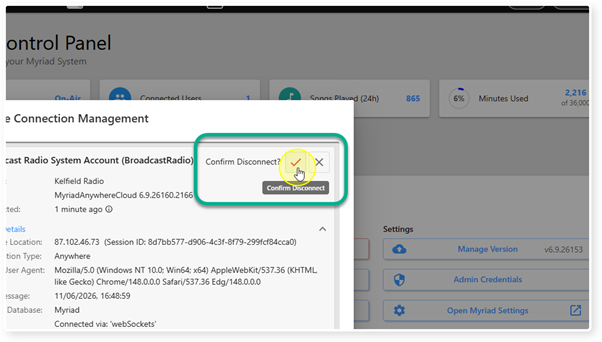
8. You will be asked to confirm you want to disconnect the User.
9. Once the User is disconnected, they will be removed from the list. Click Close to close the Remote Connection Management window.
Was this article helpful?
That’s Great!
Thank you for your feedback
Sorry! We couldn't be helpful
Thank you for your feedback
Feedback sent
We appreciate your effort and will try to fix the article